TapLock - Block Apps
Lock Apps. Tap to Unlock.
Designed for iPhone, iPad
Free · In-app purchases
- Age rating4+
- CategoryProductivity
- DeveloperSze Yuen HO
- LanguagesEnglish+ 7 more
- Size13.3 MB
Links to the official App Store page
Download.org hosts no file of TapLock - Block Apps. The button opens its official App Store page, published by Sze Yuen HO. Listing last checked on Nov 13, 2026.
Screenshots

About
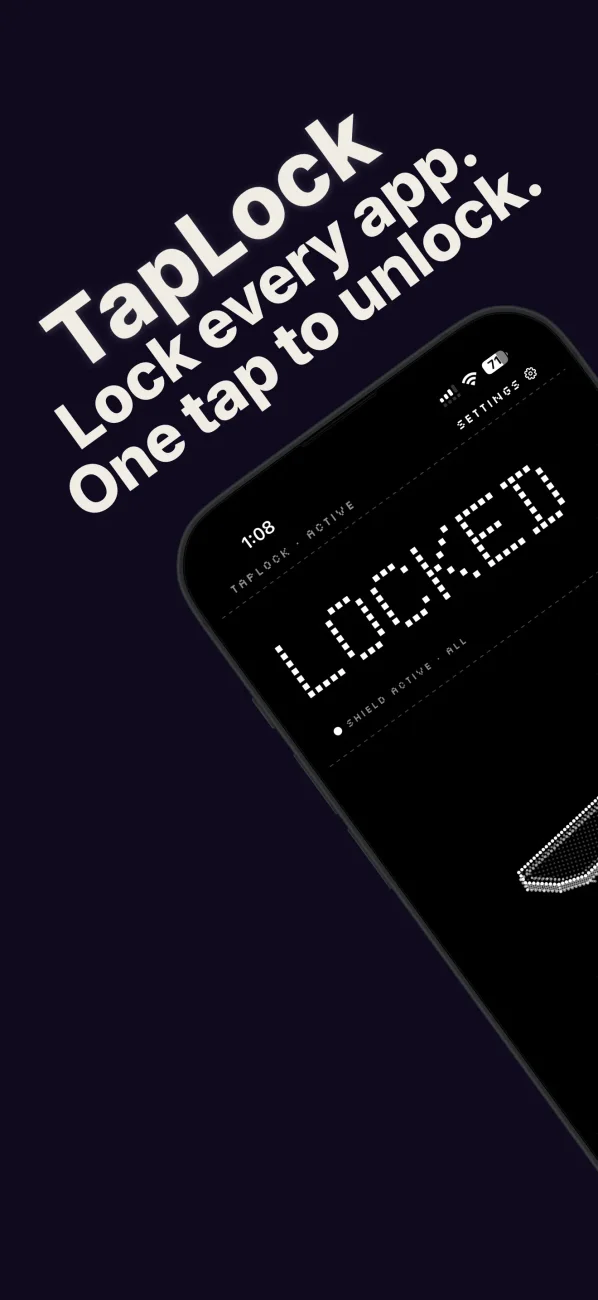
TapLock turns a physical NFC card into the only key that unlocks your apps.
Tap your card to lock your iPhone's distracting apps behind a Screen Time
shield. To get them back, you have to physically tap the card again. The card
has to be in your hand. Without it, the only ways back in are slow by design.
HOW IT WORKS
Choose which apps to block, then tap "Lock Now"
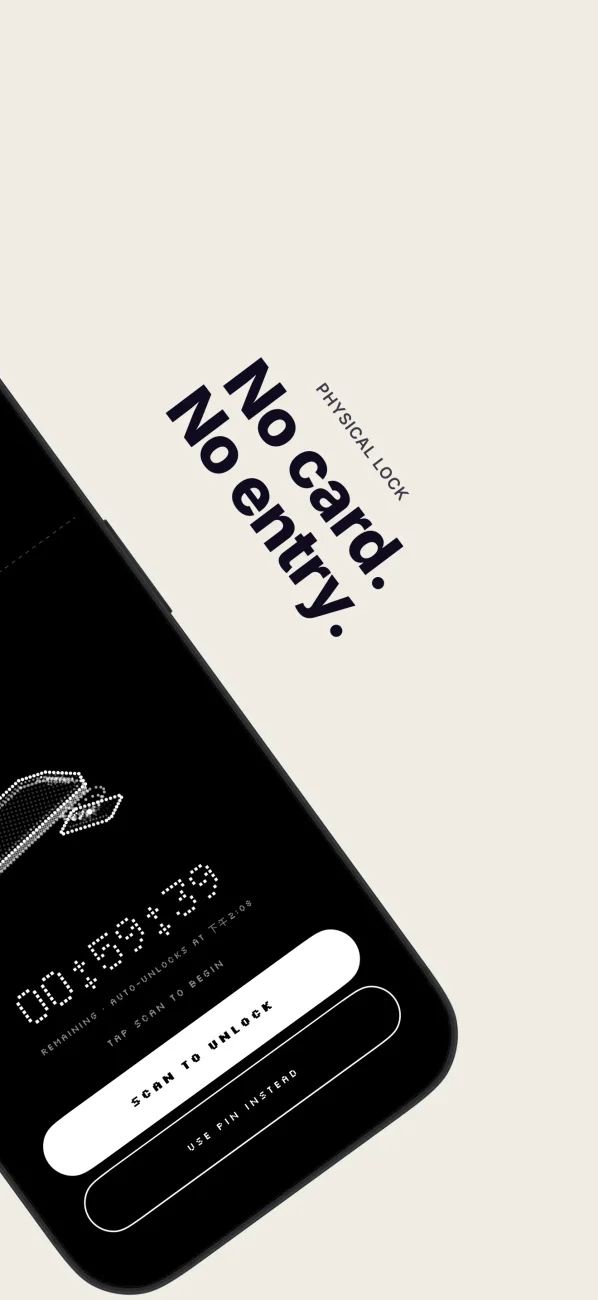
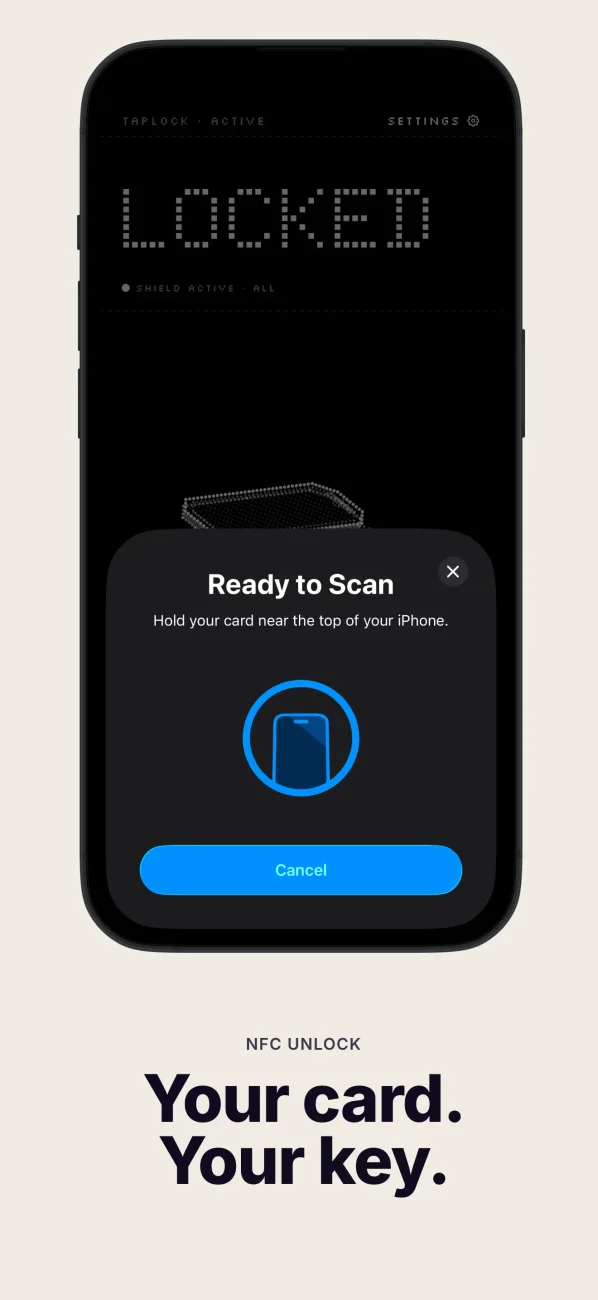
Apps stay blocked until you tap your registered NFC card to the top of your phone
Need a break? Pause the session and it picks up right where you left off
Allow yourself a few short breaks without the card, if you want them (off by default)
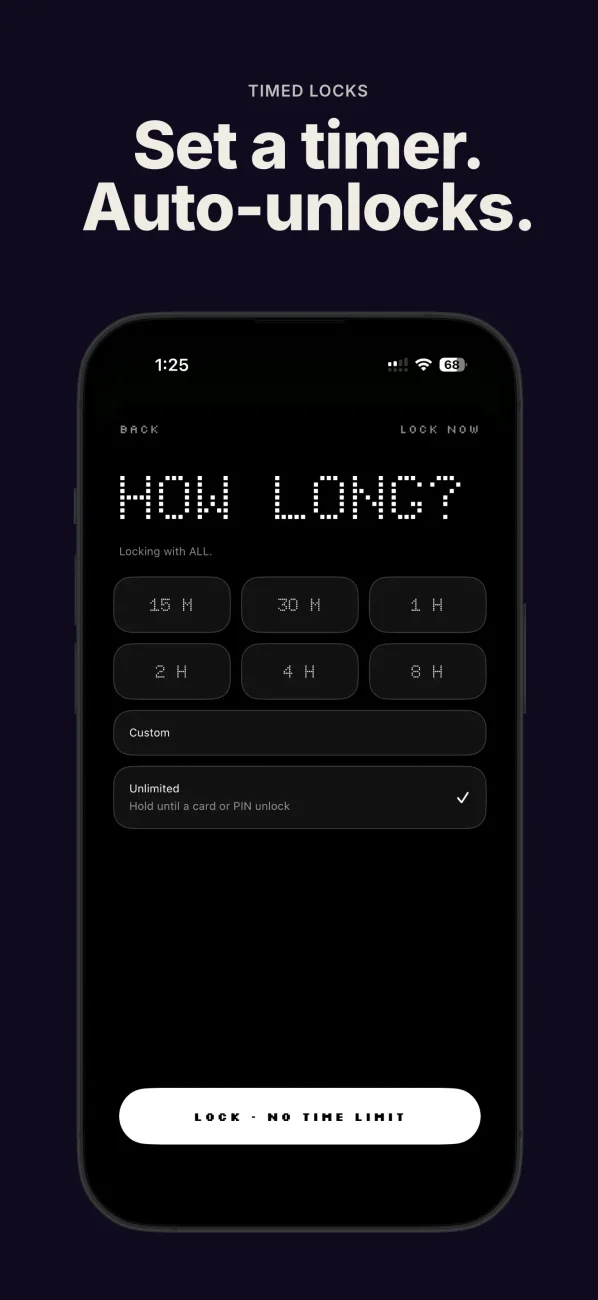
Set a timer to auto-unlock after a focus session ends
WHAT CARDS WORK
Any NFC card you already carry: transit cards, hotel keys, student IDs, office
keycards, or cheap NFC stickers. If your iPhone can read it, TapLock can use it.
FEATURES
NFC card unlock, tap to lock, tap to unlock
Timed locks with auto-unlock countdown
Pause and resume a session without losing your remaining time
Optional card-free breaks, up to 3 per lock, off by default
Custom blocking profiles, block specific apps and websites or allow only a selected few
Lock Now widget and Control Center button, lock in one tap without opening the app
Siri and Shortcuts, start a lock by voice or build automations by time, place or Focus
Multiple cards supported, each with its own name
Block app deletion while locked so you can't cheat by uninstalling
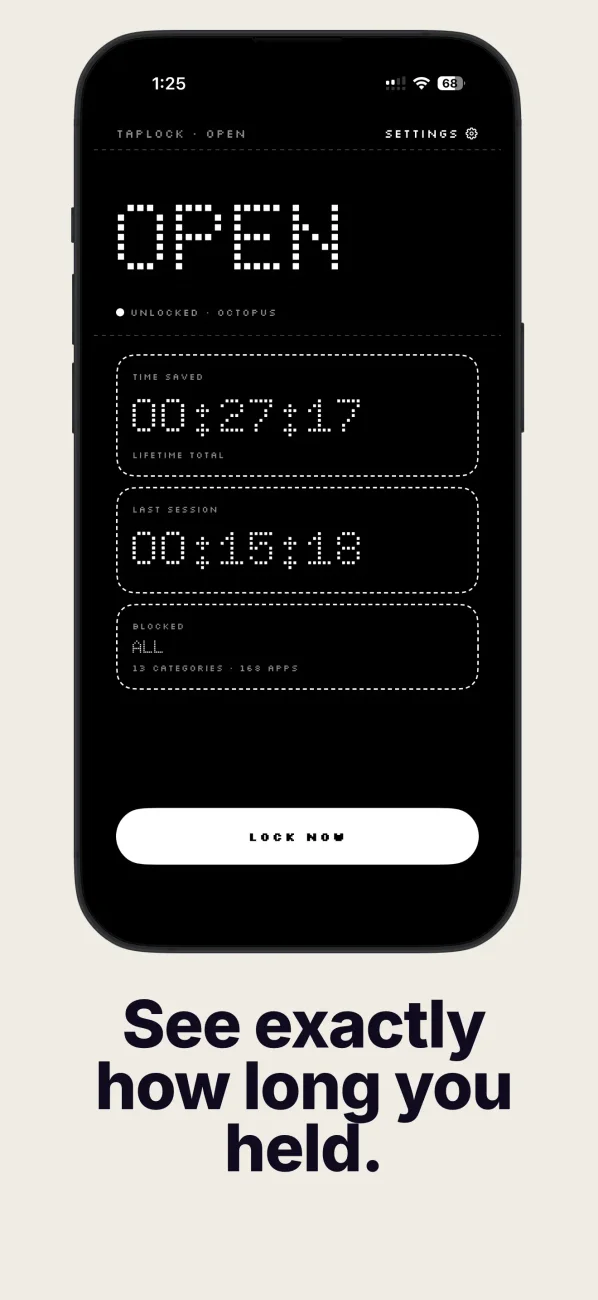
Session stats, see your total focus time and how long your last session ran
Live Activity and Dynamic Island timer visible from your lock screen
Your cards and settings sync across your devices via iCloud
Remote Key, unlock a family iPad or second iPhone by tapping your card on your own iPhone
Native iPad app with a landscape layout
REMOTE KEY AND IPAD
Lock a family iPad or a second iPhone, then open it by tapping your card on
your own iPhone. Both devices just need the same Apple ID. iPads have no NFC
reader, so they pair as a kept device and are always opened from your iPhone.
EMERGENCY ACCESS
Lost your card? A 6-digit PIN still unlocks, but slowly: every PIN unlock
ends with a short puzzle, and with a card registered the PIN works 5 times
per 30 days on each device. After that, a 24-hour emergency unlock is always
offered, so you are never locked out for good. On an iPhone with no card
registered yet, the PIN is not limited.
TapLock does not replace your iPhone's lock screen. It uses Apple's Screen
Time framework to shield apps while your phone stays accessible for calls
and emergencies.
Free 7-day trial. One-time purchase. No subscription, ever.
Terms of Use: https://www.aimakecoolstuff.com/legal/taplock/terms
Privacy Policy: https://www.aimakecoolstuff.com/legal/taplock/privacy
What’s new
Version 1.0.8 · Nov 4, 2026
Confirm before locking
A new setting asks before the widget, Control Center, Siri or Shortcuts start a lock. Siri and Shortcuts ask on screen; the widget and Control Center send a notification, and tapping "Lock now" on it starts the lock. Off by default.
Lock Now tells you why
When a one-tap lock can't start, for example without Screen Time access, before you have locked once from the app, or while TapLock is already locked, you now get a message that says what to do instead of nothing happening.
Also
- The widget, the Lock Now durations and the Screen Time access message are now translated into every language TapLock supports
- More Siri phrases for Lock Now in every language
App privacy
What Sze Yuen HO declares on the App Store about how this app handles data.
-
Data not collected
The developer does not collect any data from this app.
Privacy practices may vary, for example with the features you use or your age.
Information
- Seller
- Sze Yuen HO
- Category
- Productivity
- Version
- 1.0.8
- Updated
- Nov 4, 2026
- Released
- Jun 6, 2026
- Size
- 13.3 MB
- Requires
- iOS 17.0 or later
- Age rating
- 4+
- Price
- Free
- In-app purchases
- Yes
- Languages
- English, French, German, Japanese, Portuguese, Simplified Chinese, Spanish, Traditional Chinese
- Copyright
- © 2026 Sze Yuen Ho
You might also like
-
 TapLock cardLock your screen time with NFC
-
 Clank: Screen Time BlockerBlock apps with NFC or QR
-
 apptokenQR & NFC App Blocker for Focus
-
 NoffGuard focus from distractions.
-
 VantaFocus: NFC App BlockerTap to Block Apps, Focus Timer
-
 Deadbolt: Dumb Phone & DetoxApp blocker & less screen time
-
 Rune: App Blocker & NFC FocusScreen time lock & phone detox
-
 Roam: App BlockerBlock apps by location
-
 Truce: App Blocker for TwoStop doomscrolling, together
-
 Out of Office: Block Work AppsClock out on a schedule