Task Flow: Tasks & Checklists
Task Manager, Lists, Organizer
Designed for iPhone, iPad, Mac
Free · In-app purchases
- Age rating4+
- CategoryProductivity
- DeveloperVladimir Butko
- LanguagesEnglish+ 33 more
- Size142.8 MB
Links to the official App Store page
Download.org hosts no file of Task Flow: Tasks & Checklists. The button opens its official App Store page, published by Vladimir Butko. Listing last checked on Nov 24, 2026.
Screenshots


About
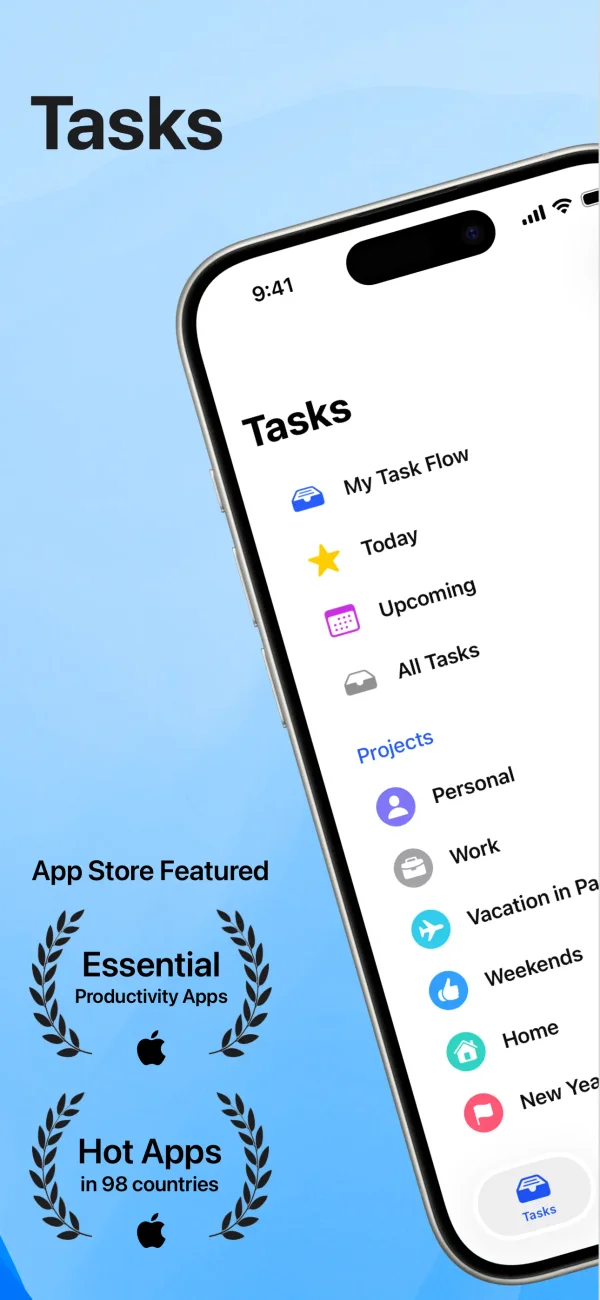
Featured on the App Store:
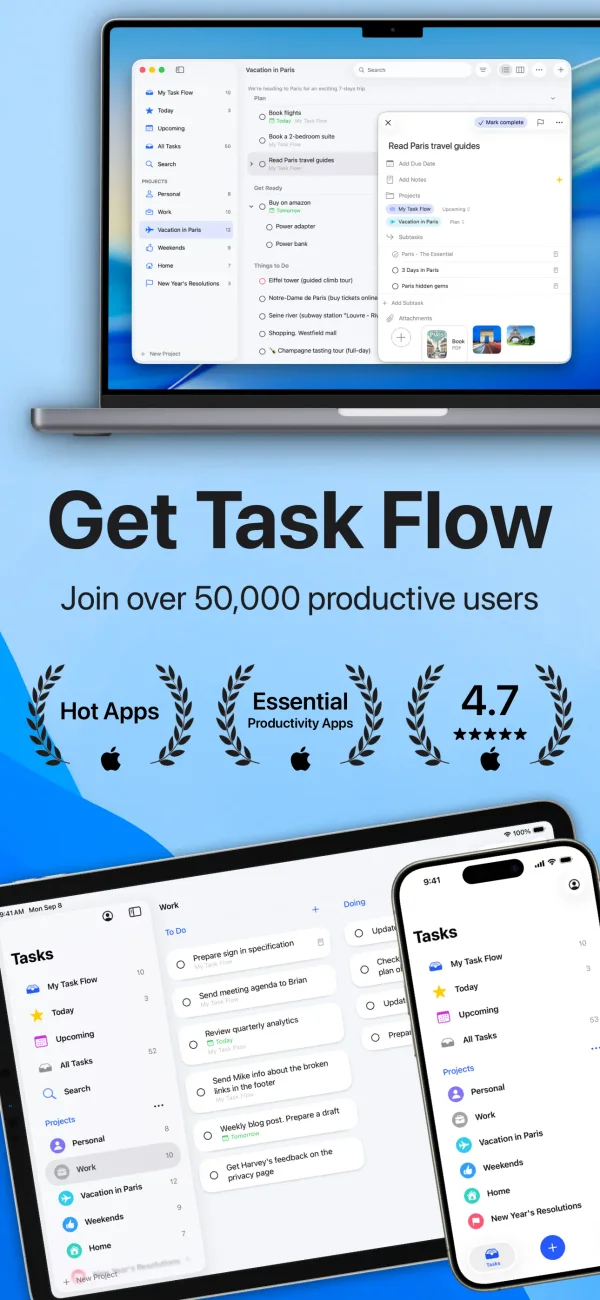
"The Best Apps for iOS 18", "Essential Productivity Apps", "Hot Apps", and more.
Featured in the Media:
"Task Flow focuses you on all upcoming tasks." - iPhoneBlog.de
"Task Flow: The Ultimate app to stop hoarding tasks." - The Web App Market
"My Task Flow gives you a beautiful overview of the tasks you need to tackle on next." - Creativerly
Proudly created in Canada.
Boost Your Productivity with Task Flow: To-Do & Reminders
Task Flow is more than just a to-do list; it's a comprehensive task manager and planner designed to transform your good intentions into achievements. Whether you prefer a straightforward checklist approach or a full-fledged task management system, Task Flow adapts to your style.
Organize, Plan, and Track with Ease
Seamlessly organize and track your tasks, whether they're daily errands or part of larger projects. Task Flow's unique time-based view and customizable structures cater to how you work, ensuring your to-do list is always relevant and organized.
Key Features of Task Flow:
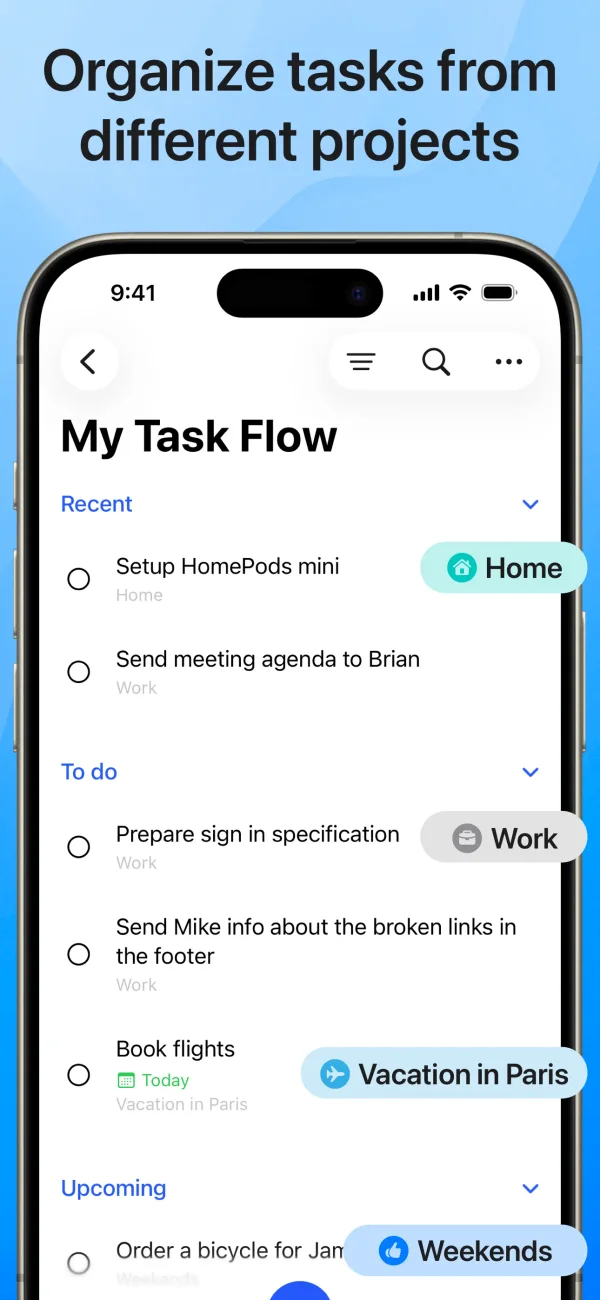
- Versatile Prioritization: Discover numerous ways to structure and prioritize tasks without losing sight of their project affiliations. Use Task Flow's dynamic 'My Task Flow' feature to focus on imminent tasks across all projects, ensuring no deadline is missed.
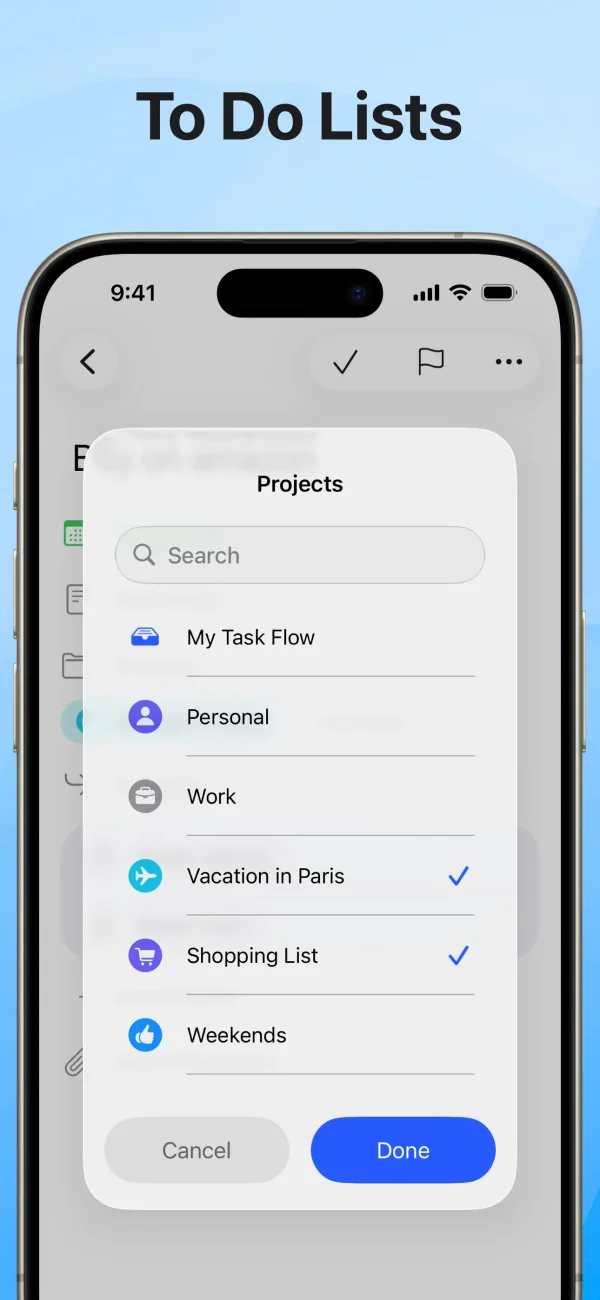
- Multi-Project Integration: Easily link a single task, like 'buy car sweets', to multiple projects like 'Groceries' and 'Vacation', keeping you organized and efficient. Completion in one project marks it done everywhere.
- Focus Timer: Boost your concentration with our Focus Timer. Set dedicated work periods and breaks to maintain productivity and avoid burnout. Extend timers for task completion and leverage the continuous option for uninterrupted work sessions.
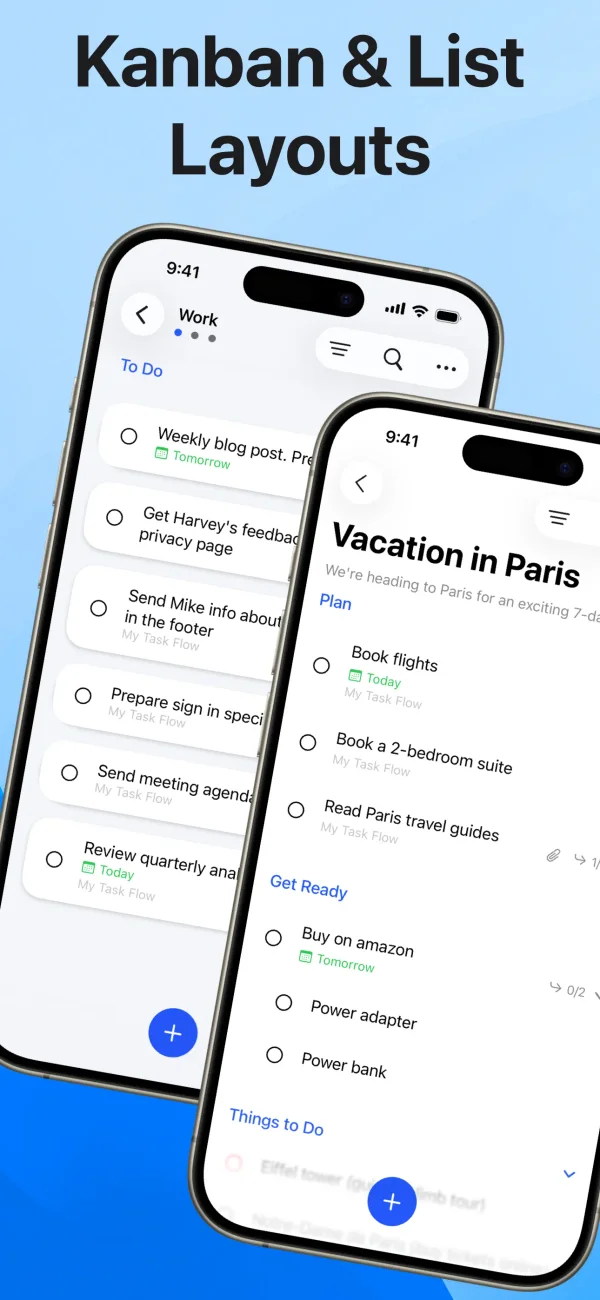
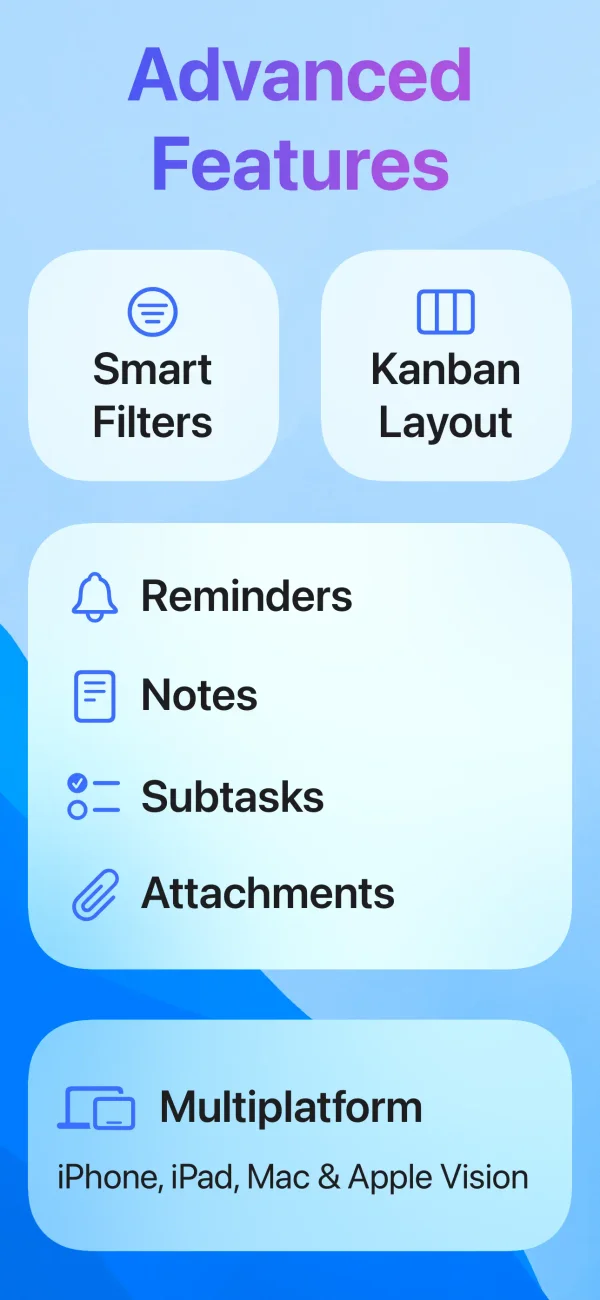
- Project Visualization: Visualize your projects your way – as simple lists or dynamic Kanban boards. Personalize with custom icons and colors to make each project uniquely yours.
- Comprehensive Task Details: Enhance each task with subtasks, priorities, notes, and attachments for a detailed, organized approach. Highlight critical tasks within a project with elevated priorities.
- Effortless Task Access with Widgets: Interact with your tasks directly from your iPhone and iPad Home screen. View and add tasks conveniently through our intuitive widgets.
Task Flow is the ultimate organizer and tracker for anyone looking to master their to-do list, manage their day efficiently, and keep track of tasks in a GTD (Getting Things Done) manner. Whether you're planning daily tasks or tracking progress in various projects, Task Flow is your go-to app for staying organized and productive.
Unlike some of the many task managers for iPhone, iPad, and Mac, Task Flow is under active development and continues to grow with each new update. You can learn more at https://taskflowapp.com
Website: https://taskflowapp.com
Privacy Policy: https://taskflowapp.com/privacy/
Terms of Use: https://taskflowapp.com/terms-of-use/
What’s new
Version 5.2 · Nov 21, 2026
Fixes and improvements
- Project titles and section headers update as soon as you rename them.
- You can reorder sections in Manage Sections again on macOS 27.
- On Mac, keyboard shortcuts like Command-S work when you open a subtask from its parent task.
- Nested subtask counts in Task Details update immediately when you complete or reopen a subtask.
- Task Flow skips the splash screen on Mac and Apple Vision Pro.
App privacy
What Vladimir Butko declares on the App Store about how this app handles data.
-
Data not linked to you
May be collected but is not linked to your identity.
- Purchases
- Usage data
Privacy practices may vary, for example with the features you use or your age.
Information
- Seller
- Vladimir Butko
- Category
- Productivity
- Version
- 5.2
- Updated
- Nov 21, 2026
- Released
- Jan 24, 2022
- Size
- 142.8 MB
- Requires
- iOS 17.0 or later
- Age rating
- 4+
- Price
- Free
- In-app purchases
- Yes
- Languages
- English, Arabic, Catalan, Croatian, Czech, Danish, Dutch, Finnish, French, German, Greek, Hebrew + 22 more
- Copyright
- © 2021 - 2026 Vladimir Butko
You might also like
-
 OmniFocus 4Accomplish More Every Day
-
 Tasks: To Do Lists & RemindersKanban Board, Planner & Widget
-
 Quick Notes - CaptureBrain dump thoughts & ideas
-
 Stuff | ToDos and ListsMinimalist planner & reminders
-
 Finalist: Daily PlannerYour Whole Day on One Page
-
 Focus - Deep Work TimerTime Management with Pomodoro
-
 Sofa: Downtime OrganizerTV, books, podcasts & beyond
-
 GoodTask: To Do List & PlannerReminders, Calendar & Projects
-
 UplockSecure your docs, cards, IDs
-
 Planny • Daily To Do PlannerOrganize Tasks and Events