TaskGate: App Blocker & To-Do
Finish tasks to unlock apps
Designed for iPhone, iPad
Free
- Age rating4+
- CategoryProductivity
- DeveloperBilal Karadeniz
- LanguagesEnglish+ 16 more
- Size2.7 MB
Links to the official App Store page
Download.org hosts no file of TaskGate: App Blocker & To-Do. The button opens its official App Store page, published by Bilal Karadeniz. Listing last checked on Nov 18, 2026.
Screenshots

About
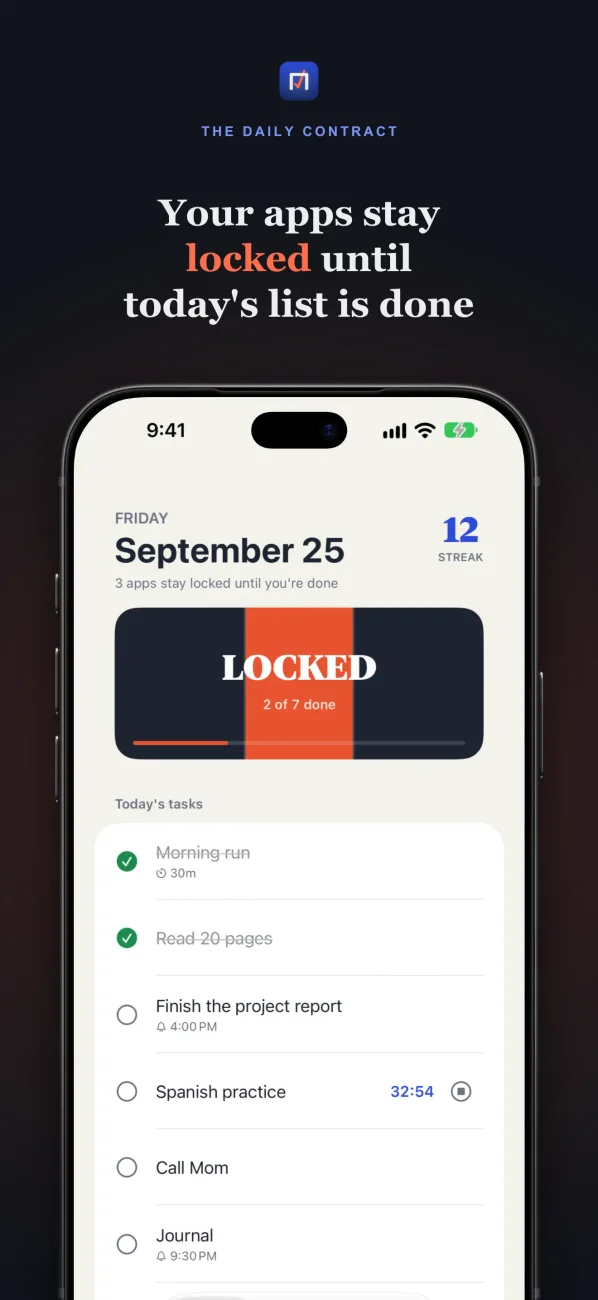
TaskGate locks your most distracting apps behind a gate. The gate opens when today's tasks are done — and not a moment earlier.
No timer you can dismiss. No screen you can swipe past. TaskGate uses Apple's own Screen Time controls, so when an app is blocked, it is blocked.
HOW IT WORKS
1. Write down what you want to get done today.
2. Choose the apps that steal your time.
3. They stay locked until every task is checked off.
At midnight the gate closes again, whether you open TaskGate or not. Tomorrow is a fresh contract.
REAL APP BLOCKING
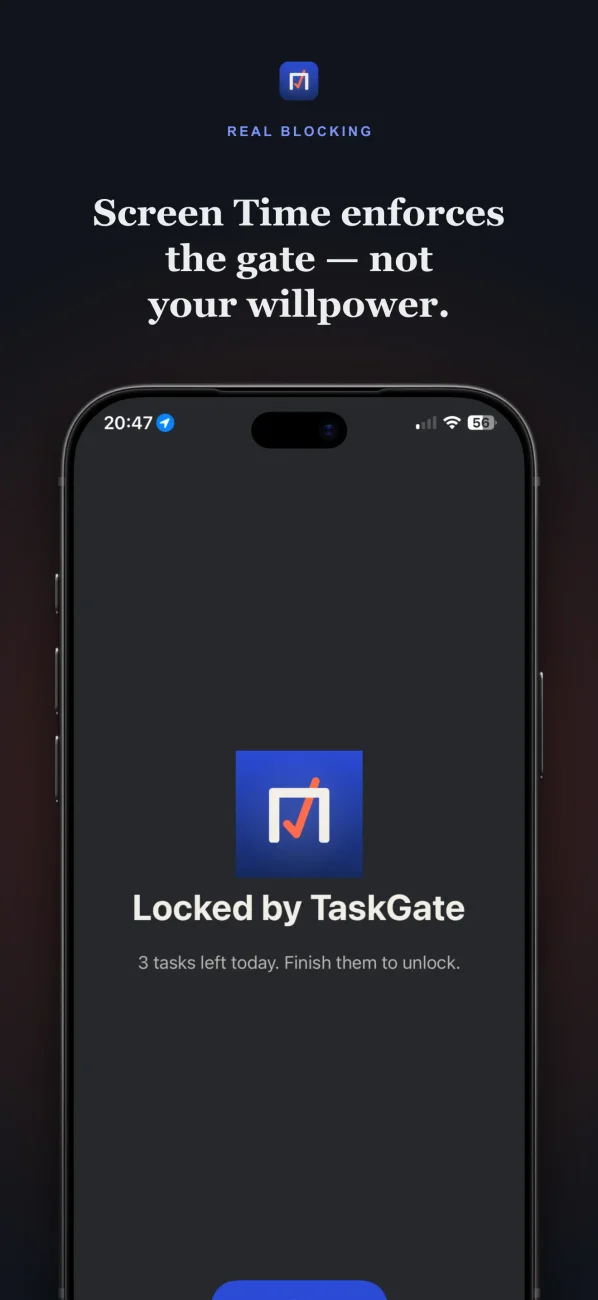
Powered by Apple Screen Time. A blocked app shows a TaskGate screen telling you how many tasks are still left today.
STRICT MODE
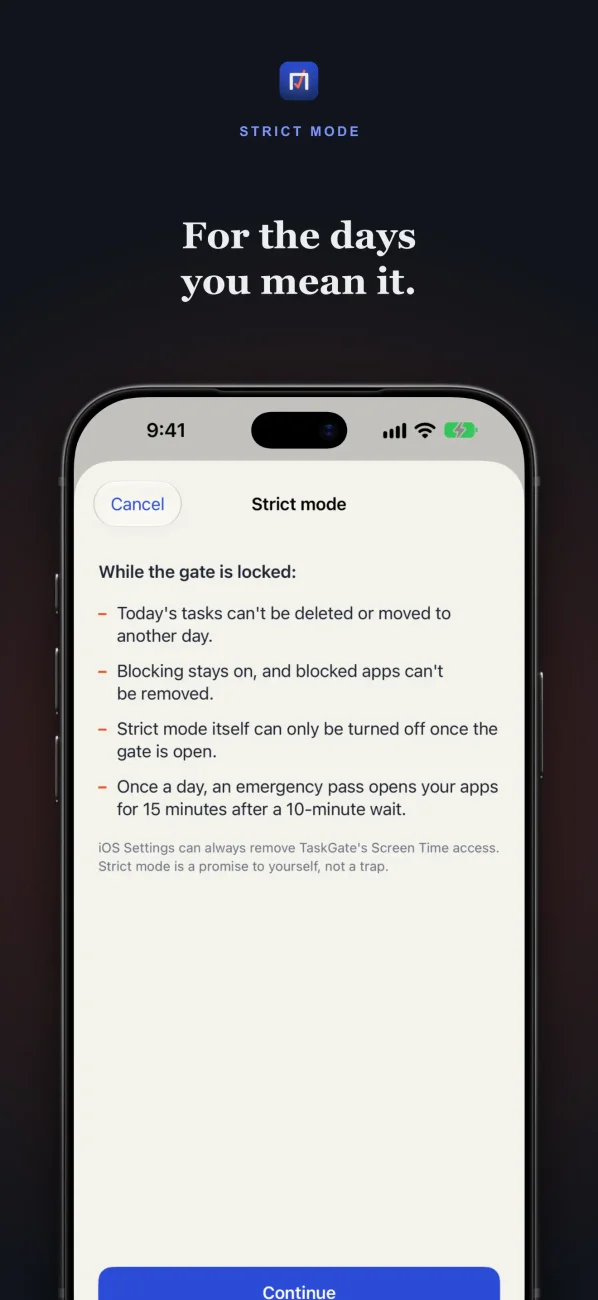
For the days you mean it. While the gate is locked, today's tasks can't be deleted or pushed to tomorrow, and blocking can't be switched off. One emergency pass a day opens your apps for 15 minutes after a 10-minute wait — enough for something urgent, not enough to skip the day.
FOCUS TIMERS
Give a task a duration — study for an hour, read for thirty minutes. Start the timer and the task checks itself off when the time is up. Closing the app doesn't stop the clock.
ROUTINES
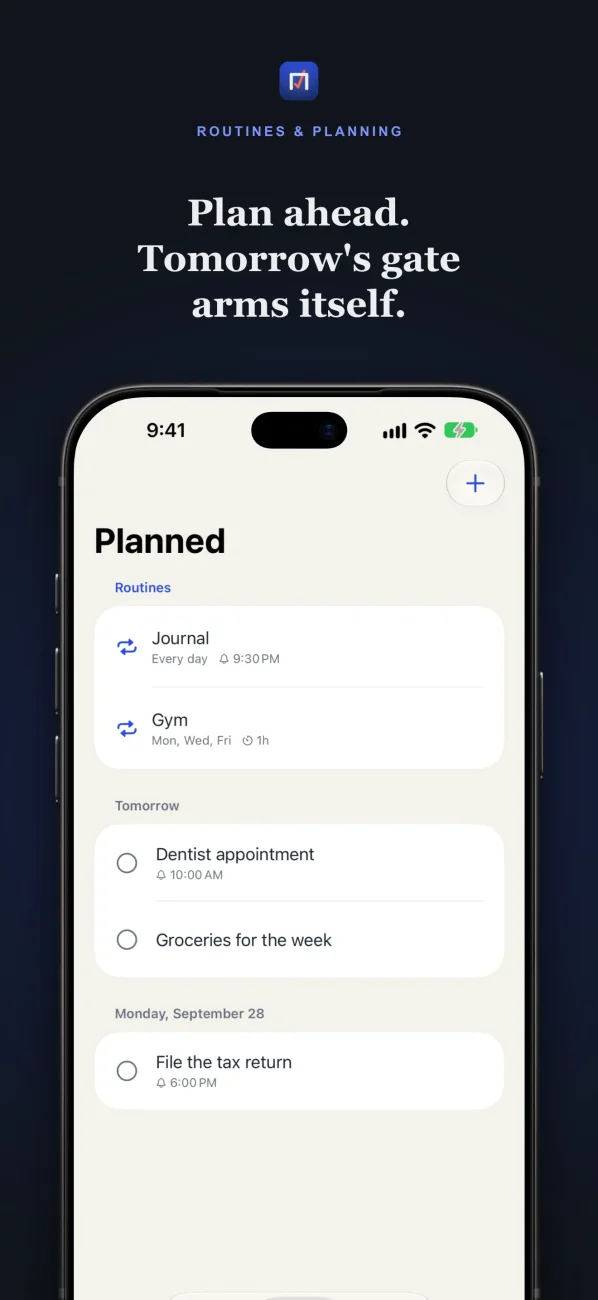
Tasks that repeat every day, on weekdays, or on the days you pick. They appear on your list each morning, automatically.
PLAN AHEAD
Schedule tasks for future days. When that day arrives, the gate arms itself. Tap any task to change it, and drag to reorder.
STREAKS
Every day you finish your list adds to your streak. Days without tasks are rest days and don't break it. Tap the number for a calendar of the days you kept and the days you missed.
WIDGETS
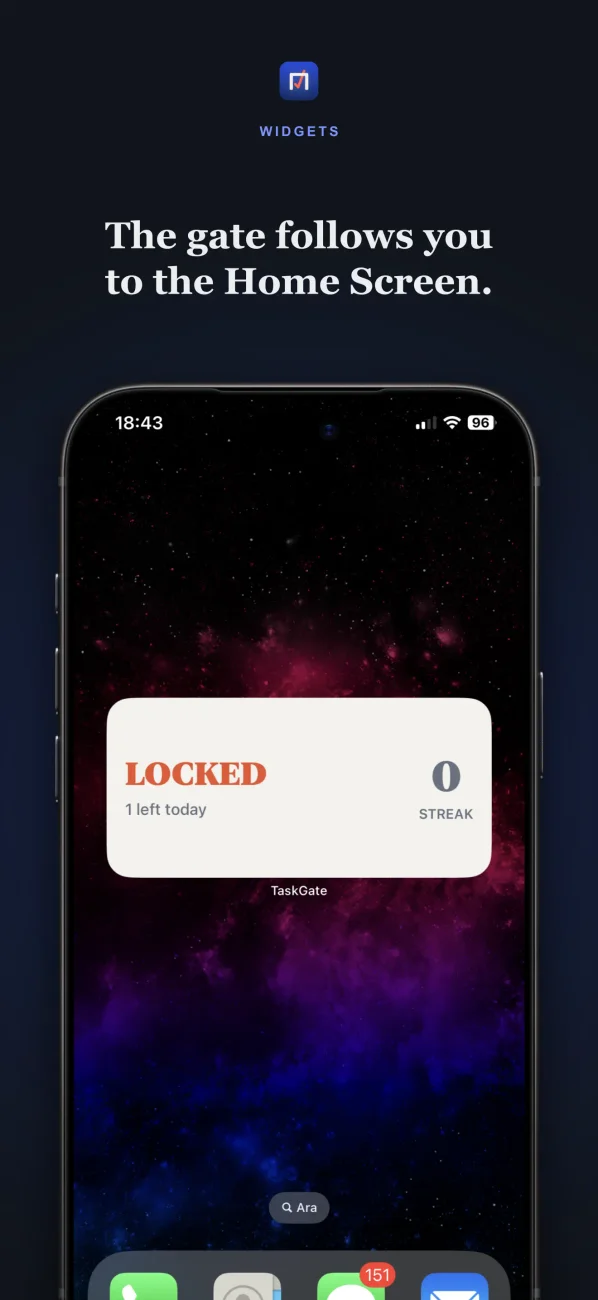
Home Screen and Lock Screen widgets show whether the gate is open, how many tasks remain, and how long your streak is.
IPHONE, IPAD AND IPHONE DUO
On a big screen, Today and Planned sit side by side.
REMINDERS
An optional evening nudge, plus a reminder time on any individual task.
PRIVACY
TaskGate collects nothing. There is no account, no sign-up, no analytics, and no ads. Your tasks stay on your device. The apps you choose to block are handled by iOS itself — Apple's Screen Time API hands apps opaque tokens rather than names, so TaskGate never learns which apps you picked or what you do in them.
LANGUAGES
English, Turkish, Spanish, German, French, Italian, Portuguese (Brazil), Dutch, Polish, Russian, Ukrainian, Japanese, Korean, Chinese (Simplified), Chinese (Traditional), Arabic and Indonesian.
TaskGate needs Screen Time permission to block apps. Unless Strict mode is on, you can turn blocking off at any time.
What’s new
Version 1.1.1 · Oct 23, 2026
Small polish and fixes. If TaskGate is helping you keep your days on track, a rating on the App Store helps other people find it. Thank you!
App privacy
What Bilal Karadeniz declares on the App Store about how this app handles data.
-
Data not collected
The developer does not collect any data from this app.
Privacy practices may vary, for example with the features you use or your age.
Information
- Seller
- Bilal Karadeniz
- Category
- Productivity
- Version
- 1.1.1
- Updated
- Oct 23, 2026
- Released
- Aug 24, 2026
- Size
- 2.7 MB
- Requires
- iOS 17.0 or later
- Age rating
- 4+
- Price
- Free
- Languages
- English, Arabic, Dutch, French, German, Indonesian, Italian, Japanese, Korean, Polish, Portuguese, Russian + 5 more
- Copyright
- © 2026 Bilal Karadeniz
You might also like
-
 TodoLockFinish tasks. Unlock apps.
-
 Hurdle - Screen Time You EarnBlock apps with real tasks
-
 TaskGate: Focus & App BlockerStop Scrolling, Build Habits
-
 Task GateProductivity
-
 Toll: Earn Your App TimeClear tasks. Buy screen time.
-
 Deflect: Screen Time ControlAI App Blocker & Focus Coach
-
 Pactly: Earn Screen TimeDo tasks. Unlock apps.
-
 Minua: Earn Screen TimeParental Control & App Blocker
-
 Enough for Now: App BlockerFocus & Screen Time Control
-
 Taskwall: Screen Time + To DoTodo, App blocker, Screen time