- Age rating4+
- CategoryProductivity
- DeveloperJACOB RYAN DAVIS
- LanguagesEnglish
- Size5.4 MB
Links to the official App Store page
Download.org hosts no file of TodoLock. The button opens its official App Store page, published by JACOB RYAN DAVIS. Listing last checked on Nov 13, 2026.
Screenshots
About
Plan your day. Make room to finish it.
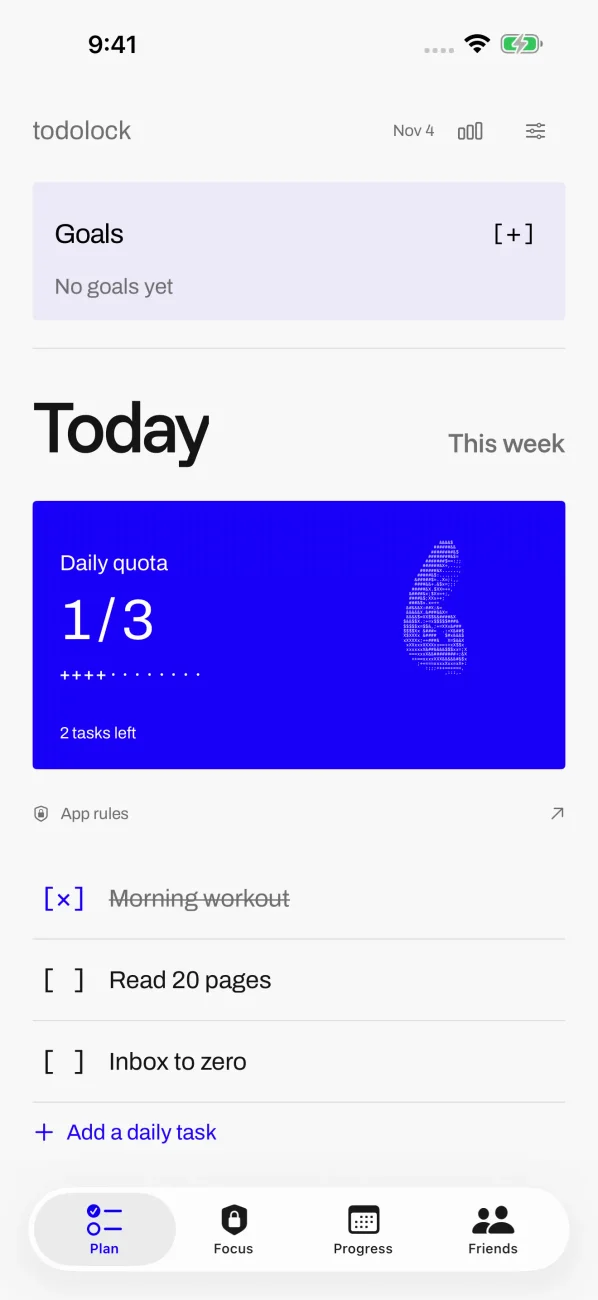
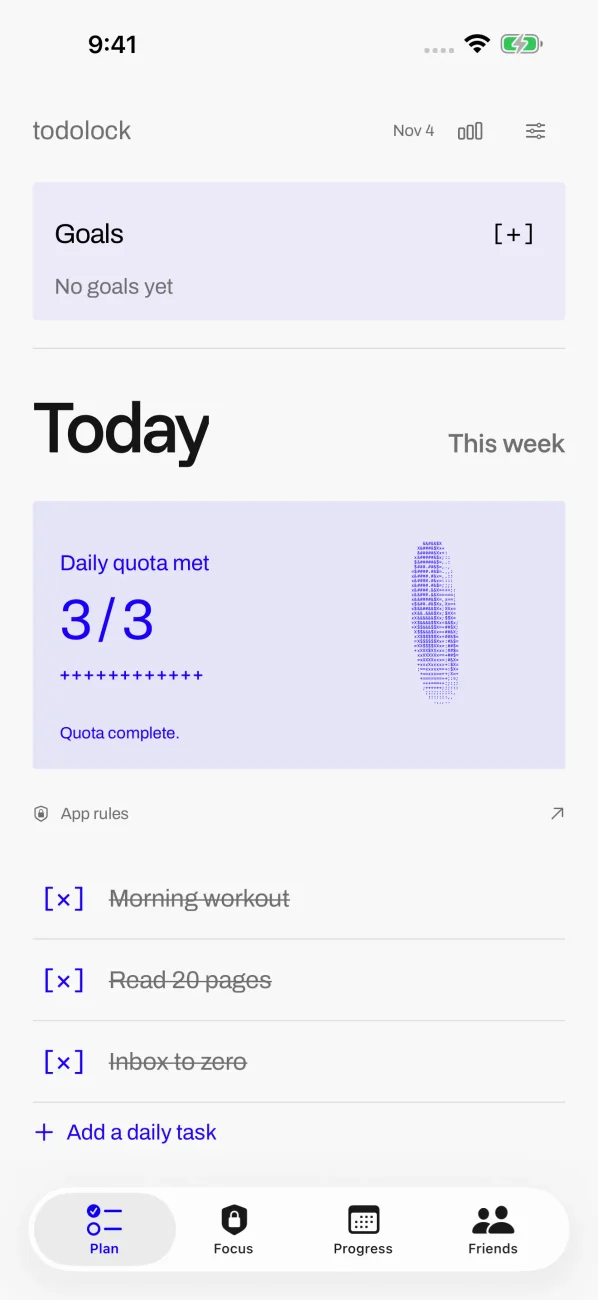
TodoLock brings your tasks and app rules together in four tabs: Plan, Focus, Progress, and Friends.
PLAN
Keep goals at the top of your day. Add daily tasks, weekly to-dos, and repeating routines. Only daily tasks count toward unlocking apps. Goals and weekly tasks track progress without changing your locks.
FOCUS
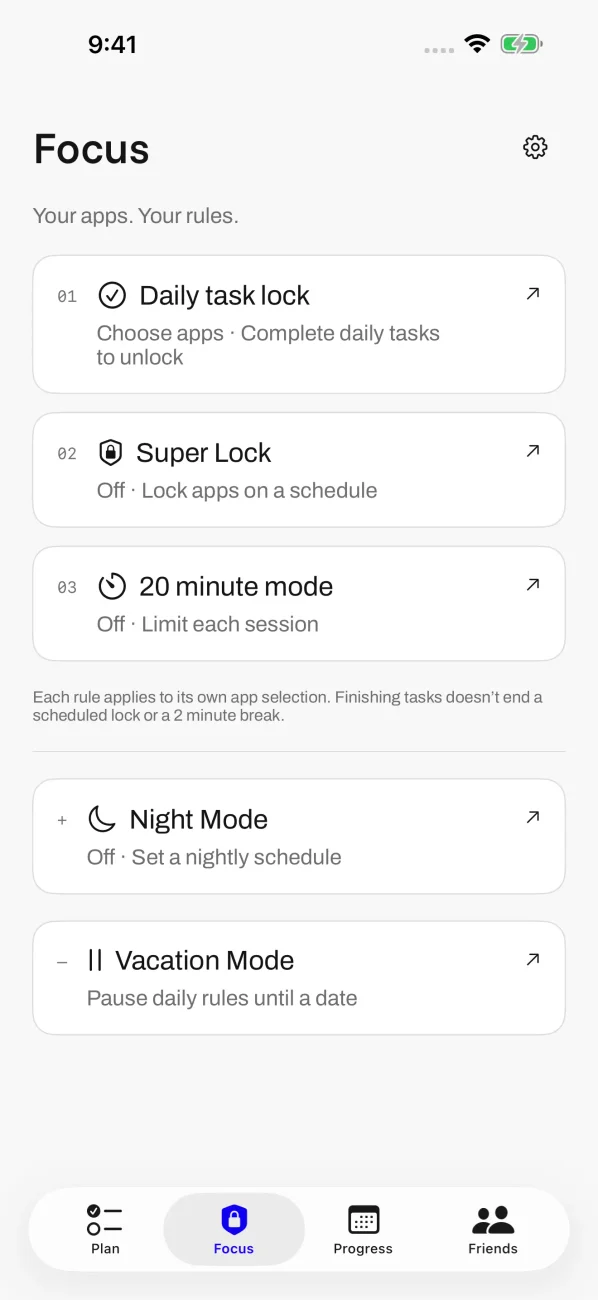
Choose apps to lock until your daily quota is complete. Set independent weekday or overnight schedules with Super Lock. Or enable 20 minute mode: 20 minutes of use across your selected apps, followed by a 2 minute break before the next session.
Each rule has its own app selection. Completing your daily quota does not end a Super Lock schedule or a timed break. Apple's other Screen Time restrictions still apply.
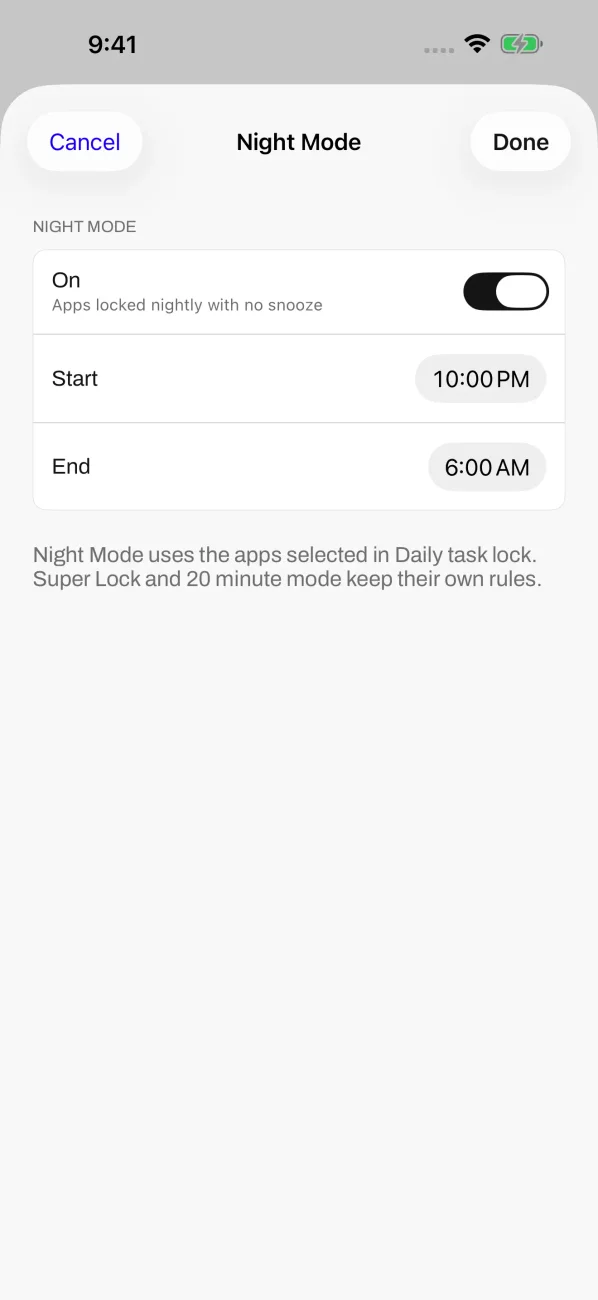
Night Mode adds a nightly window using your daily app selection. Vacation Mode pauses daily and night blocking; independent Super Lock and 20 minute rules remain in effect. Reminder mode offers a short snooze when permitted.
PROGRESS
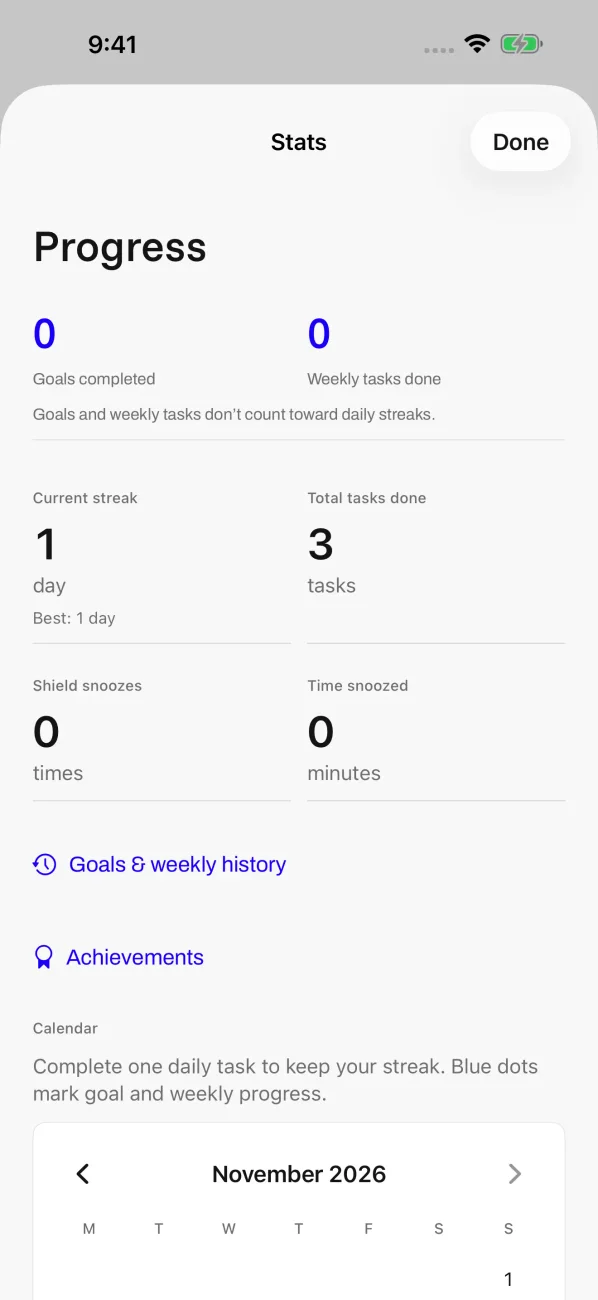
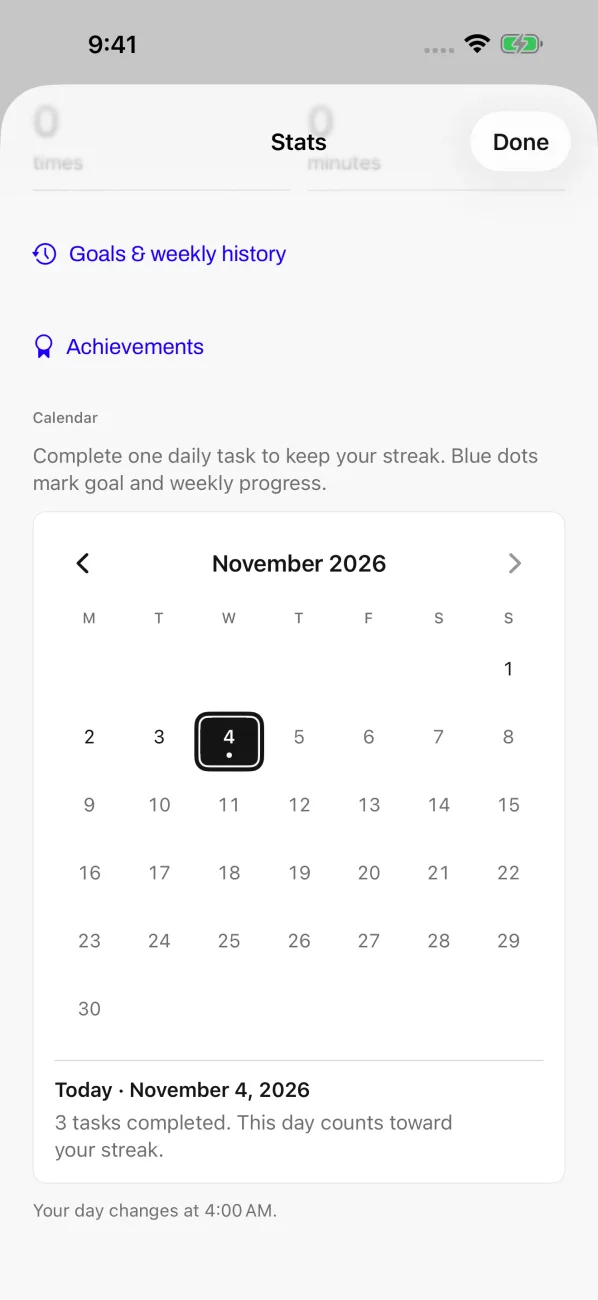
See your completed tasks, calendar activity, streaks, and achievements. Add widgets to keep today's progress nearby. One completed daily task earns an activity day.
FRIENDS
Choose whether to share a small progress summary through iCloud: your chosen name, current and best streaks, today's completed-task count, and update information. Each invitation shares in one direction; accepting an invitation does not enable sharing back. An iCloud account is required for Friends.
MAKE IT YOURS
Choose the animated Forma theme or Classic. Both support larger text and Reduce Motion. Start with one real task, then enable app blocking when you're ready. Notifications are optional.
Your task and goal titles, full history, settings, and app selections stay on your device. Optional Friends summaries use Apple's private and shared iCloud storage. No ads or third-party analytics.
App blocking requires permission to use Apple's Screen Time controls. You remain in control of permissions and settings.
What’s new
Version 1.2 · Nov 5, 2026
A new home for your day:
• Plan: goals, daily tasks, weekly to-dos, and repeating routines.
• Focus: daily task lock, Super Lock schedules, and 20 minute sessions with 2 minute breaks.
• Progress: your calendar, streaks, and achievements.
• Friends: clearer sharing controls and profile recovery on a new phone.
Start with a real task in the new setup. Existing tasks, settings, and theme choices carry forward. Forma adds moving ASCII artwork and touch feedback; Classic remains available.
App privacy
What JACOB RYAN DAVIS declares on the App Store about how this app handles data.
-
Data not collected
The developer does not collect any data from this app.
Privacy practices may vary, for example with the features you use or your age.
Information
- Seller
- JACOB RYAN DAVIS
- Category
- Productivity
- Version
- 1.2
- Updated
- Nov 5, 2026
- Released
- Sep 18, 2026
- Size
- 5.4 MB
- Requires
- iOS 17.0 or later
- Age rating
- 4+
- Price
- Free
- Languages
- English
- Copyright
- © 2026 Jake Davis
You might also like
-
 Intentional PlannerFree planner for Mac & iPhone
-
 TaskGate: App Blocker & To-DoFinish tasks to unlock apps
-
 App Blocker & Focus: ARCOScreen Time Control & Limits
-
 Enough for Now: App BlockerFocus & Screen Time Control
-
 LifeBlocks: Daily CalendarTime Block, Todo & App Blocker
-
 Ritua: Routines & App BlockingFocus more. Reduce screen time
-
 Do First: Alarm & App BlockerWake up. Do tasks. Unlock apps
-
 Screen Time Control : DoUnlockApp Blocker Task & Focus Timer
-
 App Blocker - BlokoScreen Time, Detox & Study
-
 Tikku: To Do & Block AppsTasks, Focus & App Blocker