
- Age rating4+
- CategoryProductivity
- DeveloperSenseHawk
- LanguagesEnglish
- Size161.6 MB
Links to the official App Store page
Download.org hosts no file of TaskMapper. The button opens its official App Store page, published by SenseHawk. Listing last checked on Nov 23, 2026.
Screenshots

About
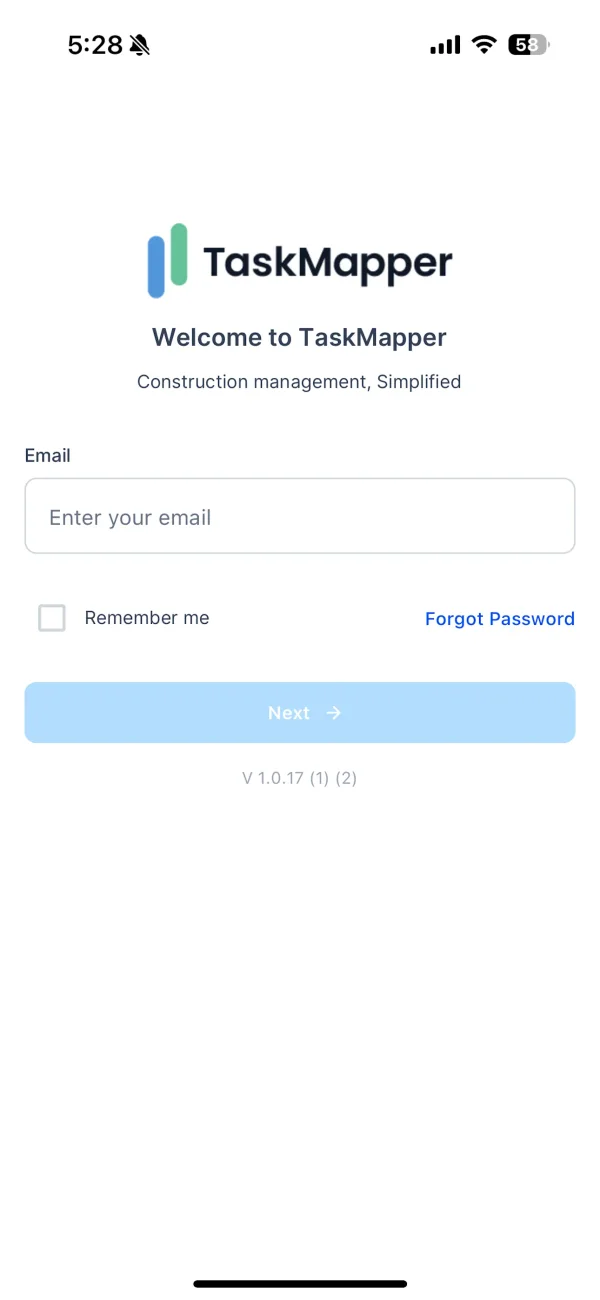
TaskMapper, the only jobsite management tool you will ever need.
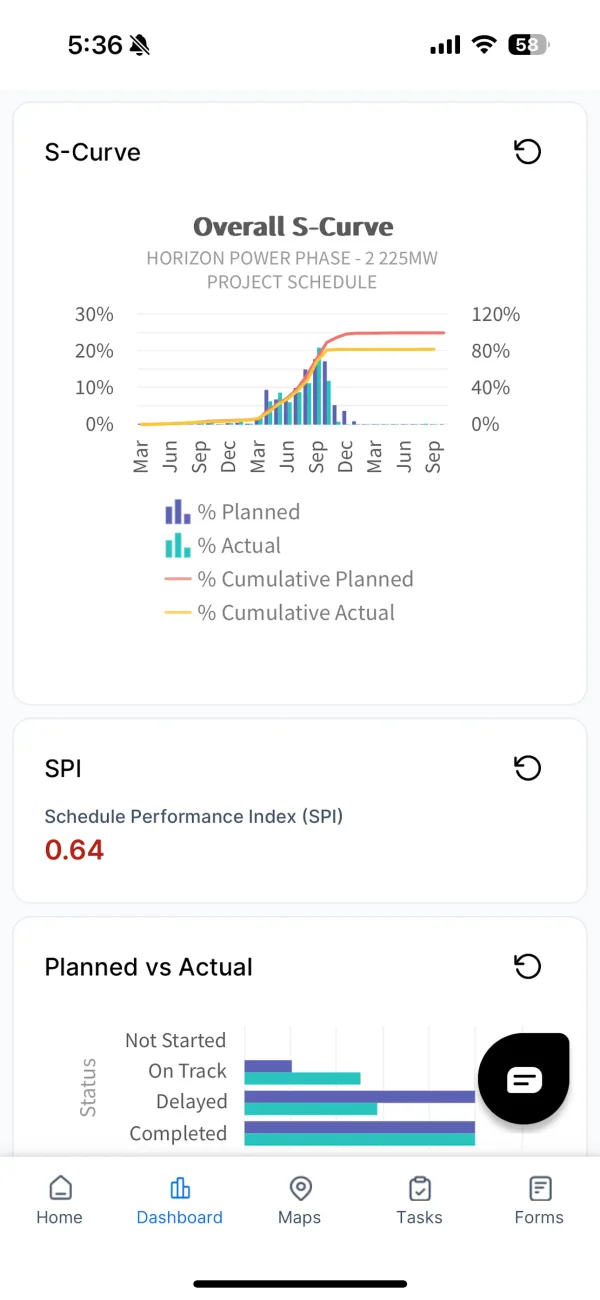
Handle all your operations on a single, out-of-the-box platform
Easily create, share, and locate tasks, documents, forms, and reports from any device
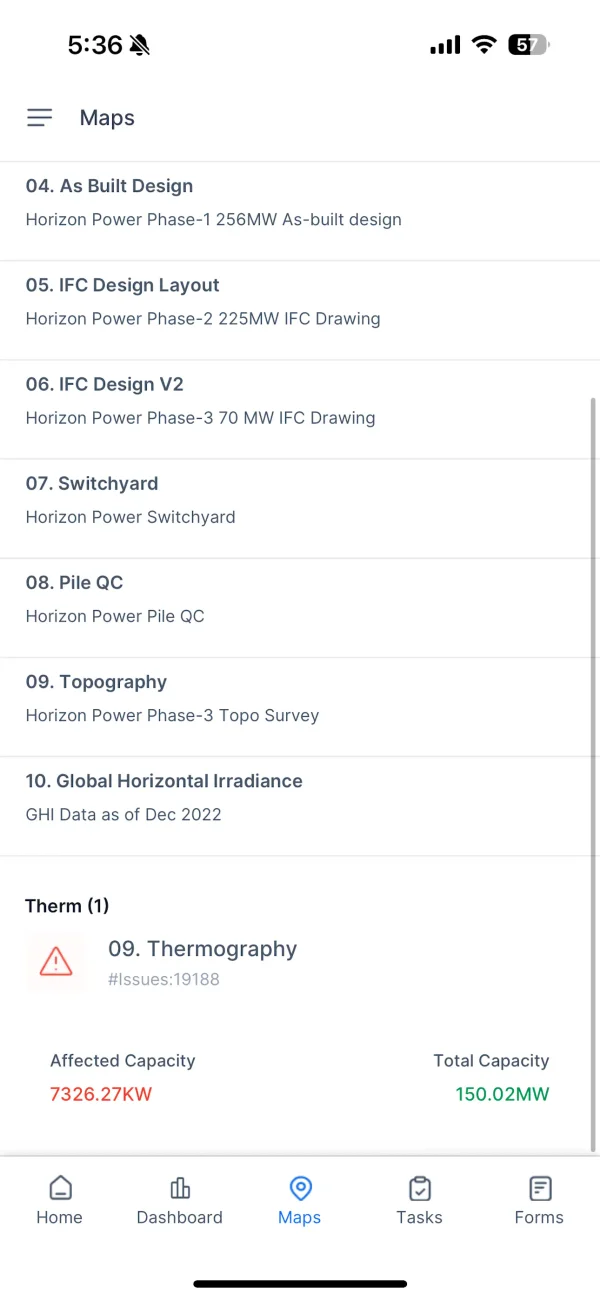
Navigate onsite as easily as you navigate with your favorite map application
Who needs TaskMapper?
Every job site: TaskMapper is a powerful tool for anyone with a jobsite to manage. Whether it is a residential, commercial, industrial, infrastructure or utility site, this intuitive jobsite management software will enable your team to build better, together.
Solar: TaskMapper will help you accelerate solar installs and stay on top of drawings, supplies, quality, progress, statutory forms, checklists, and more with its easy-to-use mobile app and web interface.
Construction: TaskMapper lets you take control of your site; from the moment a project starts until the last worker clocks out. It enables you to aggregate your task, report, document, and communication management on one platform that can be accessed anytime, anywhere, on any device.
Why TaskMapper?
Taskmapper is designed for on-site teams. It is the easiest way to navigate job sites and get work done. Project managers can create plans or maps for the jobsite and easily add tasks, plans, observations, and more, with a single touch or a mouse click. On-site teams can effortlessly find work allocated to them, get information, and complete tasks and forms. Go to a new site, forget paper & meetings, and get oriented in no time.
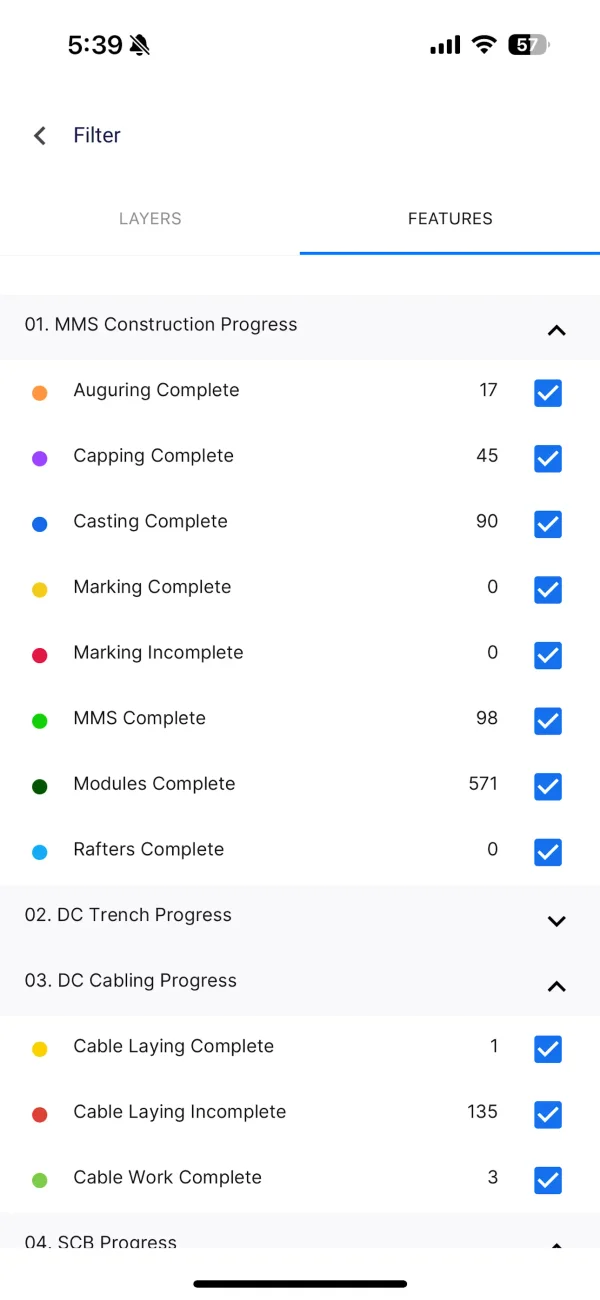
+ Map view
Upload KMLs, CAD files and create map views for your job site. Annotate, add tasks, forms and more. Make jobsite navigation simple.
+ Plan View
Manage construction drawing sets, annotate, attach tasks, forms, images and more. Give your crew the drawings they need to get the job done.
+ Files /Documents
Upload and organize project files and documents. Share, manage versions, collaborate and attach to tasks. Turn over documents easily on project completion.
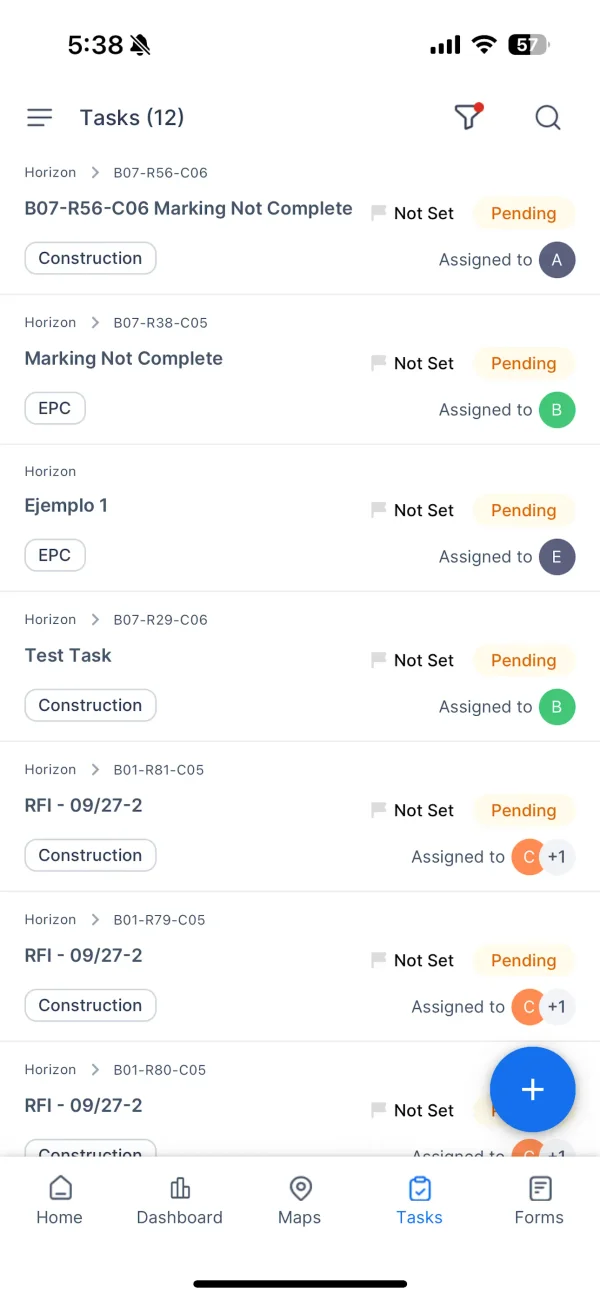
+ Tasks
Assign custom or templatized tasks to your crew, complete with checklists, due dates, comments, and documents.
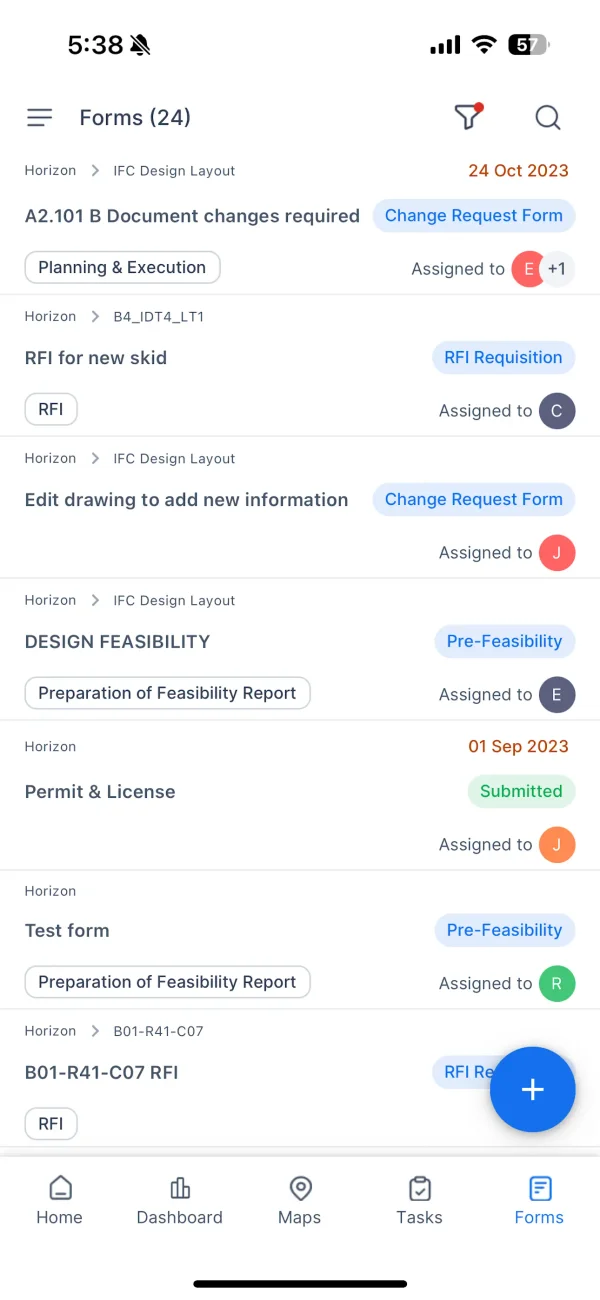
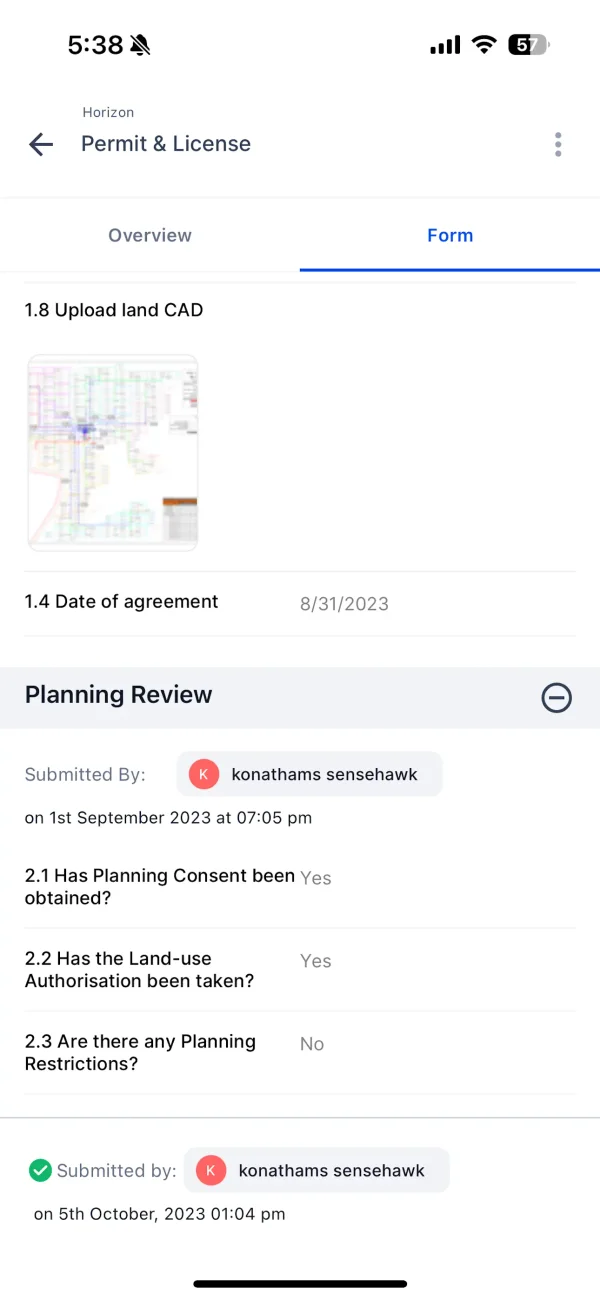
+ Forms
Eliminate paper forms with feature-rich digital forms. Digitize, set rules, collect information, run workflows based on input, and more.
+ Chat
Built-in contextual chat makes communication simple and keeps your crew on-task and productive. Never stop for want of information.
+ Templates
Form and task templates take the pain away from setting up repetitive tasks and creating forms. Create templates for the org or within a project. Share, import, update and more.
+ Workflows
Define workflows to automate processes. Add approvals, automatically create tasks, check forms for non compliance and more.
What’s new
Version 2.951 · Nov 12, 2026
therm warning issue fixes & bulk therm status updates
App privacy
What SenseHawk declares on the App Store about how this app handles data.
-
Data not linked to you
May be collected but is not linked to your identity.
- Location
- Contact info
- Diagnostics
Privacy practices may vary, for example with the features you use or your age.
Information
- Seller
- SENSEHAWK, INC.
- Category
- Productivity
- Version
- 2.951
- Updated
- Nov 12, 2026
- Released
- Oct 23, 2023
- Size
- 161.6 MB
- Requires
- iOS 16.6 or later
- Age rating
- 4+
- Price
- Free
- Languages
- English
- Copyright
- © SenseHawk INC
You might also like
-
 Indji Watch RenewablesNatural Hazard Monitoring
-
 Fluke ConnectSafer. Smarter. Faster.
-
 RE+ Connect by RE+ EventsProductivity
-
 ArcGIS Field MapsProductivity
-
 uniFLOW Online Print & ScanSecure mobile print and scan
-
 Milwaukee® ONE-KEY™Productivity
-
 BluebeamField app for PDF workflows
-
 Clockify Time TrackerTime tracker and timesheet
-
 Gatewise Multifamily-AccessOpen your gates and Doors
-
 Box: The power of Content + AIIntelligent Content Management