Tasks for Pebble
Lists on your wrist
Designed for iPhone, iPad, Mac
Free · In-app purchases
- Age rating4+
- CategoryProductivity
- DeveloperFalse Peak
- LanguagesEnglish+ 2 more
- Size57.7 MB
Links to the official App Store page
Download.org hosts no file of Tasks for Pebble. The button opens its official App Store page, published by False Peak. Listing last checked on Nov 24, 2026.
Screenshots

About
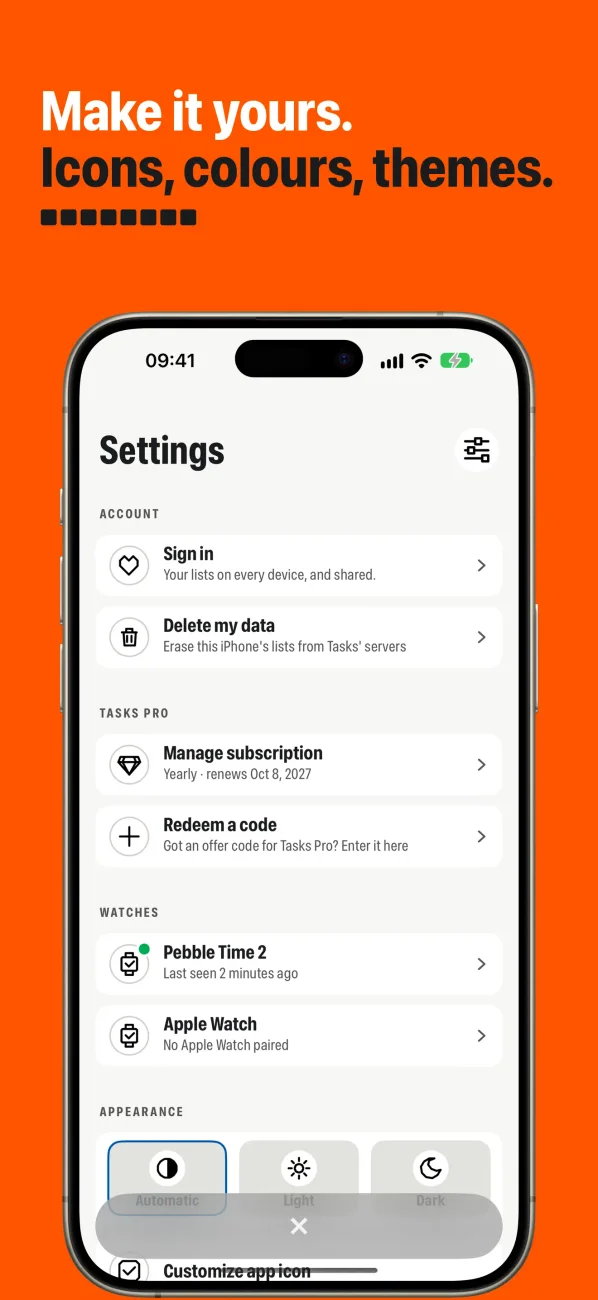
Tasks keeps your lists on your Pebble, your Apple Watch, your iPhone and your Mac, the same everywhere.
SAY IT, AND IT'S A LIST
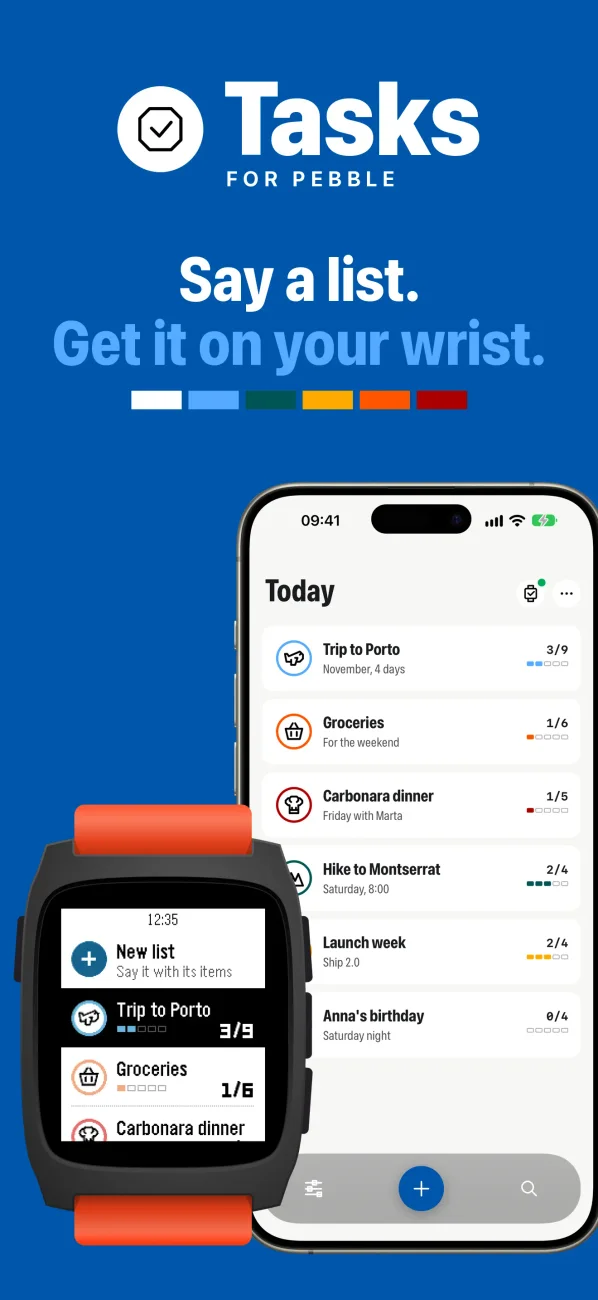
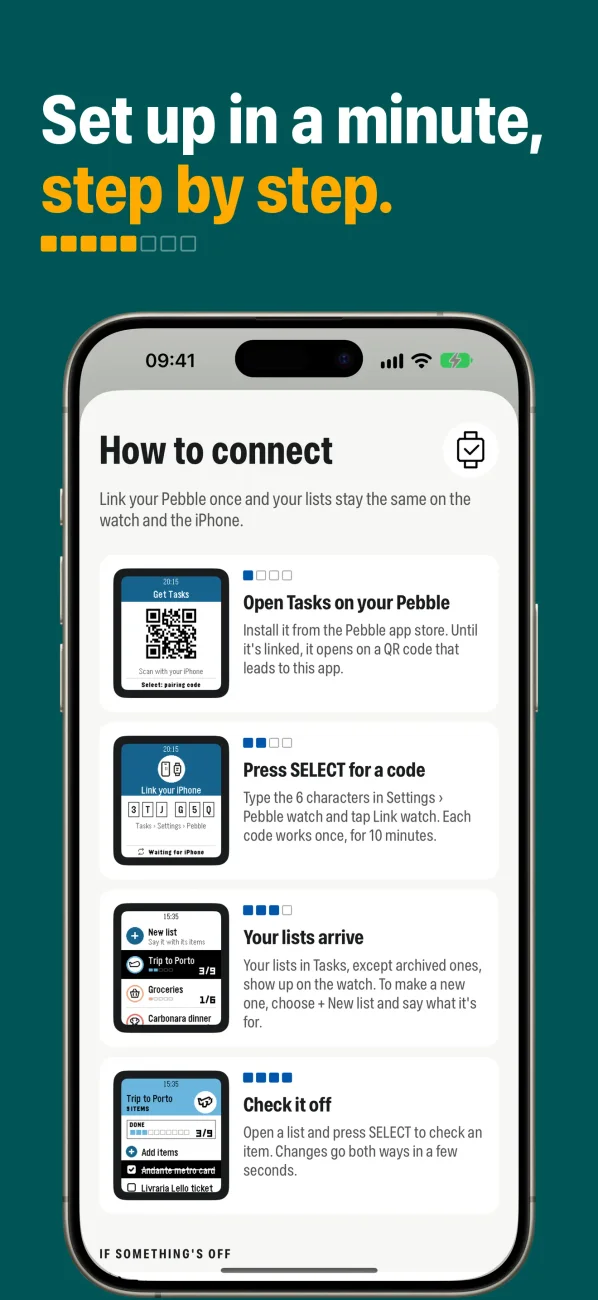
On the watch, choose + New list and say something like "packing list for a weekend in Lisbon". Tasks writes the list with its items. Add more to any list by voice, from the watch or the iPhone.
CHECK IT OFF ON YOUR WRIST
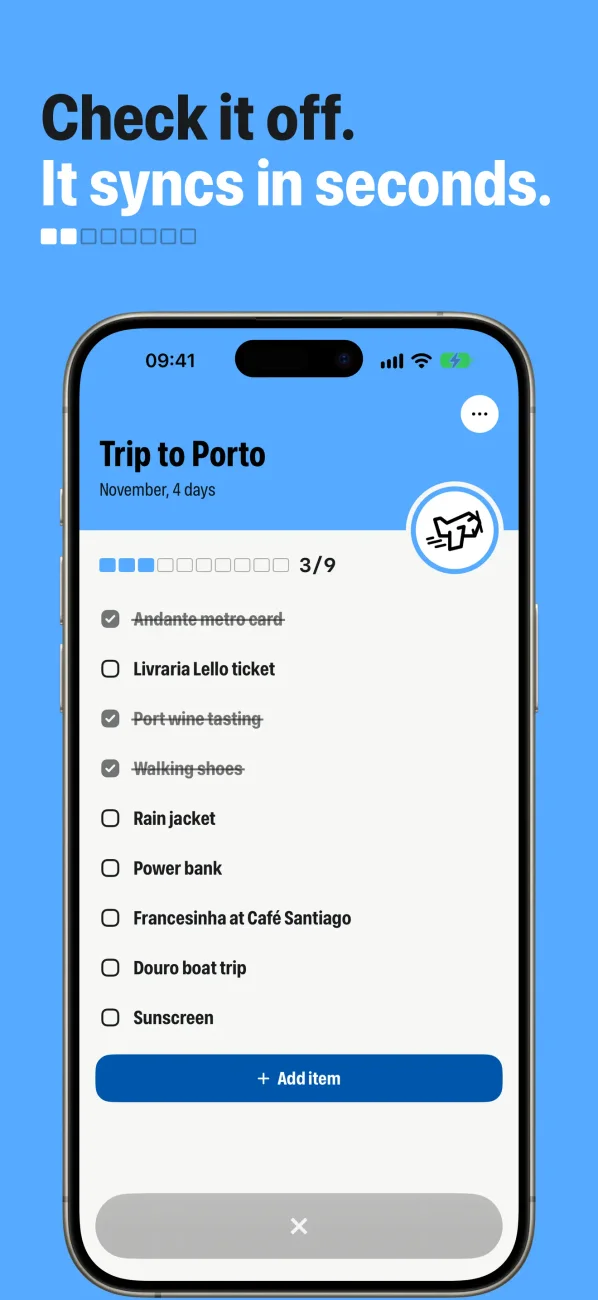
Open a list on the watch and press SELECT to check an item. Changes go both ways in a few seconds.
MADE FOR PEBBLE
Big, clear lists with the watch's own icons, colours and animations. A square progress row shows how far along you are. Works on Pebble Time 2, Pebble 2 Duo and Pebble Round 2.
A CALM LIST APP ON THE IPHONE
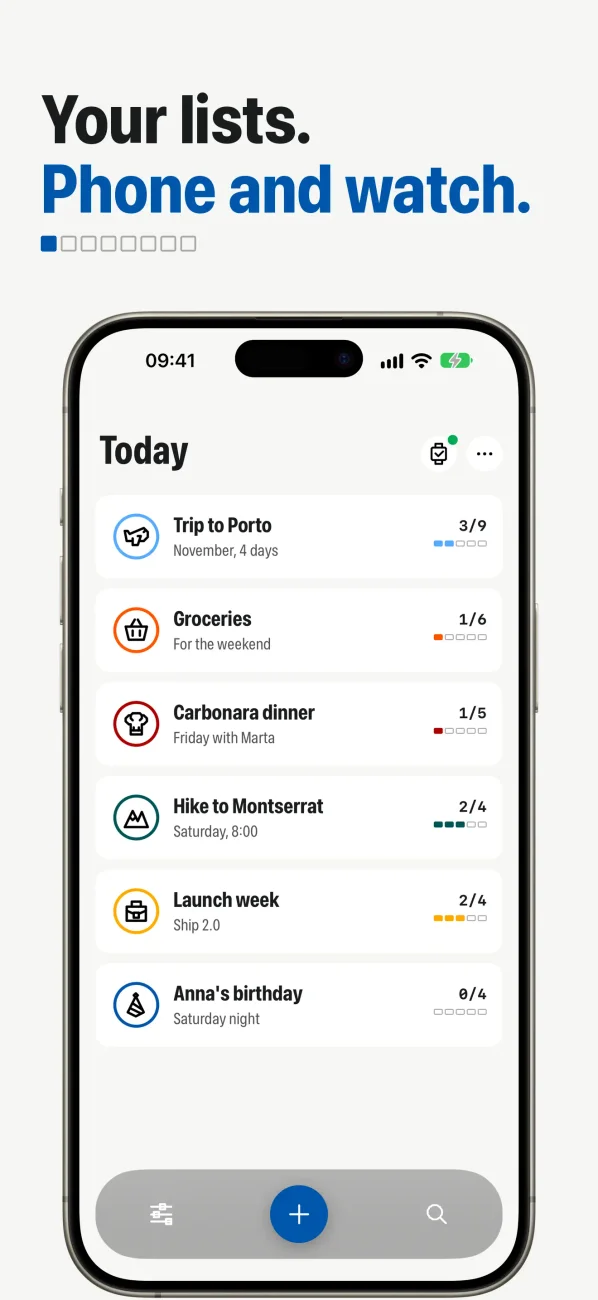
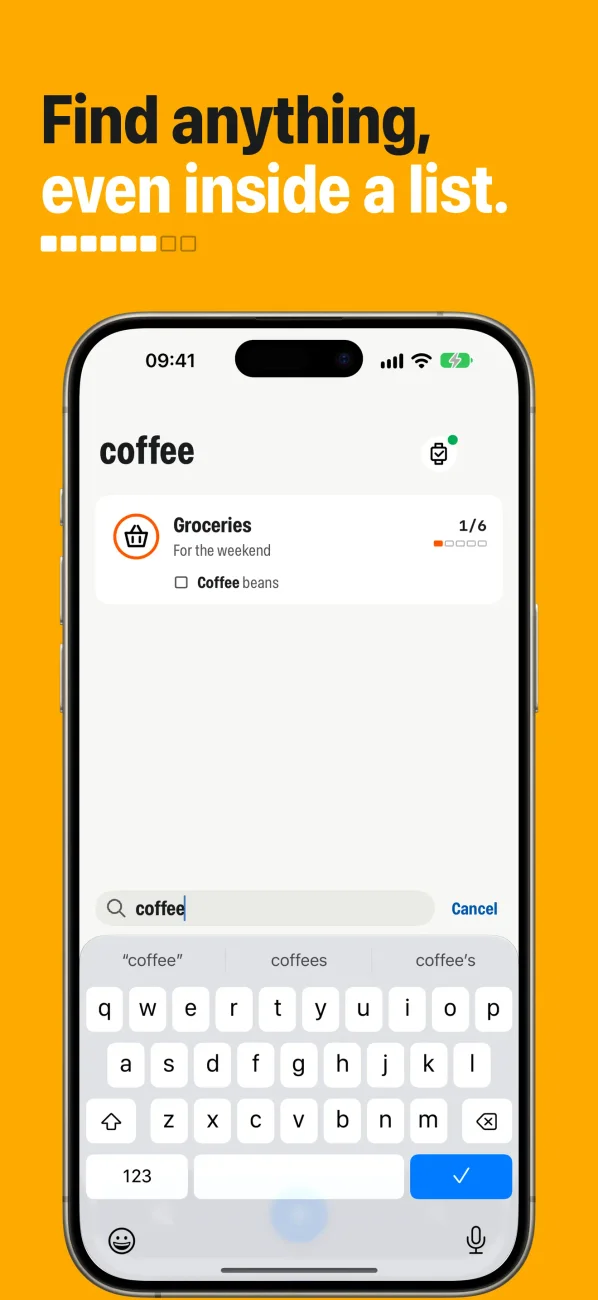
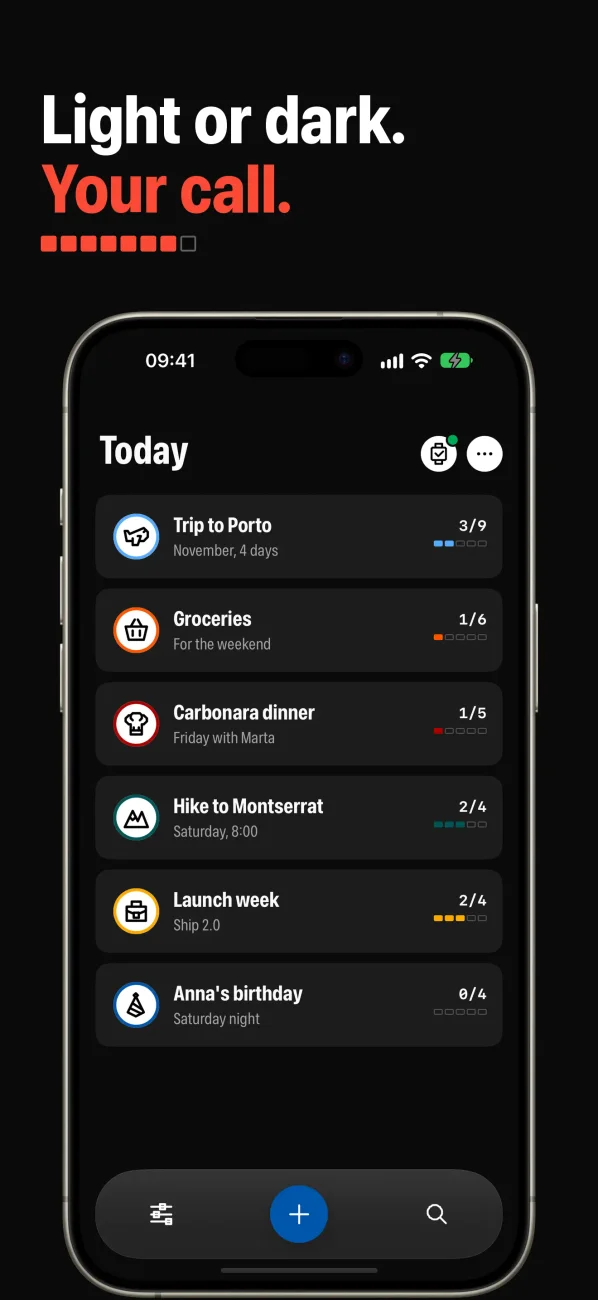
Icons and colours for every list, sections inside a list, notes on any item (a link, a size, a phone number), due dates with reminders, search that shows the items it found, light and dark themes and alternate app icons. Due items also appear on your Pebble's timeline.
IPHONE DUO, IPAD AND EVERY WINDOW
Open iPhone Duo and your lists sit beside the open list, like Mail. Closed, the controls move to the side strip. On iPad the same layout, in as many windows as you like.
A BOARD FOR ANY LIST
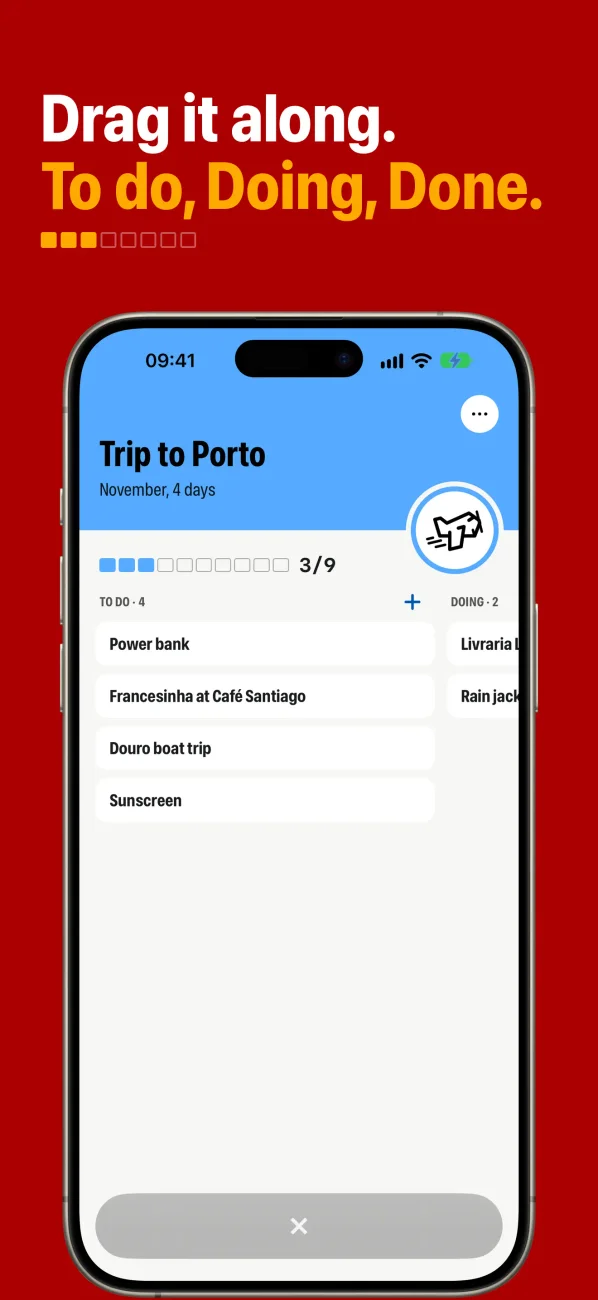
Show a list as To do, Doing and Done, and drag items across. It syncs with the Mac's board.
WIDGETS, CONTROLS AND SIRI
Tick items off from the Home Screen and the Lock Screen, start a list from Control Center or the Action button, and ask Siri "what's left on Groceries". Lists and items show up in Spotlight.
PASTE A LIST
Paste or drop a list from Notes, Mail or Safari: every line becomes an item, checked boxes and all.
SHARE A LIST
Invite people with a link or an 8-character code they can type in Tasks. Everyone sees the same items and who checked each one off. Sharing is free.
ONE ACCOUNT, EVERY DEVICE
Sign in with Apple or Google and your lists follow you to Tasks for Mac, your Apple Watch and your Pebble.
LINK ONCE
Open Tasks on your Pebble, press SELECT for a code and type it in Settings › Pebble watch. That's it.
TASKS PRO
Lists on the iPhone are free. Tasks Pro unlocks the Pebble and Apple Watch apps and the voice and AI features: a weekly, monthly or yearly subscription (the weekly plan starts with a 3-day free trial; new subscribers get their first year at half price). Payment is charged to your Apple Account at confirmation. The subscription renews unless you cancel at least 24 hours before the end of the period; manage or cancel it in your App Store account settings.
Terms: https://tasksforpebble.com/terms
Privacy: https://tasksforpebble.com/privacy
Pebble is a trademark of its owner. Tasks for Pebble is an independent app, not affiliated with, endorsed or sponsored by Core Devices or Rebble.
What’s new
Version 2.3.0 · Nov 23, 2026
• When we recommend our other apps, we now do it in your language.
App privacy
What False Peak declares on the App Store about how this app handles data.
-
Data linked to you
May be collected and linked to your identity.
- Purchases
- Contact info
- User content
- Identifiers
- Usage data
-
Data not linked to you
May be collected but is not linked to your identity.
- Usage data
- Diagnostics
Privacy practices may vary, for example with the features you use or your age.
Information
- Seller
- False Peak
- Category
- Productivity
- Version
- 2.3.0
- Updated
- Nov 23, 2026
- Released
- Sep 22, 2025
- Size
- 57.7 MB
- Requires
- iOS 26.0 or later
- Age rating
- 4+
- Price
- Free
- In-app purchases
- Yes
- Languages
- English, Catalan, Spanish
- Copyright
- © 2026 Limmat Studios GmbH
You might also like
-
 Ca.denceKnow what your day looks like
-
 Spunto: Smarter NotesNotes that organize themselves
-
 iknowpcJobs, timesheets, calls, chat
-
 Idea Journal: Quick CaptureNotebook for Every Thought
-
 Loam – Markdown NotesWrite, link, sync and share
-
 Articles Read Aloud - TunereadText to speech for long reads
-
 Brizemi: Brain Dump PlannerDaily planner & to do list
-
 Goroku – Go Kifu EditorProductivity
-
 Redo: Repetitive TasksRepetitive Tasks Manager
-
 HabitLog - Daily TrackerBuild Habits with Heatmaps