Tasks: Task Planner & Reminder
Designed for iPhone, iPad, iPod touch
Free · In-app purchases
- Age rating17+
- CategoryProductivity
- DeveloperNeon Infotech FZ-LLC
- LanguagesEnglish+ 14 more
- Size29.7 MB
Links to the official App Store page
Download.org hosts no file of Tasks: Task Planner & Reminder. The button opens its official App Store page, published by Neon Infotech FZ-LLC. Listing last checked on Nov 15, 2026.
Screenshots
About
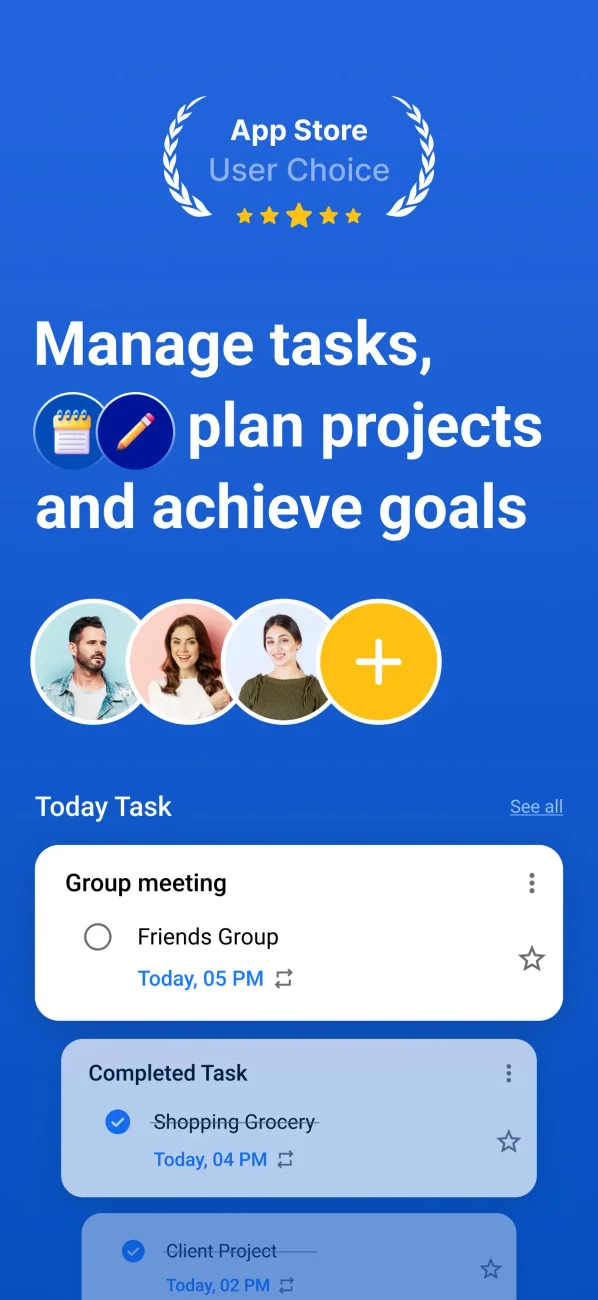
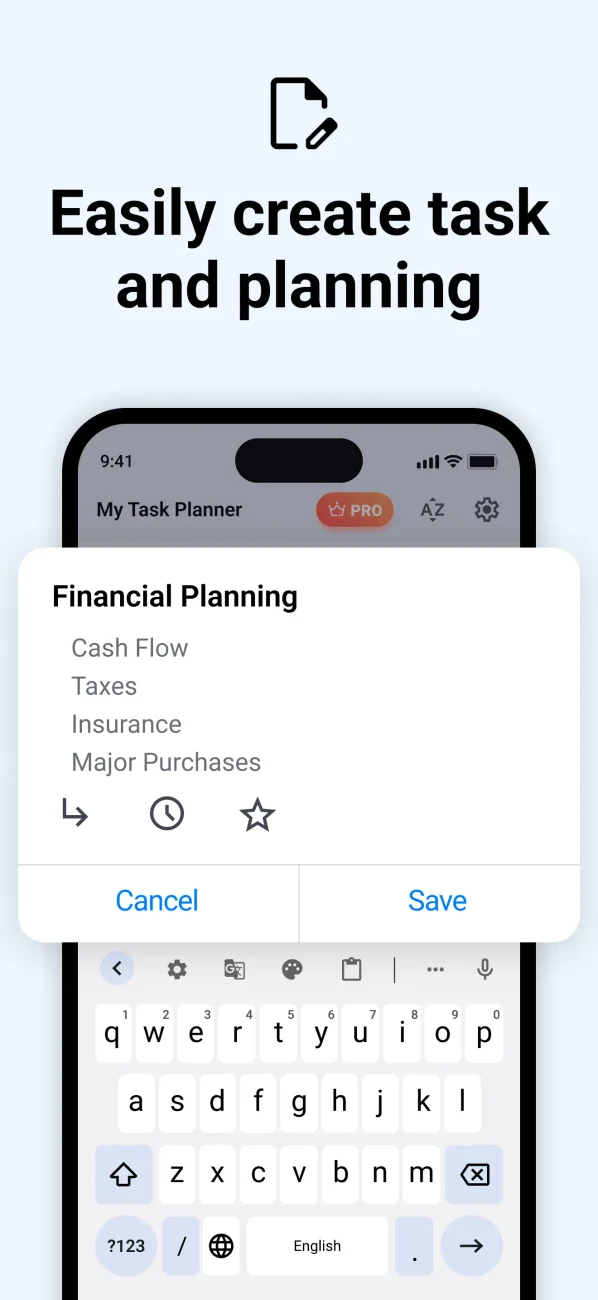
Tasks Planner App is a powerful and user-friendly task management application designed to help users efficiently organise and track their daily tasks. With features like task creation, filtering, calendar integration, and notifications, this app ensures users stay on top of their to-do lists seamlessly.
Key Features:
1. Task Creation & Management:
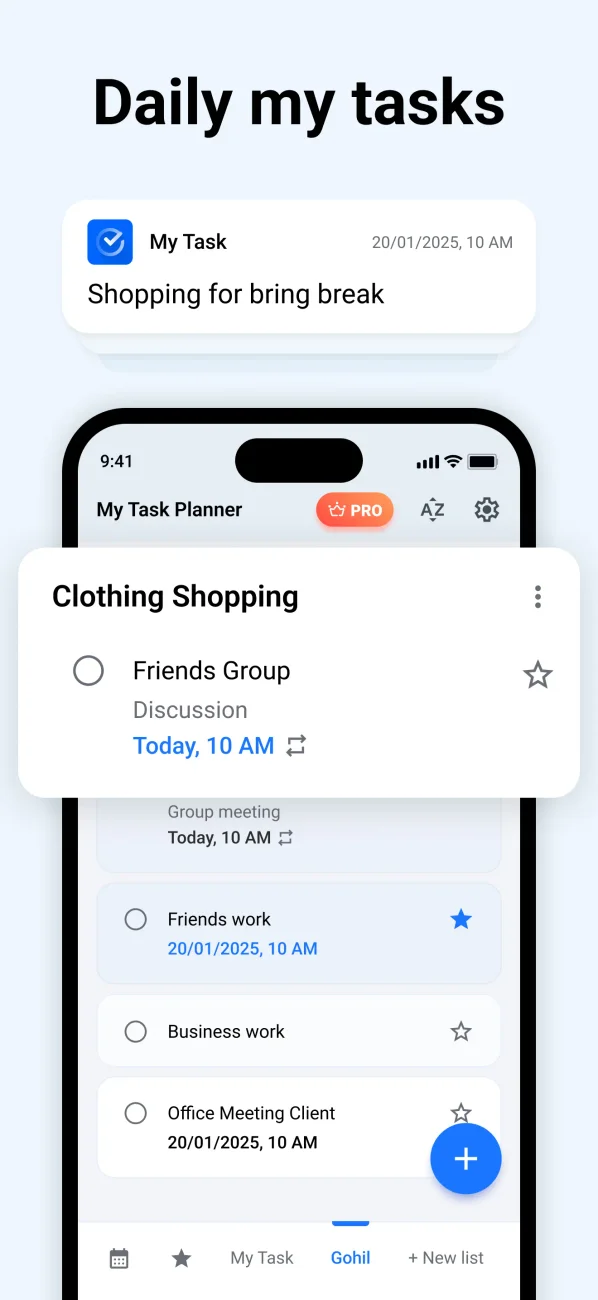
• Add, Edit, and Delete Tasks – Quickly create tasks with customisable details, modify them when needed, or remove completed/unwanted tasks.
• Task Properties – Store task information including:
• Title – A concise task name.
• Description – Additional details about the task.
• Date – Set a due date for each task.
• Priority Levels – Categorise tasks as low, medium, or high priority.
• Reminder & Notifications – Set alerts to ensure tasks are completed on time.
• Mark Tasks as Favourite/Unfavourite – Pin important tasks for easy access.
2. Task List & Filtering
• Task Display – A structured task list with clear titles, due dates, and priority indicators.
• Filtering & Sorting – Users can organise tasks by:
• Date – View upcoming tasks first.
• Priority – Focus on high-priority tasks.
• Custom Order – Arrange tasks based on user preference.
3. Calendar Integration
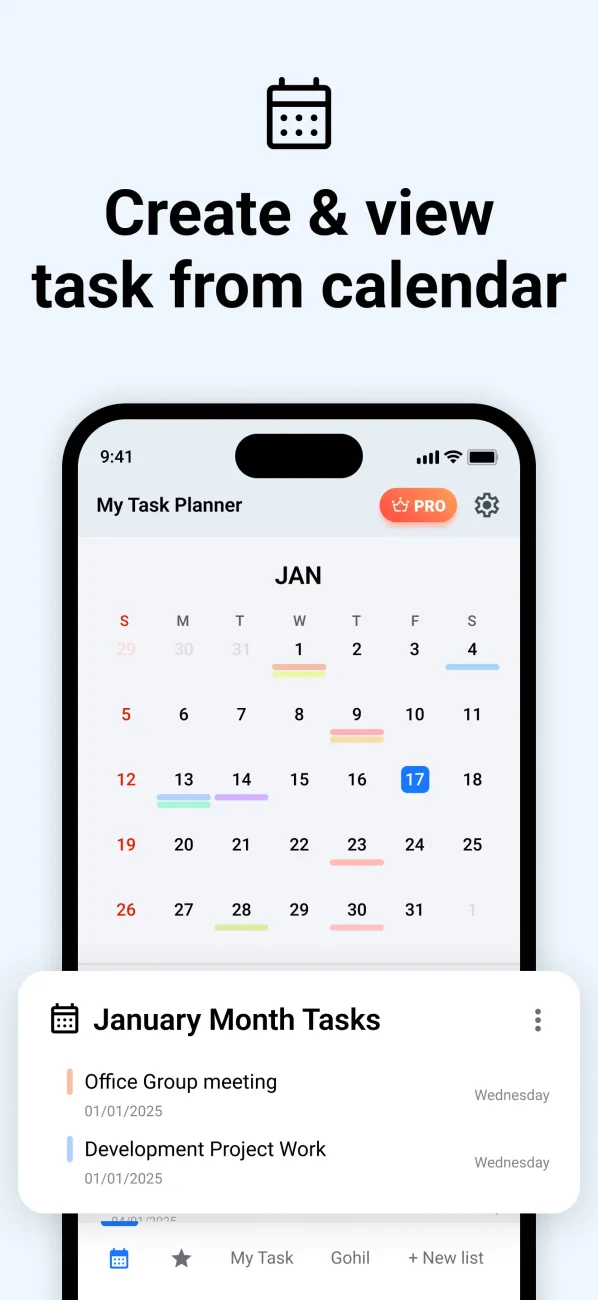
For a more visual representation of task scheduling, the app includes a calendar view:
• Task Highlighting – Tasks appear on the calendar on their scheduled dates.
• Tap-to-View Tasks – Users can tap on a specific date to see a list of tasks scheduled for that day.
• Colour-Coded Tasks – Tasks are visually categorised based on priority or type.
4. Reminders & Notifications
• Single Reminders – Set a one-time notification for a task.
• Recurring Reminders – Set daily, weekly, or custom recurring reminders for tasks.
Subscription Details:
Payment will be charged to iTunes Account at confirmation of purchase
Subscription automatically renews unless auto-renew is turned off at least 24-hours before the end of the current period
Account will be charged for renewal within 24-hours prior to the end of the current period, and identify the cost of the renewal
No cancellation of the current subscription is allowed during active subscription period
Any unused portion of a free trial period, if offered, will be forfeited when the user purchases a subscription to that publication, where applicable
Note:-
For Further Information:
Privacy Policy: https://sites.google.com/neonfz.com/privacy-policy/home
Terms of Use: https://sites.google.com/neonfz.com/termsofuse/home
App privacy
What Neon Infotech FZ-LLC declares on the App Store about how this app handles data.
-
Data used to track you
May be used to track you across apps and websites owned by other companies.
- Usage data
-
Data not linked to you
May be collected but is not linked to your identity.
- Usage data
Privacy practices may vary, for example with the features you use or your age.
Information
- Seller
- Neon Infotech FZ-LLC
- Category
- Productivity
- Version
- 1.0
- Updated
- Feb 12, 2025
- Released
- Feb 12, 2025
- Size
- 29.7 MB
- Requires
- iOS 15.6 or later
- Age rating
- 17+
- Price
- Free
- In-app purchases
- Yes
- Languages
- English, Arabic, Bengali, French, German, Hindi, Italian, Japanese, Malay, Persian, Portuguese, Russian + 3 more
- Copyright
- © @2025 NeonFZ LLC
You might also like
-
 OmniToDo2 Priority-To do listGoal tracker,Week calendar
-
 Context: To Do List & FocusDaily Task Planner, Pomodoro
-
 HabiDone: Habits, Tasks, DiaryOne list for your daily life.
-
 AI Notes: The Smart NotepadYour AI Note-Making Assistant
-
 BSpace: Screen Time ControlApp Blocker & Digital Detox
-
 Reusable ListsCreate reusable lists.
-
 TaskSteps: To Do List PlannerTasks, Reminders & Pomodoro
-
 Tasks.The simple tast list app
-
 SimplyTask: To-Do & ReminderTask Manager with Focus Mode
-
 Reusable ChecklistsPacking, groceries, and more!