- 対象年齢17+
- カテゴリ仕事効率化
- 開発元Neon Infotech FZ-LLC
- 言語英語ほか14言語
- サイズ29.7 MB
App Storeの公式ページにリンクしています
Download.orgはTasks: Task Planner & Reminderのファイルを一切ホストしていません。ボタンを押すと、Neon Infotech FZ-LLCが公開しているApp Storeのアプリページが開きます。ページの最終確認:2026/11/15。
スクリーンショット
概要
開発元はこのテキストをお使いの言語で提供していません。
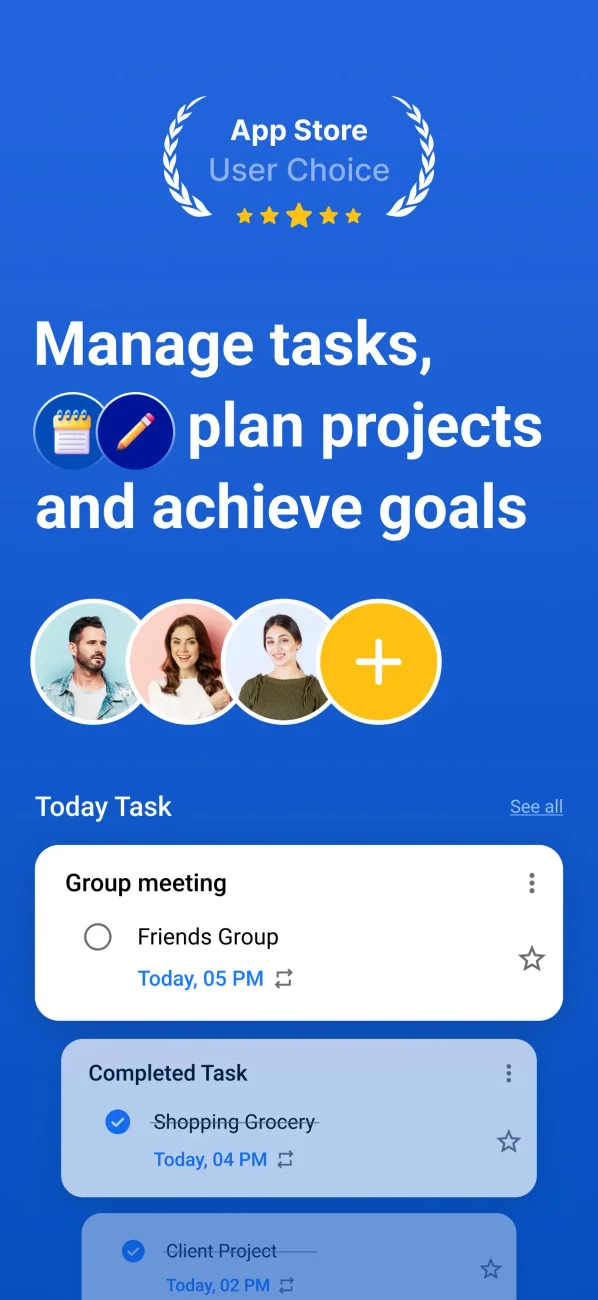
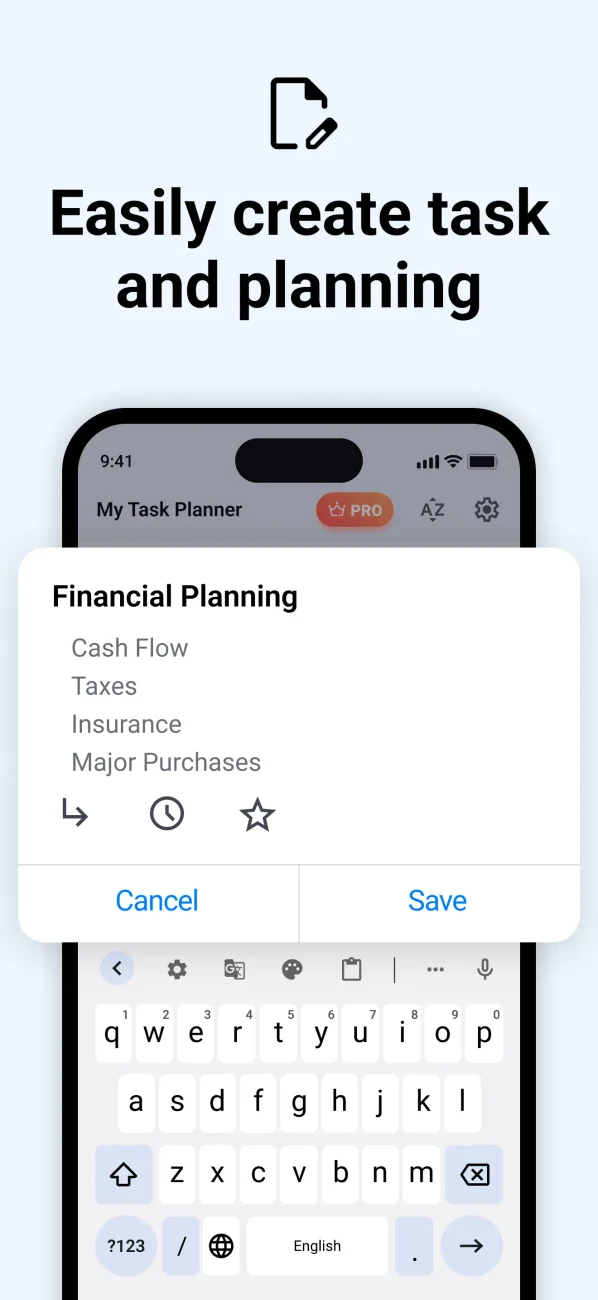
Tasks Planner App is a powerful and user-friendly task management application designed to help users efficiently organise and track their daily tasks. With features like task creation, filtering, calendar integration, and notifications, this app ensures users stay on top of their to-do lists seamlessly.
Key Features:
1. Task Creation & Management:
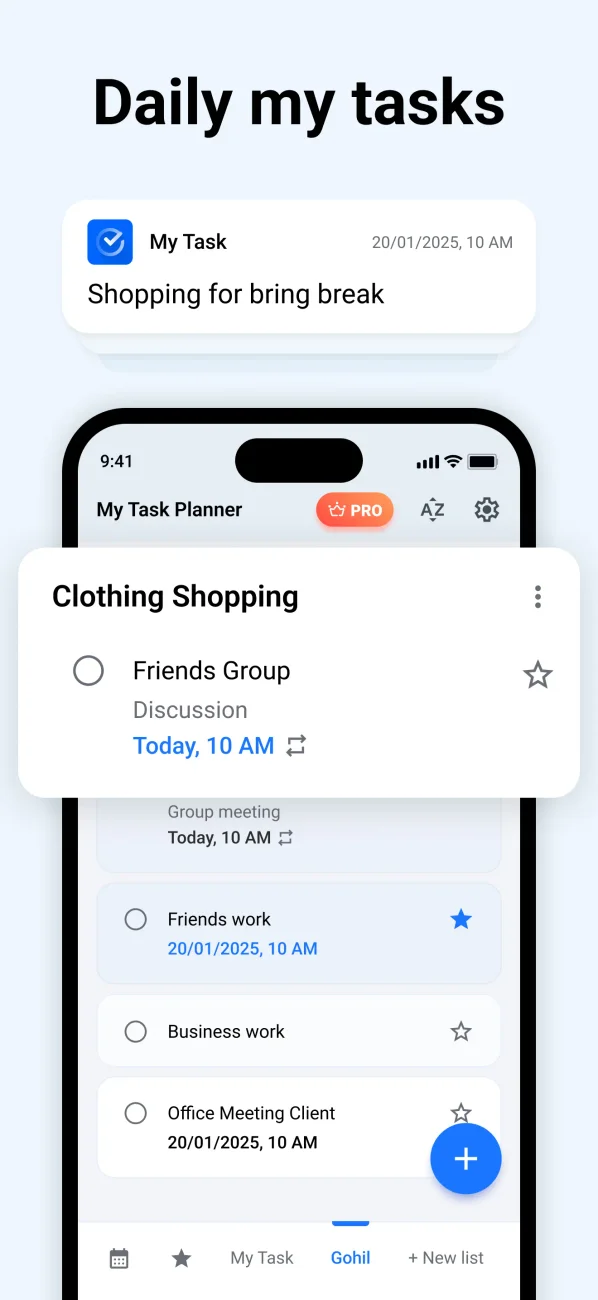
• Add, Edit, and Delete Tasks – Quickly create tasks with customisable details, modify them when needed, or remove completed/unwanted tasks.
• Task Properties – Store task information including:
• Title – A concise task name.
• Description – Additional details about the task.
• Date – Set a due date for each task.
• Priority Levels – Categorise tasks as low, medium, or high priority.
• Reminder & Notifications – Set alerts to ensure tasks are completed on time.
• Mark Tasks as Favourite/Unfavourite – Pin important tasks for easy access.
2. Task List & Filtering
• Task Display – A structured task list with clear titles, due dates, and priority indicators.
• Filtering & Sorting – Users can organise tasks by:
• Date – View upcoming tasks first.
• Priority – Focus on high-priority tasks.
• Custom Order – Arrange tasks based on user preference.
3. Calendar Integration
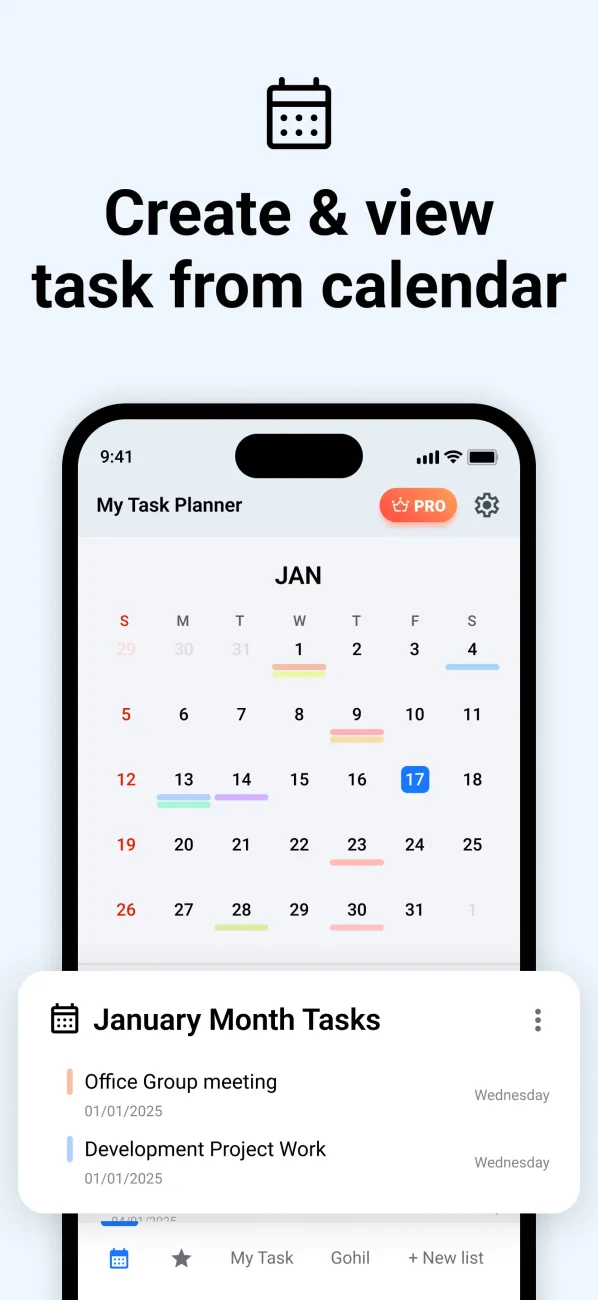
For a more visual representation of task scheduling, the app includes a calendar view:
• Task Highlighting – Tasks appear on the calendar on their scheduled dates.
• Tap-to-View Tasks – Users can tap on a specific date to see a list of tasks scheduled for that day.
• Colour-Coded Tasks – Tasks are visually categorised based on priority or type.
4. Reminders & Notifications
• Single Reminders – Set a one-time notification for a task.
• Recurring Reminders – Set daily, weekly, or custom recurring reminders for tasks.
Subscription Details:
Payment will be charged to iTunes Account at confirmation of purchase
Subscription automatically renews unless auto-renew is turned off at least 24-hours before the end of the current period
Account will be charged for renewal within 24-hours prior to the end of the current period, and identify the cost of the renewal
No cancellation of the current subscription is allowed during active subscription period
Any unused portion of a free trial period, if offered, will be forfeited when the user purchases a subscription to that publication, where applicable
Note:-
For Further Information:
Privacy Policy: https://sites.google.com/neonfz.com/privacy-policy/home
Terms of Use: https://sites.google.com/neonfz.com/termsofuse/home
アプリのプライバシー
このアプリのデータの取り扱いについて、Neon Infotech FZ-LLCがApp Storeで申告している内容です。
-
ユーザーのトラッキングに使用されるデータ
他社のアプリやウェブサイトを横断してユーザーをトラッキングする目的で使用される場合があります。
- 使用状況データ
-
ユーザーに関連付けられないデータ
収集される場合がありますが、ユーザーの識別情報には関連付けられません。
- 使用状況データ
プライバシーの取り扱いは、ご利用の機能やお客様の年齢などに応じて異なる場合があります。
情報
- 販売元
- Neon Infotech FZ-LLC
- カテゴリ
- 仕事効率化
- バージョン
- 1.0
- 更新日
- 2025/2/12
- リリース
- 2025/2/12
- サイズ
- 29.7 MB
- 必要条件
- iOS 15.6以降
- 対象年齢
- 17+
- 価格
- 無料
- アプリ内課金
- あり
- 言語
- 英語, アラビア語, ベンガル語, フランス語, ドイツ語, ヒンディー語, イタリア語, 日本語, マレー語, ペルシア語, ポルトガル語, ロシア語 ほか3言語
- 著作権
- © @2025 NeonFZ LLC
こちらもおすすめ
-
 OmniToDo2 Priority-To do list仕事効率化
-
 Context: ポモドーロ・タスク管理勉強タイマーとToDoリスト・集中
-
 HabiDone:習慣、タスク、日記毎日の記録をひとまとめに。
-
 AI Notes: The Smart Notepad仕事効率化
-
 BSpace: スクリーンタイム管理スクリーンタイム • 1日の制限
-
 Reusable Lists仕事効率化
-
 TaskSteps: ToDoリスト・スケジュールタスク管理・リマインダー・集中タイマー
-
 Tasks.仕事効率化
-
 SimplyTask: To-Do & Reminderタスク管理と集中モード
-
 再利用可能なチェックリスト旅行準備、買い物、その他にも!