
Teleprompter - Floating window
Video broadcast recommendation
Designed for iPhone, iPad, iPod touch
Free · In-app purchases
- Age rating4+
- CategoryProductivity
- DeveloperPhoenix Lab Technology Co., Ltd.
- LanguagesEnglish+ 1 more
- Size4.0 MB
Links to the official App Store page
Download.org hosts no file of Teleprompter - Floating window. The button opens its official App Store page, published by Phoenix Lab Technology Co., Ltd. Listing last checked on Nov 14, 2026.
Screenshots

About
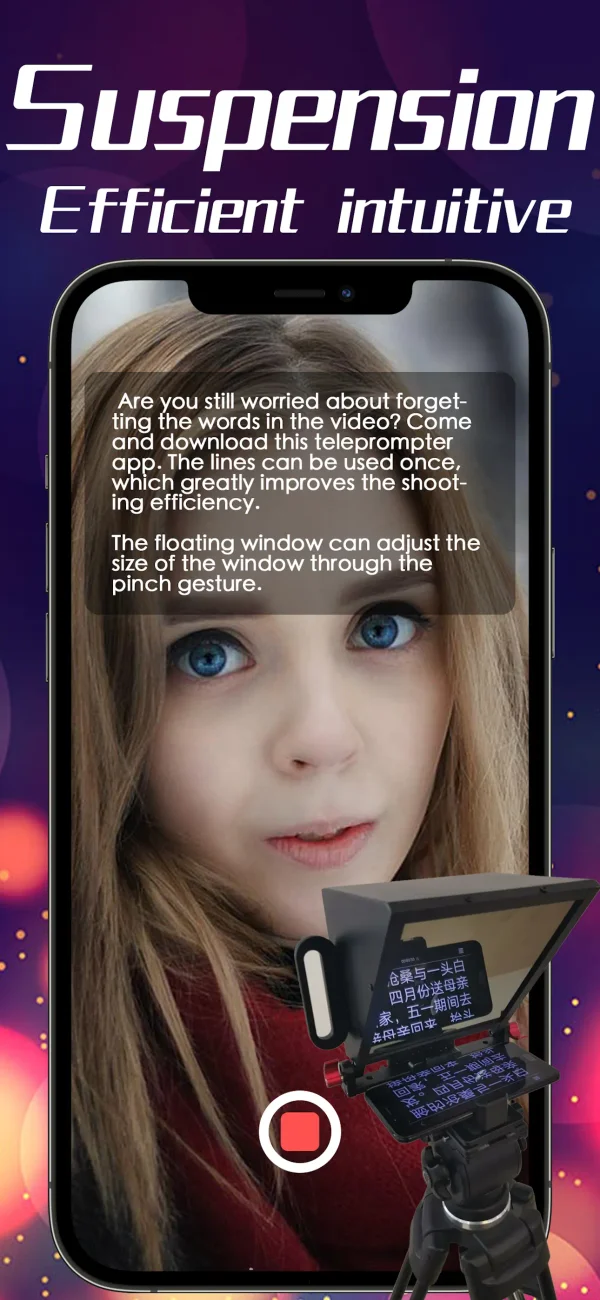
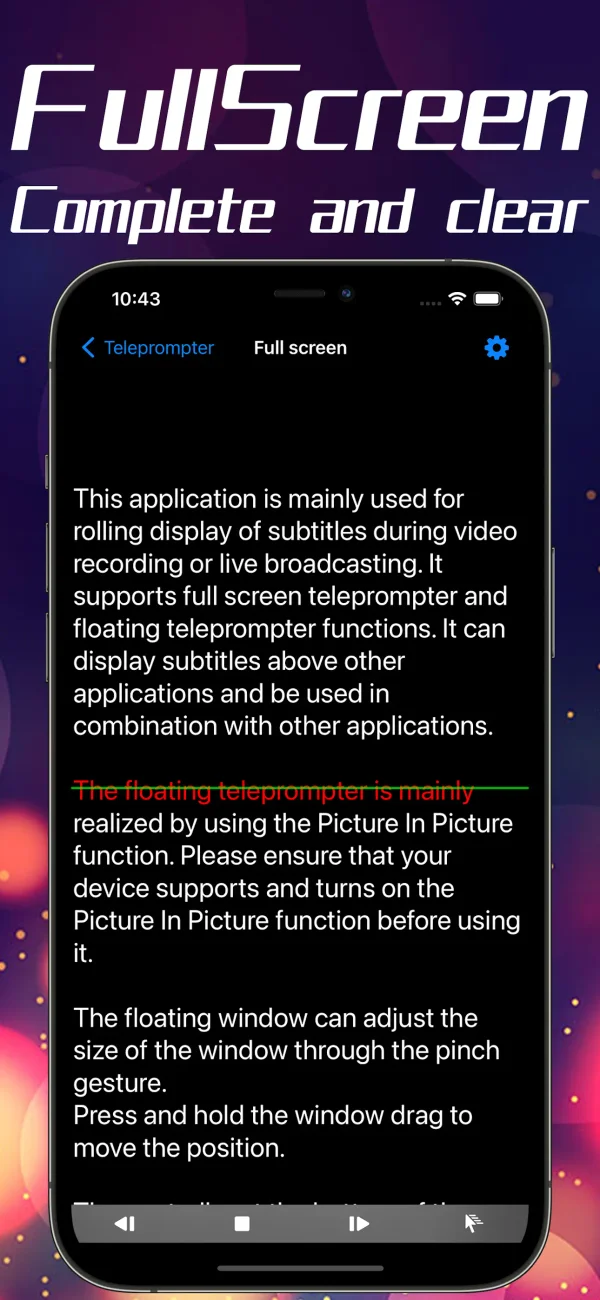
The teleprompter is a professional teleprompter display assistant, which helps you finish the video shooting more smoothly and avoid line errors during shooting. In the teleprompter, you can edit the line text, adjust the text playback speed, change the text size and color; It can also record video while broadcasting.
[Automatic rolling teleprompter] automatically adjust the rolling playback speed of lines, and the lines follow the speed of speech, so that you can easily record short videos
[Floating window teleprompter] the teleprompter can be used with live broadcast and short video software, customize the size and transparency of the teleprompter, and support vertical and horizontal screen switching teleprompter
------------------------------------------------
Unlock Advanced Version
【Unlimited number of float screen run】
【Unlimited number of full screen run】
【Unlimited number of take videos】
【Support custom setting functions】
【Continue to get more functions】
Support free trial for 3 days. After the trial period, this subscription will be renewed automatically for $[4.49]/month unless you actively close or cancel the subscription. You will be charged in your local currency at the prevailing exchange rate as defined by iTunes .The account will confirm and charge you for renewal within 24 hours before the end of the current subscription period. Payment will be deducted from iTunes account upon confirmation of subscription. You can cancel your subscription at any time. You can cancel it at least 24 hours before the trial period or the end of the subscription period to avoid deduction. Any unused part of the trial period after payment will be discarded. After purchase, you can go to the AppStore account settings to manage or cancel your subscription.
Privacy policy:
https://phoenixlab.ltd/protocols/en/PrivacyStatement.html
Terms of Use:
https://phoenixlab.ltd/protocols/en/TermsOfUse.html
What’s new
Version 4.2 · Sep 25, 2026
Fix client issues and optimize subscription management
App privacy
What Phoenix Lab Technology Co., Ltd. declares on the App Store about how this app handles data.
-
Data linked to you
May be collected and linked to your identity.
- Contact info
-
Data not linked to you
May be collected but is not linked to your identity.
- Diagnostics
Privacy practices may vary, for example with the features you use or your age.
Information
- Seller
- Phoenix Lab Technology Co., Ltd.
- Category
- Productivity
- Version
- 4.2
- Updated
- Sep 25, 2026
- Released
- Sep 8, 2022
- Size
- 4.0 MB
- Requires
- iOS 15 or later
- Age rating
- 4+
- Price
- Free
- In-app purchases
- Yes
- Languages
- English, Simplified Chinese
- Copyright
- © Phoenix Lab Technology Co., Ltd.
You might also like
-
 FloatTextFloating prompt for video
-
 Floating Notes TeleprompterAuto Scroll Script Rehearser
-
 Teleprompter - pro prompterProductivity
-
 Autoprompt AI TeleprompterAI Speech Script Scroller
-
 Teleprompter App LiteSmart Video Prompter Pro
-
 Teleprompter : AI Video PromptSmart Prompter, Record script
-
 Telepromptme Lite: PrompterTeleprompter autocue scroller
-
 Instant Prompter: TeleprompterVideo teleprompter for Stories
-
 Cuebox Teleprompter & CaptionsAuto Subtitles, Video Prompter
-
 Floating Clock - TeleprompterTop Window timer, text, script