
Teleprompter & Script Reader
Autocue Prompter for Video
Designed for iPhone, iPod touch
Free · In-app purchases
- Age rating4+
- CategoryPhoto & Video
- DeveloperMustafa Yasin Senturk
- LanguagesEnglish+ 18 more
- Size60.0 MB
Links to the official App Store page
Download.org hosts no file of Teleprompter & Script Reader. The button opens its official App Store page, published by Mustafa Yasin Senturk. Listing last checked on Nov 23, 2026.
Screenshots
About
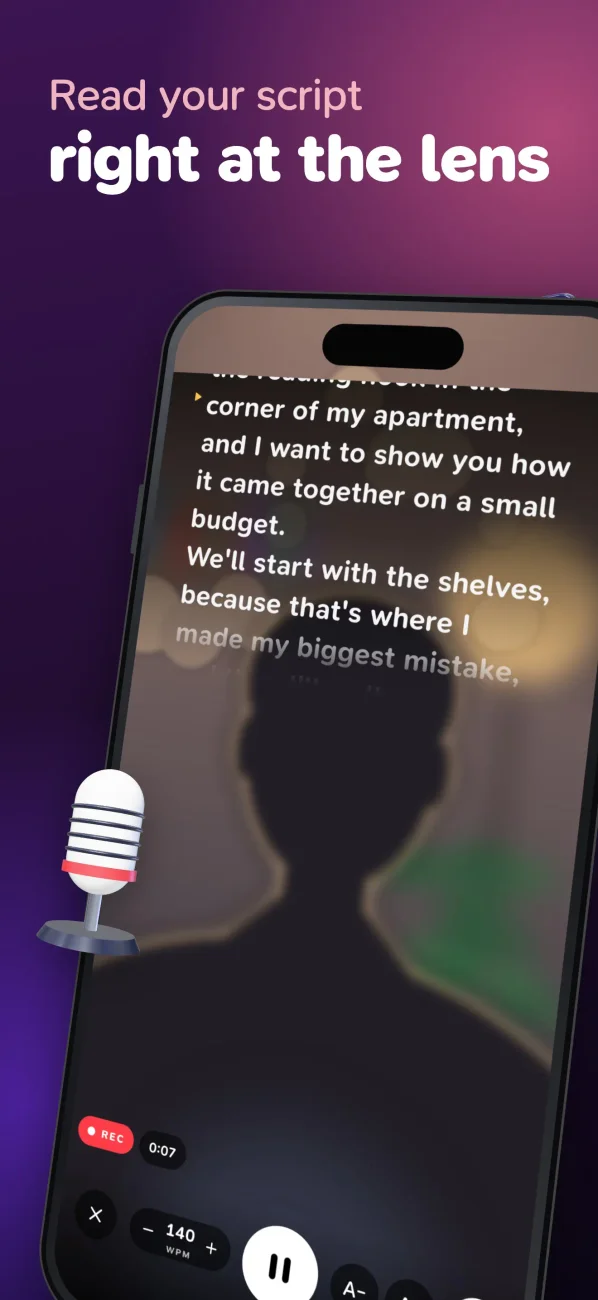
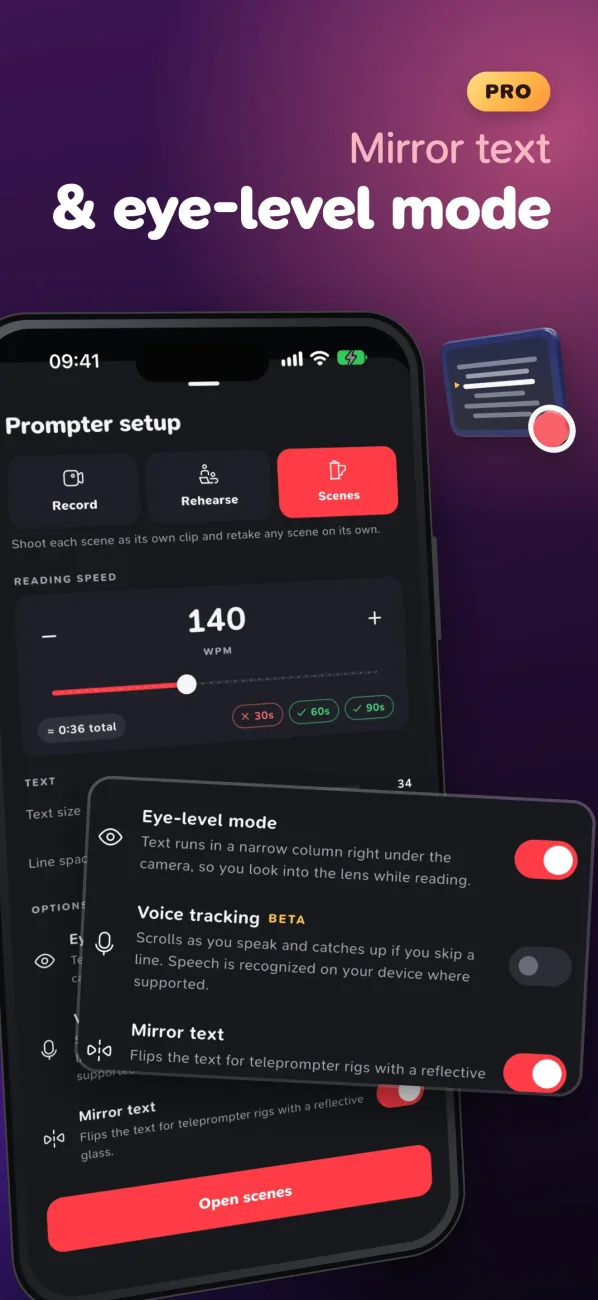
Look into the lens, not down at your notes. Your script scrolls in a narrow column right under the camera, so you keep eye contact while you record or rehearse.
Paste your lines, pick a speed and press record. The text shows on screen but never appears in your video.
MADE FOR TALKING TO THE CAMERA
• Eye-level mode keeps the words next to the lens
• Record with the front camera while you read
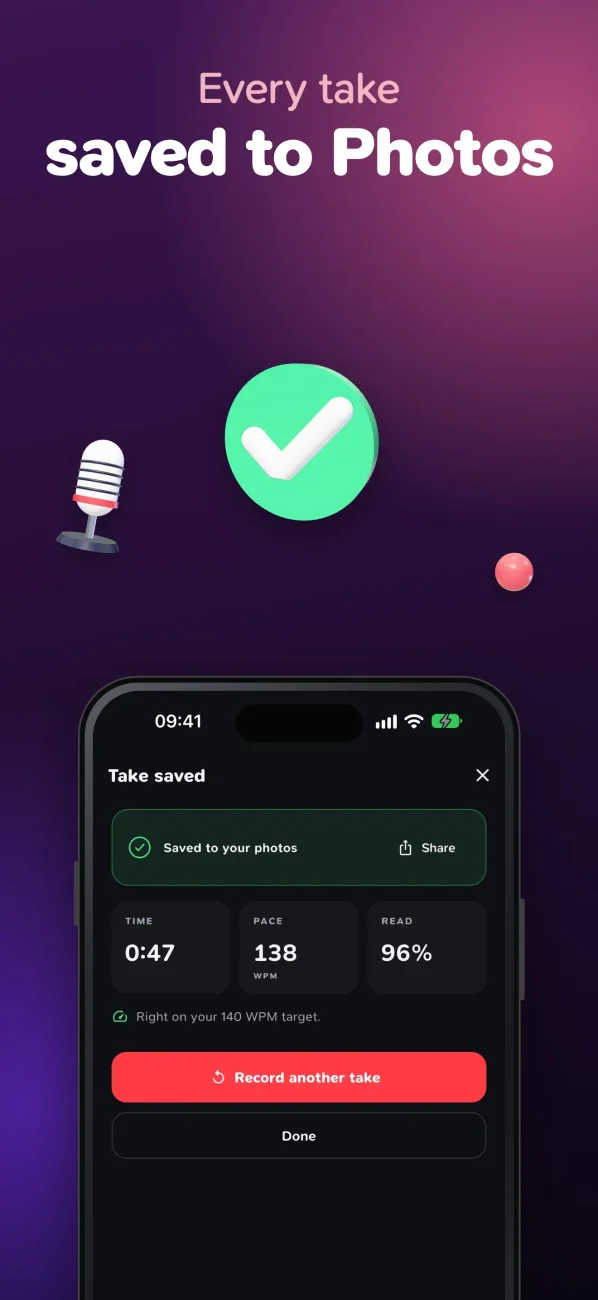
• Takes are saved to Photos and ready to share
• Rehearse mode lets you practise without recording
• A 3, 5 or 10 second countdown gives you time to get set
SET THE PACE IN WORDS PER MINUTE
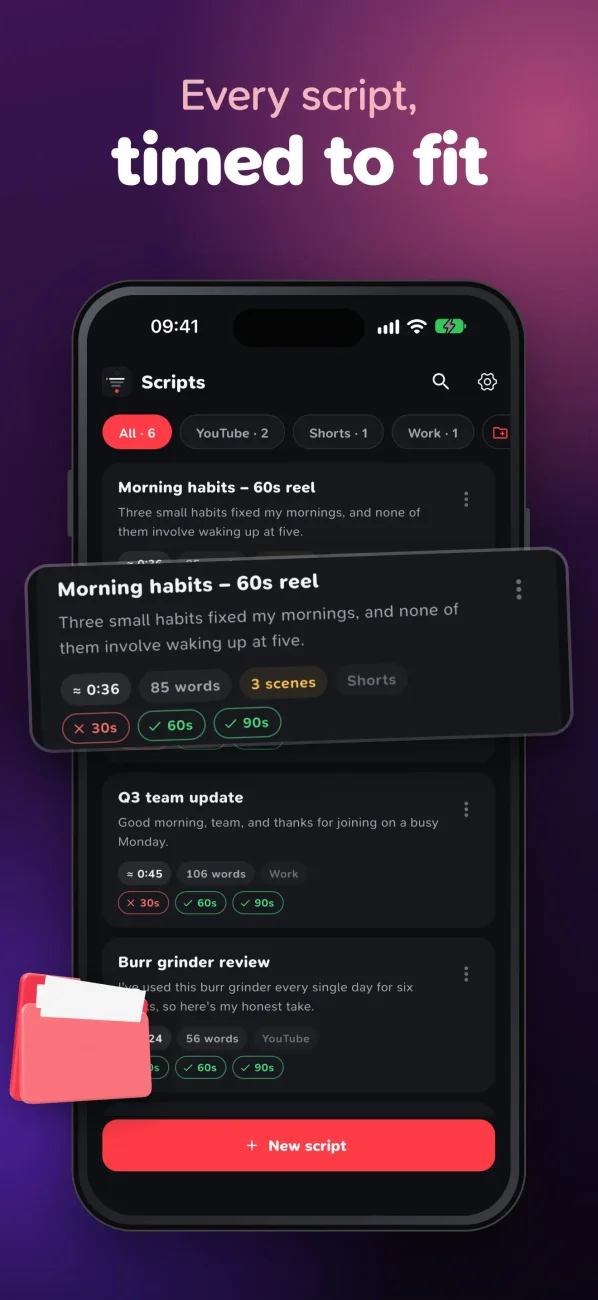
• Choose your reading speed in WPM and see the estimated length
• Quick badges show whether a script fits 30, 60 or 90 seconds
• Adjust text size and line spacing
• After each take, see your time, your real pace and how much you read
WRITE OR BRING YOUR SCRIPT
• Write and edit in the built-in editor
• Paste text or import TXT, Word (.docx) and PDF files
• Keep scripts tidy with folders and search
PRO TOOLS
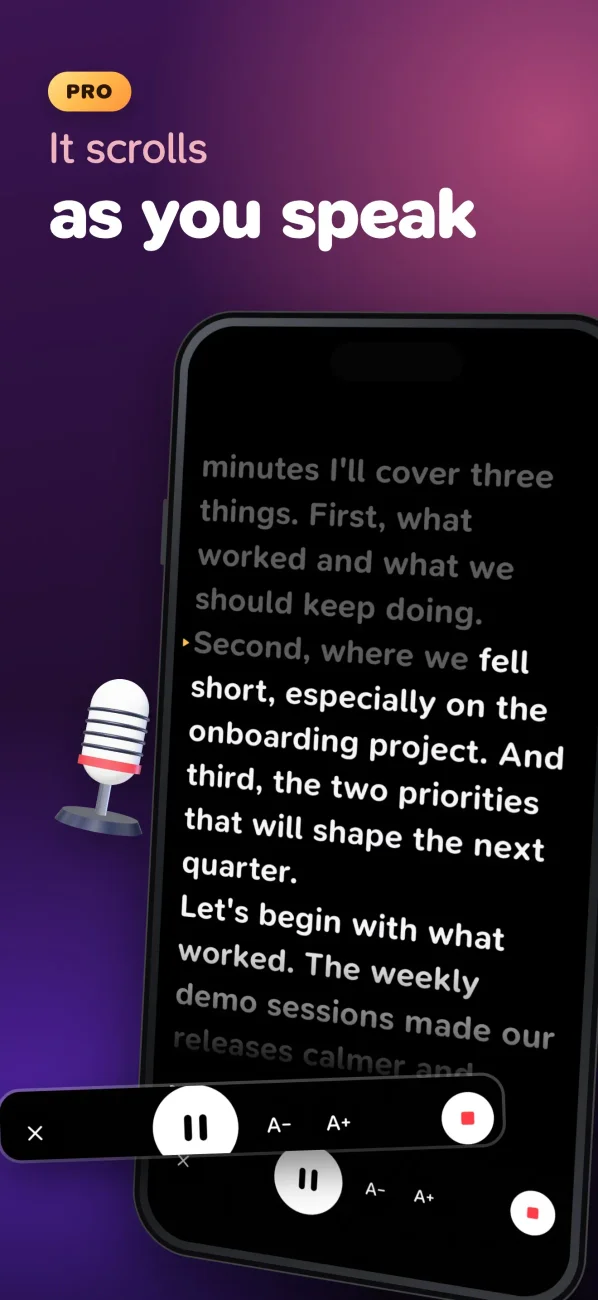
• Voice tracking (beta): the text follows your speech and catches up if you skip a line. Speech is recognised on your device where supported
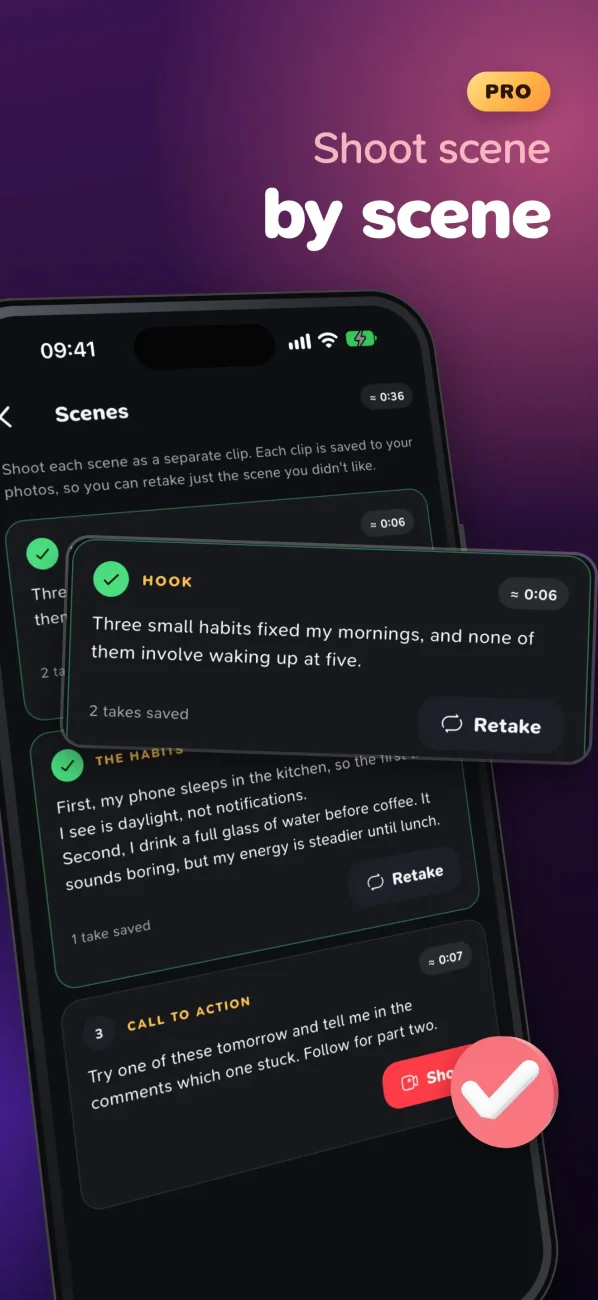
• Scene-by-scene shooting: split your script with --- lines, shoot each part as its own clip and retake only the scene you need
• Mirror text for rigs with a reflective glass
• Control the prompter with a keyboard or Bluetooth remote
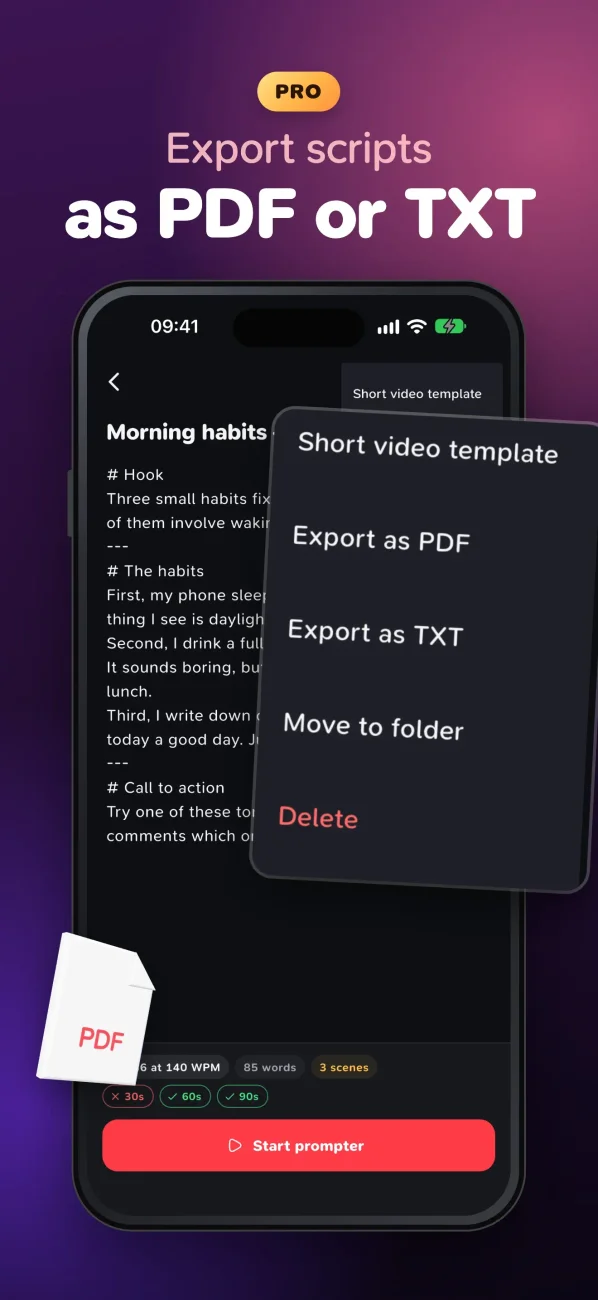
• Export scripts as PDF or TXT
• No ads
FREE TO TRY
Your first session is free. After that you can start a session by watching one short video, or go Pro for unlimited sessions.
SUBSCRIPTION
Pro is an auto-renewing weekly subscription. Eligible new subscribers may start with a free trial. Payment is charged to your Apple ID account at confirmation of purchase. The subscription renews automatically unless auto-renew is turned off at least 24 hours before the end of the current period. Your account is charged for renewal within 24 hours before the end of the current period. You can manage or cancel the subscription in your App Store account settings.
Terms of Use (EULA): https://codevalley.cc/teleprompter-terms
Privacy Policy: https://codevalley.cc/teleprompter-privacy
What’s new
Version 1.0.2 · Nov 16, 2026
Bug fixes and performance improvements.
App privacy
What Mustafa Yasin Senturk declares on the App Store about how this app handles data.
-
Data used to track you
May be used to track you across apps and websites owned by other companies.
- Location
- Identifiers
- Usage data
-
Data not linked to you
May be collected but is not linked to your identity.
- Purchases
- Location
- Identifiers
- Usage data
- Diagnostics
Privacy practices may vary, for example with the features you use or your age.
Information
- Seller
- Mustafa Yasin Senturk
- Category
- Photo & Video
- Version
- 1.0.2
- Updated
- Nov 16, 2026
- Released
- Nov 9, 2026
- Size
- 60.0 MB
- Requires
- iOS 15.0 or later
- Age rating
- 4+
- Price
- Free
- In-app purchases
- Yes
- Languages
- English, Arabic, French, German, Hebrew, Hindi, Indonesian, Italian, Japanese, Korean, Malay, Polish + 7 more
- Copyright
- © 2026 Mustafa Yasin Şentürk
You might also like
-
 Teleprompter for Video CameraScript Reader, Speech Prompter
-
 MySufler: Teleprompter CameraVideo Script Reader for iPhone
-
 Еще один суфлерPhoto & Video
-
 Teleprompter: Video & AutocueScript Reader & Voice Scroll
-
 Offcue: Teleprompter for VideoScript Reader & Video Recorder
-
 Teleprompter PiP - Any CameraFloating Prompter, Auto Cue
-
 AI Baby Generator | Face MakerFuture Baby Face Predictor
-
 Суфлёр — строка у камерыPhoto & Video
-
 photo delete swipe - Swooperphoto swipe to delete cleaner
-
 Rolltake Teleprompter & CameraRead your lines & record video