Teleprompter: Script to Video
Prompter, captions & remote
Designed for iPhone, iPad, iPod touch
In-app purchases
- Age rating4+
- CategoryPhoto & Video
- DeveloperOMER FARUK COKUN
- LanguagesFrench+ 10 more
- Size55.6 MB
Links to the official App Store page
Download.org hosts no file of Teleprompter: Script to Video. The button opens its official App Store page, published by OMER FARUK COKUN. Listing last checked on Nov 12, 2026.
Screenshots
About
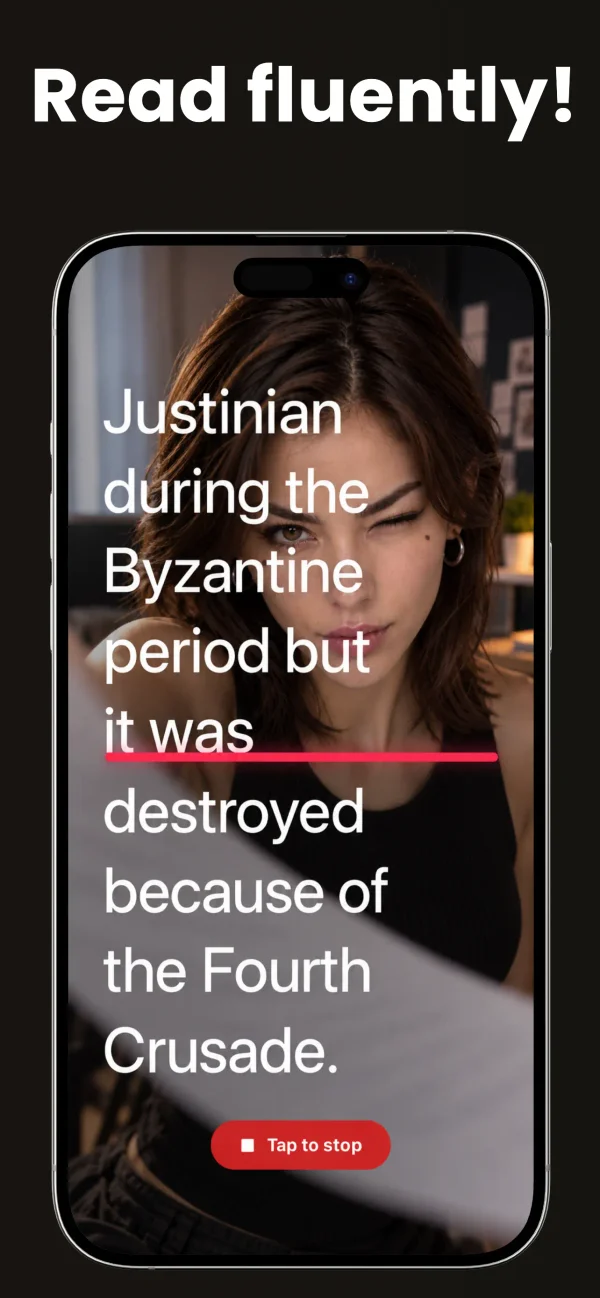
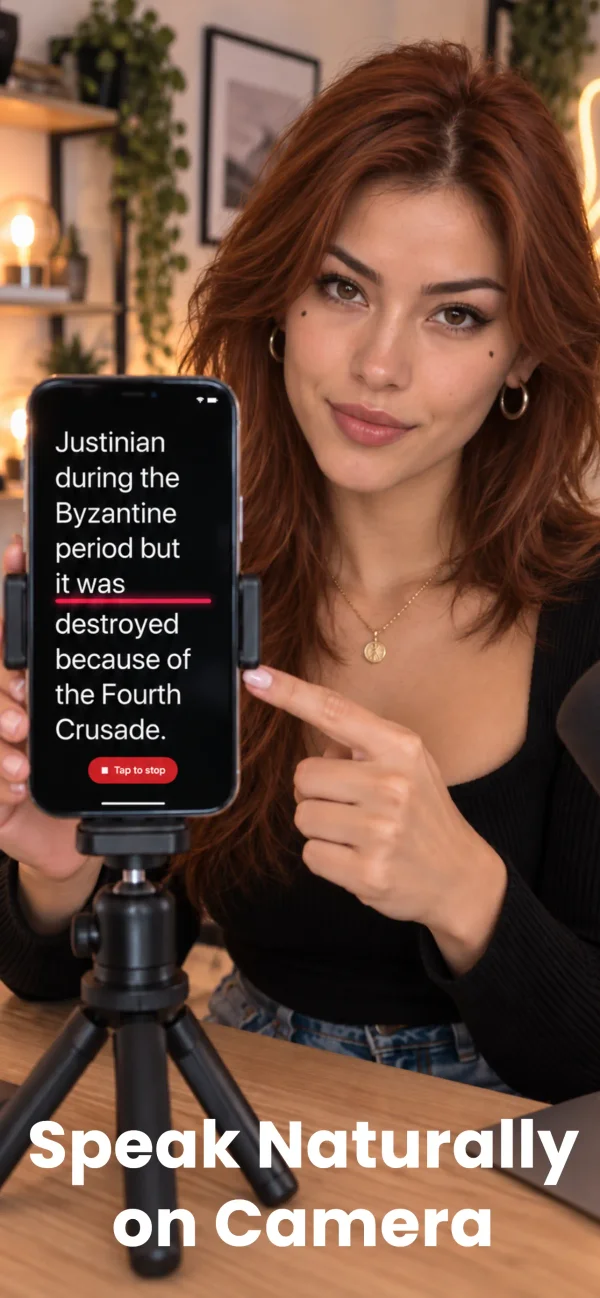
Teleprompter is a teleprompter and autocue app for iPhone and iPad. Read your script on screen while you record video, and keep natural eye contact with the camera.
Use Teleprompter as a teleprompter app for creating videos for TikTok and YouTube Shorts, property tours, online courses, presentations, and speaking on camera at work.
WHY TELEPROMPTER?
1. VIDEO RECORDING
Record While You Read: Record video inside the app while your script scrolls.
Virtual Backgrounds (Pro): Blur your background or choose Heavy Blur, Black, White, or Green Screen for a cleaner recording setup.
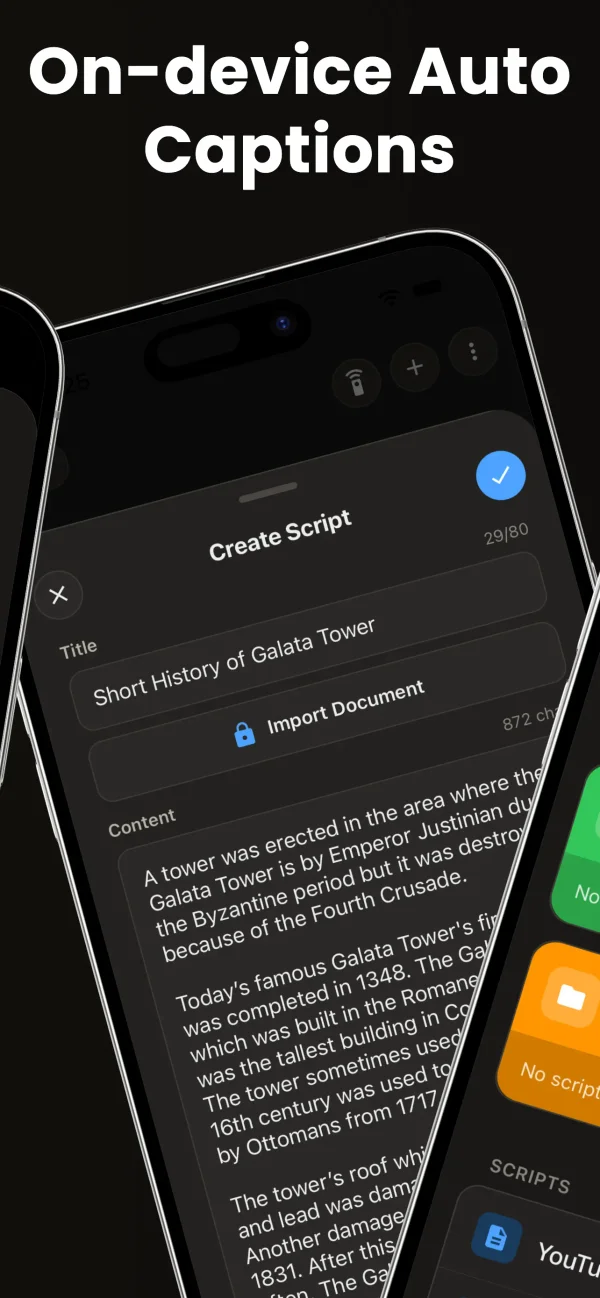
Auto Captions (Pro): Show your script as subtitles that stay in sync with the cue line. They are created on your device and burned into the recorded video.
2. ADVANCED TELEPROMPTER CONTROLS
Pinch-to-Resize: Adjust font size and text margins directly on the teleprompter stage.
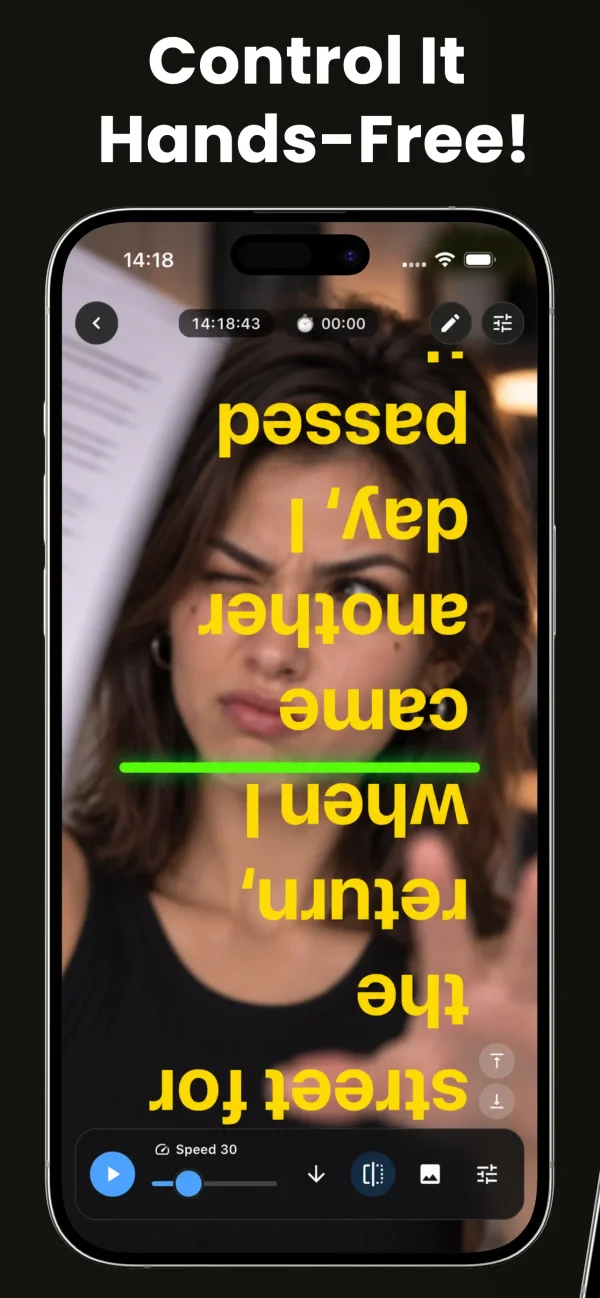
Scrolling Modes: Choose manual scrolling or continuous auto-scroll. Tap the stage to quickly start or pause.
Timed Scrolling (Pro): Set a target duration and the scroll speed adjusts automatically to finish your script on time.
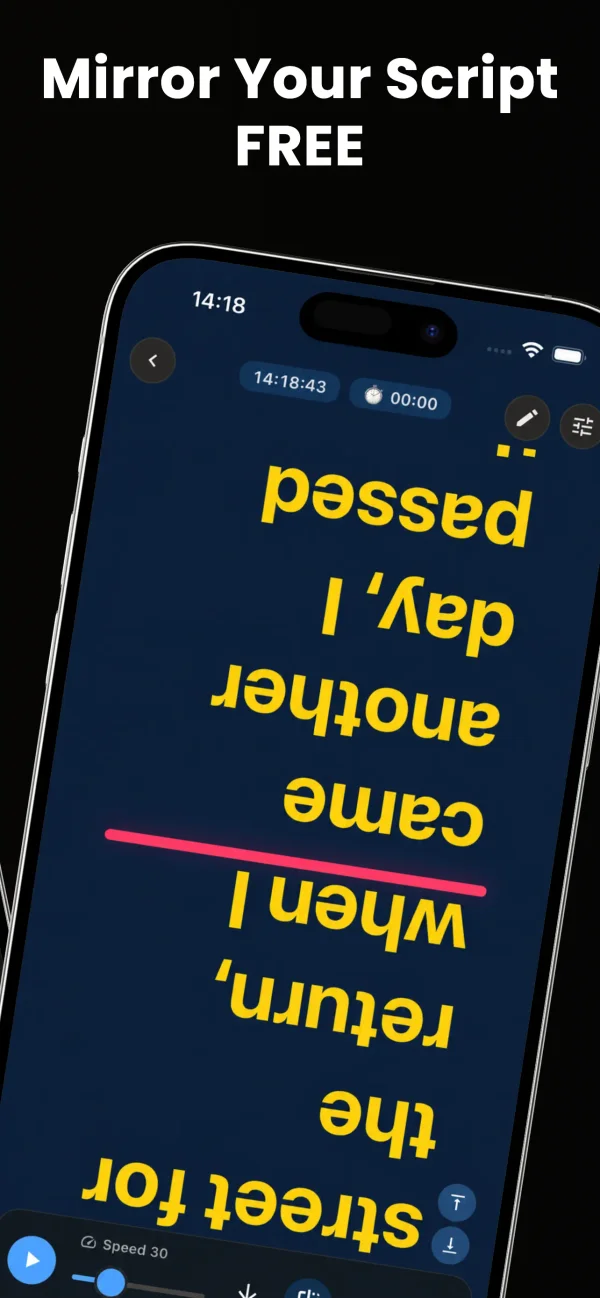
Mirror Mode (free trial, then Pro): Mirror your script for beam-splitter teleprompter glass, professional rigs, and studio setups.
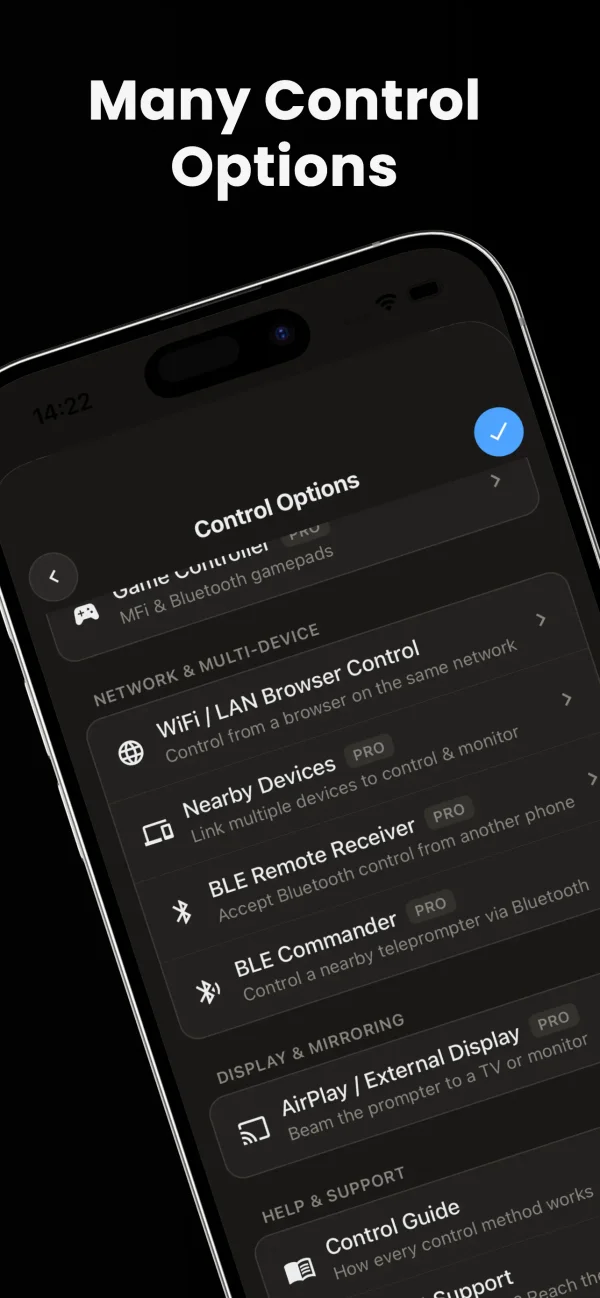
External Display Output (Pro): Display your teleprompter on an external monitor, TV, or studio setup using a wired HDMI adapter or AirPlay screen mirroring.
3. HANDS-FREE REMOTE CONTROL
Keyboards, Clickers and Pedals: Use Bluetooth and USB keyboards, plus presentation clickers and page-turning pedals (such as AirTurn) that send keyboard keys, to start, stop, and control scrolling.
Multi-Device Control (Pro): Connect a second device running Teleprompter over Bluetooth to control your session remotely.
4. ON-DEVICE, OFFLINE SCRIPT MANAGEMENT
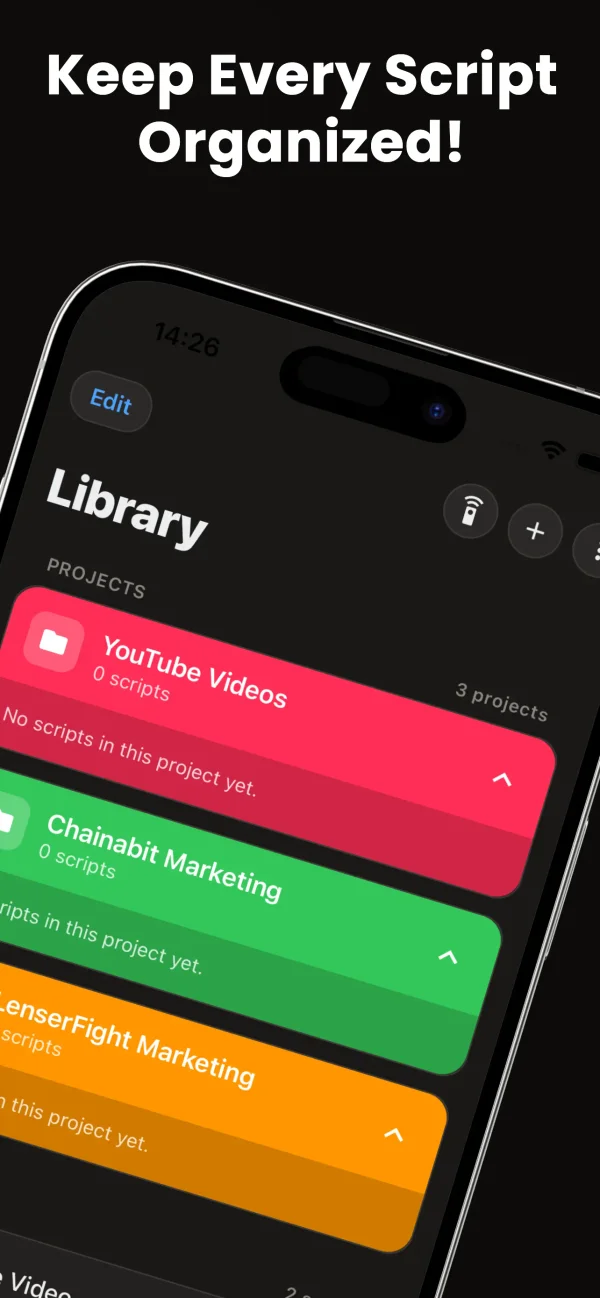
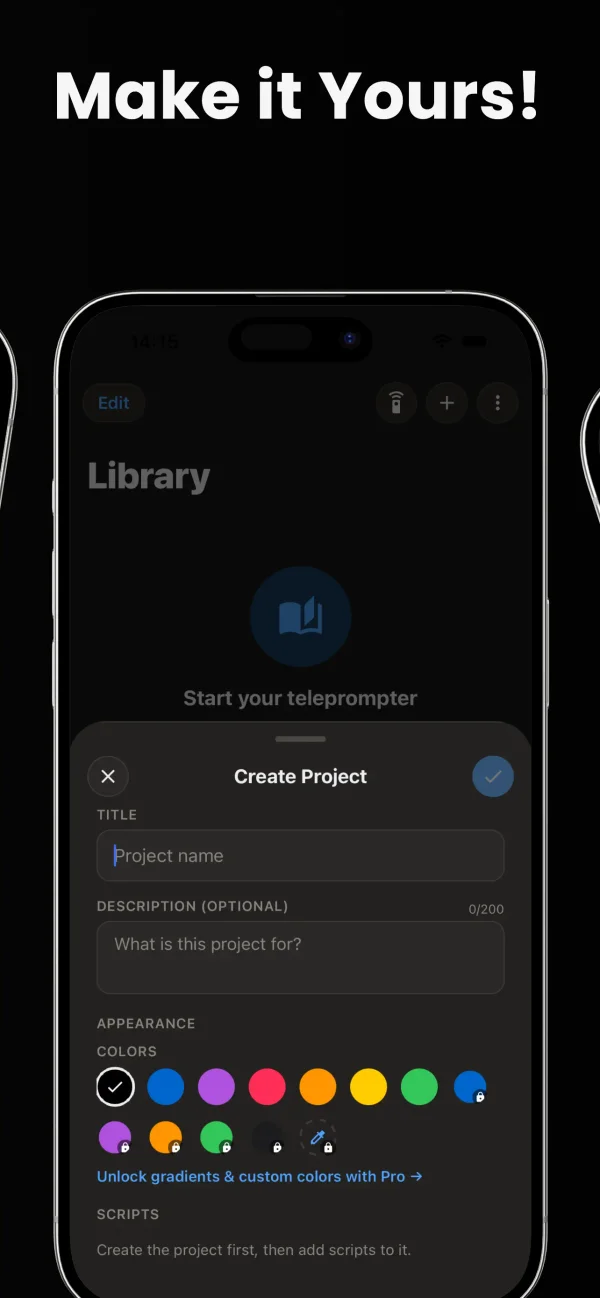
Organize Your Scripts: Group scripts into projects, archive older content, and recover deleted scripts from Trash for up to 30 days.
QUESTIONS AND ANSWERS
Does Teleprompter work offline?
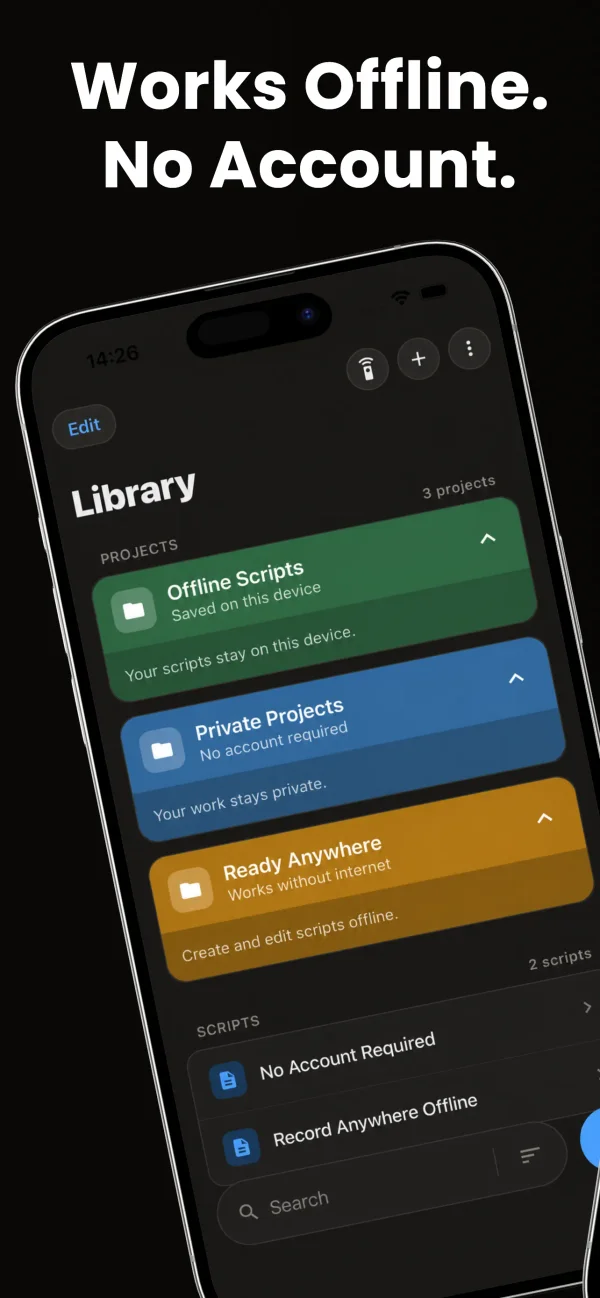
Yes. Teleprompter works offline: create, edit and present scripts without an internet connection.
Do I need an account?
No. Teleprompter needs no account. Scripts and recordings are stored locally on your device.
Can I record video while reading the script?
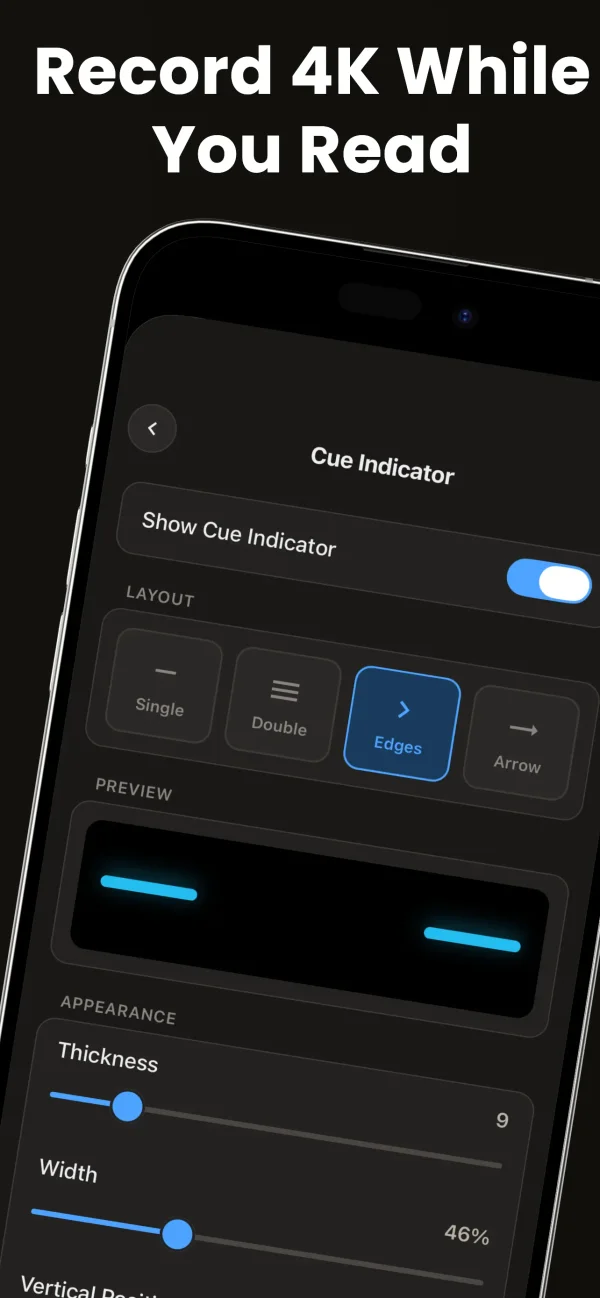
Yes. Free recordings use the front camera, last up to 30 seconds and carry a watermark. Pro adds 4K on supported devices, the rear camera, longer recordings and no watermark.
Which remotes, keyboards and foot pedals work?
Teleprompter works with Bluetooth and USB keyboards, and with presentation clickers or page-turning pedals (such as AirTurn) that act as keyboards. Controlling it from a second device running Teleprompter is Pro.
FREE & PRO
What is free and what is Pro?
FREE PLAN
Includes core teleprompter scrolling, unlimited scripts, projects, text and margin controls, manual speed adjustment, basic keyboard controls, and front-camera video recording limited to 30 seconds with a watermark.
PRO PLAN
Unlock 4K video recording on supported devices, longer recordings without a watermark, the rear camera, virtual backgrounds, automatic captions, timed scrolling, unlimited mirror mode, multi-device control, and external display output.
Teleprompter Pro is available as a monthly subscription, yearly subscription, or one-time lifetime purchase.
Subscriptions automatically renew unless canceled at least 24 hours before the end of the current subscription period. You can manage or cancel subscriptions through your Apple Account settings.
PRIVACY & TERMS
Apple Standard End User License Agreement (EULA):
https://www.apple.com/legal/internet-services/itunes/dev/stdeula/
What’s new
Version 1.0.23 · Oct 26, 2026
• New welcome: our mascot writes a script and scrolls it for you.
• Long scripts now scroll smoothly without crashing.
• Better import of PDF, Word, PowerPoint, Excel and Markdown files.
• Jump to the start or end of a script in the editor.
• Dragging the text no longer starts or stops scrolling by accident.
• Fixes for the control card freezing and the guided tour.
• Redeem a promo code from the Pro screen.
App privacy
What OMER FARUK COKUN declares on the App Store about how this app handles data.
-
Data used to track you
May be used to track you across apps and websites owned by other companies.
- Purchases
- Identifiers
-
Data linked to you
May be collected and linked to your identity.
- Purchases
- Location
- Identifiers
- Usage data
- Diagnostics
Privacy practices may vary, for example with the features you use or your age.
Information
- Seller
- OMER FARUK COKUN
- Category
- Photo & Video
- Version
- 1.0.23
- Updated
- Oct 26, 2026
- Released
- Jun 17, 2026
- Size
- 55.6 MB
- Requires
- iOS 15.1 or later
- Age rating
- 4+
- In-app purchases
- Yes
- Languages
- French, German, English, Spanish, Indonesian, Italian, Malay, Dutch, Portuguese, Swedish, Turkish
- Copyright
- © ÖMER FARUK COŞKUN
You might also like
-
 Basic PrompterBasit teleprompter video kayıt
-
 Dailies: AI Film StudioScript to screen video maker
-
 Teleprompter Studio: VideoAutocue Script Reader & Mirror
-
 LensLine – TeleprompterRead your script, look natural
-
 Souffleo TeleprompterVoice-tracking camera prompter
-
 InfiniDriveEncrypted EU Cloud Storage
-
 DualVlog: Dual CameraFront & Back Video Recorder
-
 Cue: Teleprompter ScriptScroll Scripts While You Film
-
 Prompter Cam: Script CameraRead your script, look at lens
-
 Murmur — TeleprompterVoice-tracking teleprompter