
- Age rating4+
- CategoryUtilities
- DeveloperCheng Jen Chang
- LanguagesEnglish+ 2 more
- Size18.5 MB
Links to the official App Store page
Download.org hosts no file of Tendy Link. The button opens its official App Store page, published by Cheng Jen Chang. Listing last checked on Nov 12, 2026.
Screenshots
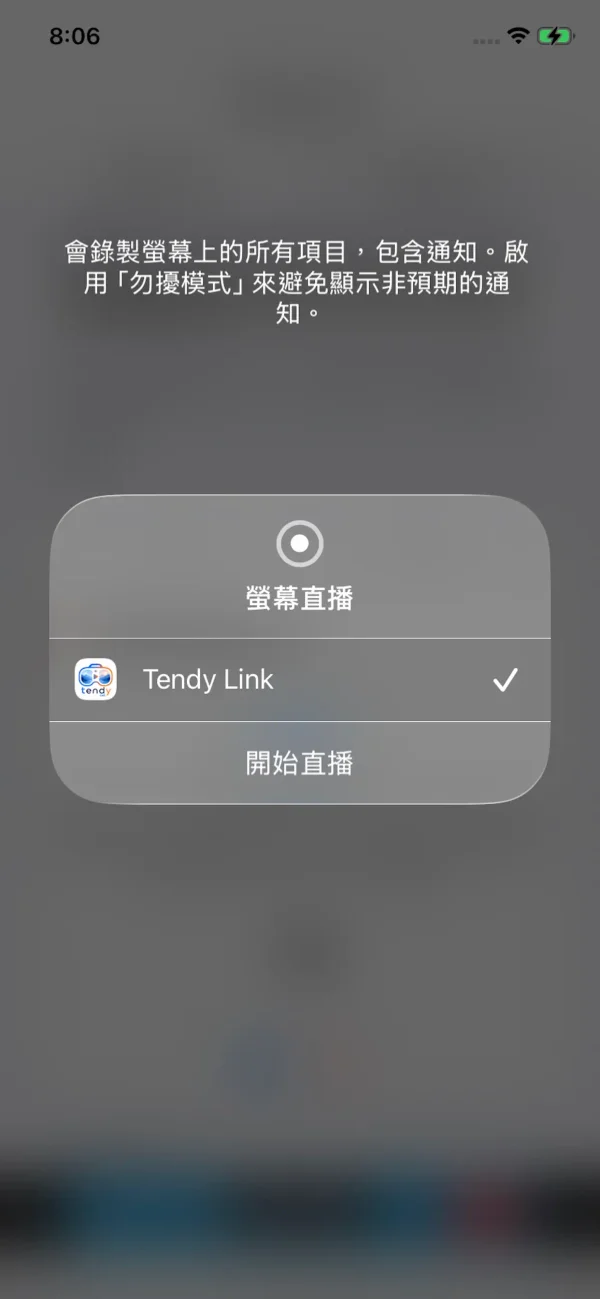
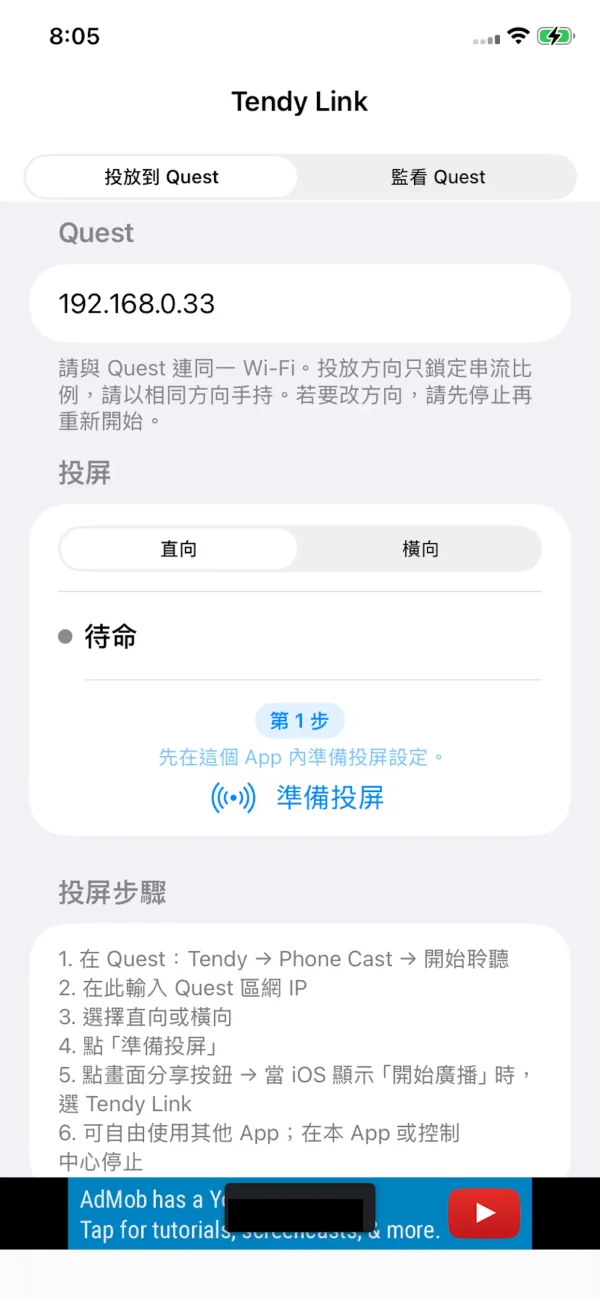
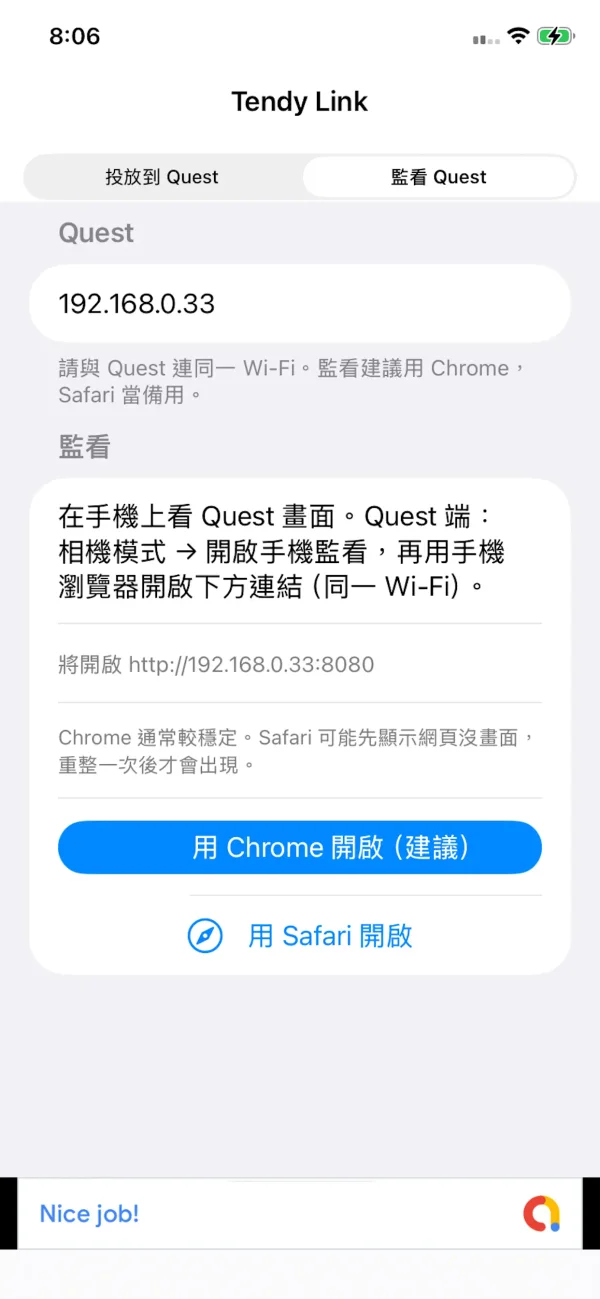
About
Tendy Link is the companion app for Meta Quest Tendy Phone Cast.
Cast your phone screen to Quest on the same Wi‑Fi—no cloud upload of your cast video. You can also open Quest’s Phone Monitor page in a browser for a quick preview.
HOW TO CAST
1. On Quest: open Tendy → Phone Cast → Start listening
2. Enter your Quest LAN IP in Tendy Link
3. Choose portrait or landscape (locks stream aspect)
4. Prepare casting, then start system screen sharing and choose Tendy Link
5. Use other apps freely; stop anytime from the app or Control Center
WATCH QUEST
Open Quest Phone Monitor in Chrome or Safari (same Wi‑Fi). Chrome is usually more reliable.
WHY TENDY LINK
• Designed for Quest Phone Cast
• Private local streaming—cast stays on your network
• Clean, simple setup
Requires Meta Quest with Tendy Phone Cast listening, and the same Wi‑Fi network as your phone.
App privacy
What Cheng Jen Chang declares on the App Store about how this app handles data.
-
Data not linked to you
May be collected but is not linked to your identity.
- Identifiers
- Usage data
- Diagnostics
Privacy practices may vary, for example with the features you use or your age.
Information
- Seller
- Cheng Jen Chang
- Category
- Utilities
- Version
- 1.0
- Updated
- Aug 6, 2026
- Released
- Aug 6, 2026
- Size
- 18.5 MB
- Requires
- iOS 17.0 or later
- Age rating
- 4+
- Price
- Free
- Languages
- English, Japanese, Traditional Chinese
- Copyright
- © 2026 Zen Chang
You might also like
-
 PeekXRStay Connected in VR
-
 DisplayPass ReceiverUtilities
-
 AVR LinkBlazingly-Modern AVR Remote
-
 Phosphor MonitorWired HDMI tablet monitor
-
 Click Cast: TV Remote ControlRemote for Sony, LG & Samsung
-
 TV Cast - Screen MirrorCast Videos & TV Mirroring HD
-
 Sky3Utilities
-
 Eon Partner AccessBring Your Products Online
-
 NFC Tag EncoderUtilities
-
 Time ScopesSee time. Shape your rhythm.