Click Cast: TV Remote Control
Remote for Sony, LG & Samsung
Designed for iPhone, iPad, iPod touch
Free · In-app purchases
- Age rating4+
- CategoryUtilities
- Developer玉婉 祝
- LanguagesEnglish+ 8 more
- Size31.7 MB
Links to the official App Store page
Download.org hosts no file of Click Cast: TV Remote Control. The button opens its official App Store page, published by 玉婉 祝. Listing last checked on Nov 29, 2026.
Screenshots
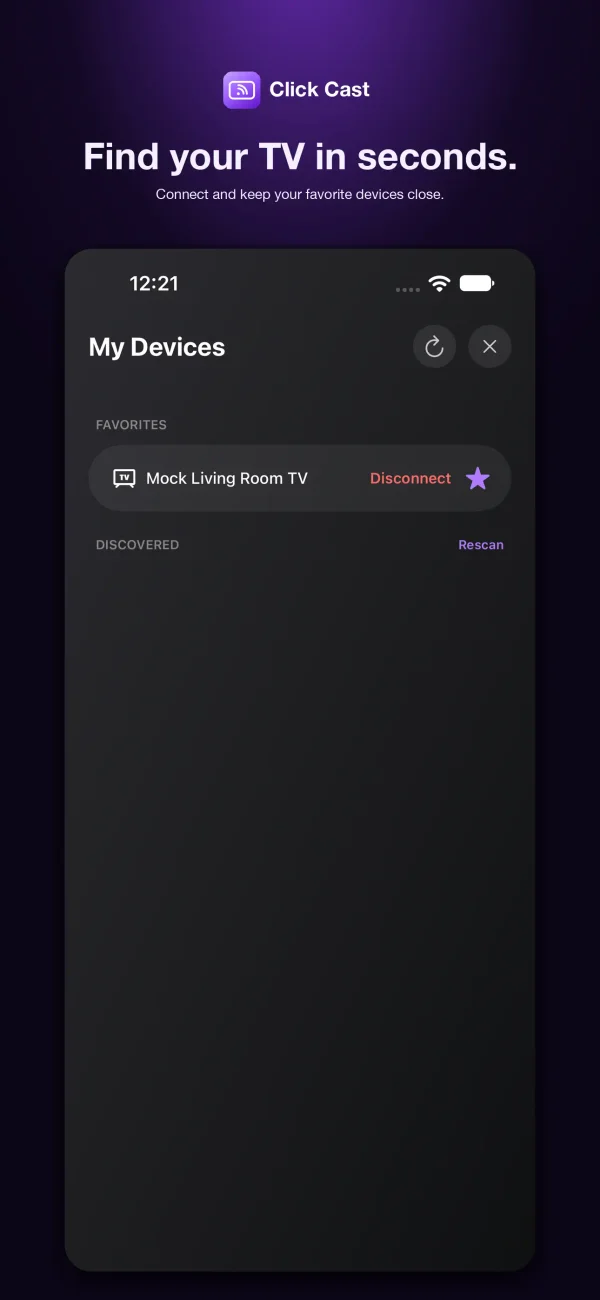
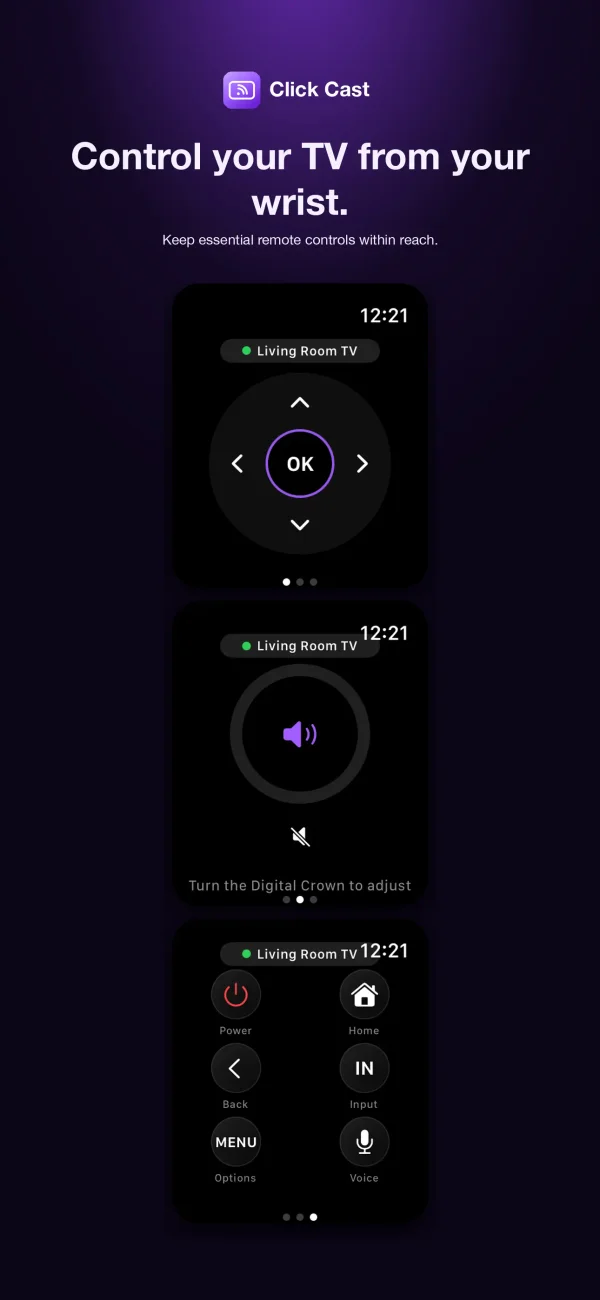
About
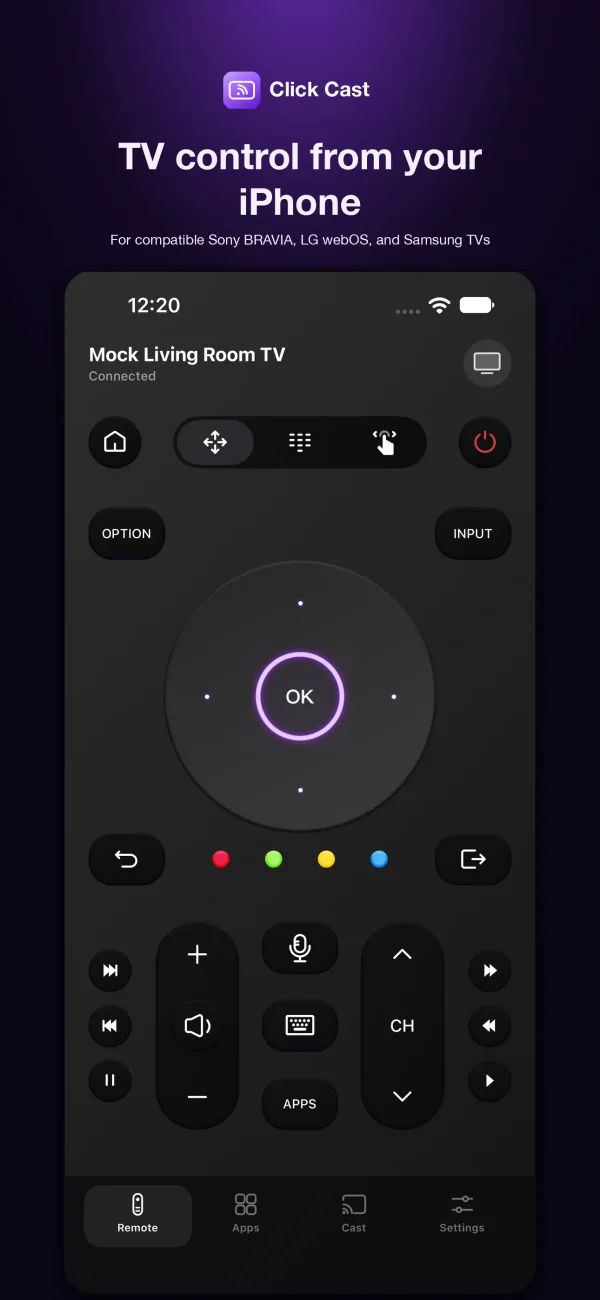
Control compatible Sony BRAVIA, LG webOS, and Samsung Tizen TVs from your iPhone on the same Wi-Fi network.
Click Cast helps you discover, pair, and control supported TVs with a familiar remote experience.
KEY FEATURES
• Discover compatible Sony BRAVIA, LG webOS, and Samsung Tizen TVs on your local network
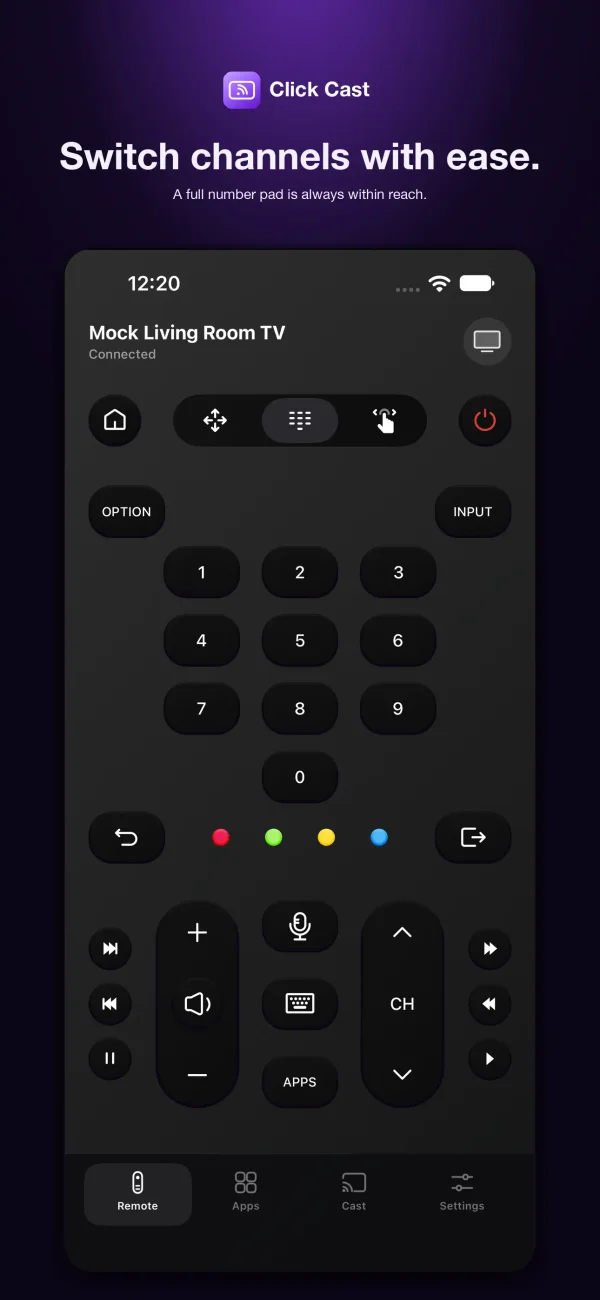
• Control power, volume, navigation, menus, and number keys; available controls vary by TV
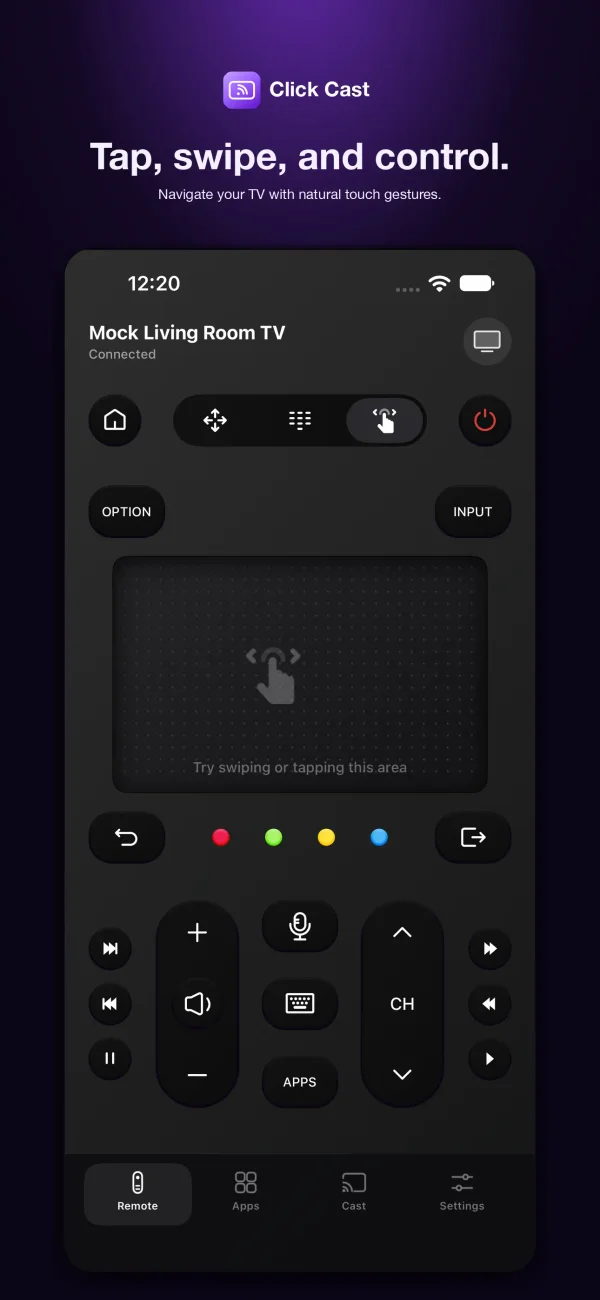
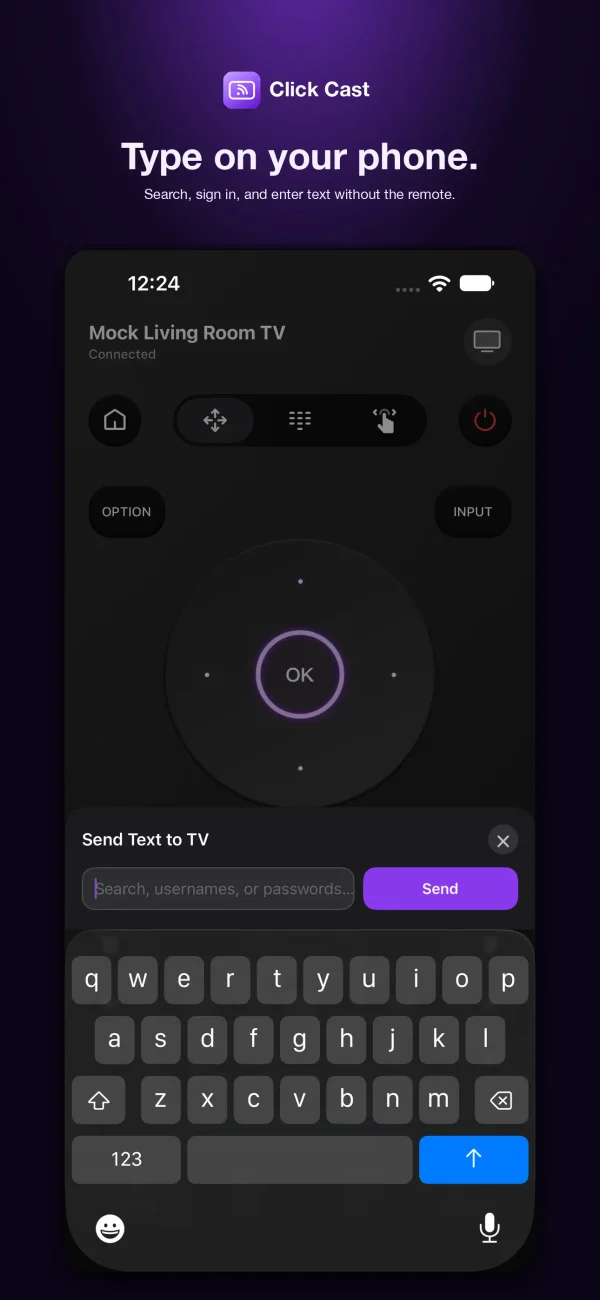
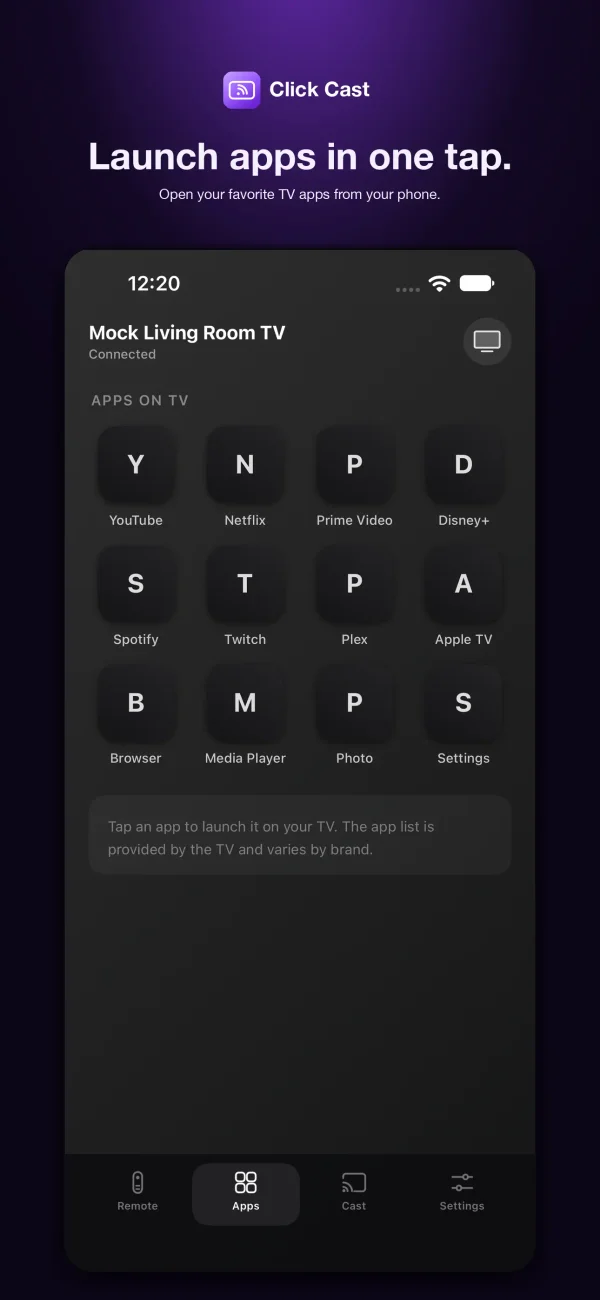
• Launch apps, enter text, use the touchpad, and access inputs on supported TVs; availability varies by model and brand
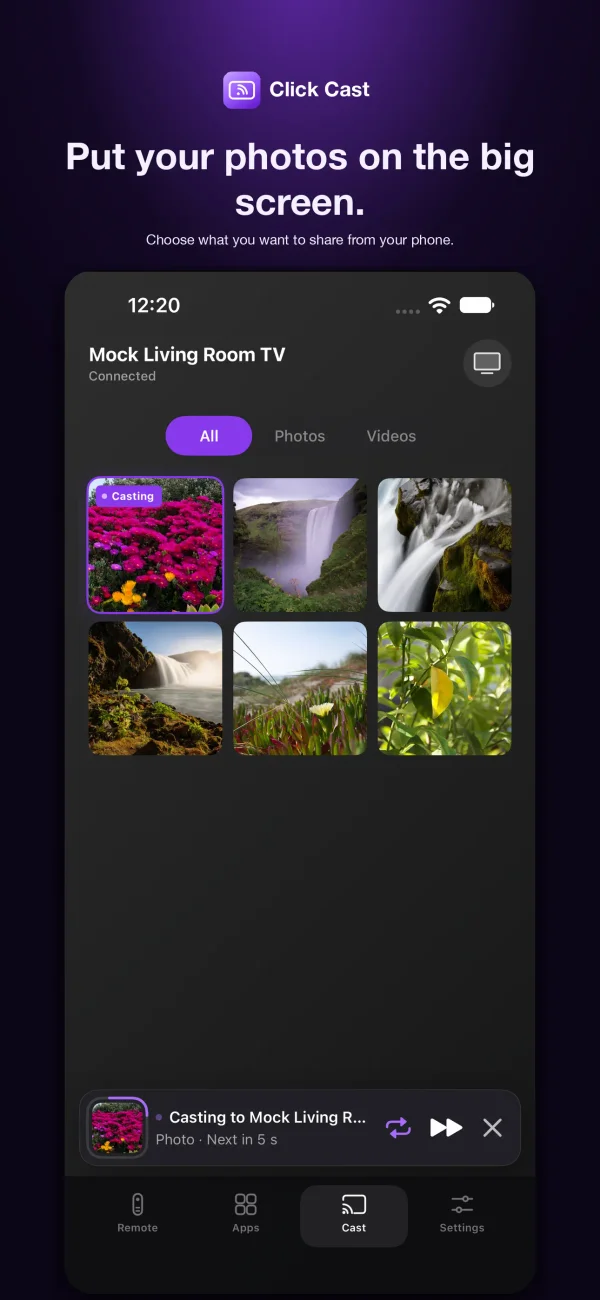
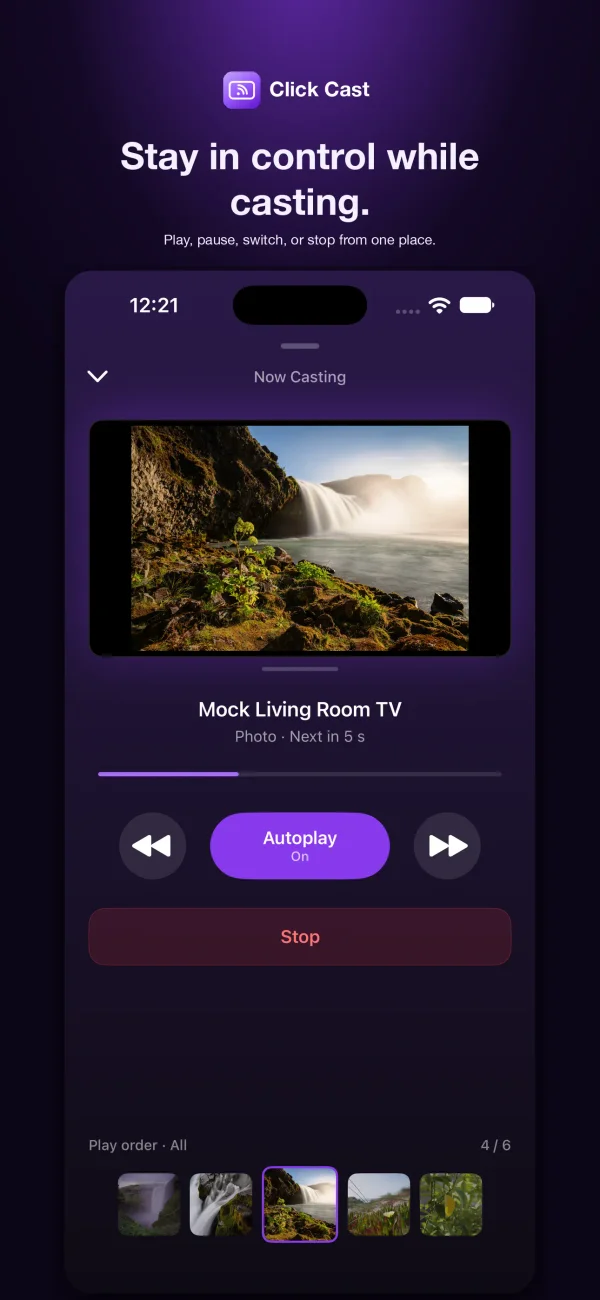
• Cast photos and videos to compatible TVs over DLNA — not screen mirroring
• Use Apple Watch for basic remote controls while your iPhone remains nearby
• Premium removes video ads and daily app-launch and casting limits
REQUIREMENTS
• Your iPhone and TV must be connected to the same Wi-Fi network
• Local Network permission is required for device discovery and control
• Photos permission is required only when selecting media to cast
• Remote control supports compatible Sony BRAVIA, LG webOS, and Samsung Tizen TVs; feature availability varies by model and brand
• Free use includes 3 successful app launches and 5 photo or video casts per local calendar day. Keyboard, touchpad, and core remote controls remain free where supported
• Photo and video casting uses DLNA and requires a TV with media rendering. On Sony TVs, allow Click-Cast in the renderer access settings
LEGAL
Terms of Use (EULA): https://www.apple.com/legal/internet-services/itunes/dev/stdeula/
Privacy Policy: https://goldmere.app/click-cast-privacy.html?lang=en
Additional Terms: https://goldmere.app/click-cast-terms.html?lang=en
What’s new
Version 1.5.0 · Nov 28, 2026
• Control compatible Roku devices on the same Wi-Fi network with Home, navigation, Back, and playback controls.
App privacy
What 玉婉 祝 declares on the App Store about how this app handles data.
-
Data used to track you
May be used to track you across apps and websites owned by other companies.
- Location
- Identifiers
- Usage data
-
Data not linked to you
May be collected but is not linked to your identity.
- Purchases
- Location
- Identifiers
- Usage data
- Diagnostics
Privacy practices may vary, for example with the features you use or your age.
Information
- Seller
- 玉婉 祝
- Category
- Utilities
- Version
- 1.5.0
- Updated
- Nov 28, 2026
- Released
- Jun 11, 2026
- Size
- 31.7 MB
- Requires
- iOS 15.0 or later
- Age rating
- 4+
- Price
- Free
- In-app purchases
- Yes
- Languages
- English, French, German, Italian, Japanese, Portuguese, Simplified Chinese, Spanish, Traditional Chinese
- Copyright
- © 2026 Goldmere
You might also like
-
 TV Remote - Universal ControIRemote Control for Smart TV
-
 TV Remote - Universal Control™Remote control for Smart TV
-
 TV Remote Control via WiFiSmart TV Remote & Controller
-
 TV Remote Control Universal ·Stick & Smart TV Controller
-
 Smart TV Remote - AnyRemoteUniversal Remote Control App
-
 Universal TV Remote Control Smart Controller for Any TV
-
 Universal TV ‣ Remote ControlScreen Mirroring & Smart Cast
-
 Fire Remote - Smart TV RemoteStick Remote for Fire TV
-
 TV Remote:Universal ControlUniversal Remote, TV Control
-
 Any TV Remote ControlUniversal Smart TV Remote