tengi: Auto Video Editor
Edit, Caption, Schedule, Reels
Designed for iPhone
Free · In-app purchases
- Age rating4+
- CategoryPhoto & Video
- DeveloperIn A Good Way, Inc.
- LanguagesEnglish
- Size37.0 MB
Links to the official App Store page
Download.org hosts no file of tengi: Auto Video Editor. The button opens its official App Store page, published by In A Good Way, Inc. Listing last checked on Nov 27, 2026.
Screenshots

About
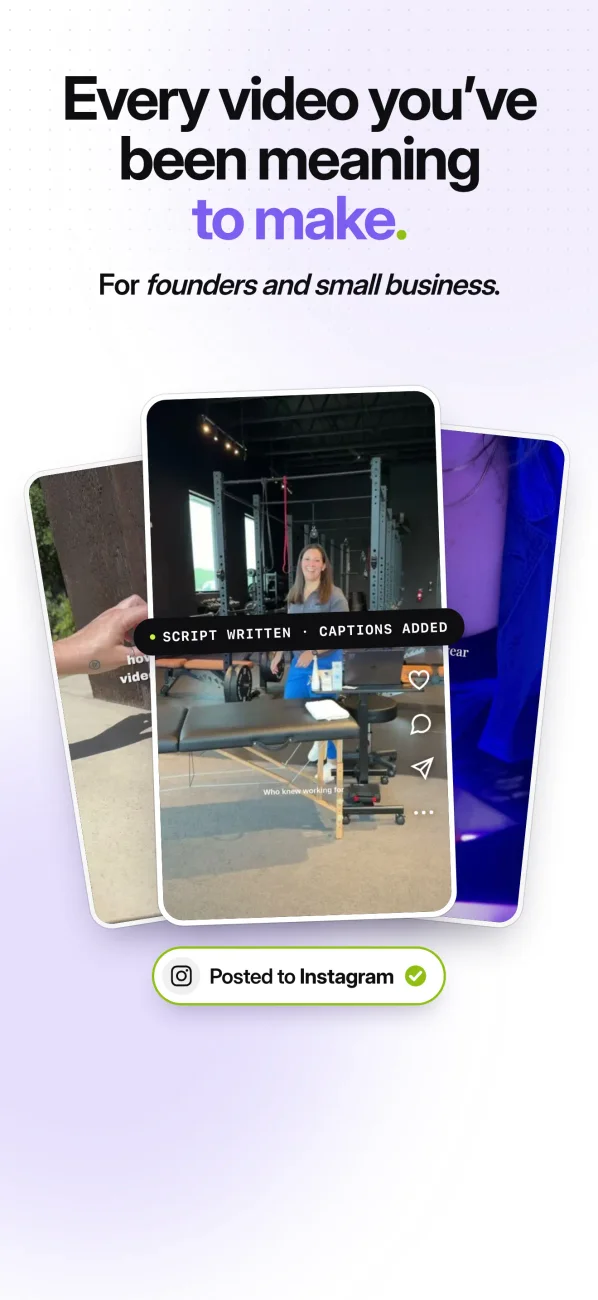
Turn real footage into finished videos. Built for founders and small business.
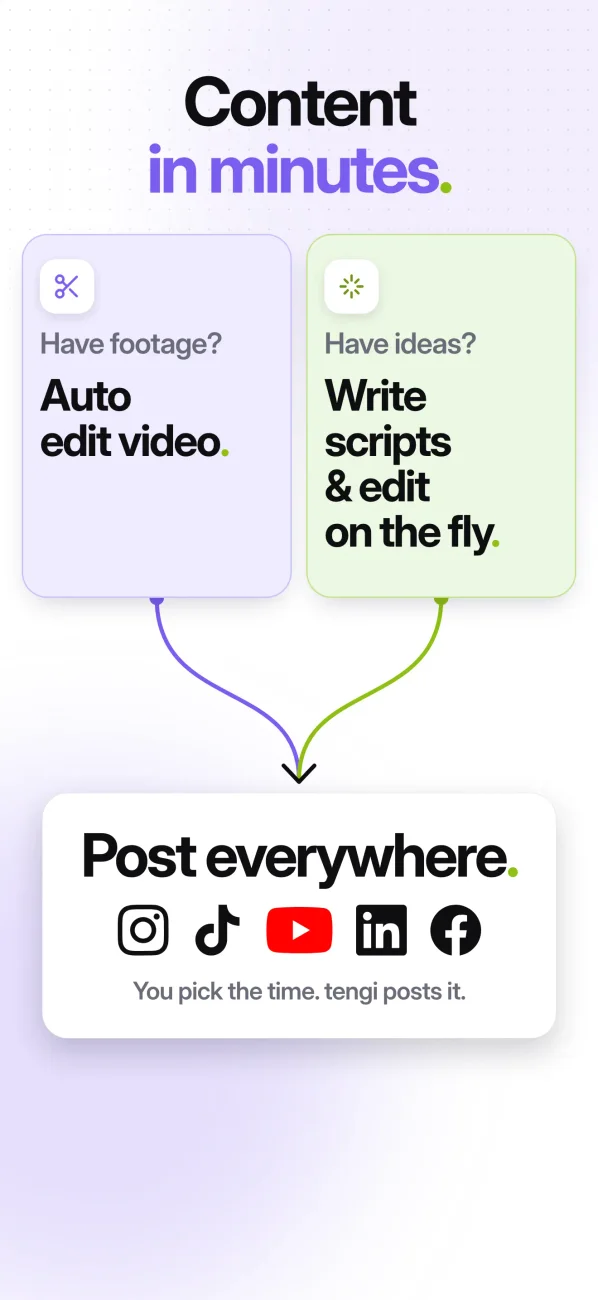
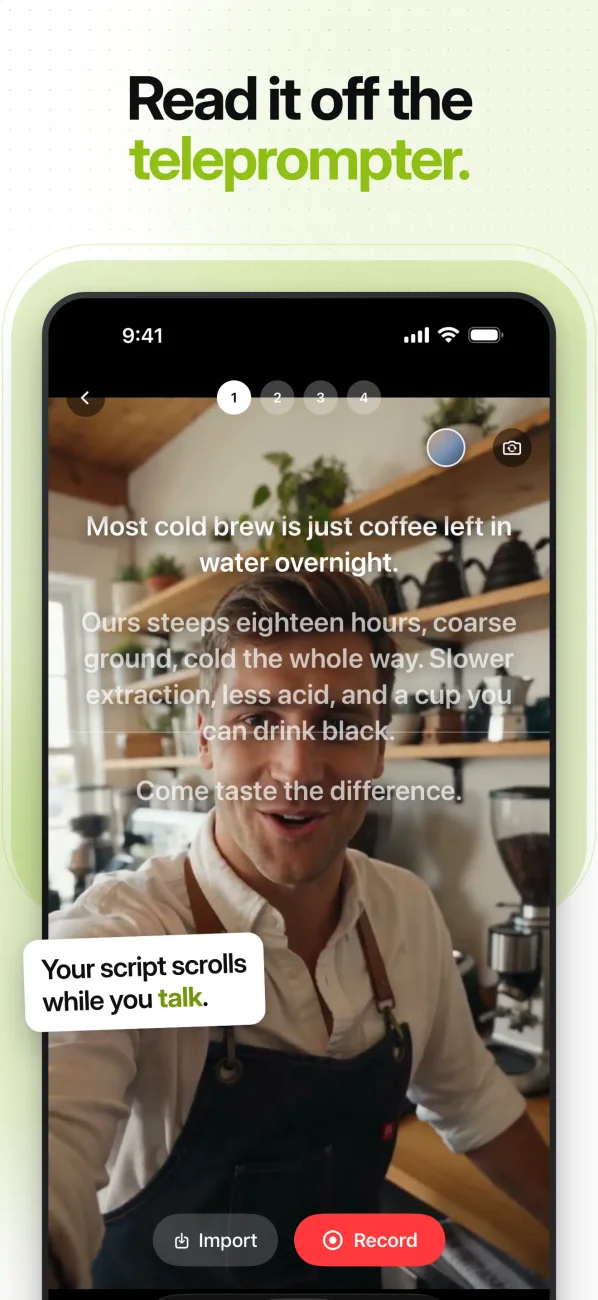
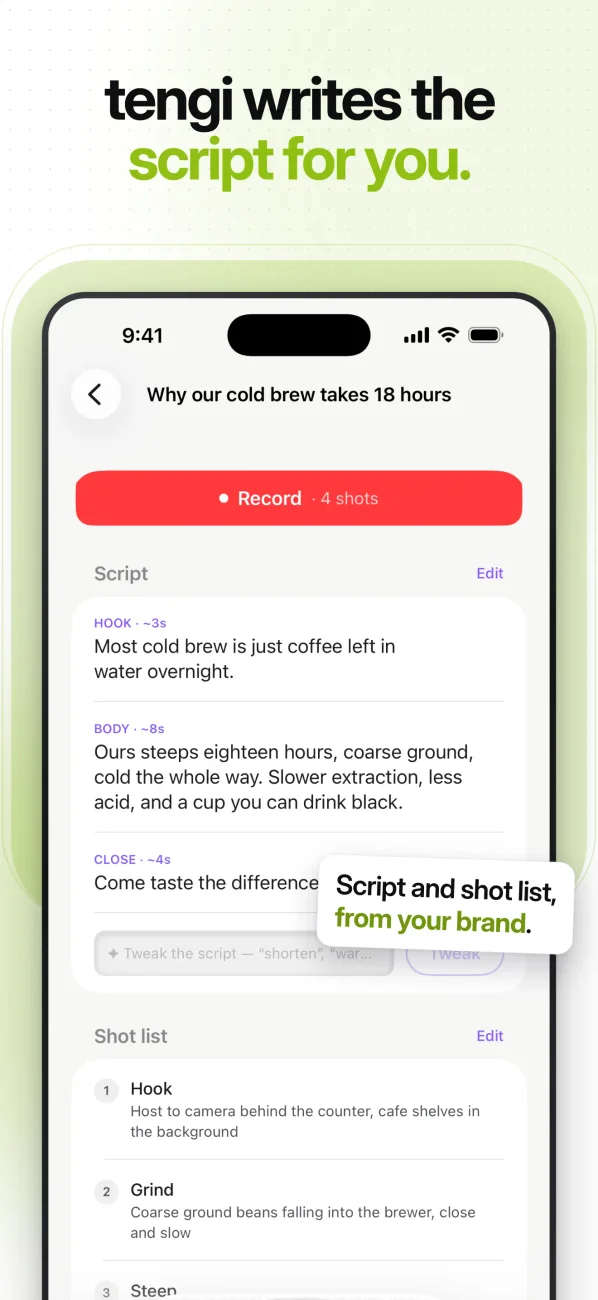
Tell tengi about your brand and it writes the shoot: the idea, the video script and the shot list. Read it off the teleprompter with your phone wherever you are. tengi cuts it, adds captions on the beat, and hands back a finished vertical video, ready for reels and shorts. Then post everywhere at once.
What you get:
- A video script and a shot list, written for your brand
- A teleprompter that scrolls over the camera while you talk
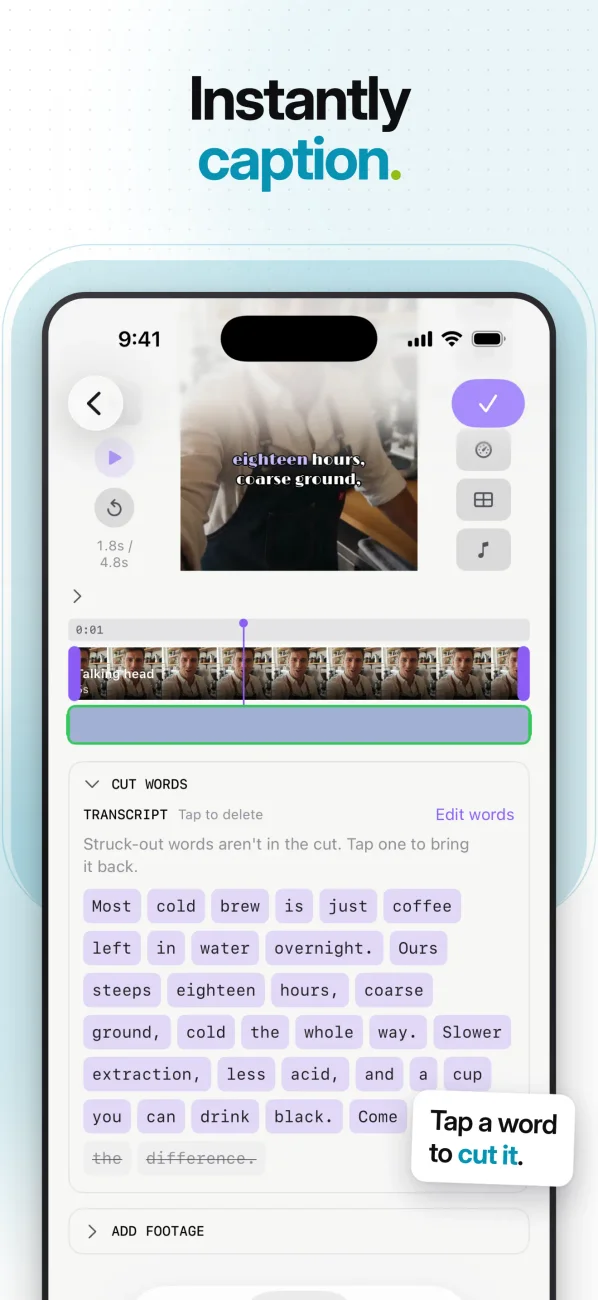
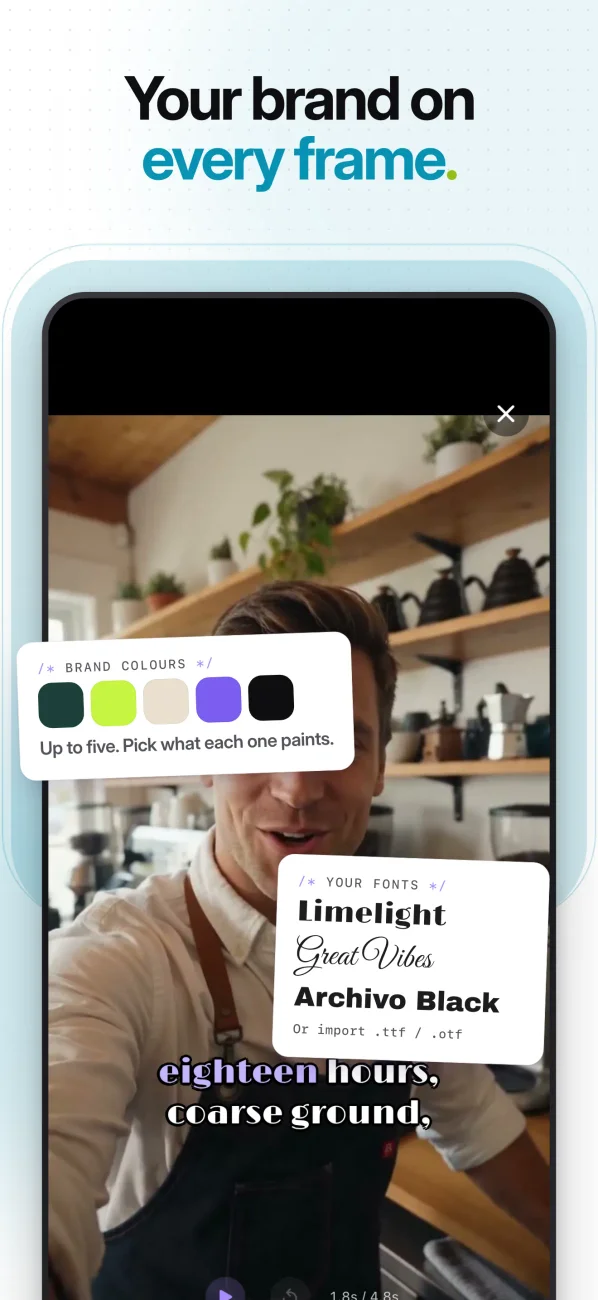
- Auto captions, burned in on the beat, in your brand's font
- Edit by deleting words: tap to delete a word from the transcript and the video cuts to match
- Your brand on every frame: logo, colors and fonts
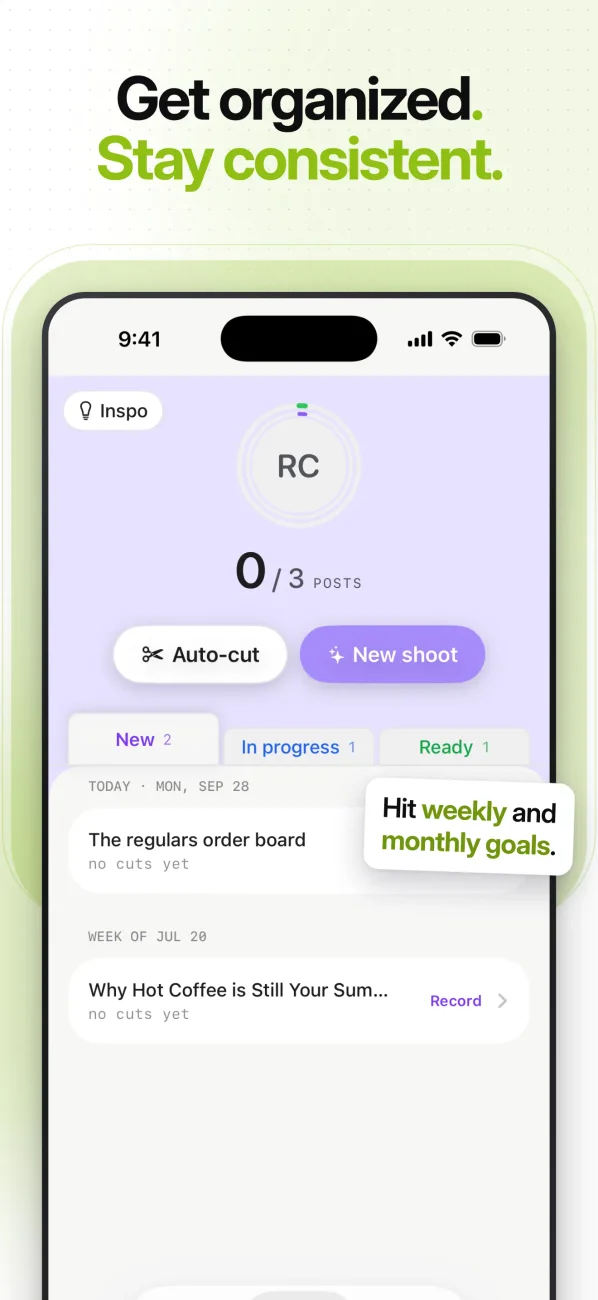
- Ideas for what to post next
- Full content calendar view and scheduler. Share with anyone on your team with no login required.
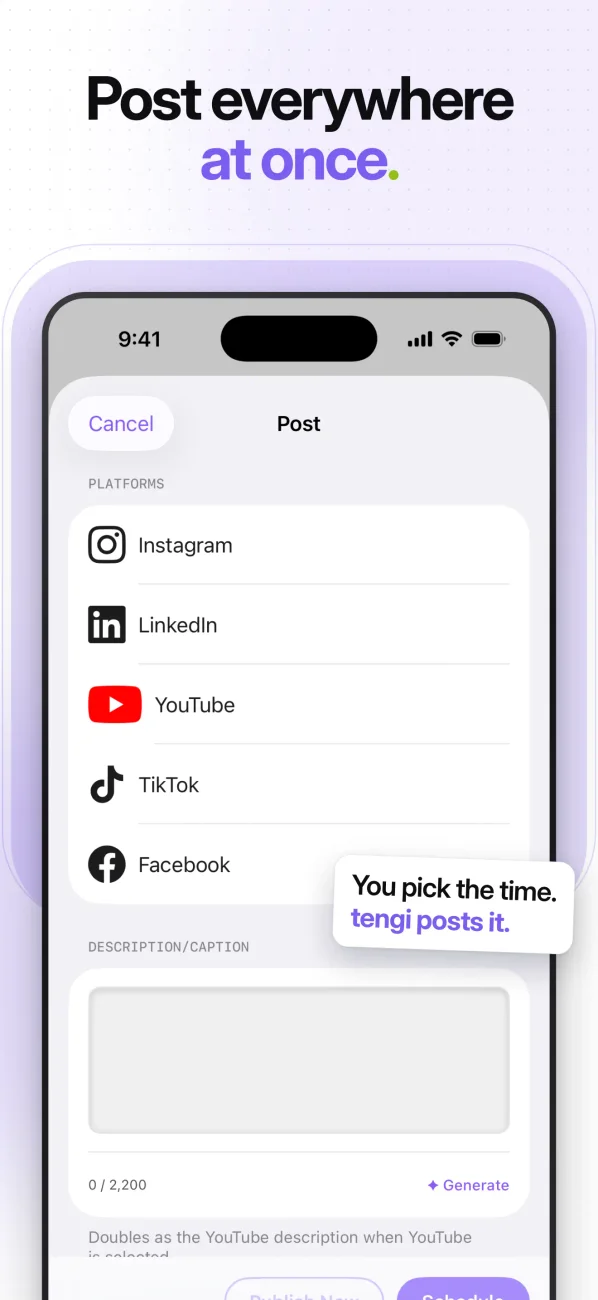
- Schedule to Instagram, TikTok, YouTube, LinkedIn and Facebook. You pick the time. tengi posts it.
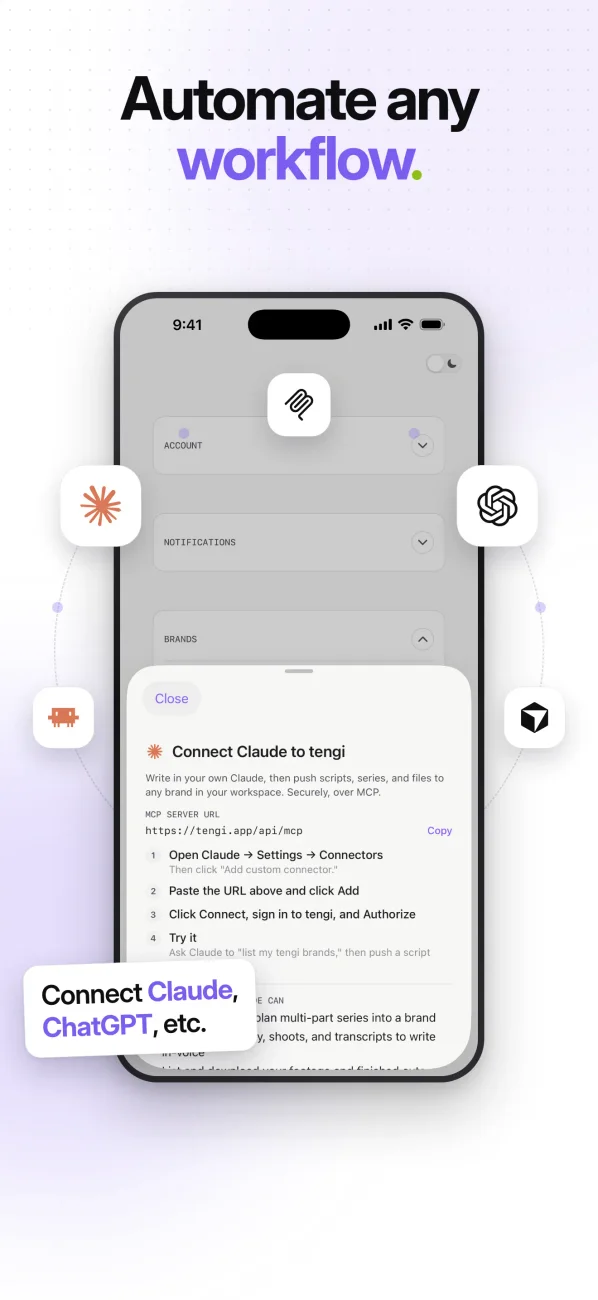
- Connect Claude or an AI agent to automate your workflow
Stop shouting into the void.
tengi is a monthly subscription or a one-off credit pack if you would rather pay as you go. The price and the terms are shown before you buy. Subscriptions renew automatically and you can cancel any time in your Apple Account settings. Credit packs do not renew and the credits do not expire.
Privacy policy: https://tengi.app/legal/privacy
Terms: https://tengi.app/legal/terms
What’s new
Version 1.11.0 · Nov 26, 2026
Smoother playback in the editor:
- Clips you shot on this phone now play from the phone instead of streaming, so previews keep up on cellular.
- If clips still need to download, the preview shows how far along it is. Tap Play anyway to start right away.
Also:
- Idea cards show the real total length of a grouped setup.
- Deleting a clip removes it from the shoot it was listed on.
- Bug fixes.
App privacy
What In A Good Way, Inc. declares on the App Store about how this app handles data.
-
Data used to track you
May be used to track you across apps and websites owned by other companies.
- Purchases
- Identifiers
- Usage data
-
Data linked to you
May be collected and linked to your identity.
- Purchases
- Contact info
- User content
- Identifiers
- Usage data
- Diagnostics
-
Data not linked to you
May be collected but is not linked to your identity.
- Purchases
- Identifiers
- Usage data
- Diagnostics
- Other data
Privacy practices may vary, for example with the features you use or your age.
Information
- Seller
- In A Good Way, Inc.
- Category
- Photo & Video
- Version
- 1.11.0
- Updated
- Nov 26, 2026
- Released
- Sep 3, 2026
- Size
- 37.0 MB
- Requires
- iOS 26.0 or later
- Age rating
- 4+
- Price
- Free
- In-app purchases
- Yes
- Languages
- English
- Copyright
- © 2026, In A Good Way, Inc.
You might also like
-
 Swipe Clean: By Blue JanuaryPhoto cleaner & storage saver
-
 Kyodo - Auto Edit Daily VideosDaily clips into one video
-
 SoundFrame: Video EditorAI Music Videos & Product Ads
-
 Edie: AI Video EditorEdit videos by asking
-
 AutoEditCut videos to the beat
-
 CueEdit - AI Video EditorAI Director for Video Creators
-
 Hookies: AI Video EditorAI edits for talking heads
-
 Auto Video Editor — TenfoldBulk Edit & Silence Remover
-
 Merra AI - Video EditorEasy automatic video editing
-
 Photo Cleaner: Swipe QuickDeclutter Duplicates & Sort