
SoundFrame: Video Editor
AI Music Videos & Product Ads
Designed for iPhone, iPad
Free · In-app purchases
- Age rating4+
- CategoryPhoto & Video
- DeveloperHalalisani Mbanjwa
- Size64.5 MB
Links to the official App Store page
Download.org hosts no file of SoundFrame: Video Editor. The button opens its official App Store page, published by Halalisani Mbanjwa. Listing last checked on Nov 18, 2026.
Screenshots




About
Turn your ideas, photos and songs into videos with SoundFrame.
Create music videos, product ads, captioned clips and social edits on iPhone and iPad. Start with your own media or AI-generated visuals, then refine the result in a real timeline with editable clips, text, captions and audio.
BUILD STORIES SCENE BY SCENE
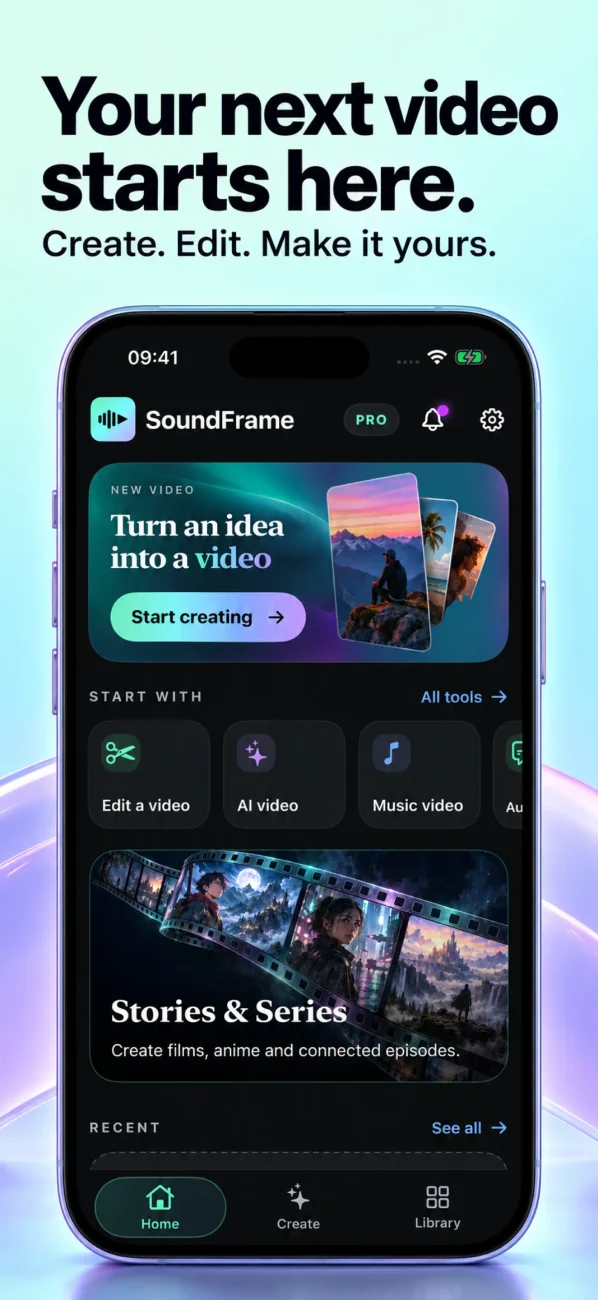
Plan films, anime and connected episodes in Stories & Series. Organize scenes, characters and references, refine each scene, check dialogue timing, and bring selected takes into an editable timeline.
MAKE MUSIC VIDEOS WITH YOUR OWN SONG
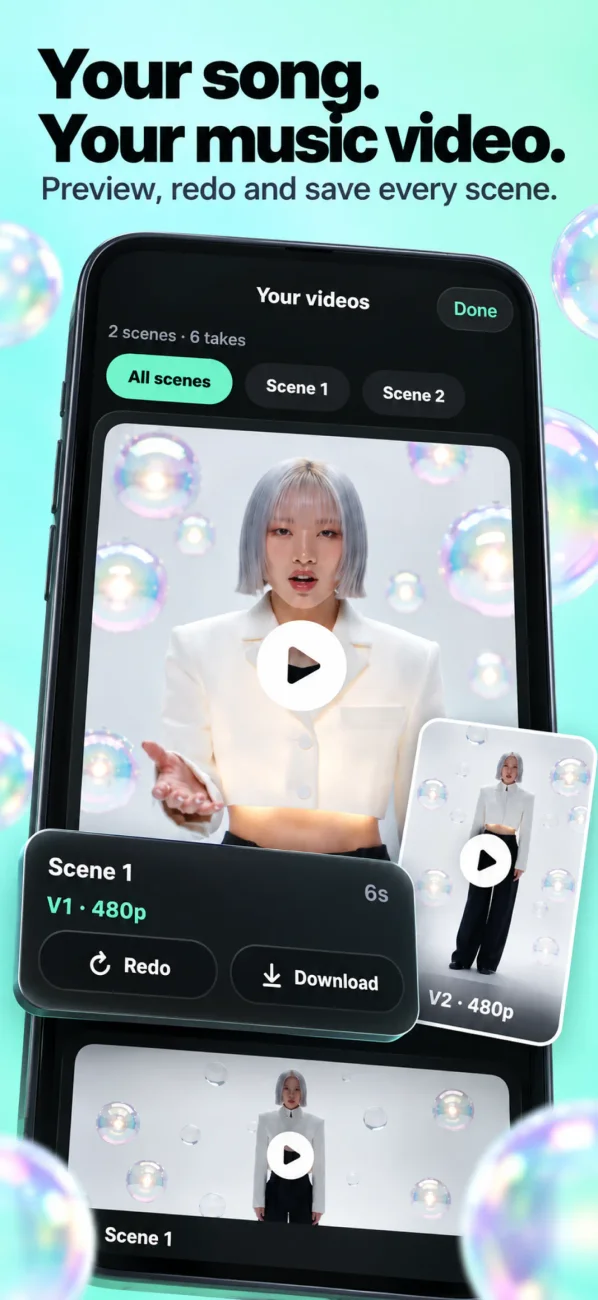
Choose your song and creative direction, review scene previews, and approve the takes you want. Keep your 480p drafts and available HD versions together in a music-video project. Preview or download individual takes, redo a scene, and continue editing with your original soundtrack.
TURN A PRODUCT PHOTO INTO AN AD
Choose a product image and describe your idea. Fill with AI suggests an editable product brief and video prompt. Explore Studio, Paint burst, Fresh & juicy and Luxury directions, then review your video settings before generating. Add editable ad text in the editor, or create three campaign concepts from footage you already have.
DIRECT, CAPTION AND EDIT
Use AI Director to plan edits around your footage, lyrics, spoken content and beats. Review suggestions before applying them, keep control of your media, and adjust the result with manual tools and Undo. Generate captions, correct individual lines, and style text for your story.
REVIEW YOUR FINAL CUT WITH PRO
Get timecoded feedback on your finished edit with Director’s Review. With your explicit upload consent, send a composed copy, including captions, effects and mixed audio, to Google for analysis. Preview supported caption fixes, then choose Keep or Revert. The credit cost is shown before you confirm.
CREATE AND KEEP BUILDING
- Generate images and videos from text or a reference photo
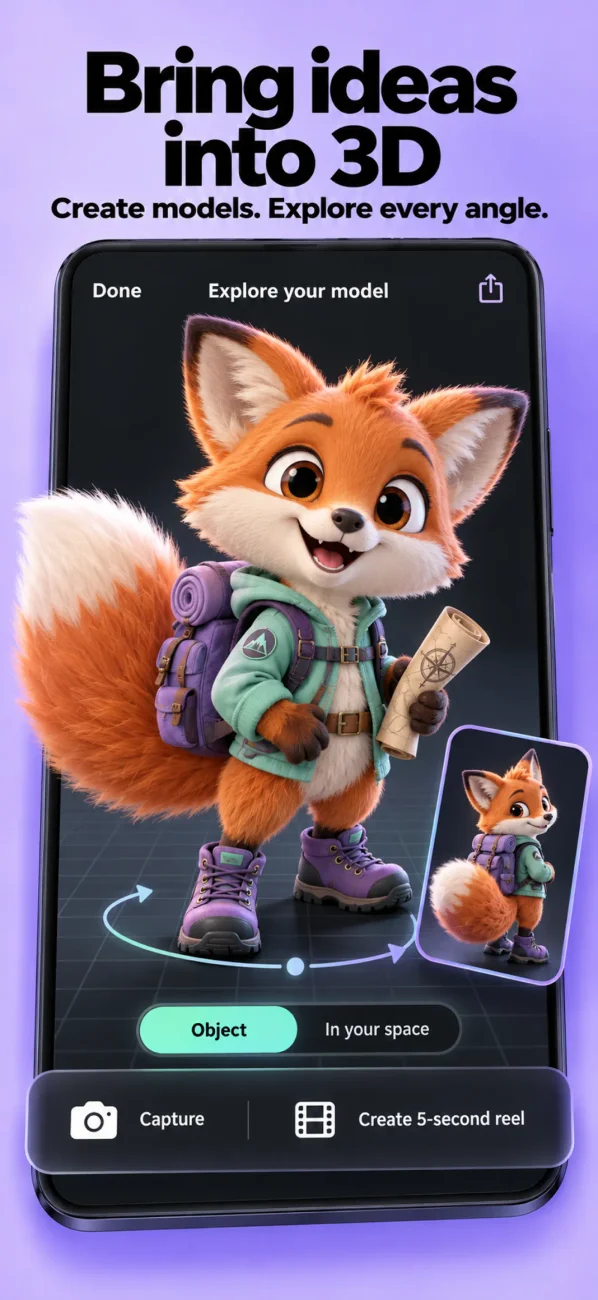
- Create 3D models and manage your creations in Studio
- Find saved music-video projects, scene drafts and generated clips in your Library
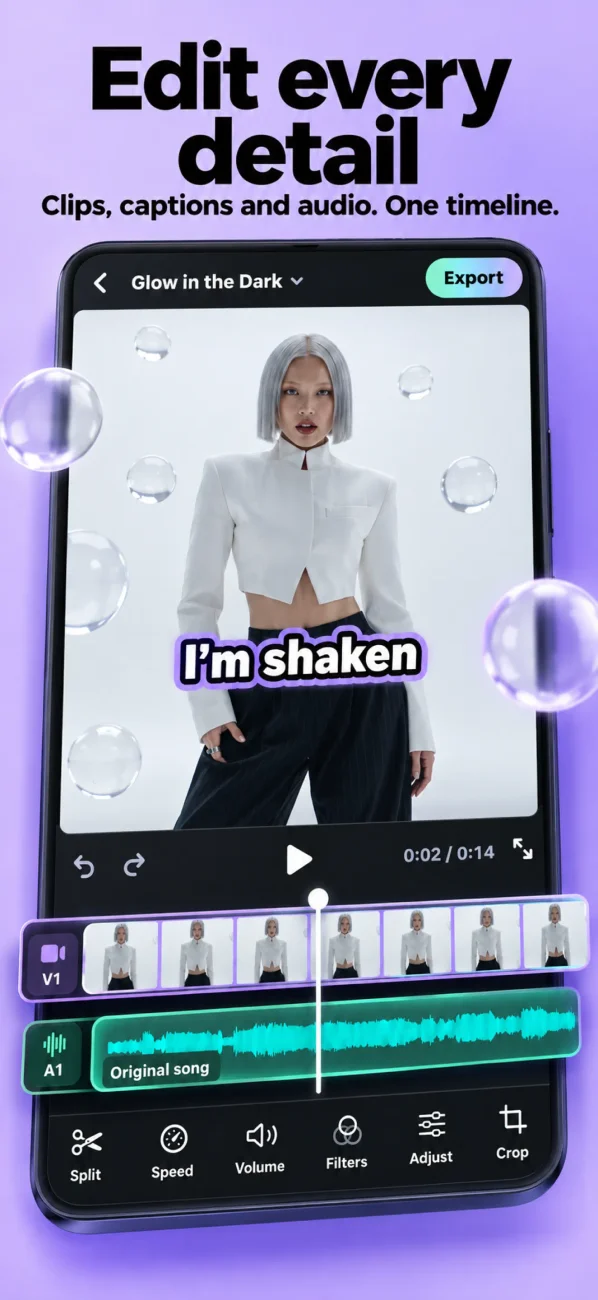
- Trim, split, arrange, mute and layer clips on a real timeline
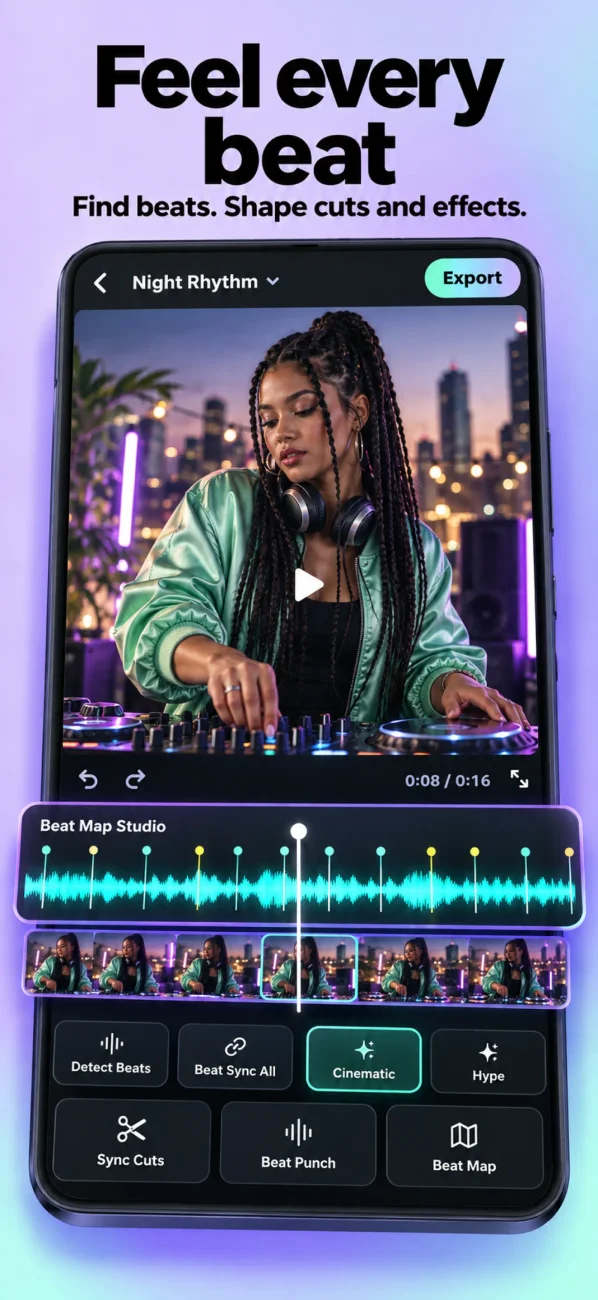
- Add audio, captions, overlays, filters, speed changes and beat-reactive effects
- Start with templates, reusable recipes and Brand Kit styling
- Draft hooks, titles, thumbnail ideas and creator briefs in AI Studio
- Detect and refine beats with Beat Map Studio
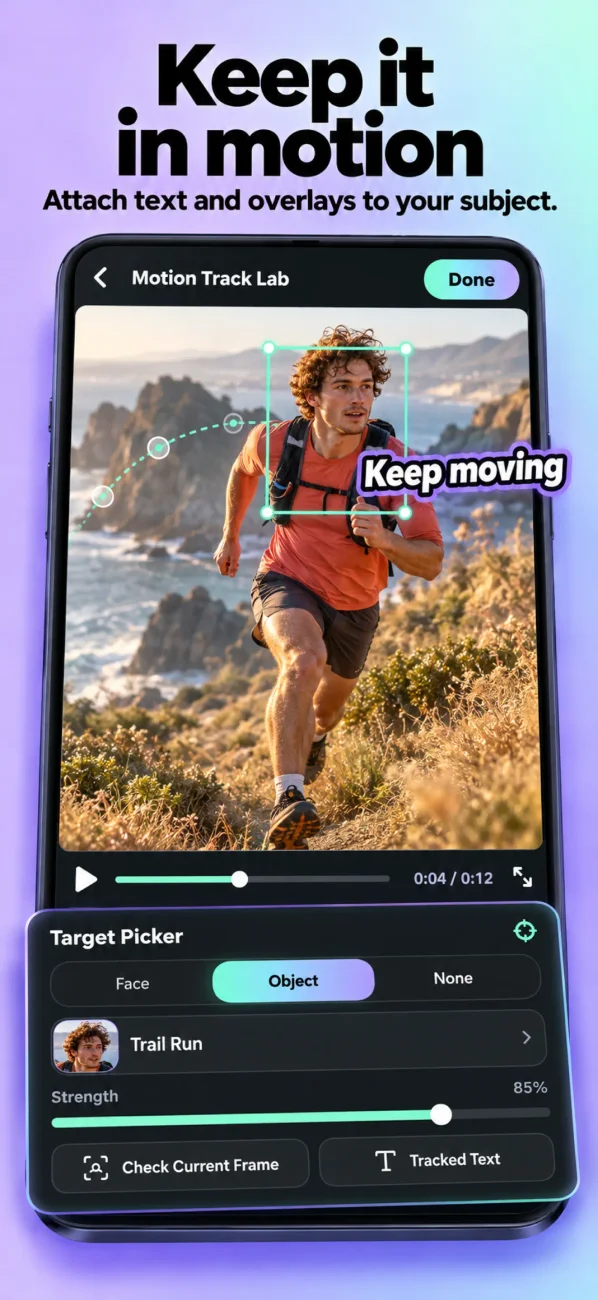
- Attach captions and overlays to subjects with motion tracking
- Reopen supported template builds with the same media and song
- Recover interrupted exports and keep version snapshots
- Package an edit for multiple destinations with Social Pack Export
- Preview edits with looping playback, then export for social formats
- Prepare music-video sharing with editable TikTok titles, captions and hashtags, copy buttons and a text file
A refreshed mint-and-lavender interface brings consistent controls, sheets, inputs and branding throughout SoundFrame, with layouts for iPhone and iPad.
Core editing works without creating an account. Optional Go and Pro features are available through auto-renewable subscriptions. AI access and generation limits depend on the plan, feature and model; applicable credits or clip allowances are shown before confirmed requests. Apple manages subscription billing, renewal and cancellation.
Privacy Policy:
https://www.halalisani.com/projects/soundframe-ios/privacy/
Terms of Use:
https://www.apple.com/legal/internet-services/itunes/dev/stdeula/
What’s new
Version 3.0.7 · Oct 27, 2026
Director’s Review gives your finished edit a fresh perspective. Get focused, timecoded feedback on openings, pacing, captions and sound. Preview supported caption fixes before choosing Keep or Revert. Available with Pro; the review cost and cloud-upload choice are shown before you start.
Stories & Series is here. Organize scenes, characters and references, shape editable scene plans, and bring selected takes into the editor. New dialogue timing checks help identify scenes that may need more time.
Explore refreshed Home, Create and Library navigation, choose Light, Dark or System appearance, and resume editing where you left off.
This update also improves filter previews and layer controls, adds direct music-video resolution choices, and fixes audio in newly downloaded music videos.
Enjoy a simpler editor mode, preview-side framing controls, improved layer trimming, audio fades and clearer audio colors. This build also improves photo framing, layer appearance controls, and recovery of local AI-image editing drafts.
App privacy
What Halalisani Mbanjwa declares on the App Store about how this app handles data.
-
Data used to track you
May be used to track you across apps and websites owned by other companies.
- Purchases
- Identifiers
- Usage data
-
Data linked to you
May be collected and linked to your identity.
- Purchases
- Contact info
- User content
- Identifiers
- Usage data
- Diagnostics
-
Data not linked to you
May be collected but is not linked to your identity.
- Identifiers
Privacy practices may vary, for example with the features you use or your age.
Information
- Seller
- Halalisani Mbanjwa
- Category
- Photo & Video
- Version
- 3.0.7
- Updated
- Oct 27, 2026
- Released
- Mar 30, 2026
- Size
- 64.5 MB
- Requires
- iOS 18.0 or later
- Age rating
- 4+
- Price
- Free
- In-app purchases
- Yes
- Copyright
- © 2026 CurrentTech
You might also like
-
 WEAVE: Music Video EditorBeat Sync, Reels & Effects
-
 ScoopOutExtract frames. Clean audio
-
 Kyodo - Auto Edit Daily VideosDaily clips into one video
-
 Edie: AI Video EditorEdit videos by asking
-
 BeatMotion: Reels on BeatReels from Photos & Clips
-
 AutoEditCut videos to the beat
-
 BeatReelPhoto & Video
-
 tengi: Auto Video EditorEdit, Caption, Schedule, Reels
-
 VidEdit - AI Video EditorCut, Caption, Color & Share
-
 Quick Cut Pro - Video EditorAuto montage from your clips