
- Age rating4+
- CategoryUtilities
- DeveloperThomas Berger
- Size6.0 MB
Links to the official App Store page
Download.org hosts no file of Terminal Console. The button opens its official App Store page, published by Thomas Berger. Listing last checked on Nov 16, 2026.
Screenshots
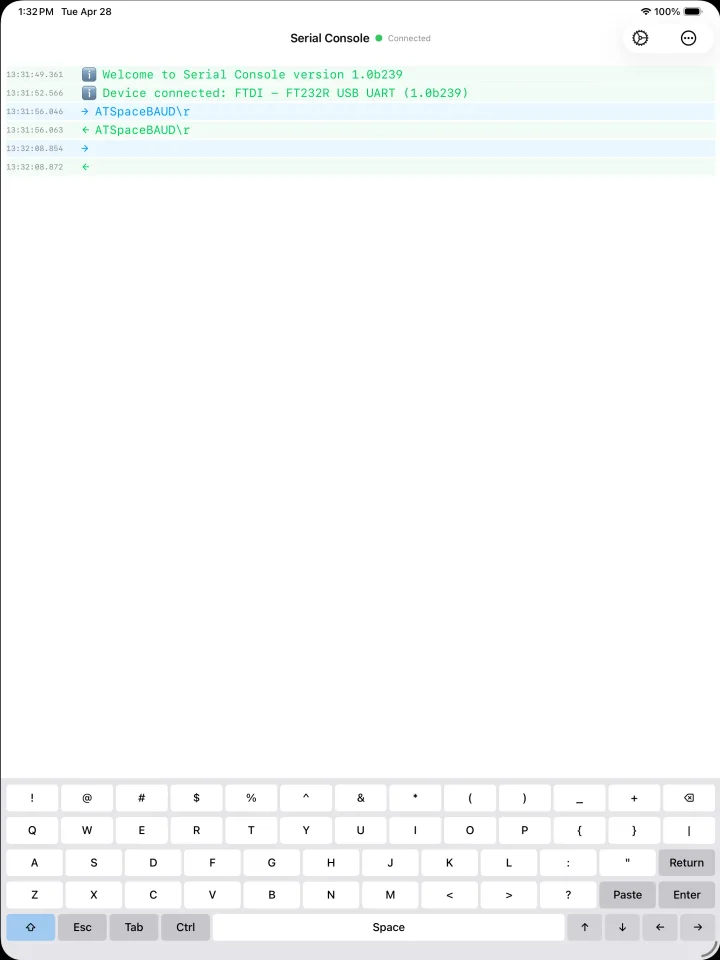
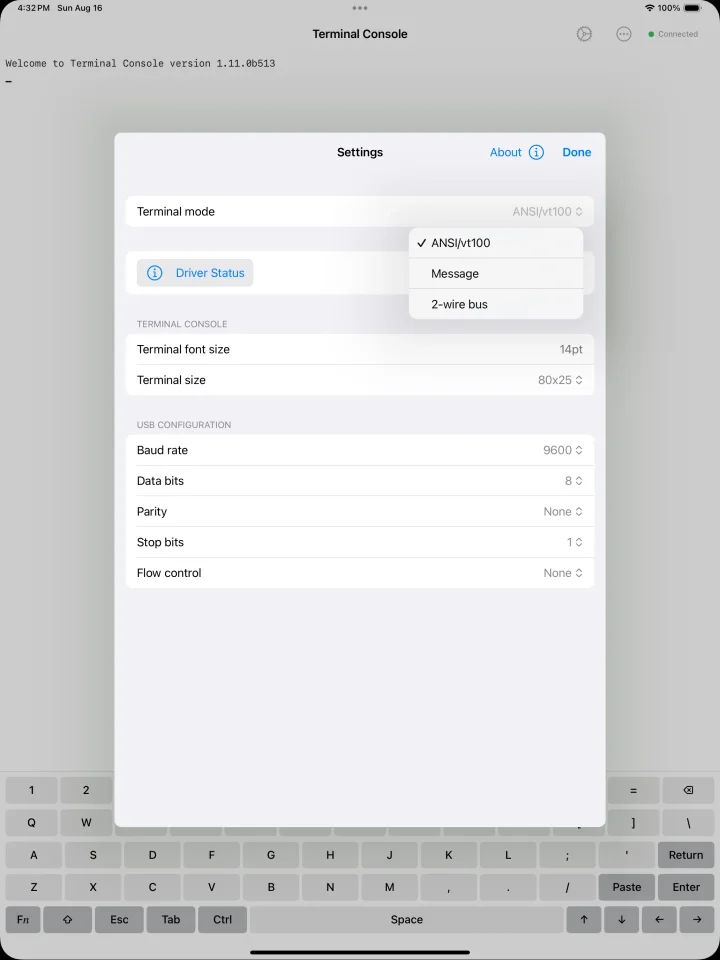
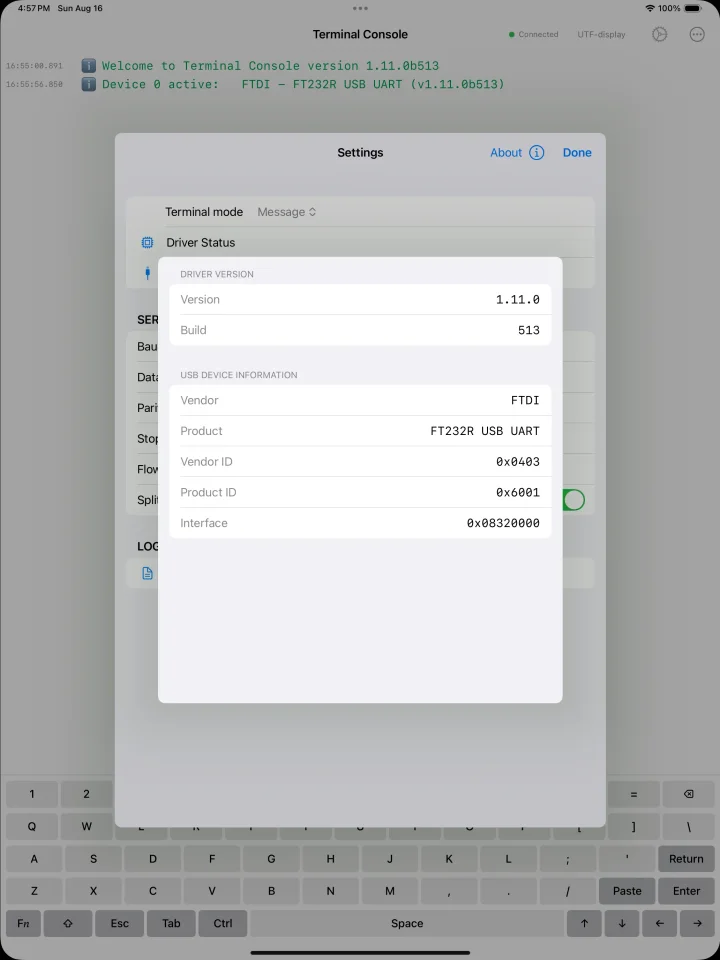
About
Connect your iPad directly to FTDI USB-to-serial adapters (FT232R-based, including USB-C and A FTDI cables) and get a full serial console. The App supports three modes: ANSI/vt100, message (data frame) and 2-wire bus.
Ideal for managing routers, switches, firewalls, and other hardware using an FTDI serial adapter. Includes hex display for low-level debugging. Requires iPad (M-series). The USB driver must be authorized once in Settings > Privacy & Security.
What’s new
Version 1.12.0 · Sep 1, 2026
Improved driver unloading: with suspend the app now releases USB device, so that with swipe-up the driver can unload. If the app is resumed it re-scans the USB - if the USB is still connected on resume, the app reports the FTDI as being a fresh plug in.
App privacy
What Thomas Berger declares on the App Store about how this app handles data.
-
Data not collected
The developer does not collect any data from this app.
Privacy practices may vary, for example with the features you use or your age.
Information
- Seller
- Thomas Berger
- Category
- Utilities
- Version
- 1.12.0
- Updated
- Sep 1, 2026
- Released
- Jun 12, 2026
- Size
- 6.0 MB
- Requires
- iOS 18.2 or later
- Age rating
- 4+
- Price
- Free
- Copyright
- © Thomas Berger
You might also like
-
 Konsol: SSH & Serial ConsoleNetwork Terminal & 30 Tools
-
 RFChatOffline packet radio chat
-
 easy EDITOR · Audio EditorCutter Loudness MP3 WAV Trim
-
 Glink 3270TN3270 Terminal Emulator
-
 TCP - SerialLoggerUtilities
-
 FreeSSHUtilities
-
 Modbus TCP FieldKitClient, Server, Simulator
-
 ReticaMsgrEasy Reticulum messenger
-
 Seek & FindSeekfinder, Anti-lost Device
-
 Evoke: Remote DesktopScreen sharing & touch control