
- Age rating4+
- CategoryDeveloper Tools
- DeveloperHikaru Matsuda
- LanguagesEnglish+ 9 more
- Size190.6 MB
Links to the official App Store page
Download.org hosts no file of TeX Go. The button opens its official App Store page, published by Hikaru Matsuda. Listing last checked on Nov 12, 2026.
Screenshots
About
Pick up your Overleaf project on the train.
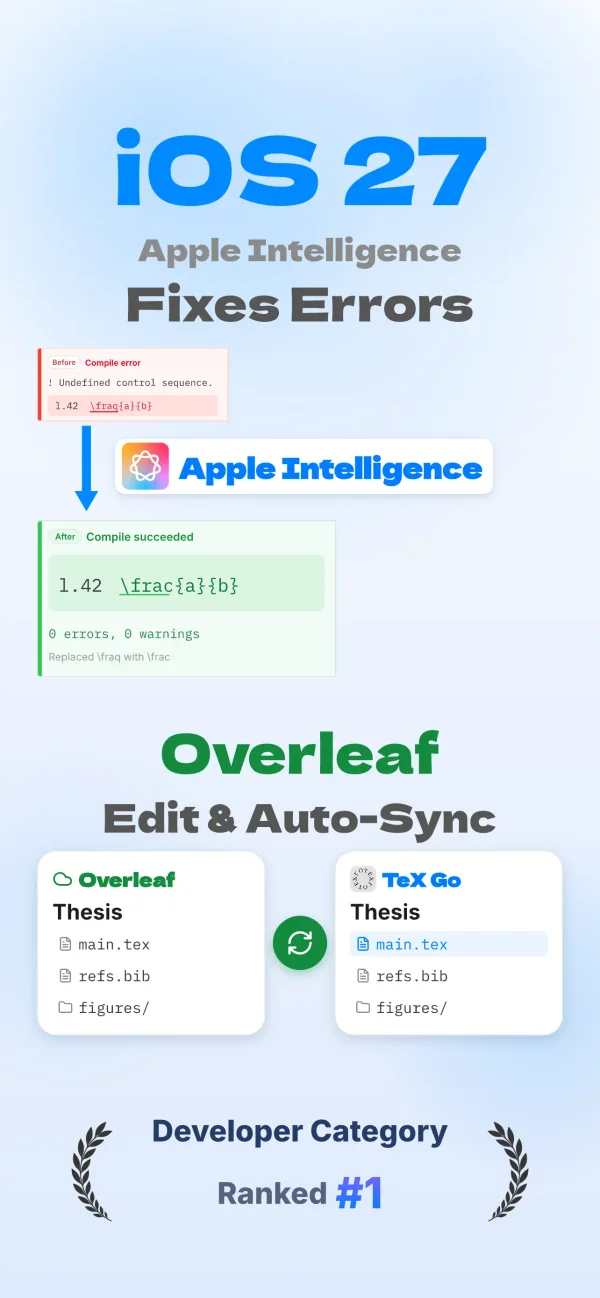
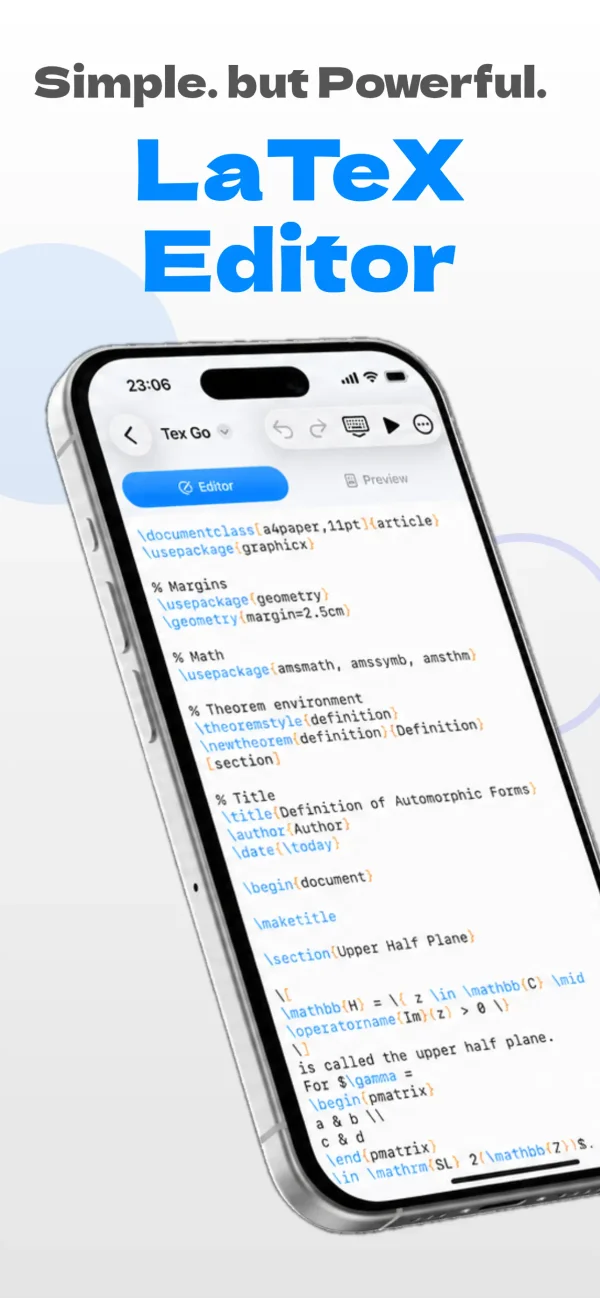
Version 3.0 imports your Overleaf projects, lets you edit them, and keeps them in sync, as long as the project owner has a paid Overleaf plan. TeX Go is an editor for writing LaTeX, Japanese included, on iPhone and iPad.
【Sync with Overleaf】
Save a Git authentication token once in TeX Go’s Settings, paste a project URL, and the import begins. The project arrives as a folder on your device. While the project is open, your edits are sent to Overleaf automatically, and changes made on Overleaf are pulled in at the interval you choose: 1, 5, or 15 minutes. In a hurry? Tap Sync Now. Imported folders are also visible in the Files app.
If the same file changes on both your device and Overleaf, both versions are kept and you choose which one to keep. Your edit stays in the original file; Overleaf’s version is saved as a copy whose name is marked “(Overleaf)”.
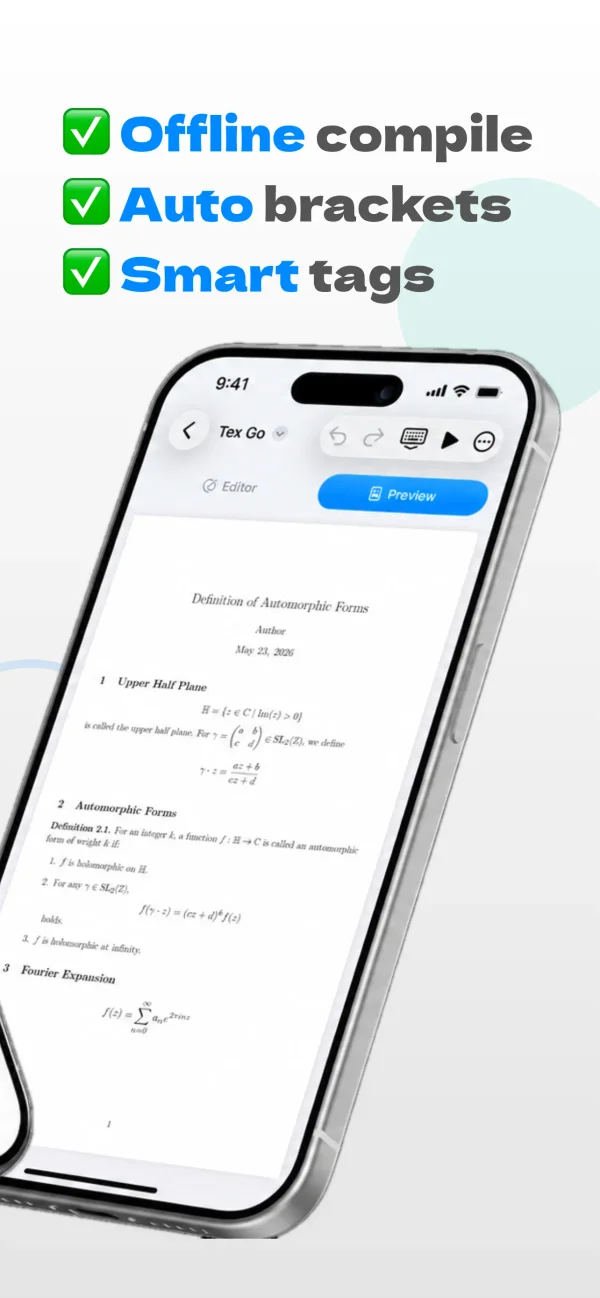
Compiling happens on your device by default. For supported documents, you get a PDF even where there is no signal.
【What sync needs: a paid plan and a Git token】
Projects whose owner is on a free plan can’t be synced. TeX Go on its own still edits and compiles as it always has.
You create the Git authentication token in your Overleaf account settings. TeX Go keeps it in this device’s Keychain and uses it only to sync with Overleaf. Step-by-step instructions are in TeX Go’s Settings, under “Overleaf Setup Guide”.
【No Overleaf? Still a complete LaTeX editor】
• A LaTeX editing environment with Japanese document support
• On-device compilation, even offline
• Compile-error suggestions from Apple Intelligence (iOS 26 or later, on supported devices with Apple Intelligence turned on; processed on device)
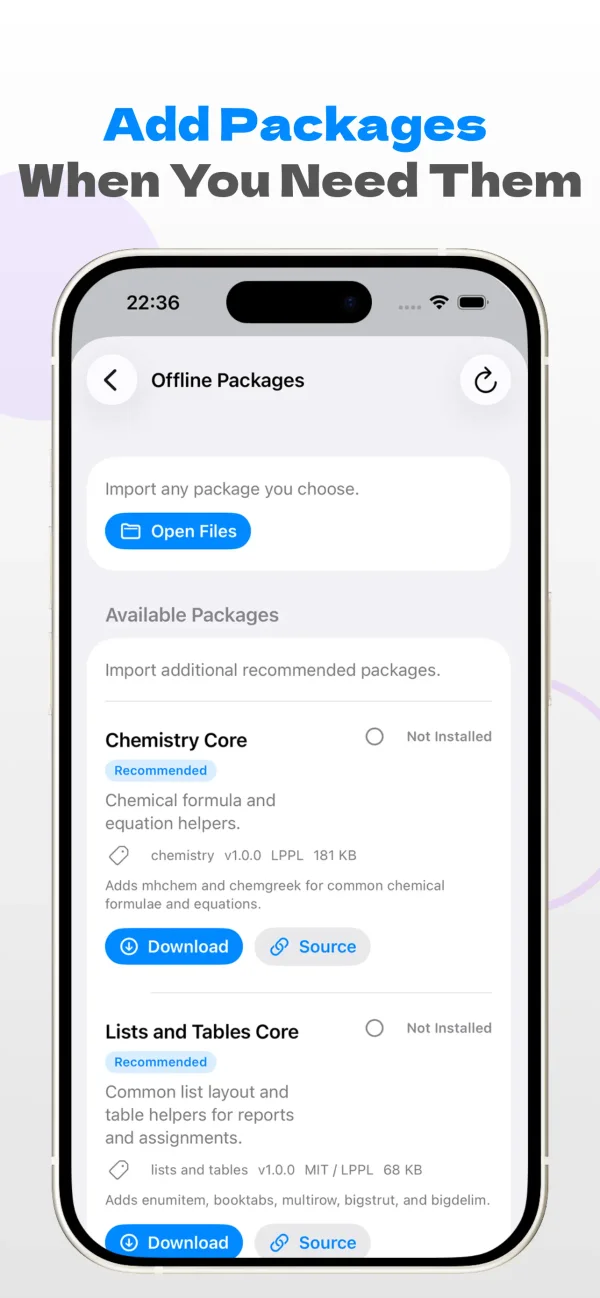
• Add packages from .zip files containing .sty or .cls files
• Command completion
• Create documents from templates
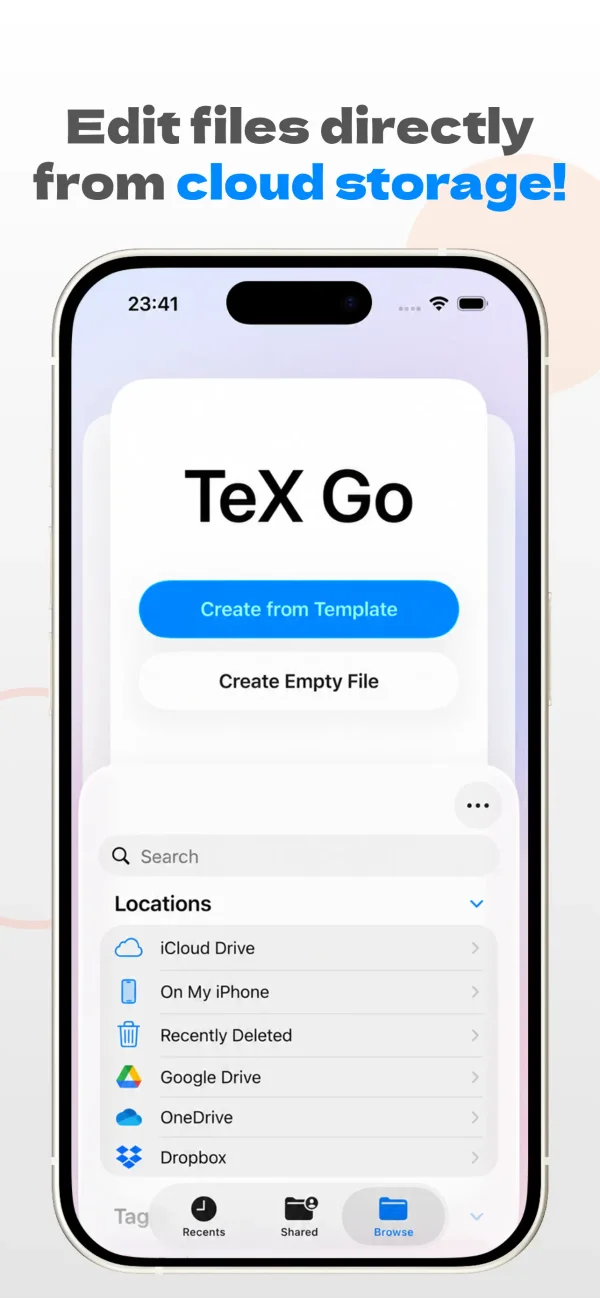
• Edit files on your iPhone or iPad and in cloud storage
Overleaf is a trademark of its owner. TeX Go is not affiliated with Overleaf and is not endorsed or sponsored by it.
What’s new
Version 3.0.0 · Oct 26, 2026
TeX Go 3.0. You can now edit Overleaf projects on iPhone and iPad and keep them in sync. Sync works only when the project owner has a paid Overleaf plan.
• Save a Git authentication token, paste a project URL, and the whole project is imported as a folder
• While a project is open, edits are sent to Overleaf automatically, and Overleaf’s changes are pulled in every 1, 5, or 15 minutes (you choose). Sync Now is there when you can’t wait
• If the same file changes on both your device and Overleaf, both versions are kept. Overleaf’s version is saved as a copy marked “(Overleaf)”
• Imported projects compile on your device
The support page and privacy policy now live on our new site, texgo.m2d.app.
App privacy
What Hikaru Matsuda declares on the App Store about how this app handles data.
-
Data not collected
The developer does not collect any data from this app.
Privacy practices may vary, for example with the features you use or your age.
Information
- Seller
- Hikaru Matsuda
- Category
- Developer Tools
- Version
- 3.0.0
- Updated
- Oct 26, 2026
- Released
- Dec 30, 2025
- Size
- 190.6 MB
- Requires
- iOS 18.6 or later
- Age rating
- 4+
- Price
- $5.99
- Languages
- English, French, German, Italian, Japanese, Korean, Portuguese, Russian, Simplified Chinese, Spanish
- Copyright
- © 2025 Hikaru.
You might also like
-
 Grit for GitLabNative Gitlab Client
-
 PocketGitManage Git Repos Anywhere
-
 Porcelain GitClean, native Git client
-
 NativeLabGitLab client: MRs, issues, CI
-
 GitoxAI Git repo automation
-
 iGit: Git & PRsCode review on the go
-
 Git Rover - Native Git ClientClone, Edit, Commit & Push
-
 PharoSmalltalkPure Object Oriented
-
 PocketUNIXDeveloper Tools
-
 Bash IDE Fresh EditionEverything is in the mastery..