
- Age rating4+
- CategoryDeveloper Tools
- DeveloperSeokhyeon Nam
- LanguagesEnglish
- Size10.1 MB
Links to the official App Store page
Download.org hosts no file of Porcelain Git. The button opens its official App Store page, published by Seokhyeon Nam. Listing last checked on Nov 17, 2026.
Screenshots
About
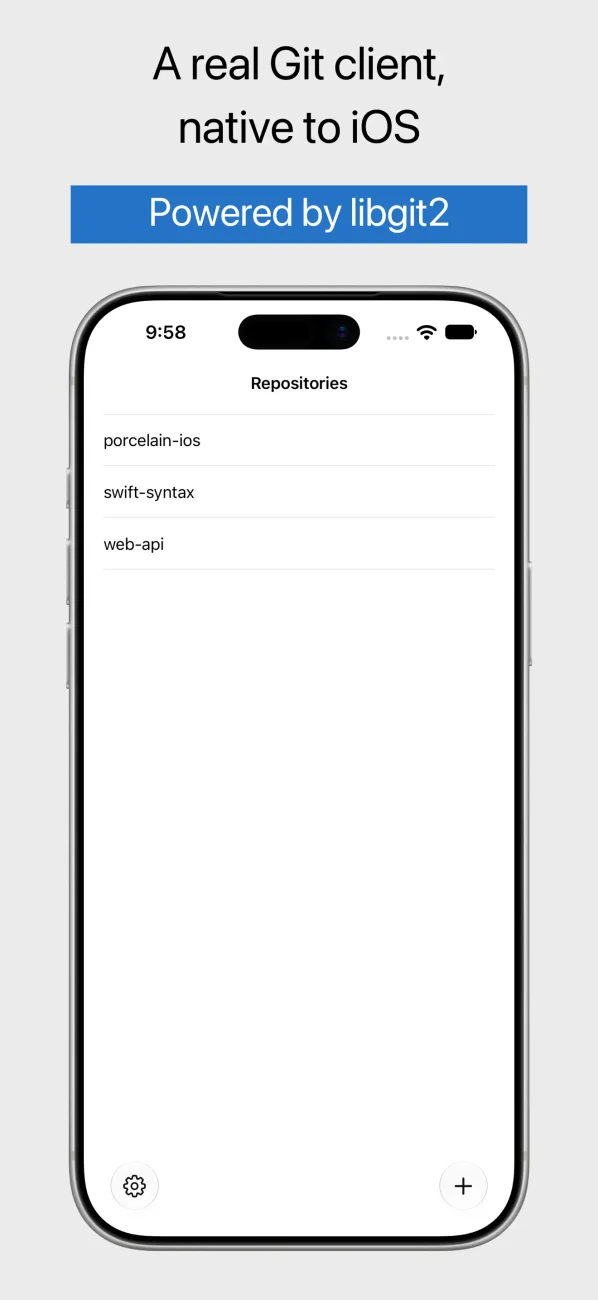
Porcelain is a clean, native, and fast Git client designed for iPhone and iPad.
KEY FEATURES:
• Full Git engine powered by libgit2
• Clone repositories over HTTPS, signing in with a personal access token
• Anonymous clone for open-source repositories
• Preview the web page in your repository: one tap opens index.html with its styles, scripts, and links working
• Open that preview in a browser on your Mac or any device on the same Wi-Fi
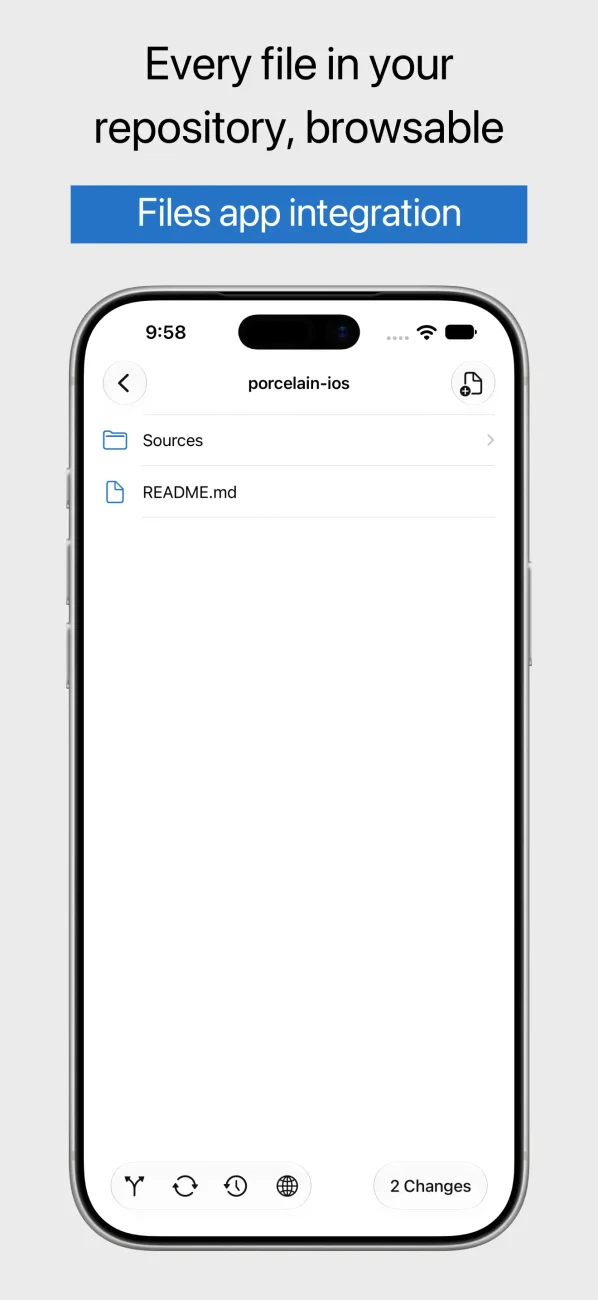
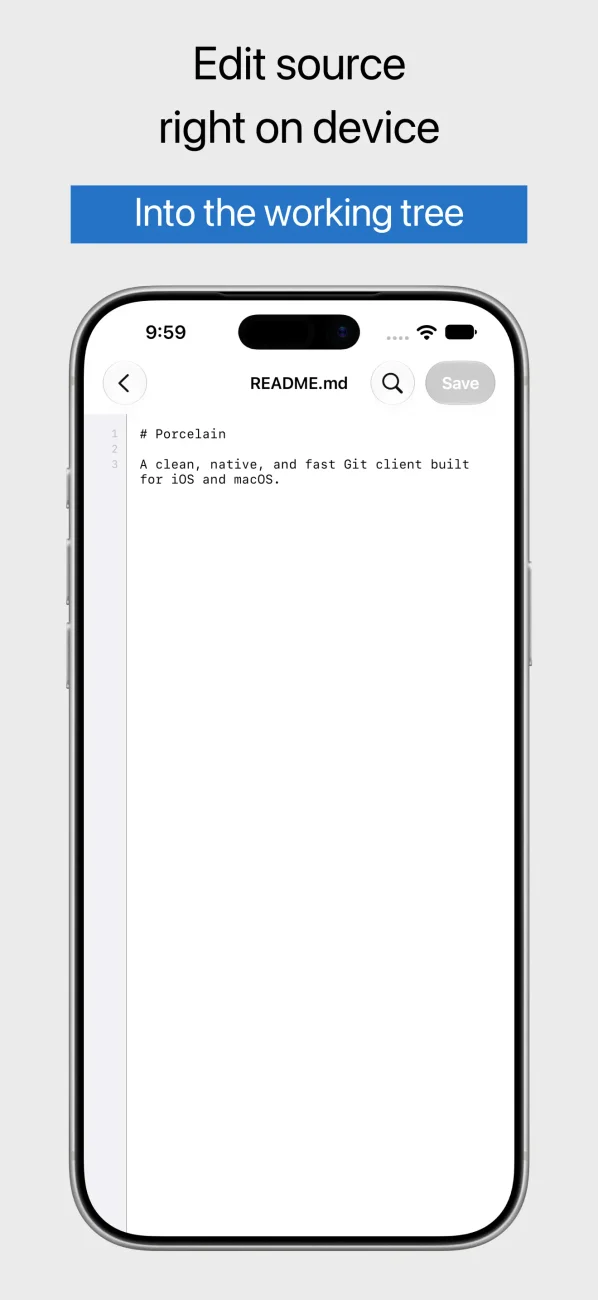
• Create and edit files, and rename files and folders
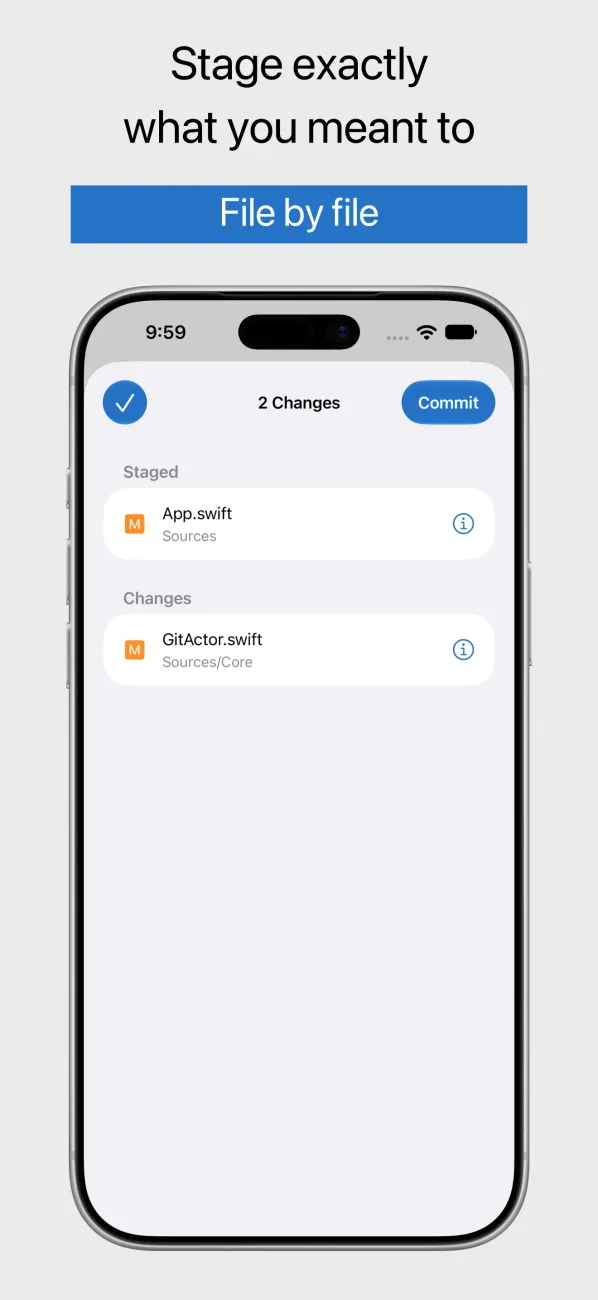
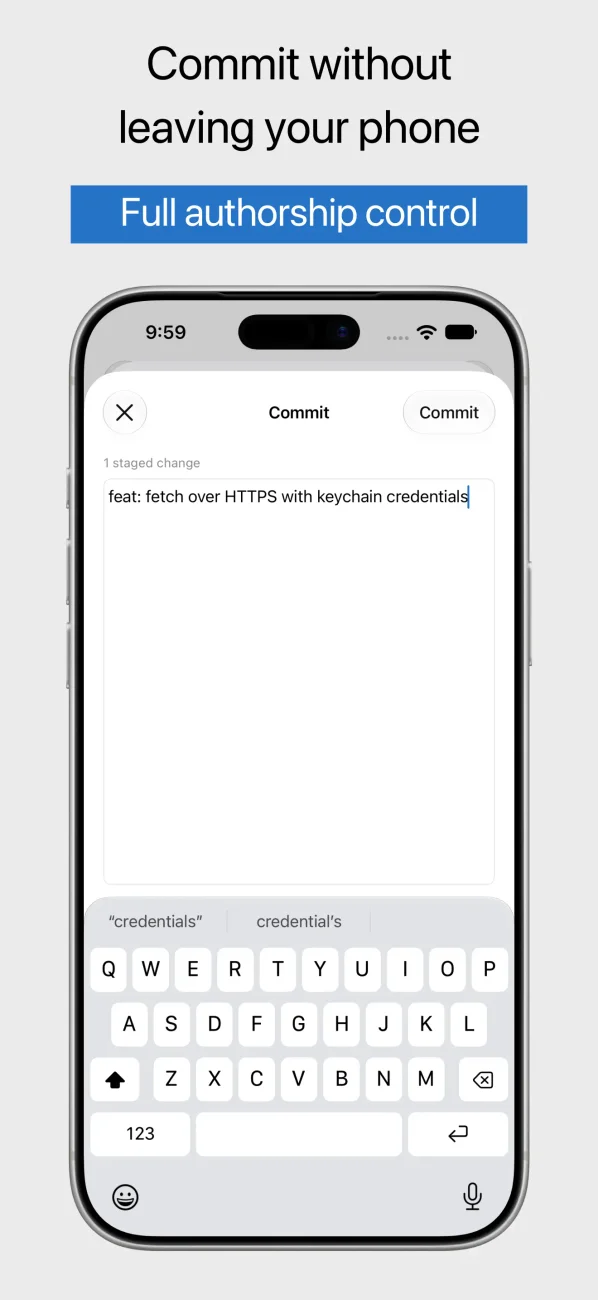
• Stage and unstage individual files
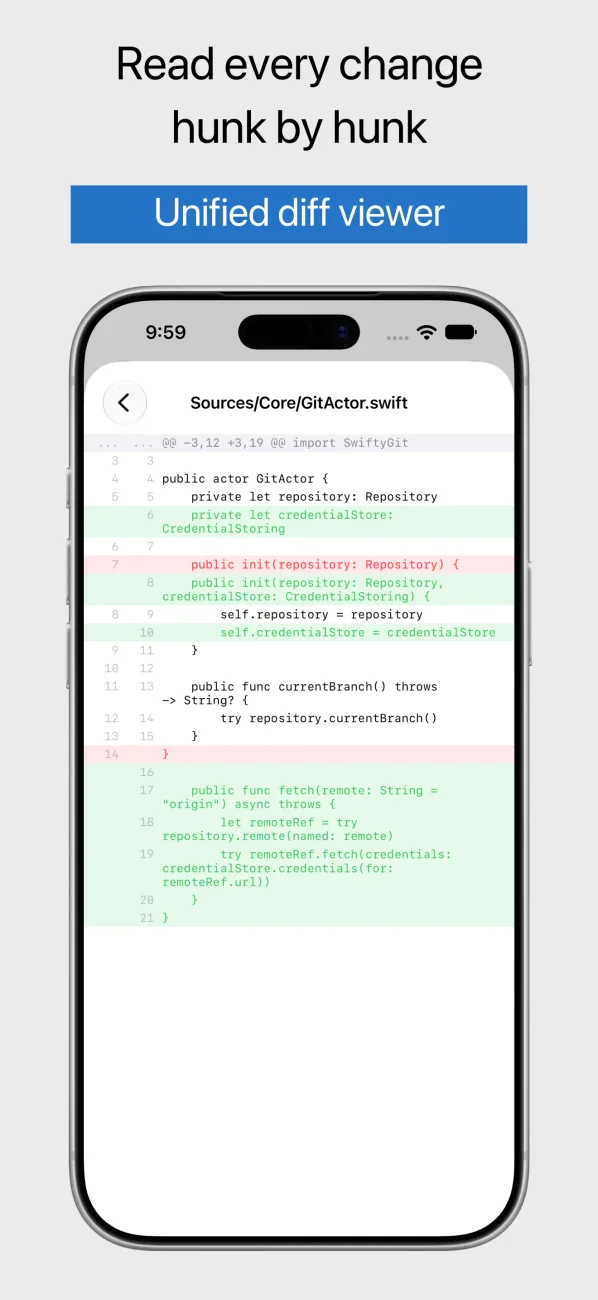
• Unified diff viewer with hunk headers and color-coded changes
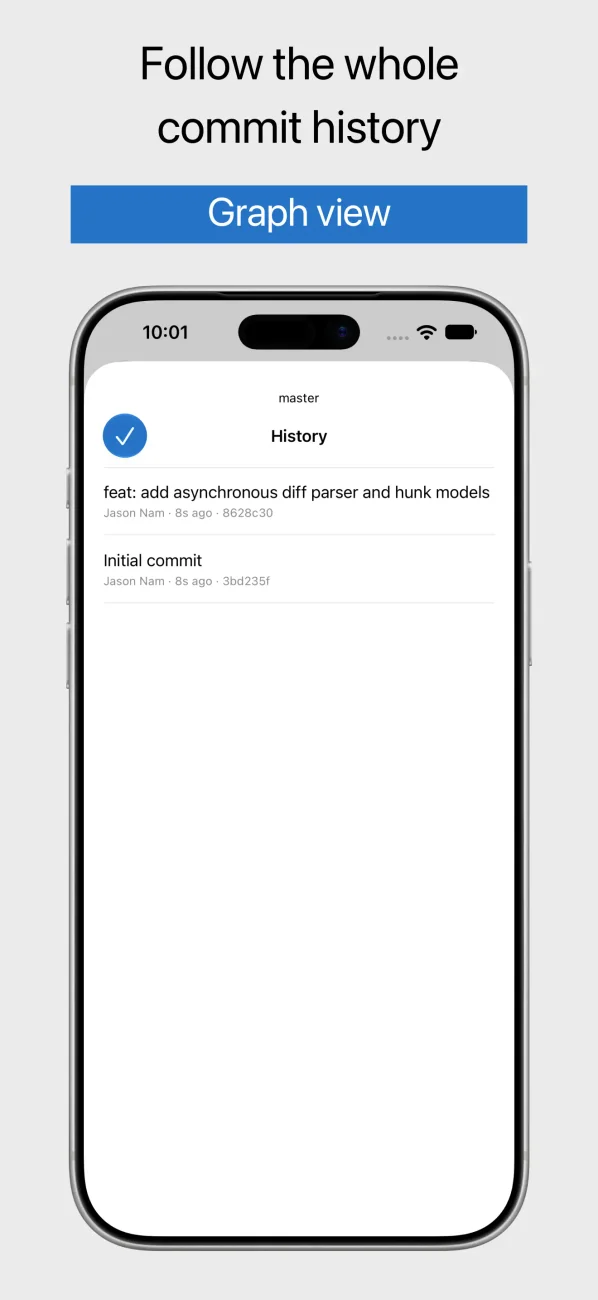
• Commit history graph
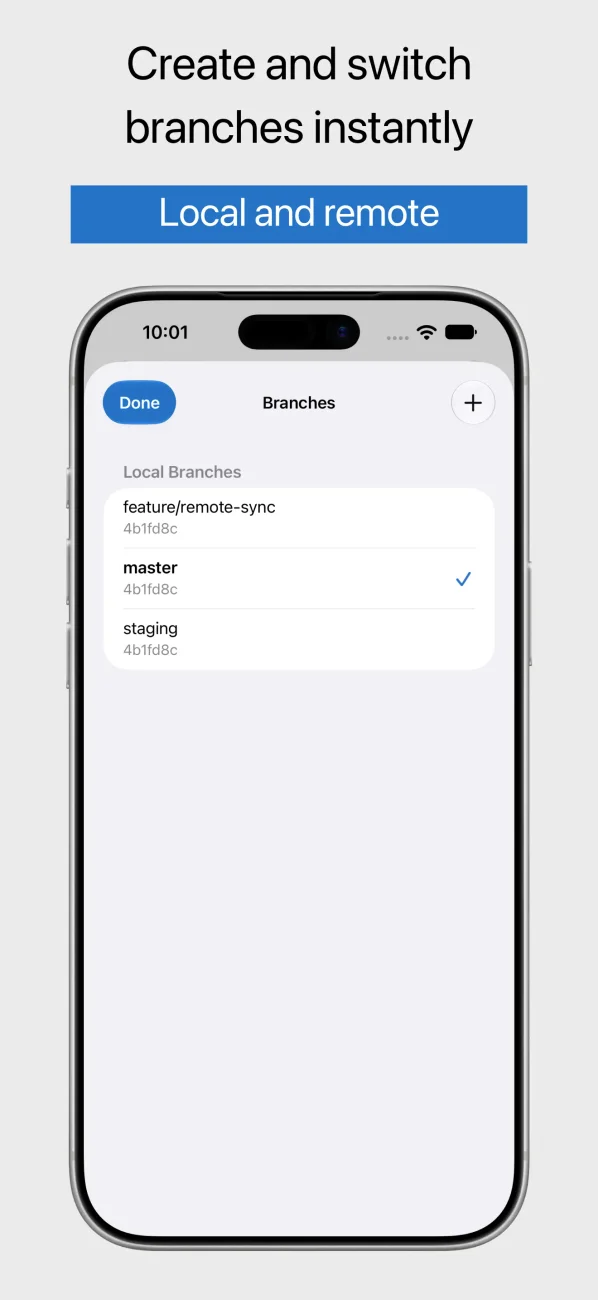
• Branch management: create, list, and switch branches
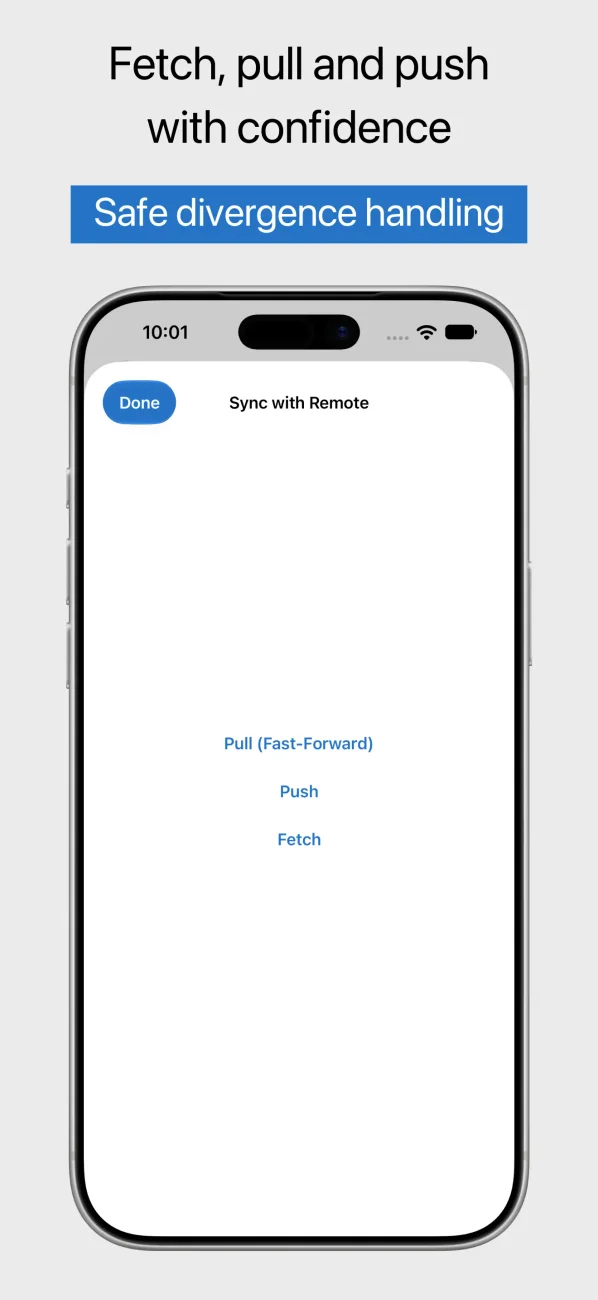
• Fetch, pull, and push with safe divergence handling
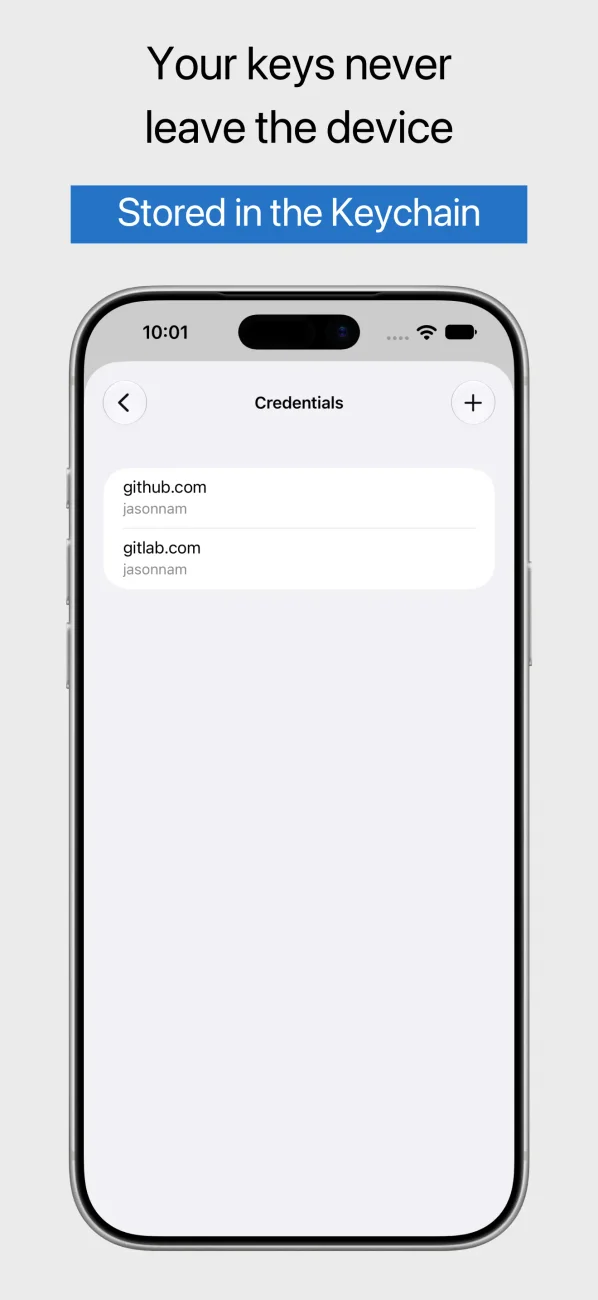
• Secure credentials stored exclusively in your device's Keychain
• Direct access to repository files via the iOS Files app
• Built for iPhone and iPad, with split view on iPad
What’s new
Version 2.1.3 · Nov 11, 2026
Porcelain 2.1.3 sharpens the file editor and brings Porcelain to iPhone Duo.
What's new:
• Line numbers and diff markers in the editor. Added, modified and deleted lines are marked in the gutter beside the line numbers.
• Editor toolbar and shortcuts. Undo, redo, indent and outdent sit above the keyboard, with Command-S, Command-F and Tab on hardware keyboards.
• Invisible characters. Turn on spaces, tabs and line breaks in Settings.
• Support for iPhone Duo. Unfolding keeps your place in the file tree and opens the editor beside it.
App privacy
What Seokhyeon Nam declares on the App Store about how this app handles data.
-
Data not collected
The developer does not collect any data from this app.
Privacy practices may vary, for example with the features you use or your age.
Information
- Seller
- Seokhyeon Nam
- Category
- Developer Tools
- Version
- 2.1.3
- Updated
- Nov 11, 2026
- Released
- Nov 1, 2016
- Size
- 10.1 MB
- Requires
- iOS 17.0 or later
- Age rating
- 4+
- Price
- Free
- Languages
- English
- Copyright
- © 2026 Jason Nam
You might also like
-
 Git Rover - Native Git ClientClone, Edit, Commit & Push
-
 GitoxAI Git repo automation
-
 Git_ClientPush, Pull & Sync Repos
-
 iGit: Git & PRsCode review on the go
-
 siGit Code & DeploySoftware factory done right
-
 GitzyProfessional Git for Devs
-
 RepoRouteBrowse & Manage Git Repos
-
 TeX GoEdit LaTeX. Sync Overleaf.
-
 Grit for GitLabNative Gitlab Client
-
 PocketGitManage Git Repos Anywhere