
- Age rating4+
- CategoryUtilities
- Developerkushal patel
- LanguagesEnglish
- Size83.8 MB
Links to the official App Store page
Download.org hosts no file of Text Extractor : OCR Scan. The button opens its official App Store page, published by kushal patel. Listing last checked on Nov 13, 2026.
Screenshots


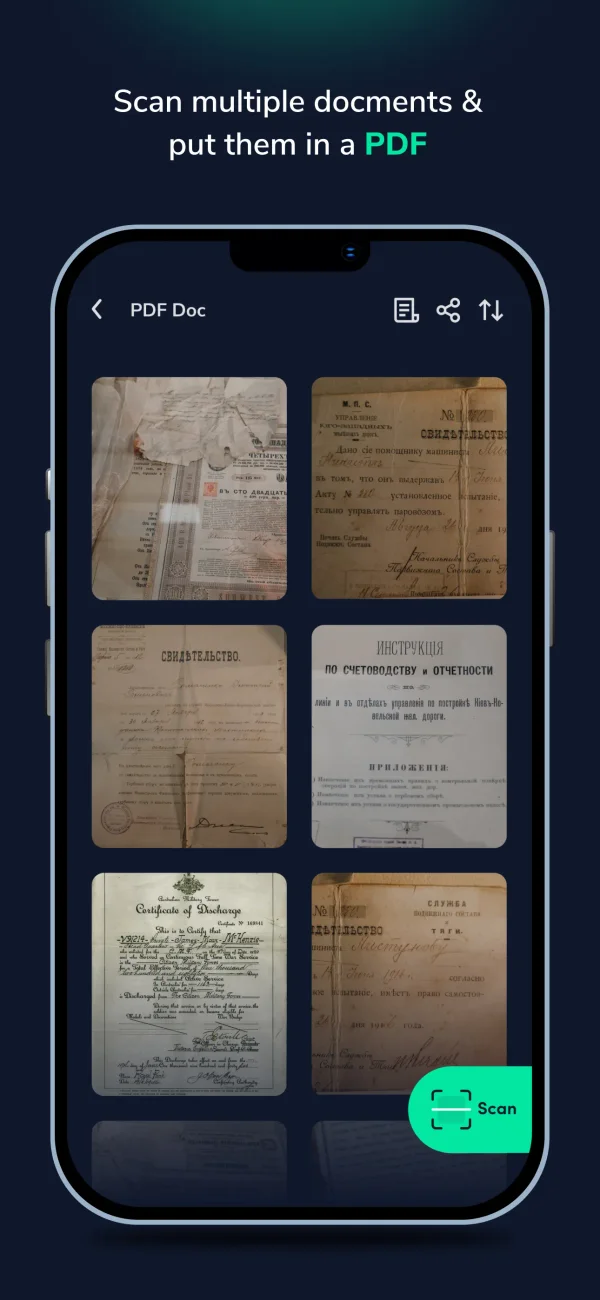
About
Welcome to Text Extractor, the ultimate app for extracting and managing text from various sources. With a powerful set of features, Text Extractor empowers you to conveniently extract text, translate it, create PDFs, and more. Explore the incredible capabilities of Text Extractor and streamline your text-related tasks like never before.
Here’s are the Key features of the app.
1.OCR (Optical Character Recognition):
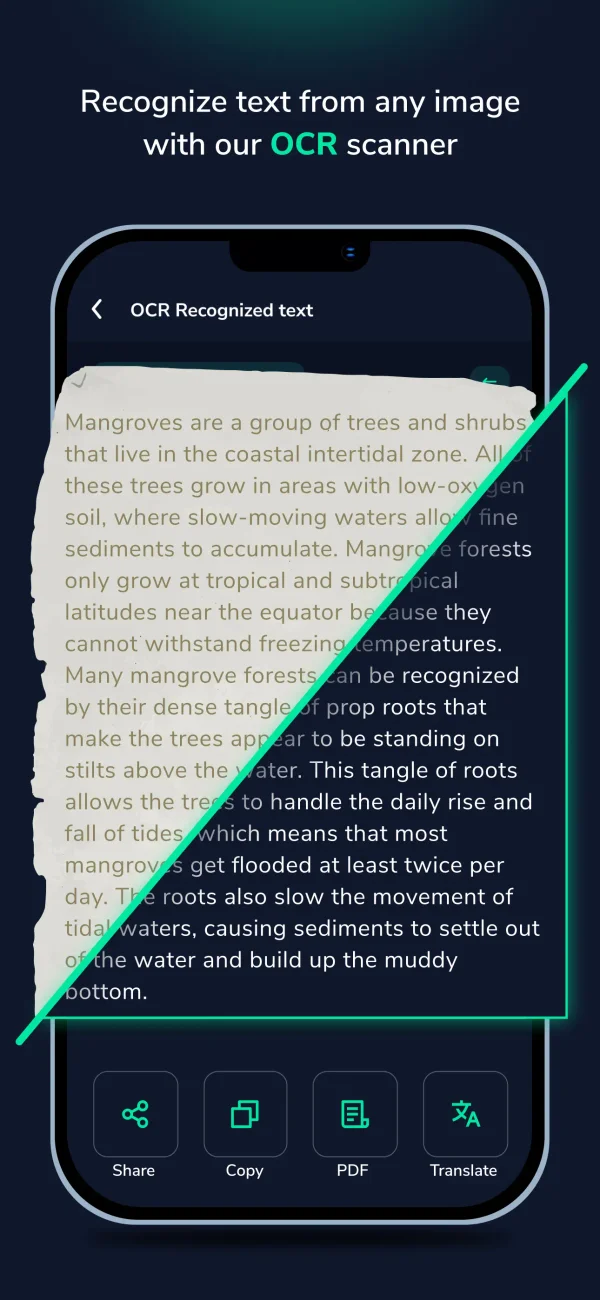
Effortlessly extract text from scanned PDFs, images captured using the camera, or images from your gallery. Our advanced OCR technology accurately recognizes text and provides you with editable text output. Translate the extracted text to any language, share it with others, copy it, or convert it to speech for a seamless reading experience. Customize your text settings such as line spacing and alignment preferences to suit your reading comfort.
2.Translator:
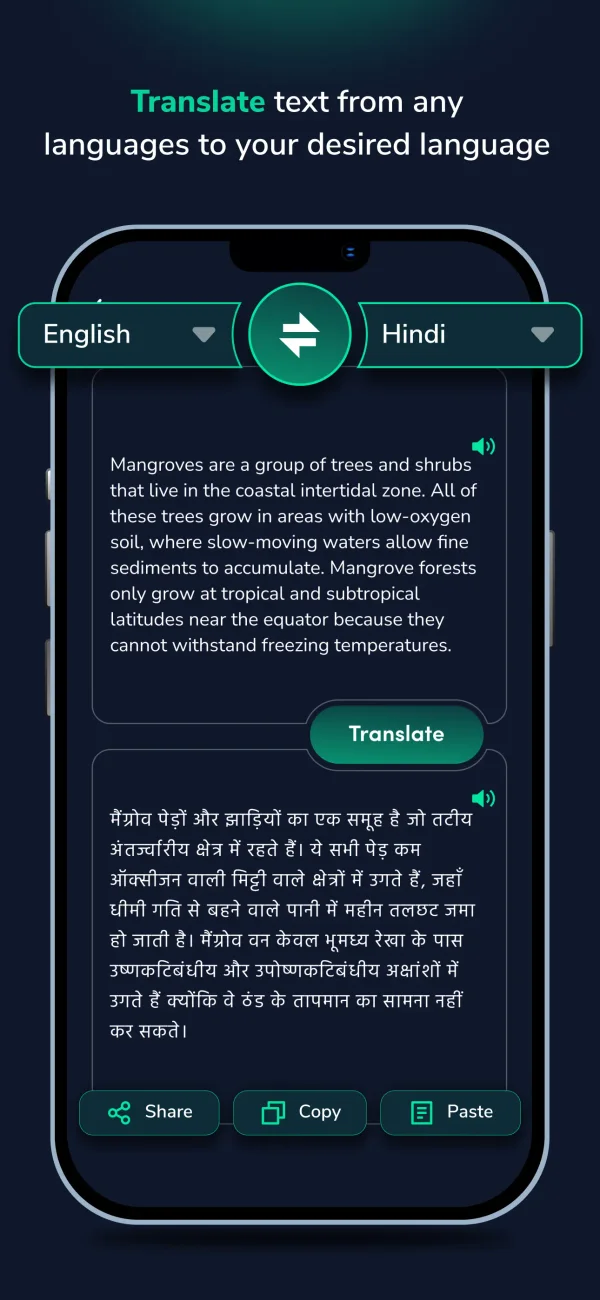
Break down language barriers with our integrated translator. Easily translate text into a variety of languages. Share or copy your translations for seamless communication and global connectivity.
3.QR Code Scanner:
Scan QR codes effortlessly and quickly access their content. Download the results, share them with others, or perform actions associated with the QR code. Experience the convenience of accessing information and services through QR codes with Text Extractor.
4.ID Card Capture:
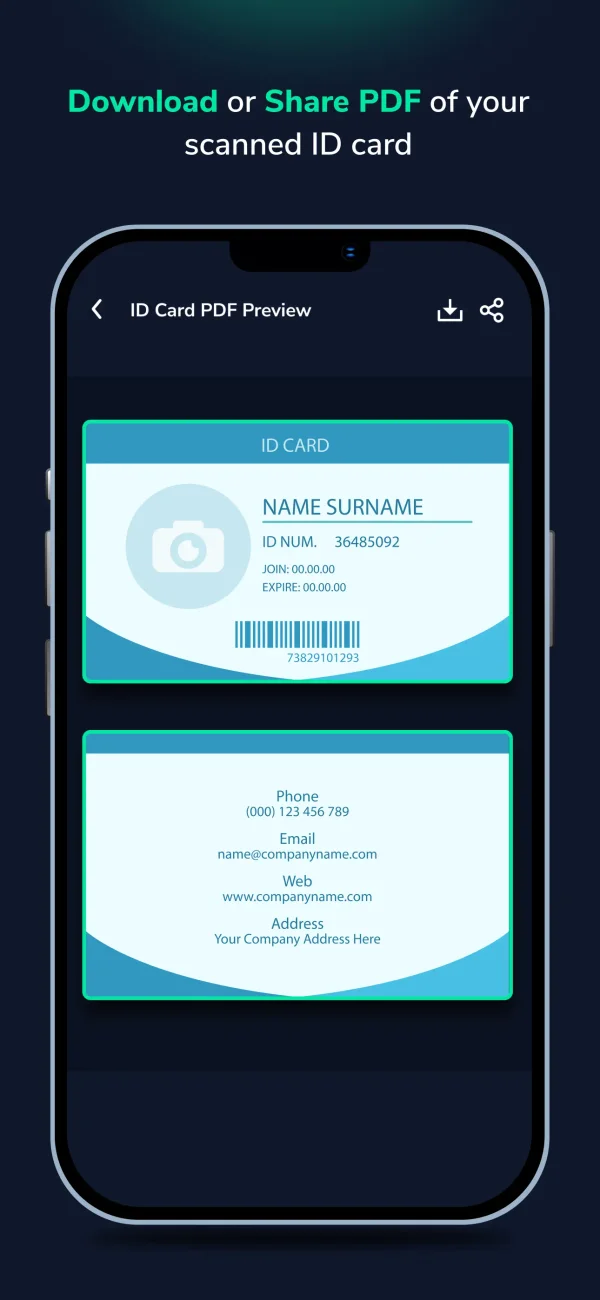
Capture front and back photos of your ID cards for safekeeping and convenience. Download them or generate a PDF version of your ID card for easy sharing and storing. Keep your important identification documents organised within the app.
5.Document Scanner:
Effortlessly capture documents using your device's camera or import them from your gallery. Crop and enhance the document to improve readability. Utilise the recognition feature to extract all text from the document. Translate the extracted text, share it, copy it, or convert it to speech. Create PDFs for convenient storage and access. Simplify your document management tasks with Text Extractor.
Download the app now and revolutionise the way you extract, manage, and interact with text. Enhance your productivity, communication, and organisation with this versatile text processing app.
Features:
• Advanced OCR for extracting text from scanned PDFs and images
• Translation functionality for converting text to various languages
• QR code scanner for quick access to information and services
• ID card capture for easy storage and sharing of identification documents
• Document scanner with text recognition, translation, and PDF creation capabilities
What’s new
Version 1.2 · Aug 6, 2024
Bug fix and performance improvements
App privacy
What kushal patel declares on the App Store about how this app handles data.
-
Data used to track you
May be used to track you across apps and websites owned by other companies.
- Usage data
-
Data not linked to you
May be collected but is not linked to your identity.
- Usage data
Privacy practices may vary, for example with the features you use or your age.
Information
- Seller
- kushal patel
- Category
- Utilities
- Version
- 1.2
- Updated
- Aug 6, 2024
- Released
- Jul 6, 2023
- Size
- 83.8 MB
- Requires
- iOS 13.0 or later
- Age rating
- 4+
- Price
- Free
- In-app purchases
- Yes
- Languages
- English
- Copyright
- © Kushal Patel
You might also like
-
 OCR - Image to Text ExtractScan & extract text from image
-
 Scanner OCR Extractor TextOCR photo text scanner
-
 Image to Text | OCR ScannerExtractor Tool - Photo Scanner
-
 TextUtils: Tools & GeneratorsConvert, Extract & Generate
-
 Quick Copy - Easy Copy PasteClipboard, Templates & QR Code
-
 CryptoSignals: Trend AnalyzerLive prices, RSI, MACD & more
-
 TSS SoftwareFor Order Management, CRM
-
 VFStitch - Long Image MakerTurn Videos into Long Images
-
 World Translator QuizAuthentic Document Scanner App
-
 HERZ ThermiqUtilities