
- 対象年齢4+
- カテゴリユーティリティ
- 開発元kushal patel
- 言語英語
- サイズ83.8 MB
App Storeの公式ページにリンクしています
Download.orgはText Extractor : OCR Scanのファイルを一切ホストしていません。ボタンを押すと、kushal patelが公開しているApp Storeのアプリページが開きます。ページの最終確認:2026/11/13。
スクリーンショット
概要
開発元はこのテキストをお使いの言語で提供していません。
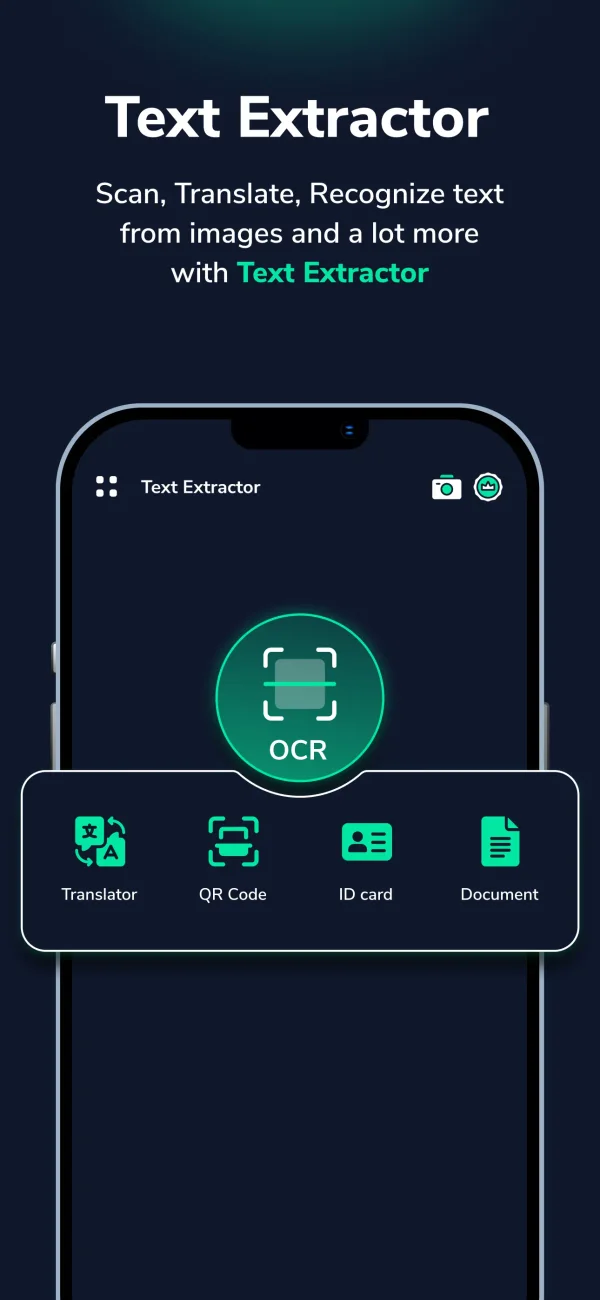
Welcome to Text Extractor, the ultimate app for extracting and managing text from various sources. With a powerful set of features, Text Extractor empowers you to conveniently extract text, translate it, create PDFs, and more. Explore the incredible capabilities of Text Extractor and streamline your text-related tasks like never before.
Here’s are the Key features of the app.
1.OCR (Optical Character Recognition):
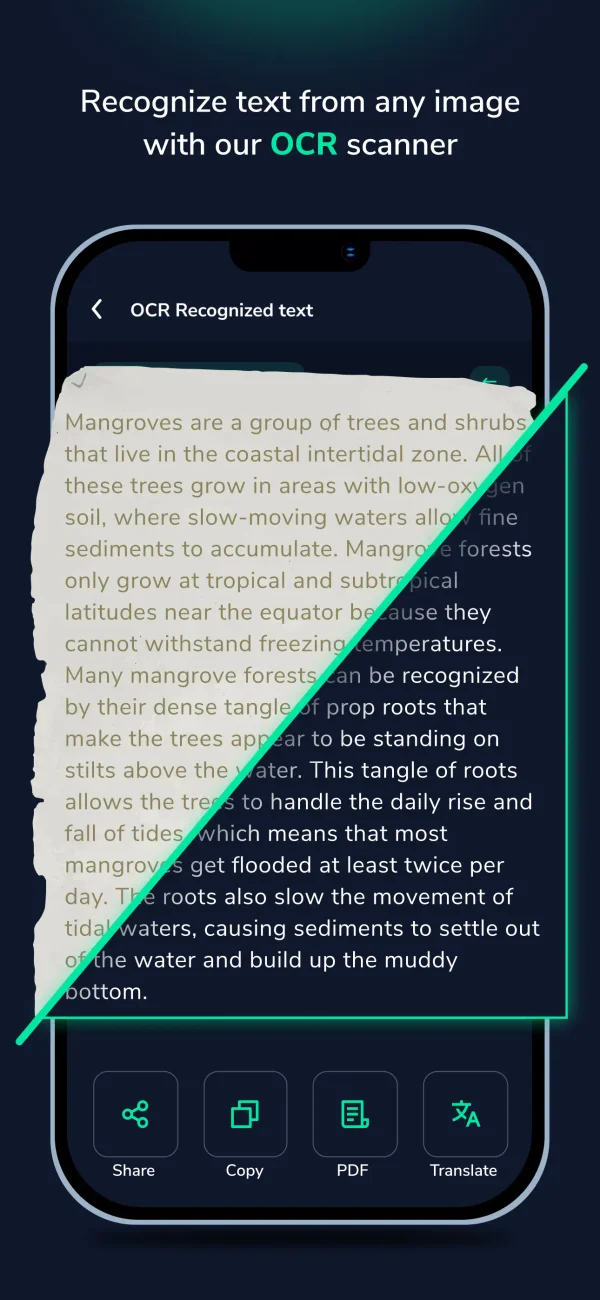
Effortlessly extract text from scanned PDFs, images captured using the camera, or images from your gallery. Our advanced OCR technology accurately recognizes text and provides you with editable text output. Translate the extracted text to any language, share it with others, copy it, or convert it to speech for a seamless reading experience. Customize your text settings such as line spacing and alignment preferences to suit your reading comfort.
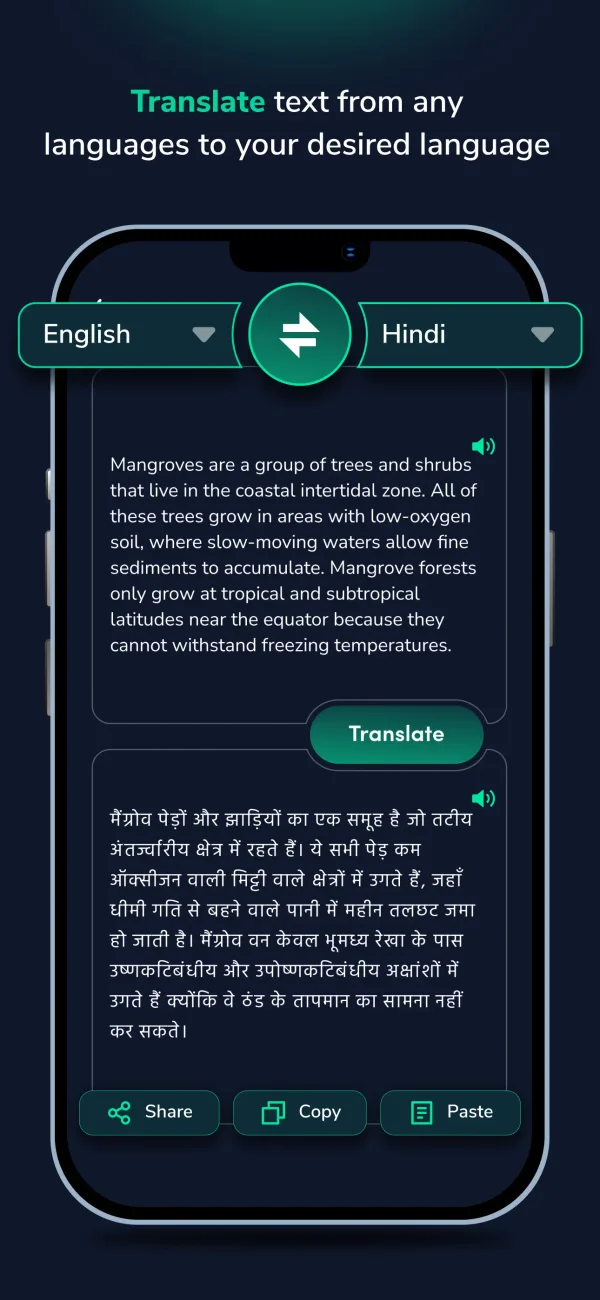
2.Translator:
Break down language barriers with our integrated translator. Easily translate text into a variety of languages. Share or copy your translations for seamless communication and global connectivity.
3.QR Code Scanner:
Scan QR codes effortlessly and quickly access their content. Download the results, share them with others, or perform actions associated with the QR code. Experience the convenience of accessing information and services through QR codes with Text Extractor.
4.ID Card Capture:
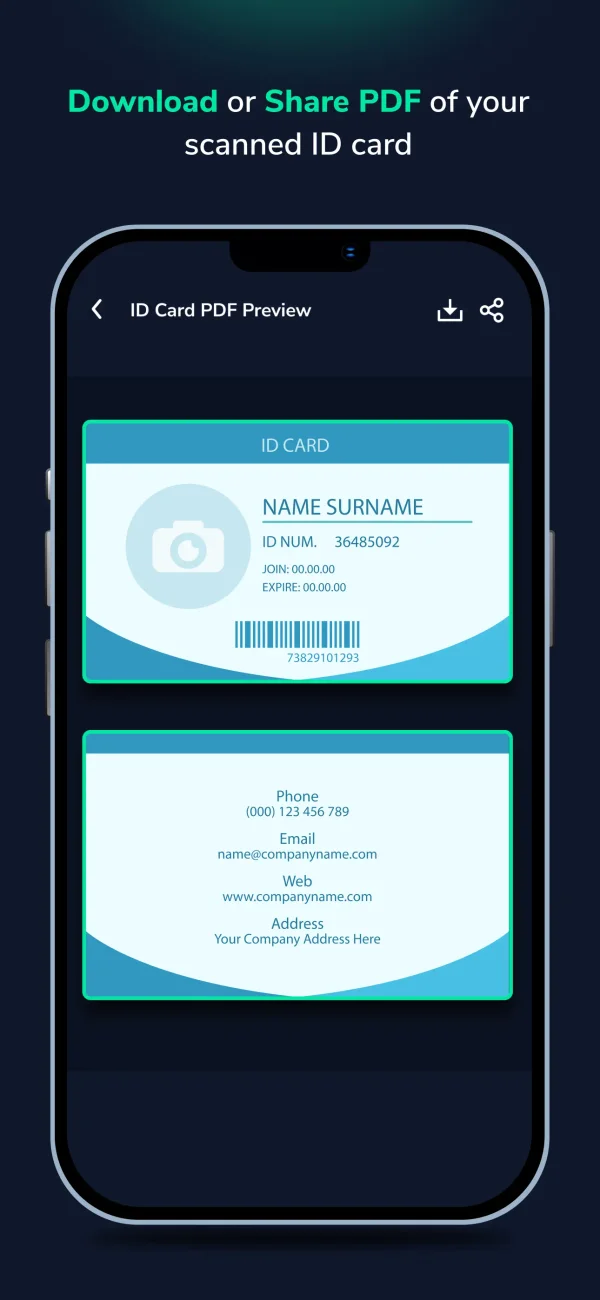
Capture front and back photos of your ID cards for safekeeping and convenience. Download them or generate a PDF version of your ID card for easy sharing and storing. Keep your important identification documents organised within the app.
5.Document Scanner:
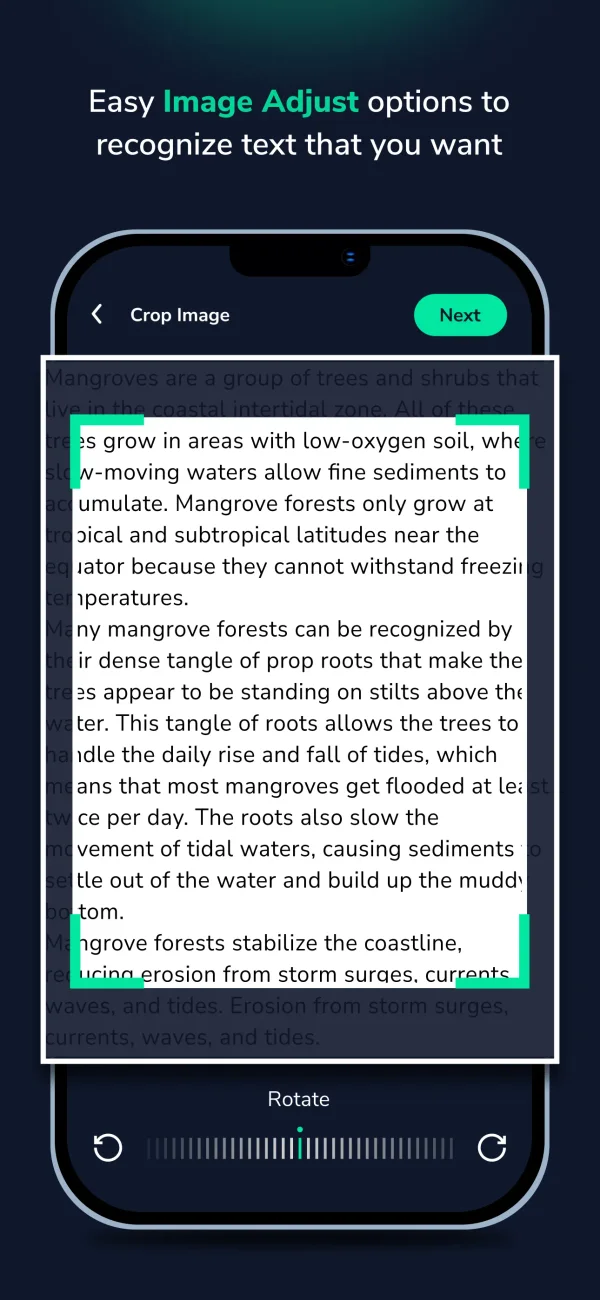
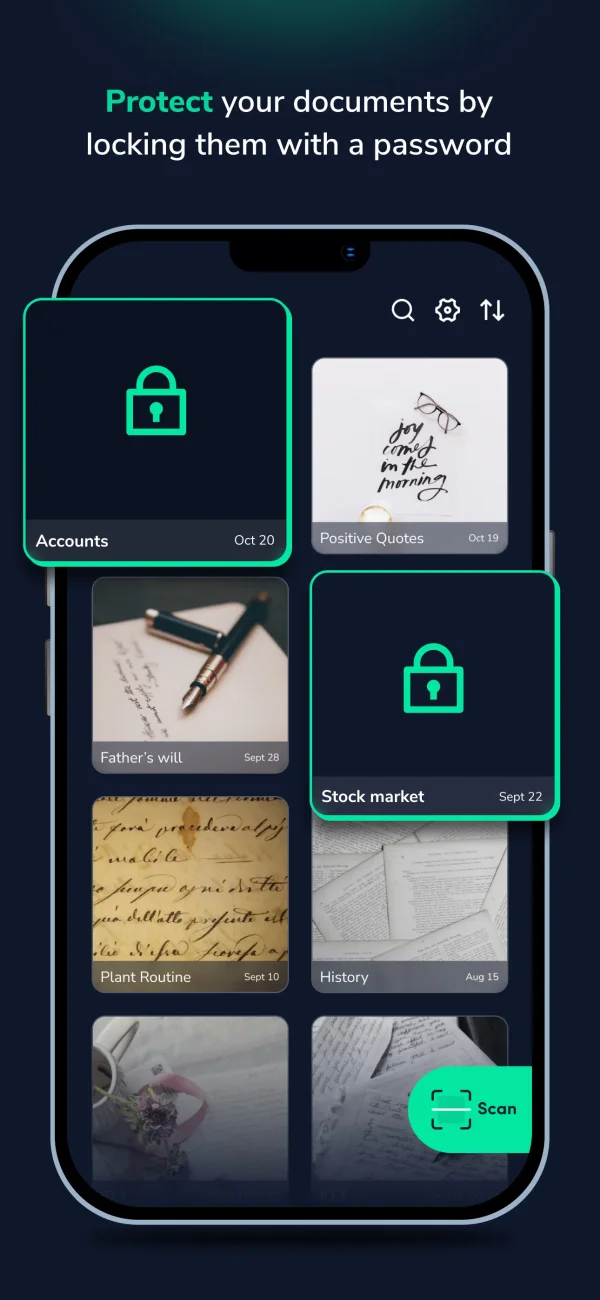
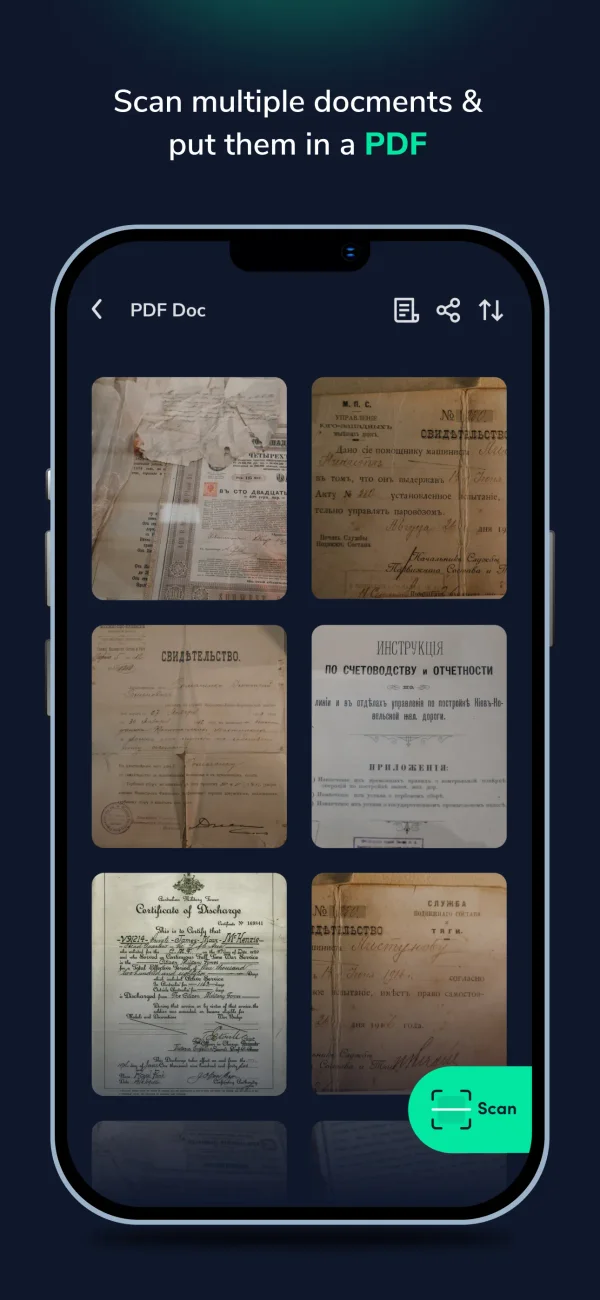
Effortlessly capture documents using your device's camera or import them from your gallery. Crop and enhance the document to improve readability. Utilise the recognition feature to extract all text from the document. Translate the extracted text, share it, copy it, or convert it to speech. Create PDFs for convenient storage and access. Simplify your document management tasks with Text Extractor.
Download the app now and revolutionise the way you extract, manage, and interact with text. Enhance your productivity, communication, and organisation with this versatile text processing app.
Features:
• Advanced OCR for extracting text from scanned PDFs and images
• Translation functionality for converting text to various languages
• QR code scanner for quick access to information and services
• ID card capture for easy storage and sharing of identification documents
• Document scanner with text recognition, translation, and PDF creation capabilities
新機能
バージョン 1.2 · 2024/8/6
Bug fix and performance improvements
アプリのプライバシー
このアプリのデータの取り扱いについて、kushal patelがApp Storeで申告している内容です。
-
ユーザーのトラッキングに使用されるデータ
他社のアプリやウェブサイトを横断してユーザーをトラッキングする目的で使用される場合があります。
- 使用状況データ
-
ユーザーに関連付けられないデータ
収集される場合がありますが、ユーザーの識別情報には関連付けられません。
- 使用状況データ
プライバシーの取り扱いは、ご利用の機能やお客様の年齢などに応じて異なる場合があります。
情報
- 販売元
- kushal patel
- カテゴリ
- ユーティリティ
- バージョン
- 1.2
- 更新日
- 2024/8/6
- リリース
- 2023/7/6
- サイズ
- 83.8 MB
- 必要条件
- iOS 13.0以降
- 対象年齢
- 4+
- 価格
- 無料
- アプリ内課金
- あり
- 言語
- 英語
- 著作権
- © Kushal Patel
こちらもおすすめ
-
 OCR - Image to Text Extractユーティリティ
-
 Scanner OCR Extractor Textユーティリティ
-
 Image to Text | OCR Scannerユーティリティ
-
 TextUtils: ツールとジェネレーター変換、抽出、生成
-
 Quick Copy - Easy Copy Paste仕事効率化
-
 CryptoSignals: Trend Analyzerユーティリティ
-
 TSS Softwareユーティリティ
-
 VFStitch - Long Image Makerユーティリティ
-
 World Translator Quiz本格的なドキュメントスキャナ
-
 HERZ Thermiqユーティリティ