Text Recognition - OCR Scanner
Scan Documents & Handwriting
Designed for iPhone, iPad, iPod touch
Free · In-app purchases
- Age rating4+
- CategoryProductivity
- Developerryo muranaka
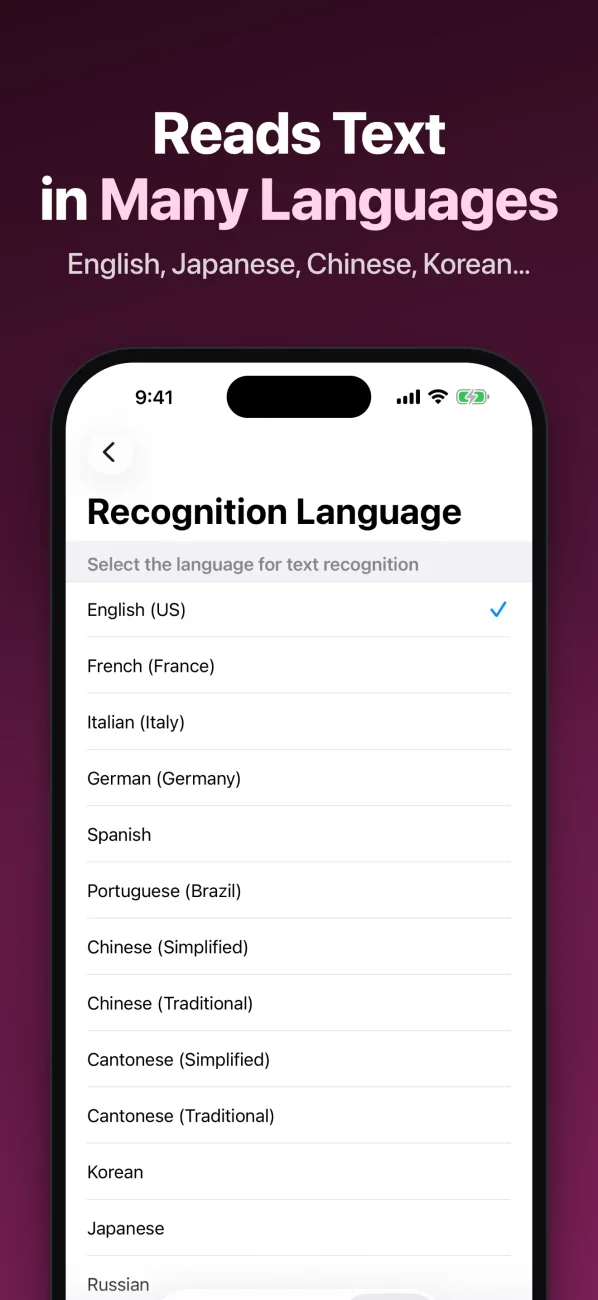
- LanguagesEnglish+ 35 more
- Size32.6 MB
Links to the official App Store page
Download.org hosts no file of Text Recognition - OCR Scanner. The button opens its official App Store page, published by ryo muranaka. Listing last checked on Nov 20, 2026.
Screenshots

About
1.
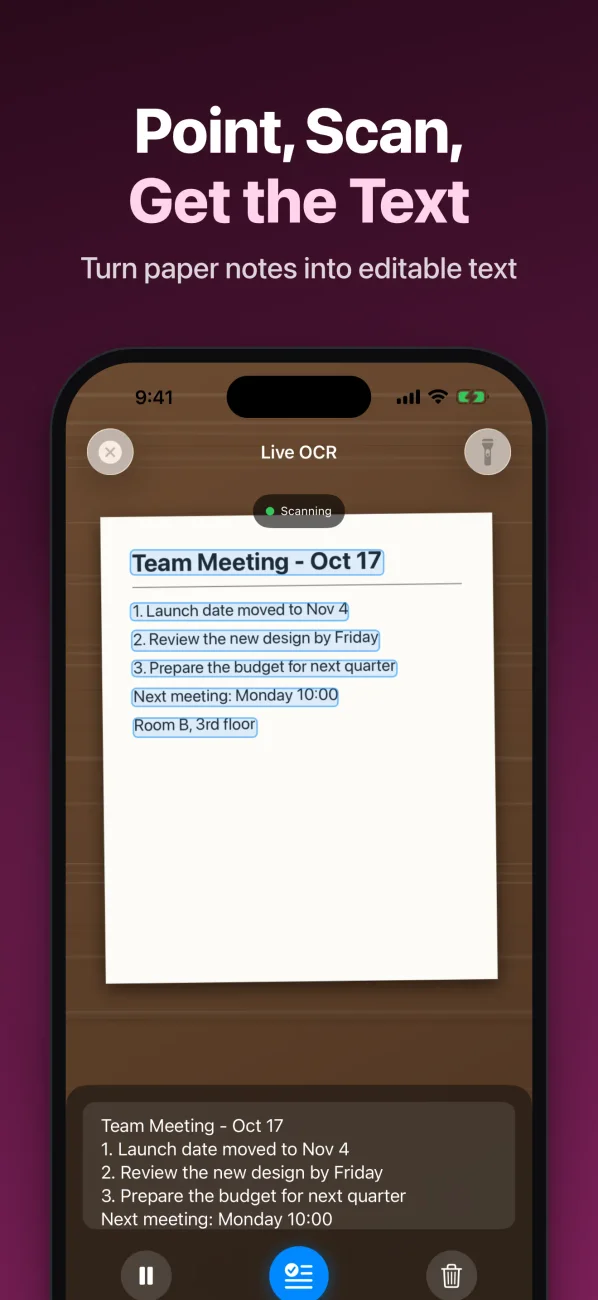
"Text Recognition" is an app that easily reads and digitizes text in images.
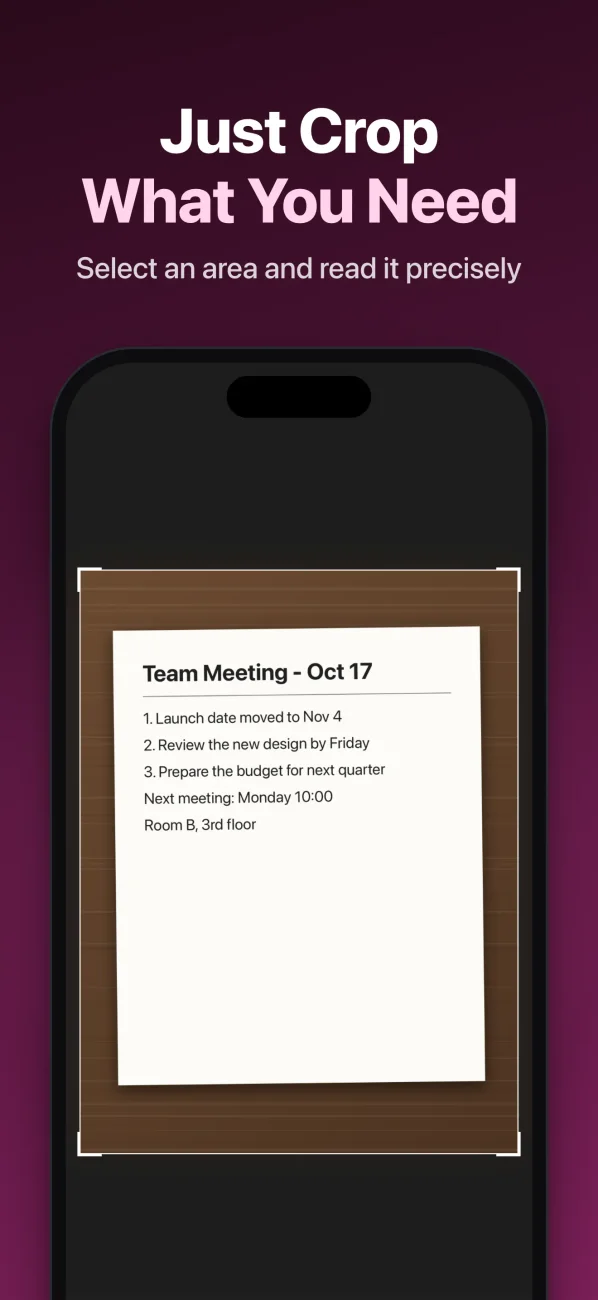
Extract text from photos of reports, textbooks, handwritten notes, etc., to improve learning and work efficiency.
2. Features
a. High Accuracy Text Recognition
The app uses Apple's text recognition technology to detect text in images with high accuracy and speed. It supports handwritten, printed, and different fonts, and accurately converts them to text.
b. Multi-functional Learning Support
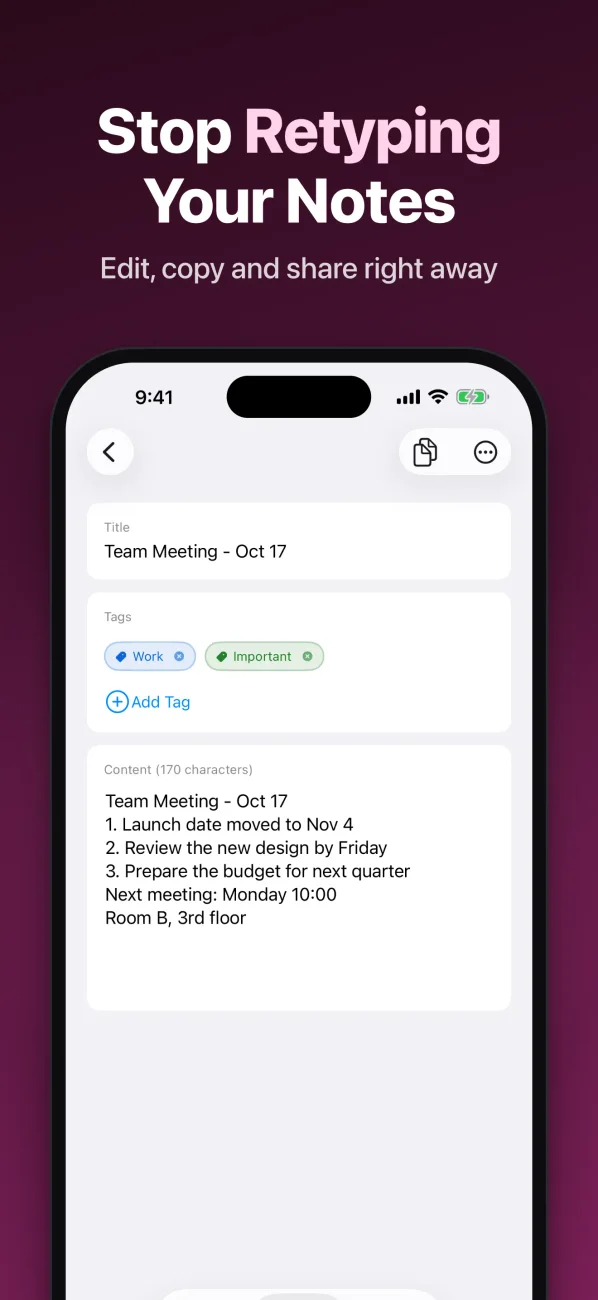
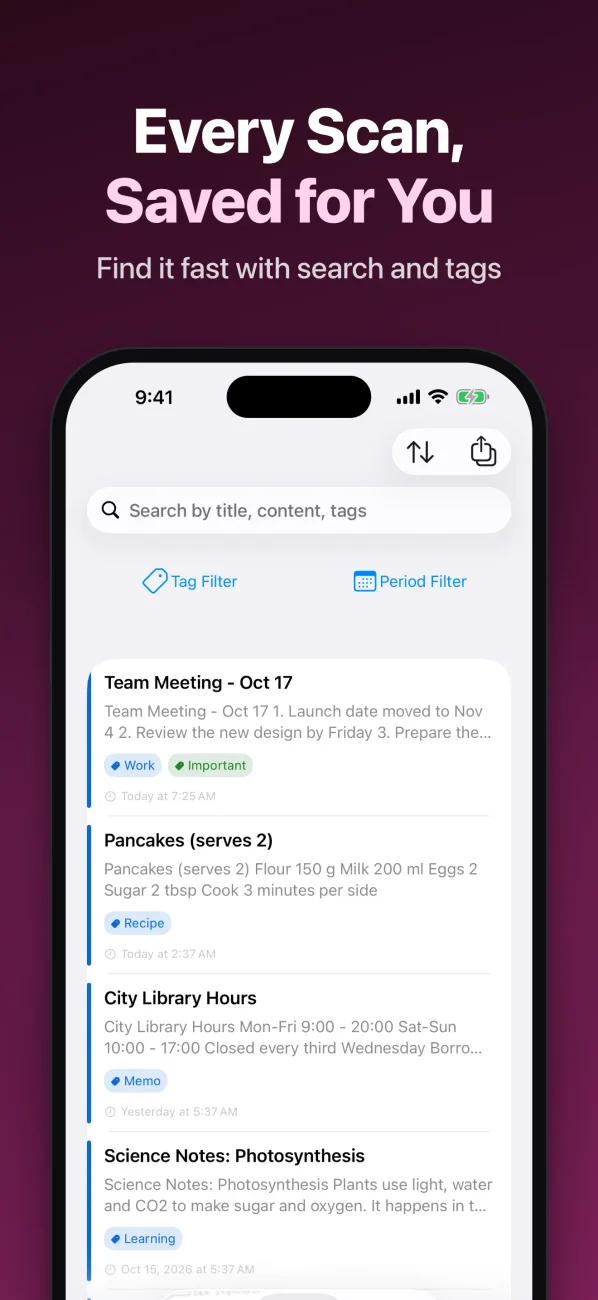
Edit and search digitized text for quick access to needed information.
c. Easy-to-Use Interface
Intuitive and user-friendly UI design eliminates complicated procedures and obstacles to learning.
d. Online and Offline Support
Recognize and digitize text by taking photos even without an internet connection, enabling use in any situation.
3. Use Cases
For Students: Take photos of lecture notes or textbooks, extract important information, and optimize study time.
For Researchers & Business Users: Capture meeting notes or technical documents in photos, quickly convert to text and edit for improved work efficiency.
For Language Learners: Import foreign language texts or handwritten practice problems via photos to support language learning.
4. Future Plans
We continue to make improvements, adding new features and updates based on user feedback to meet user needs.
5. Premium Features (Subscription)
• Ad-free experience
• Batch processing (up to 20 photos)
• QR/Barcode scanning
• Tag management
• All export formats (PDF, Word, etc.)
• Full-text search
6. Conclusion
"Text Recognition" is an advanced app that realizes efficiency in learning and work with its sophisticated text recognition technology and ease of use. Easily digitize knowledge and strongly support your learning.
What’s new
Version 1.5.5 · Nov 14, 2026
If no text is found in the selected recognition language, the app now detects the language automatically and tries again. Minor improvements and stability updates.
App privacy
What ryo muranaka declares on the App Store about how this app handles data.
-
Data used to track you
May be used to track you across apps and websites owned by other companies.
- Location
- Identifiers
- Usage data
-
Data linked to you
May be collected and linked to your identity.
- Location
- Identifiers
- Usage data
Privacy practices may vary, for example with the features you use or your age.
Information
- Seller
- ryo muranaka
- Category
- Productivity
- Version
- 1.5.5
- Updated
- Nov 14, 2026
- Released
- Dec 4, 2023
- Size
- 32.6 MB
- Requires
- iOS 15.6 or later
- Age rating
- 4+
- Price
- Free
- In-app purchases
- Yes
- Languages
- English, Arabic, Bengali, Catalan, Croatian, Czech, Danish, Dutch, Filipino, Finnish, French, German + 24 more
- Copyright
- © ryo muranaka
You might also like
-
 The Text Scanner OfflineOCR text scanner offline
-
 Photo Text Scanner OCRSnap, extract, translate fast
-
 bunkoOCROCR with DeepLearning
-
 ocr text scanner appProductivity
-
 TypeScan - Scan Text FastGrab Text via Image! Offline
-
 撮るだけ文字認識Productivity
-
 Video2Text - 動画OCR文字認識Productivity
-
 PhotoMemo-写真からメモを作成-Productivity
-
 テキストスキャナー+Productivity
-
 DeeBee - Database-style notesText, Image, Checklist, etc.