
- Age rating4+
- CategoryProductivity
- DeveloperKeitaro Ohno
- LanguagesJapanese+ 7 more
- Size63.3 MB
Links to the official App Store page
Download.org hosts no file of ocr text scanner app. The button opens its official App Store page, published by Keitaro Ohno. Listing last checked on Nov 22, 2026.
Screenshots
About
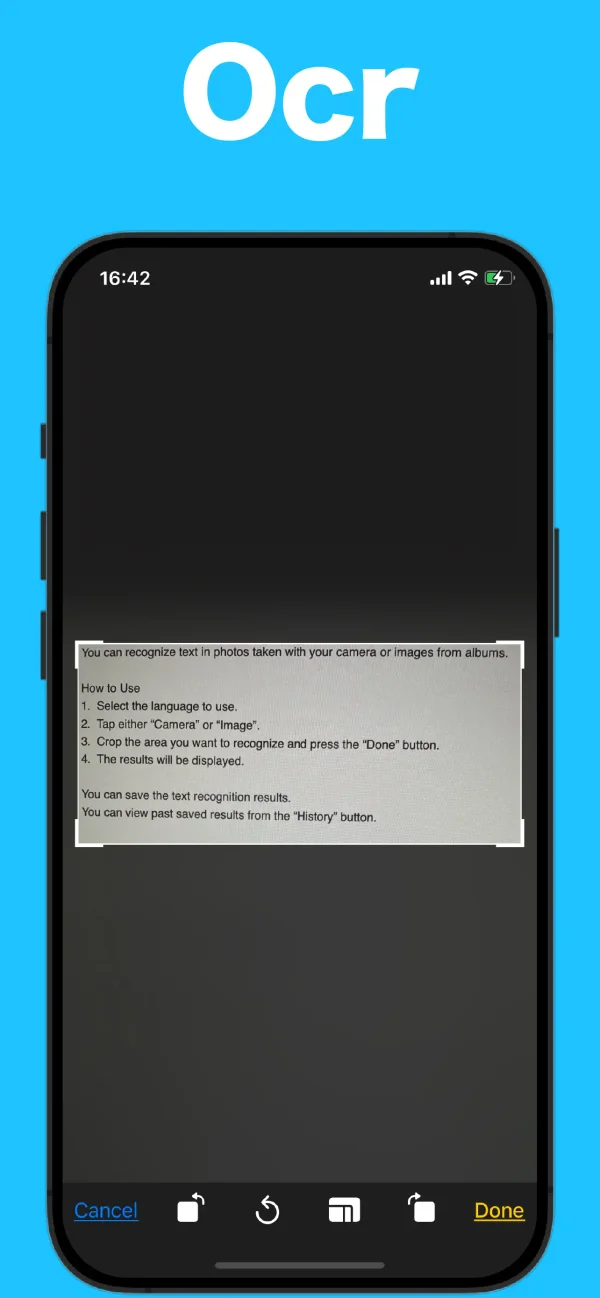
You can recognize text in photos taken with your camera or images from albums.
How to Use
1. Select the language to use.
2. Tap either “Camera” or “Image”.
3. Crop the area you want to recognize and press the “Done” button.
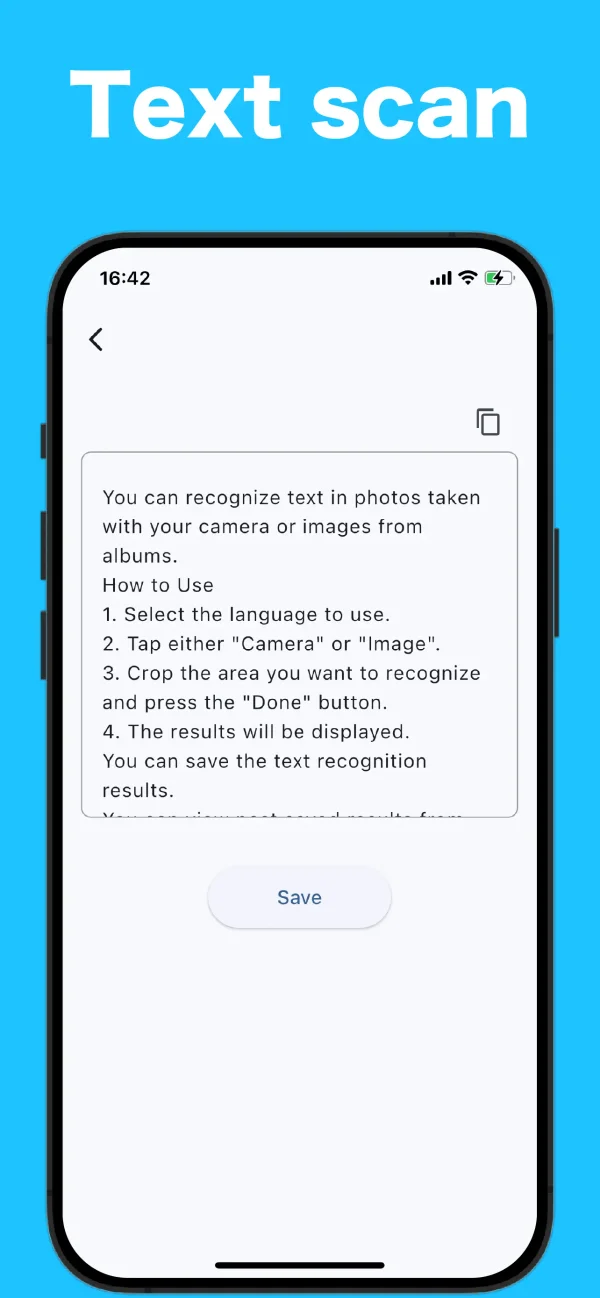
4. The results will be displayed.
You can save the text recognition results.
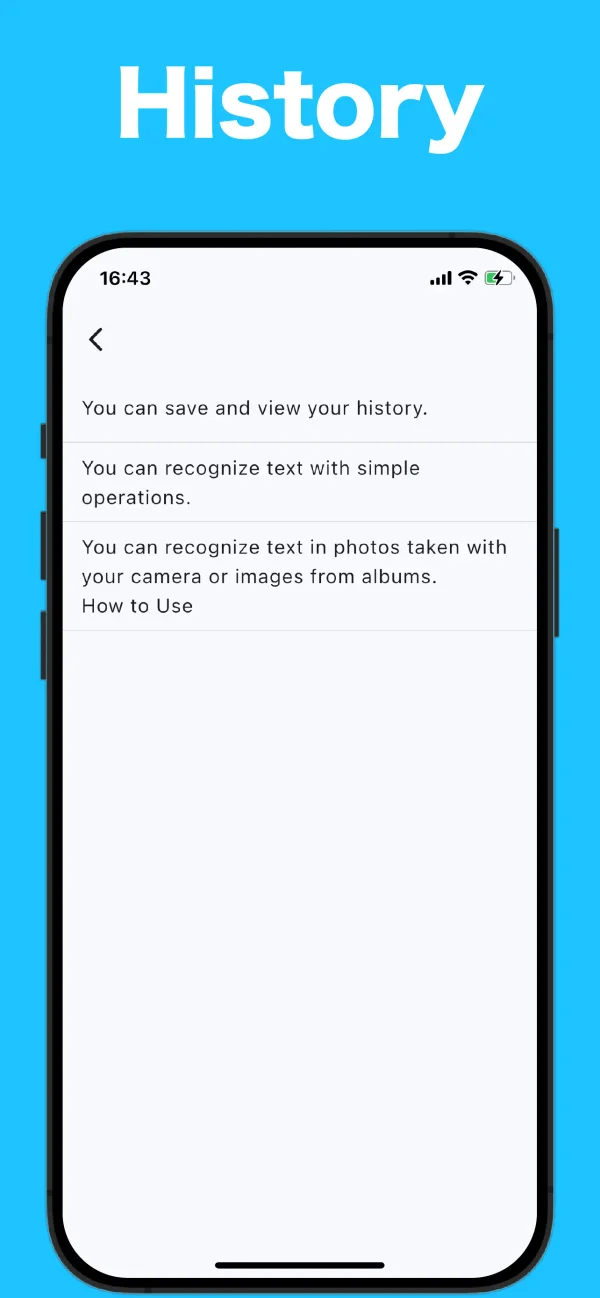
You can view past saved results from the “History” button.
Terms of Service: https://applecoldev.wixsite.com/appdev/terms
What’s new
Version 1.0.1 · Nov 9, 2026
Minor bug fixes and usability enhancements.
App privacy
What Keitaro Ohno declares on the App Store about how this app handles data.
-
Data used to track you
May be used to track you across apps and websites owned by other companies.
- Location
- Identifiers
- Usage data
- Diagnostics
-
Data linked to you
May be collected and linked to your identity.
- Location
- Identifiers
- Usage data
- Diagnostics
Privacy practices may vary, for example with the features you use or your age.
Information
- Seller
- Keitaro Ohno
- Category
- Productivity
- Version
- 1.0.1
- Updated
- Nov 9, 2026
- Released
- Dec 2, 2025
- Size
- 63.3 MB
- Requires
- iOS 16.0 or later
- Age rating
- 4+
- Languages
- Japanese, Thai, Portuguese, Russian, Simplified Chinese, Traditional Chinese, English, Korean
- Copyright
- © Keitaro Ohno
You might also like
-
 The Text Scanner OfflineOCR text scanner offline
-
 TypeScan - Scan Text FastGrab Text via Image! Offline
-
 Text Recognition - OCR ScannerScan Documents & Handwriting
-
 OCR文字認識Fast-シンプルな高精度・日本語スキャナーProductivity
-
 Image to Text - Textora OCRPhoto Scanner Copier & Reader
-
 bunkoOCROCR with DeepLearning
-
 Photo Text Scanner OCRSnap, extract, translate fast
-
 Texlen: OCR Text ScannerText, lifted off the page.
-
 Calmatic: Text to CalendarChats, mail & photos to events
-
 Text Scanner – OCRDocument & photo to text