TextPort: Text Message Export
Backup, Download & Print SMS
Designed for iPhone
Free · In-app purchases
- Age rating4+
- CategoryUtilities
- DeveloperTSUBASA TECHNOLOGIES LIMITED LIABILITY COMPANY
- LanguagesEnglish+ 22 more
- Size53.1 MB
Links to the official App Store page
Download.org hosts no file of TextPort: Text Message Export. The button opens its official App Store page, published by TSUBASA TECHNOLOGIES LIMITED LIABILITY COMPANY. Listing last checked on Nov 23, 2026.
Screenshots

About
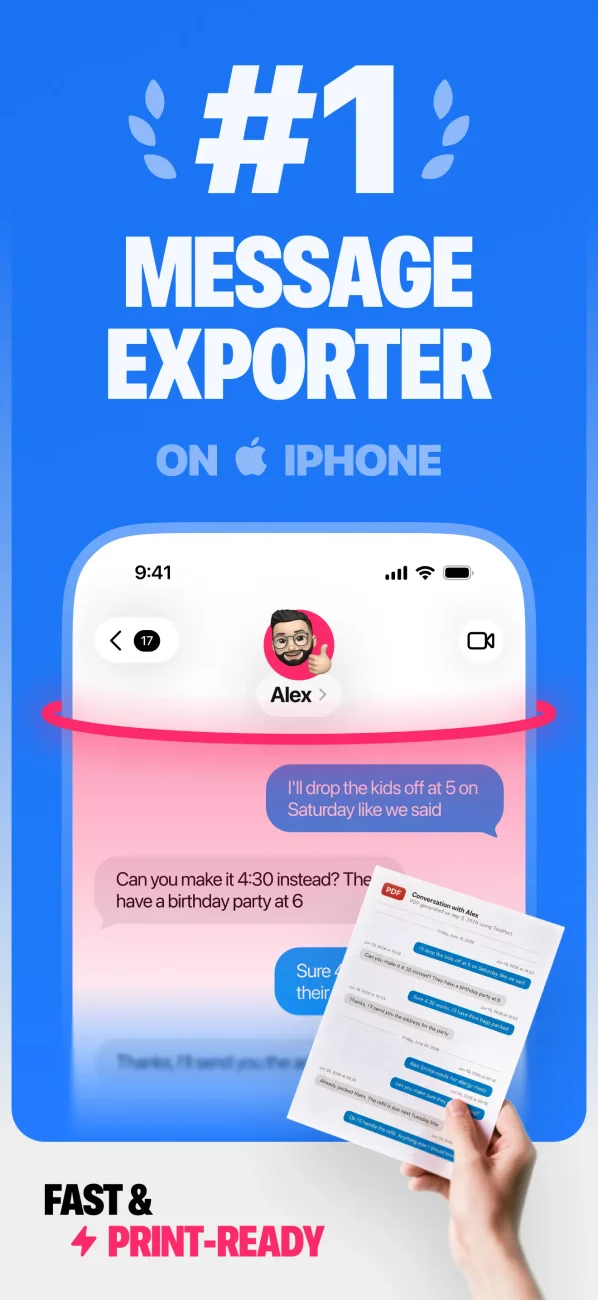
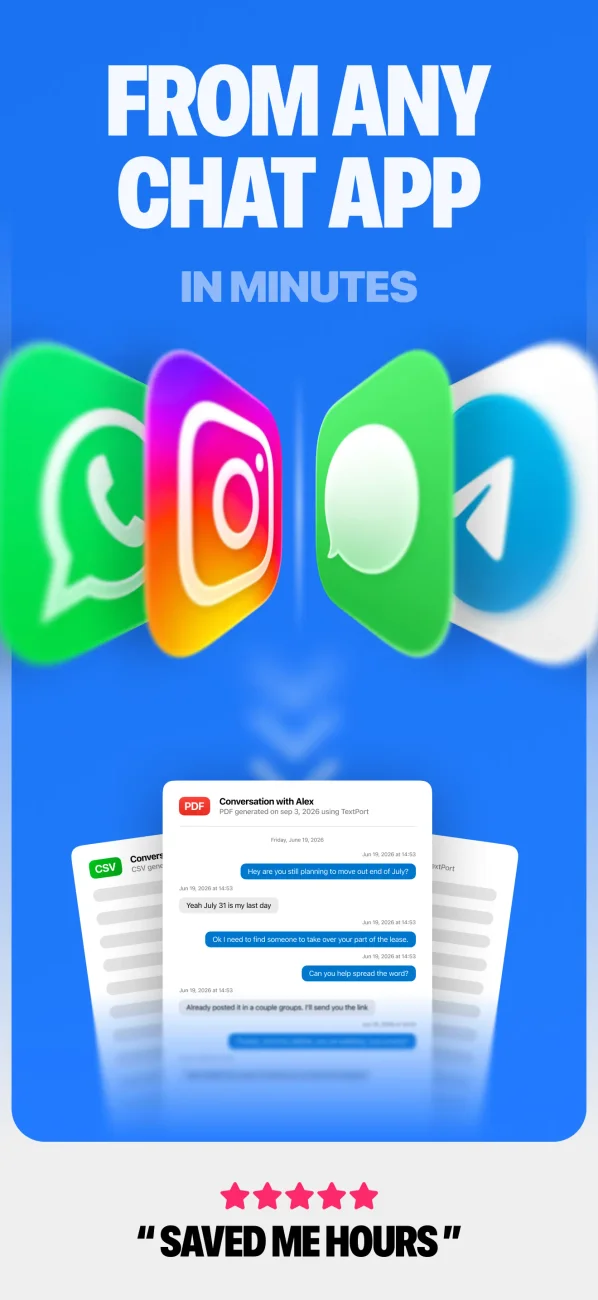
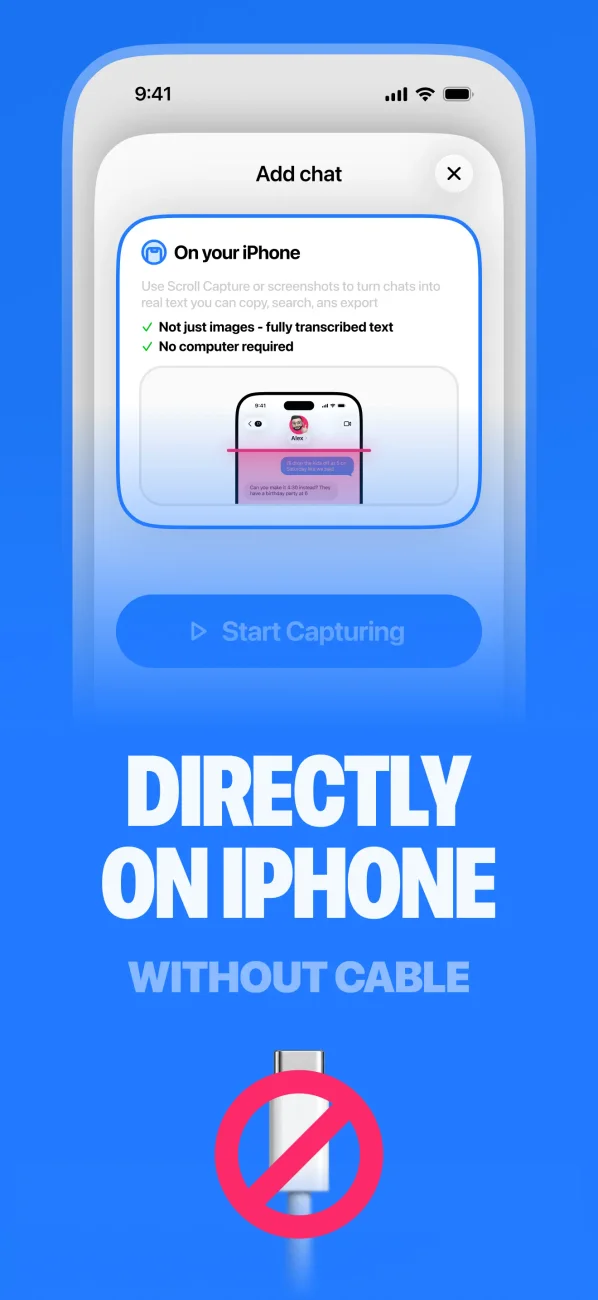
TextPort turns any text conversation on your iPhone into a print-ready, timestamped PDF, a searchable CSV spreadsheet, or a plain text transcript. Pick a conversation and TextPort pulls it straight out of iMessage, right on your iPhone. It works with iMessage, SMS, WhatsApp, Messenger, Instagram DMs, Telegram, Signal, Viber, Snapchat, WeChat, LINE, and more.
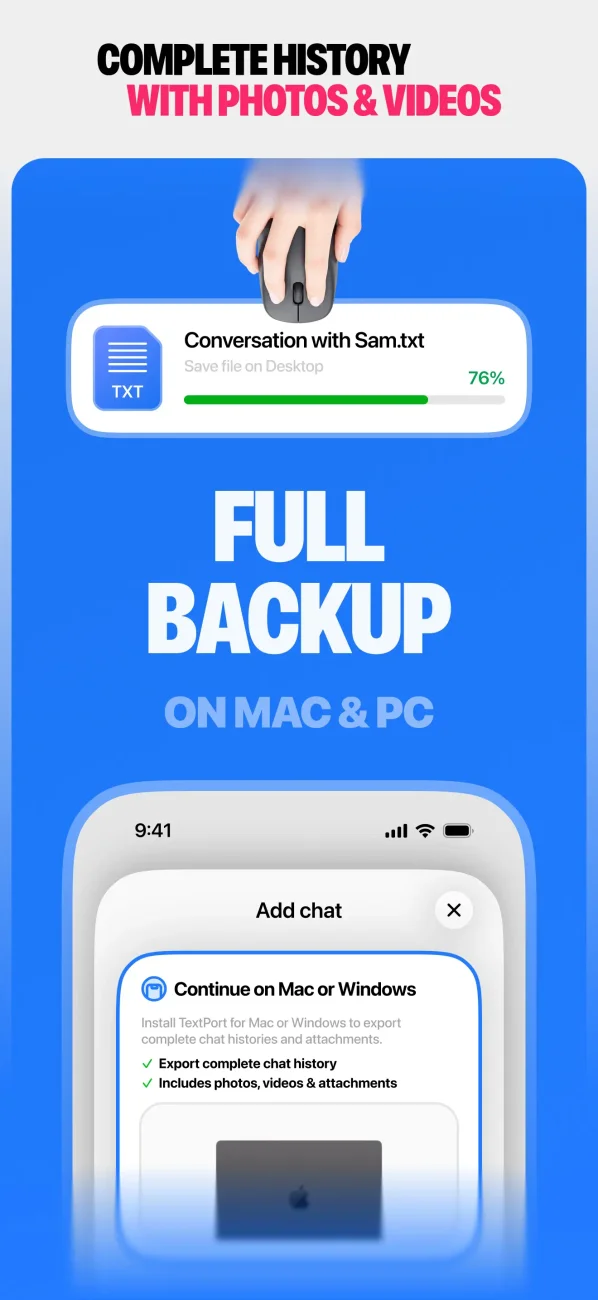
No cable, no Mac, and no Apple backup needed. When you want your complete iMessage history, the companion TextPort desktop app for Mac and Windows exports full conversations from your computer.
HOW IT WORKS
1. Open TextPort and tap Import
2. Choose the Messages conversation you want to export
3. Pick the date range you need, from a few days to the whole history
4. TextPort imports every message with its sender, wording, date, and time, in order. Export to PDF, CSV, or text, then print, save, or share
FOR COURT AND LEGAL EVIDENCE
TextPort produces clean, paginated PDFs with per-message timestamps and sender names. This is the format people file in family law, housing court, and civil disputes. People use it to prepare text messages for court, custody cases, divorce, small claims, HR complaints, and protective orders. No app makes a court-certified export; courts authenticate text messages through testimony that the export came from your own device and was not altered. The original conversation stays on your phone as a verifiable record that the export was not manipulated. TextPort leaves it untouched, so both the source and the export live on the same device, ready for lawyers, mediators, or insurance claims.
THE STATE OF TEXTING AS EVIDENCE 2026
TextPort surveyed 1,081 U.S. adults about how people save, lose, and use text messages in disputes. 81% have screenshotted a text because they might need it as proof. 38% have had texts or DMs used in a legal, workplace, or other formal proceeding they were part of. 78% have deleted or lost messages they later wished they had kept. 32% of those who tried to save a full conversation found it hard or could not do it at all. The full report is free to read and cite on the TextPort website.
WORKS WITH YOUR MESSAGING APPS
TextPort works with messaging apps across your iPhone or iPad, including iMessage, SMS, WhatsApp, Facebook Messenger, Instagram DMs, Telegram, Signal, Viber, Snapchat, WeChat, and LINE.
WhatsApp chats export to PDF with sender names, dates, and times. Tap Export Chat in WhatsApp and share it to TextPort. No digging through a backup or emailing a chat to yourself.
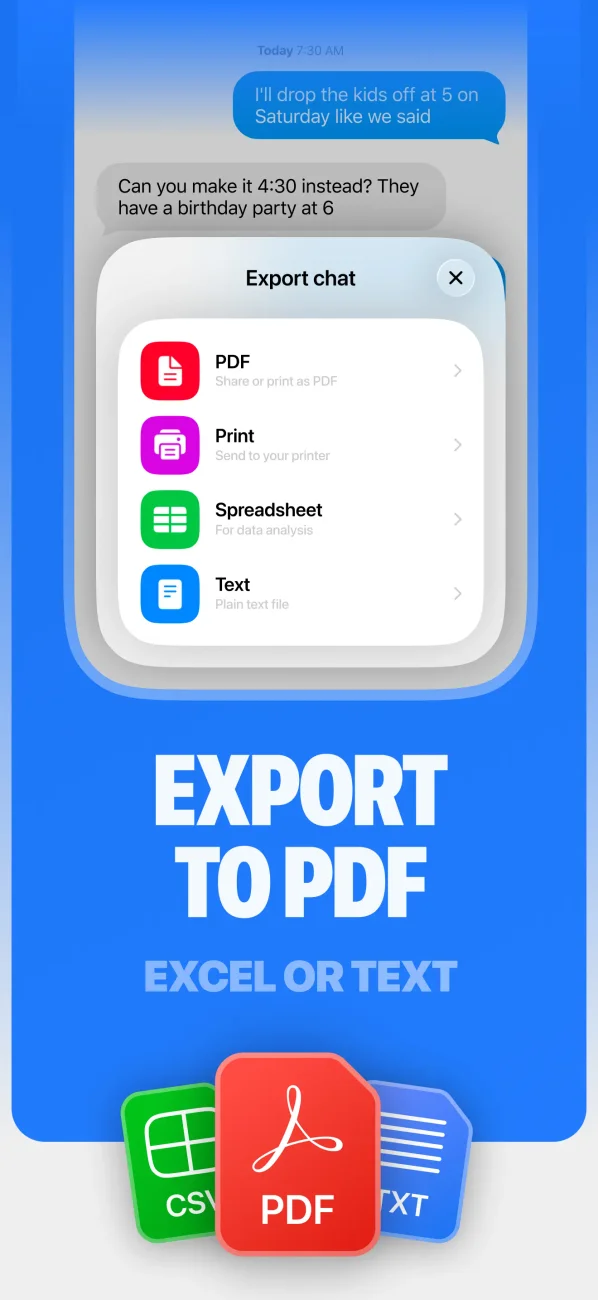
EXPORT FORMATS
• PDF: save an entire text thread as a multi-page, timestamped, print-ready document
• CSV: searchable spreadsheets for Excel, Numbers, or Sheets
• Plain text: transcripts you can paste anywhere
MORE WAYS PEOPLE USE TEXTPORT
• Save text messages on iPhone permanently and archive years of conversations
• Download text messages from iPhone before switching phones or a factory reset
• Save a loved one's messages as a keepsake
• Print WhatsApp chats as relationship evidence for USCIS applications
• Document harassment for HR or the police
• Keep business conversations for compliance and record-keeping
WHY TEXTPORT
• Works directly on your iPhone: most exporters are desktop software, but with TextPort you import, convert, and print text messages from iPhone, no computer needed
• One app to export text messages from iPhone: an iMessage exporter that also handles the other chat apps on your phone
• Desktop apps included: export your full iMessage and SMS history as a text message backup, from the Messages app on your Mac or from an iPhone backup on Windows
• A person answers your support questions, not a bot
SUBSCRIPTION DETAILS
TextPort is free to download; a subscription is required to export. A subscription unlocks unlimited message exporting, all file formats including PDF export, and premium customer support.
Terms of Use: https://textport.com/terms
Privacy Policy: https://textport.com/privacy
What’s new
Version 3.101 · Nov 19, 2026
Improvements and bug fixes.
App privacy
What TSUBASA TECHNOLOGIES LIMITED LIABILITY COMPANY declares on the App Store about how this app handles data.
-
Data used to track you
May be used to track you across apps and websites owned by other companies.
- Identifiers
- Usage data
-
Data linked to you
May be collected and linked to your identity.
- Identifiers
- Usage data
-
Data not linked to you
May be collected but is not linked to your identity.
- Purchases
- Diagnostics
Privacy practices may vary, for example with the features you use or your age.
Information
- Seller
- TSUBASA TECHNOLOGIES LIMITED LIABILITY COMPANY
- Category
- Utilities
- Version
- 3.101
- Updated
- Nov 19, 2026
- Released
- May 16, 2025
- Size
- 53.1 MB
- Requires
- iOS 16.0 or later
- Age rating
- 4+
- Price
- Free
- In-app purchases
- Yes
- Languages
- English, Arabic, Czech, Danish, Dutch, Finnish, French, German, Hindi, Italian, Japanese, Korean + 11 more
- Copyright
- © Tsubasa Technologies G.K.
You might also like
-
 Messages and Chat Export PDFStitch photo, video | JPG, PNG
-
 TextKeep - Text Message ExportDownload, Backup and Print SMS
-
 ImazingUtilities
-
 Text Message Export: TextScapeBackup, Print SMS & Messages
-
 AnyTrans: Send Files AnywhereTransfer any files to anywhere
-
 Text Message Export - ChatSavePrint & Download Text Messages
-
 Measuring Tape AR.Level Tool, Ruler, AR Measure
-
 EIOTCLUB IoT SIM & eSIMTravel&unlimited data eSIM app
-
 PDF Converter: PDF CompressorPhoto Convert to Document
-
 AirGuard - Tracking ProtectionFind AirTags, SmartTags, Tile