The Countdown Numbers Game
Fun Countdown Brain Game
Designed for iPhone, iPad, iPod touch
$3.99
- Age rating4+
- CategoryPuzzle
- DeveloperCoskun CAKIR
- LanguagesEnglish
- Size19.2 MB
Links to the official App Store page
Download.org hosts no file of The Countdown Numbers Game. The button opens its official App Store page, published by Coskun CAKIR. Listing last checked on Nov 14, 2026.
Screenshots


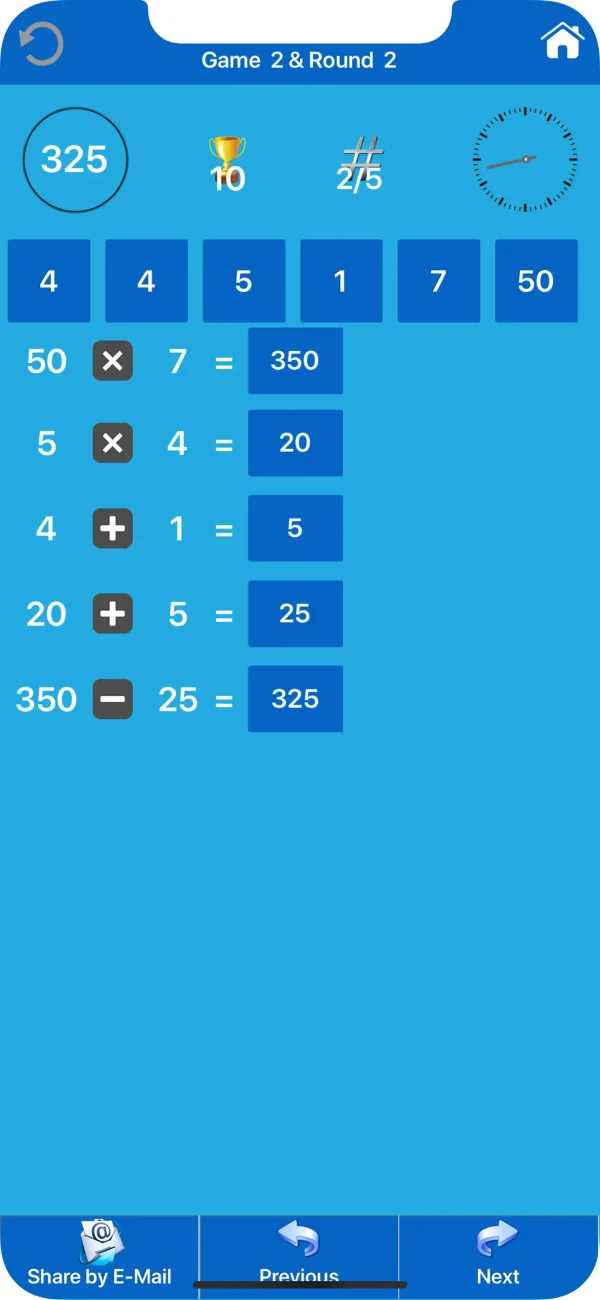

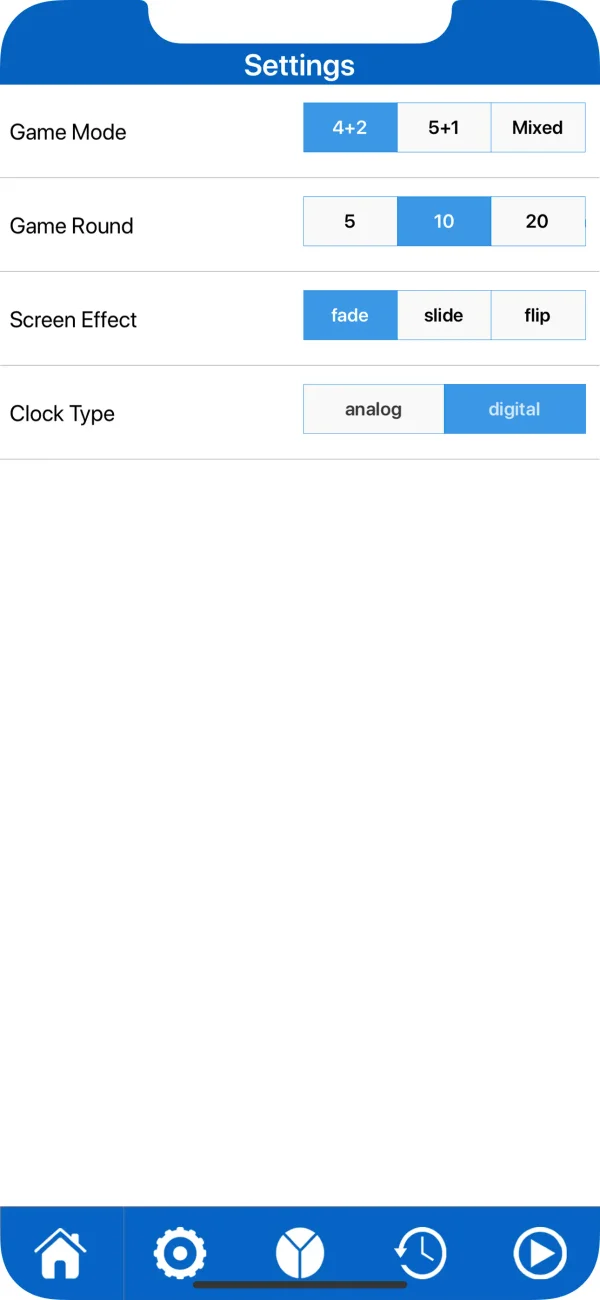
About
Sharpen your mind with the classic Countdown Numbers Game. Combine arithmetic skills and quick thinking to reach the target number before time runs out.
Countdown Numbers is the quintessential math game. Play the famous game and display best solutions. The rules and objective should be very familiar to you.
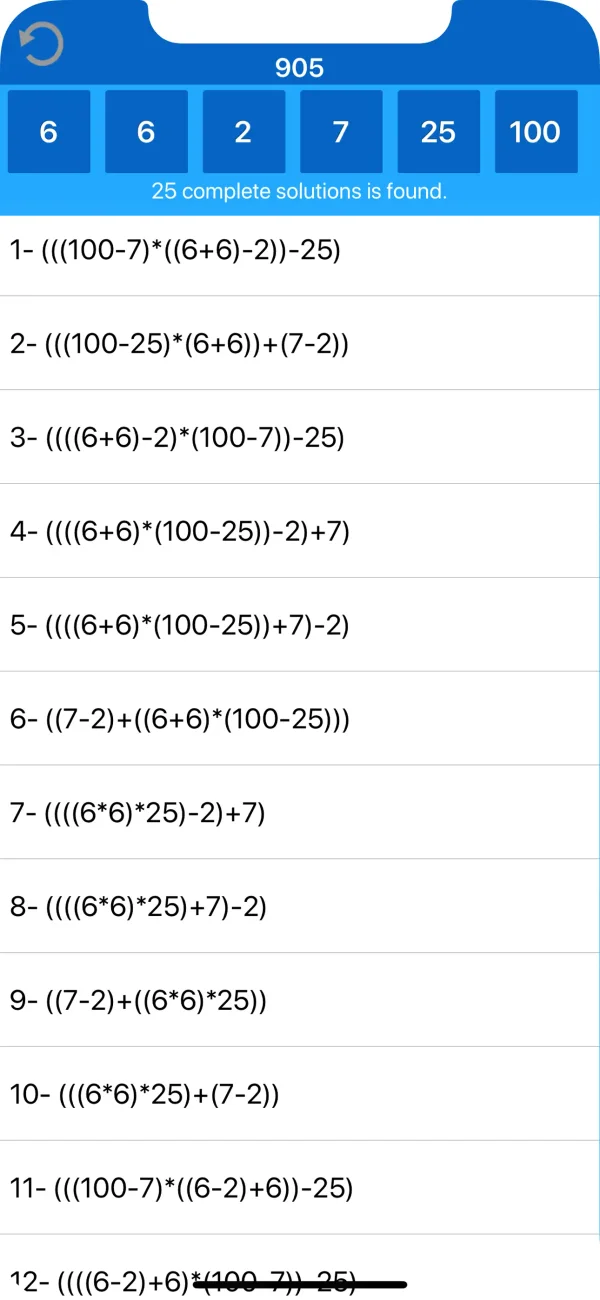
You are given six different numbers and a target total. Using the six numbers, create an equation that gets you as close to the target number as possible.
You can use addition, subtraction, multiplication and division to create the equations. This free math game helps you learn how to combine operations to reach a goal.
SETTINGS:
- Game Mode : There are there game mode
1. 4+2 : Contains 4 small numbers (between 1-10) and 2 big numbers (25,50,75,100) . This is default mode
2. 5+1 : Contains 5 small numbers (between 1-10) and 1 big number (25,50,75,100)
3. Mixed : Contains 4 small number(between 1-10) and 2 mixed big number (20,25,30,40,50,60,70,75,80,90,100)
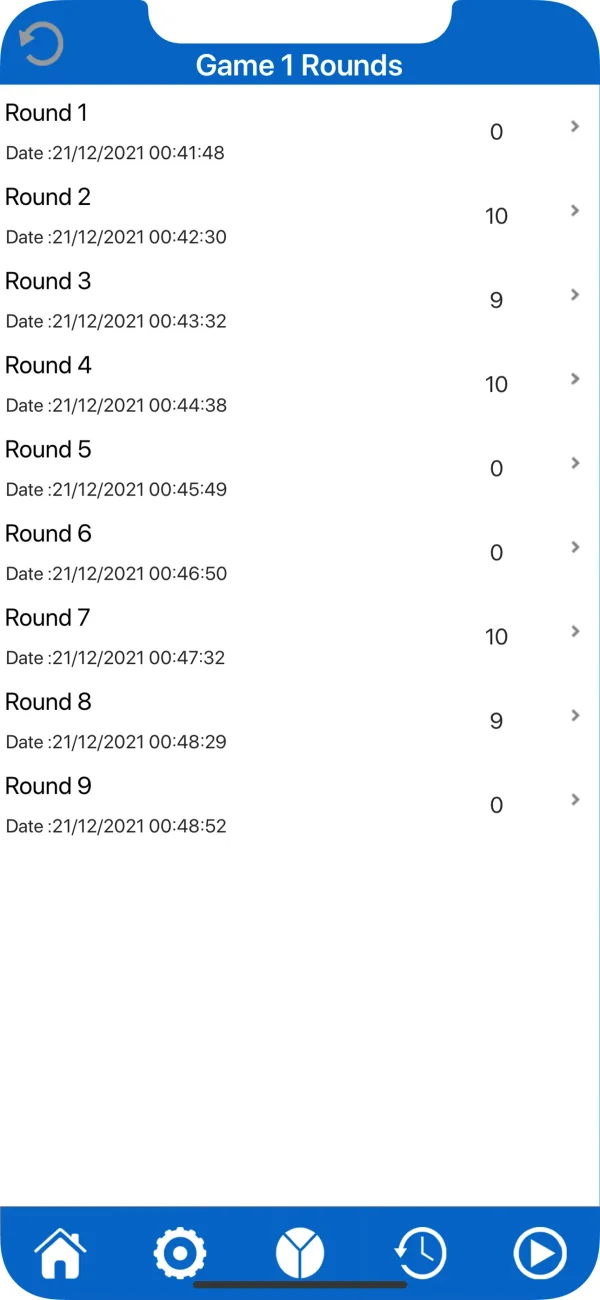
- Game Round : This option specify question counter in one game session. You can select 10,15 and 20 rounds. Default is 10 round.
- Screen Effect : This option specify transition between screen. You can select fade,slide and flip. Default is fade effect.
- Clock Type : You can select analog or digital clock for game timer. Default is analog clock.
HOW TO PLAY :
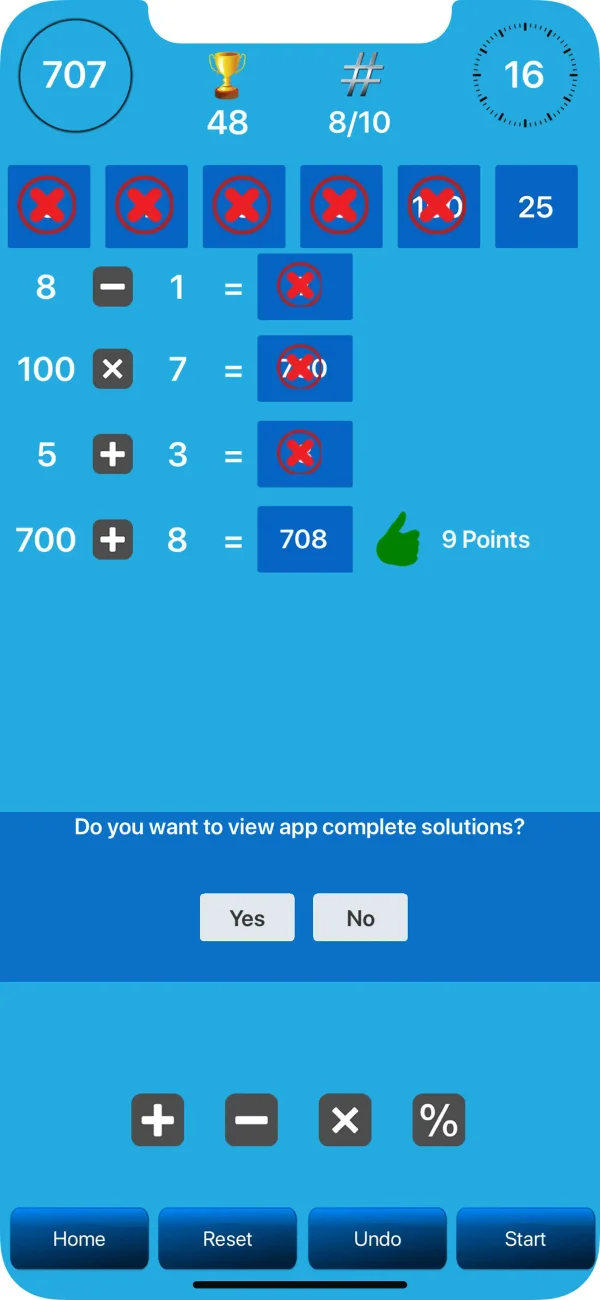
- You have only 60 second to find a solution.
- Touch Play button on toolbar to start game. If you have an uncompleted game you can resume this game. But you can create new game if you want.
- Touch Home button to return home screen. By the way, playing game is finished.
- Touch Reset button to clear all compute and to return first status.
- Touch Undo button to cancel last step and to back previous step.
- Touch Finish button to finish current game. When press Finish button you can view getting points. This button visible when touch start button.
- Touch Start button to play new game. This button visible when touch finish button only.
- Game Over screen visible when you have play all rounds of game.
- Game Over screen include "Create New Game" and "Return to Home" buttons.
- You can't use the same number more than once.
- Only use +, - ,* and % operations.
- You will get points as close as to the target number. Etc. You find approximately 2 close to to
target you will won 8 points.
- You will get 10 points when found complete solution only.
What’s new
Version 3.0 · Oct 22, 2025
+ Full compatibility with the latest iOS versions.
+ 2 minor bug fixed.
App privacy
What Coskun CAKIR declares on the App Store about how this app handles data.
-
Data not collected
The developer does not collect any data from this app.
Privacy practices may vary, for example with the features you use or your age.
Information
- Seller
- Coskun CAKIR
- Category
- Puzzle
- Version
- 3.0
- Updated
- Oct 22, 2025
- Released
- Jan 3, 2018
- Size
- 19.2 MB
- Requires
- iOS 11.0 or later
- Age rating
- 4+
- Price
- $3.99
- Languages
- English
- Copyright
- © 2018 AntMobile
You might also like
-
 FruitRun2048Casual
-
 Play Countdown: Numbers GameCan you still do math?
-
 Numbers Game - 6 Number PuzzleMental Maths Brain Training
-
 Countdown Game & SolverNumbers and Letters
-
 Category Sort: Tile SolitairePuzzle
-
 Kids' Jigsaw Puzzles LiteEducational Game for Toddlers
-
 Wordish: Word PuzzleDaily Spelling Bee and Trivia
-
 Letters and Numbers CountdownUnscramble Words & Math Game
-
 Sudoku - Classic & KillerOffline Daily Hard Puzzles
-
 TriPeaks Solitaire: Tri TowersDaily Challenges & Rankings