- 対象年齢4+
- カテゴリパズル
- 開発元Coskun CAKIR
- 言語英語
- サイズ19.2 MB
App Storeの公式ページにリンクしています
Download.orgはThe Countdown Numbers Gameのファイルを一切ホストしていません。ボタンを押すと、Coskun CAKIRが公開しているApp Storeのアプリページが開きます。ページの最終確認:2026/11/14。
スクリーンショット



概要
開発元はこのテキストをお使いの言語で提供していません。
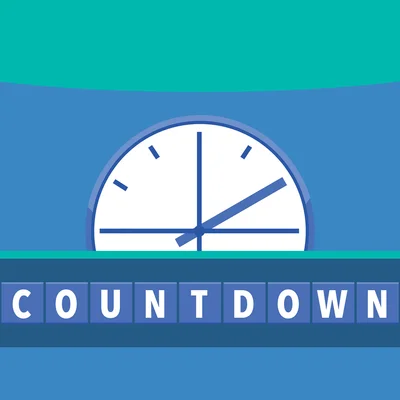
Sharpen your mind with the classic Countdown Numbers Game. Combine arithmetic skills and quick thinking to reach the target number before time runs out.
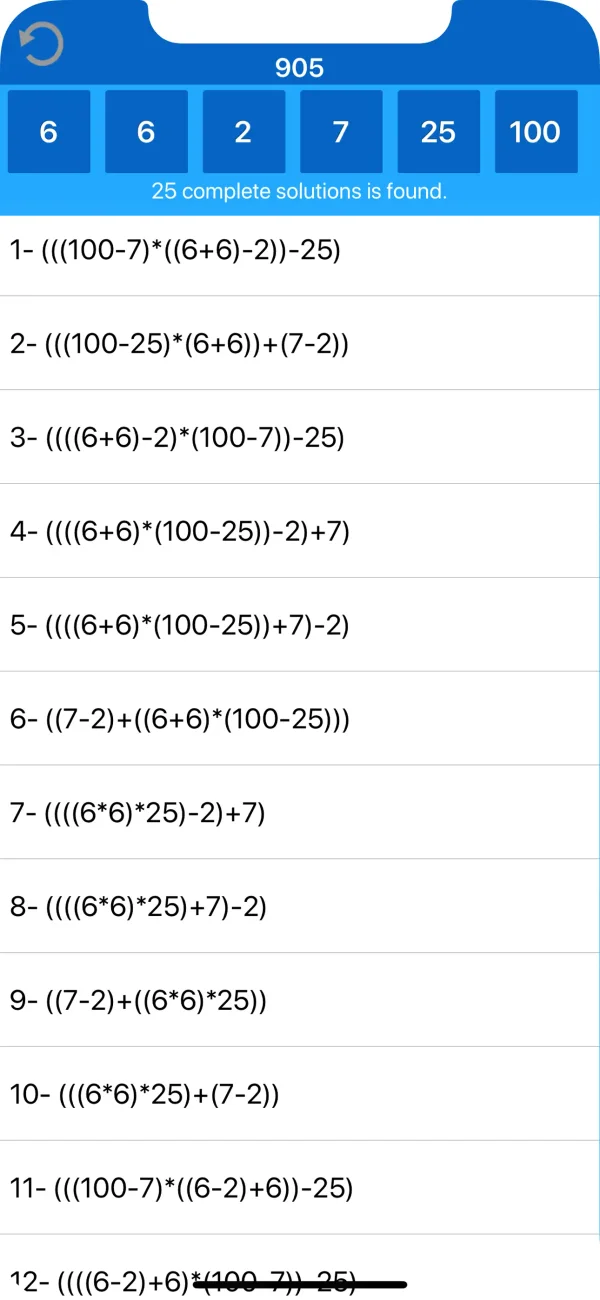
Countdown Numbers is the quintessential math game. Play the famous game and display best solutions. The rules and objective should be very familiar to you.
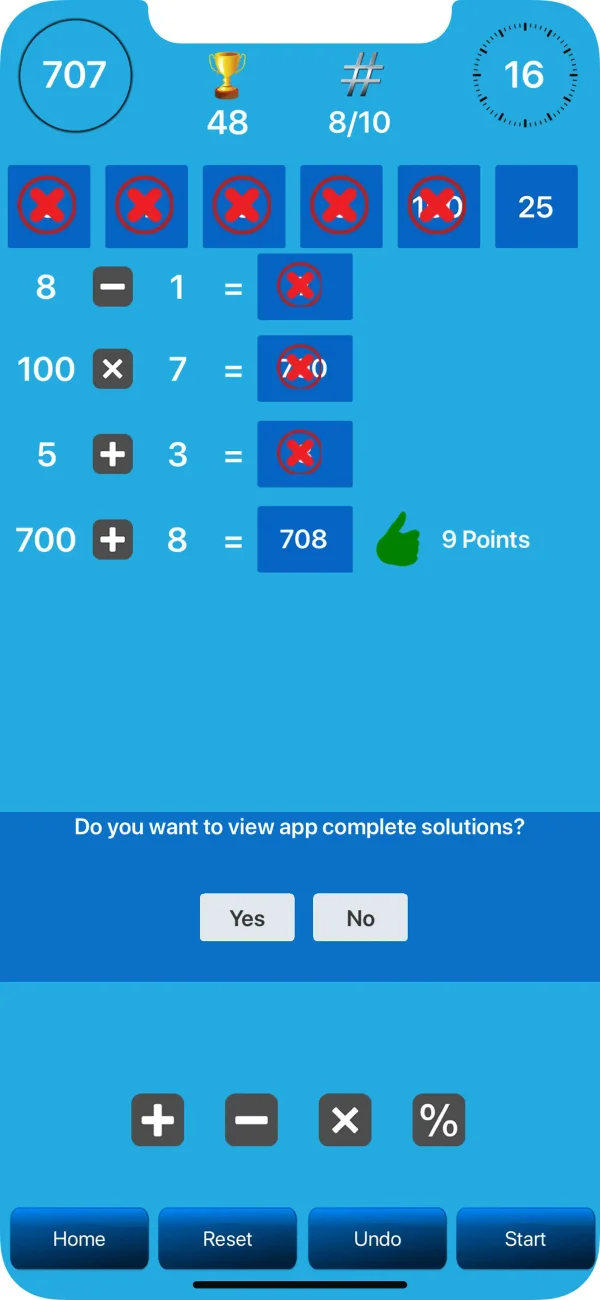
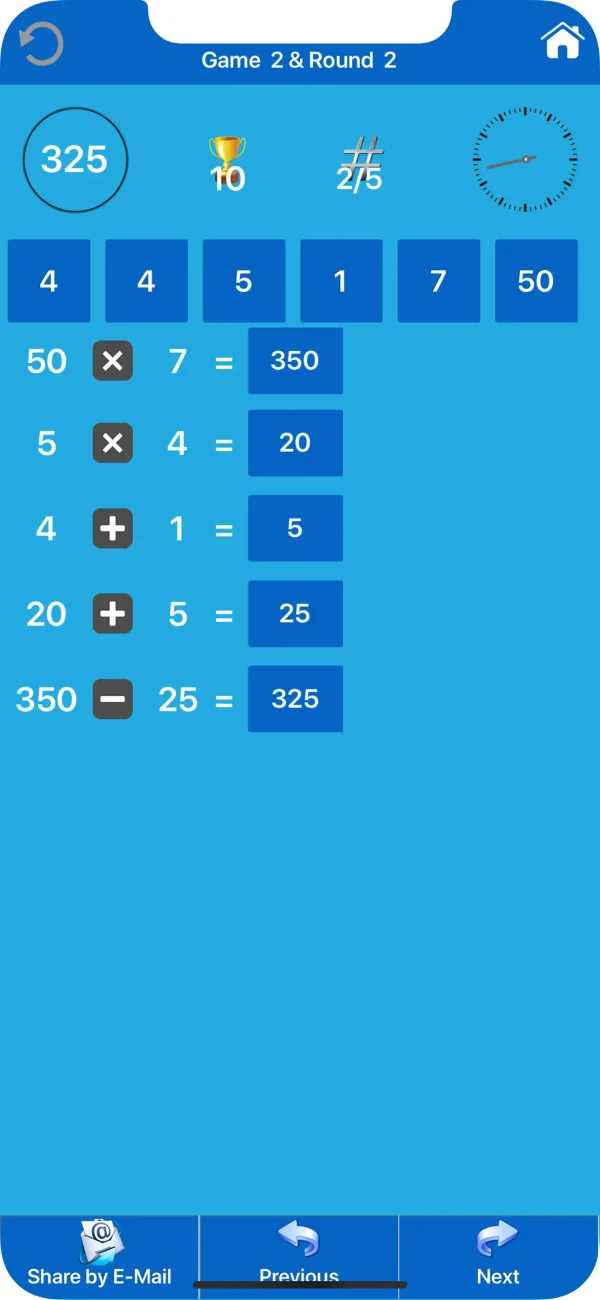
You are given six different numbers and a target total. Using the six numbers, create an equation that gets you as close to the target number as possible.
You can use addition, subtraction, multiplication and division to create the equations. This free math game helps you learn how to combine operations to reach a goal.
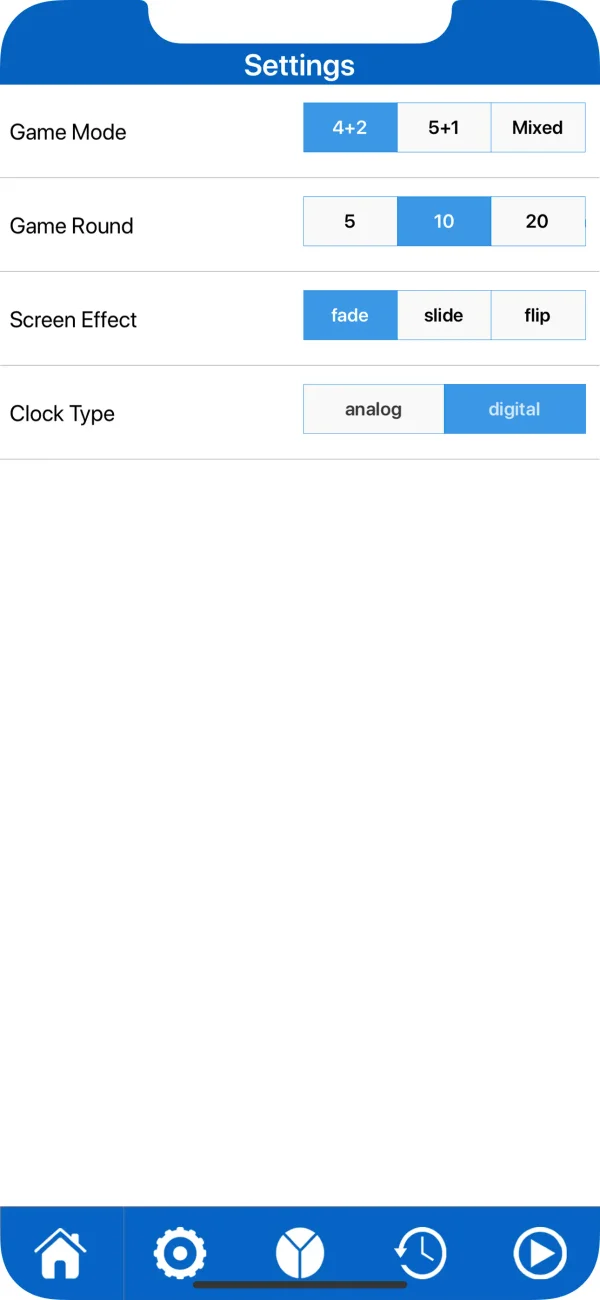
SETTINGS:
- Game Mode : There are there game mode
1. 4+2 : Contains 4 small numbers (between 1-10) and 2 big numbers (25,50,75,100) . This is default mode
2. 5+1 : Contains 5 small numbers (between 1-10) and 1 big number (25,50,75,100)
3. Mixed : Contains 4 small number(between 1-10) and 2 mixed big number (20,25,30,40,50,60,70,75,80,90,100)
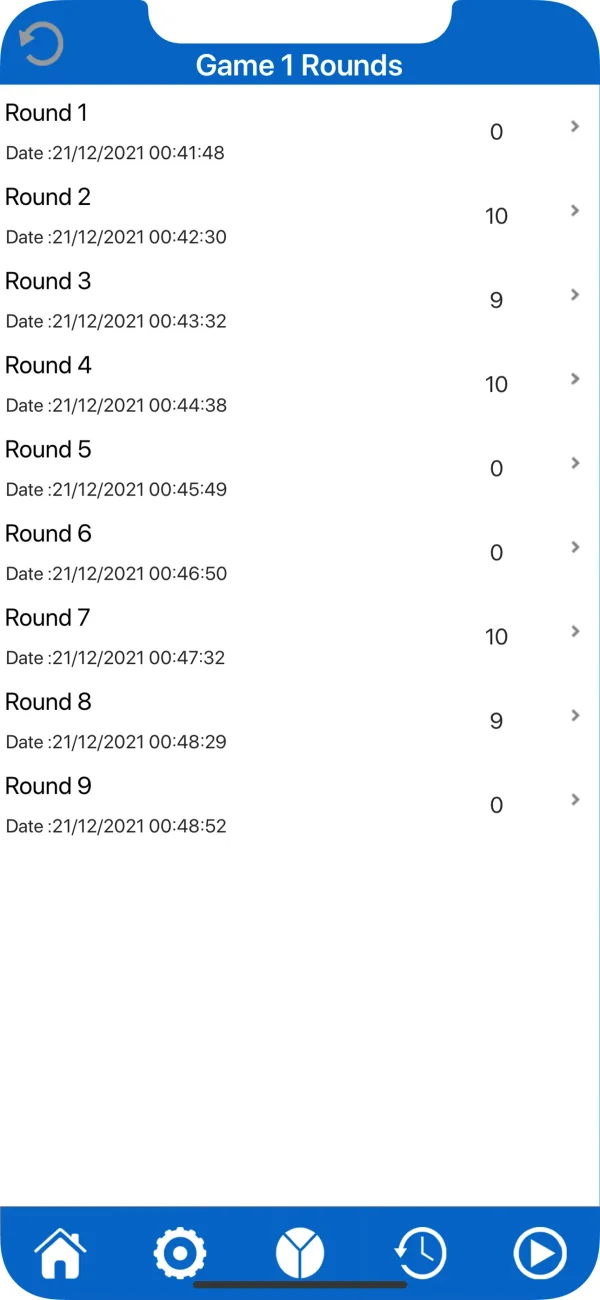
- Game Round : This option specify question counter in one game session. You can select 10,15 and 20 rounds. Default is 10 round.
- Screen Effect : This option specify transition between screen. You can select fade,slide and flip. Default is fade effect.
- Clock Type : You can select analog or digital clock for game timer. Default is analog clock.
HOW TO PLAY :
- You have only 60 second to find a solution.
- Touch Play button on toolbar to start game. If you have an uncompleted game you can resume this game. But you can create new game if you want.
- Touch Home button to return home screen. By the way, playing game is finished.
- Touch Reset button to clear all compute and to return first status.
- Touch Undo button to cancel last step and to back previous step.
- Touch Finish button to finish current game. When press Finish button you can view getting points. This button visible when touch start button.
- Touch Start button to play new game. This button visible when touch finish button only.
- Game Over screen visible when you have play all rounds of game.
- Game Over screen include "Create New Game" and "Return to Home" buttons.
- You can't use the same number more than once.
- Only use +, - ,* and % operations.
- You will get points as close as to the target number. Etc. You find approximately 2 close to to
target you will won 8 points.
- You will get 10 points when found complete solution only.
新機能
バージョン 3.0 · 2025/10/22
+ Full compatibility with the latest iOS versions.
+ 2 minor bug fixed.
アプリのプライバシー
このアプリのデータの取り扱いについて、Coskun CAKIRがApp Storeで申告している内容です。
-
データの収集なし
開発元はこのアプリからデータを収集しません。
プライバシーの取り扱いは、ご利用の機能やお客様の年齢などに応じて異なる場合があります。
情報
- 販売元
- Coskun CAKIR
- カテゴリ
- パズル
- バージョン
- 3.0
- 更新日
- 2025/10/22
- リリース
- 2018/1/3
- サイズ
- 19.2 MB
- 必要条件
- iOS 11.0以降
- 対象年齢
- 4+
- 価格
- ¥600
- 言語
- 英語
- 著作権
- © 2018 AntMobile