
The whiteboard - Endless Notes
Handwriting on infinite canvas
Designed for iPad
Free
- Age rating4+
- CategoryProductivity
- DeveloperGyungwook Lee
- LanguagesEnglish+ 2 more
- Size2.2 MB
Links to the official App Store page
Download.org hosts no file of The whiteboard - Endless Notes. The button opens its official App Store page, published by Gyungwook Lee. Listing last checked on Nov 25, 2026.
Screenshots

About
The whiteboard is a free, endless black-and-white whiteboard for iPad and Apple Pencil.
FREE, WITHOUT LIMITS
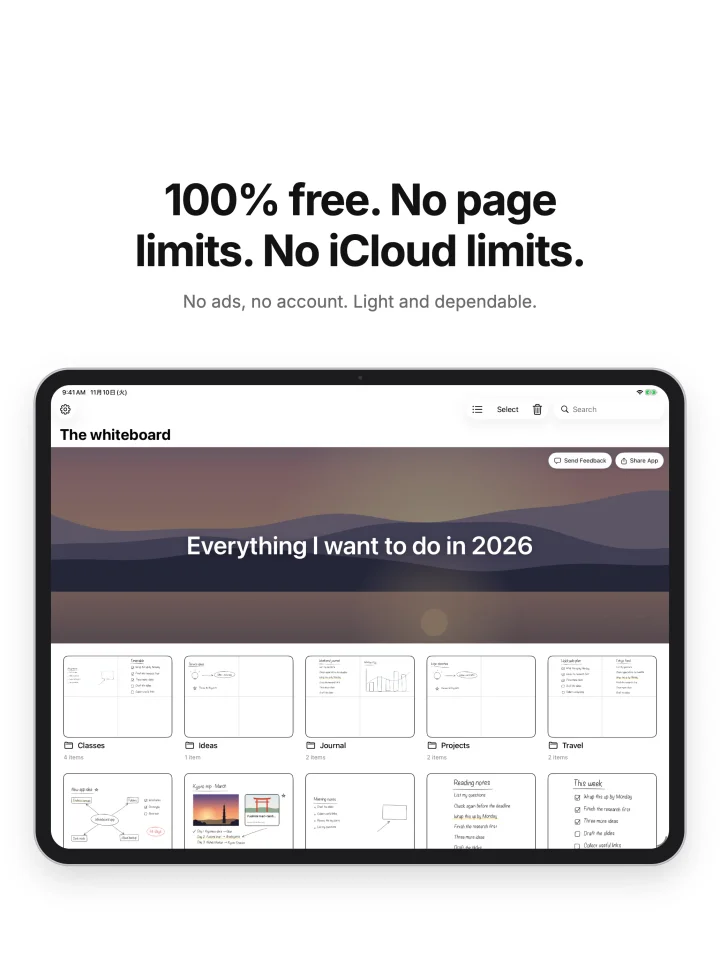
• Free forever — no page limits, no note limits, no iCloud limits
• No account, no ads, no tracking
SIMPLE, NOT STRIPPED DOWN
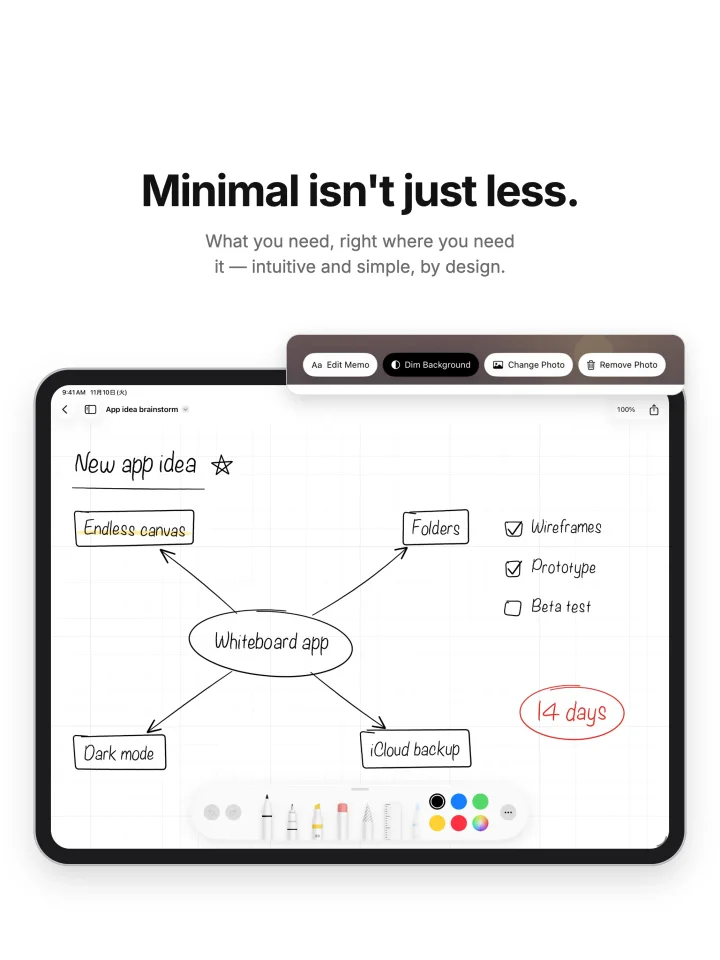
• Apple's familiar Pencil tools: pens, highlighter, eraser, lasso and ruler
• An endless canvas with a grid that moves with your ink
• Every note reopens exactly where you left off
• A sidebar to jump between notes without leaving the canvas
BUILT NOT TO LOSE ANYTHING
• Saved the moment you write — there is no save button
• Folders inside folders, as deep as you like
• Keep everything on your iPad, or in your own iCloud Drive across your iPads
• Recently Deleted keeps anything you delete for 30 days
JUST PASTE
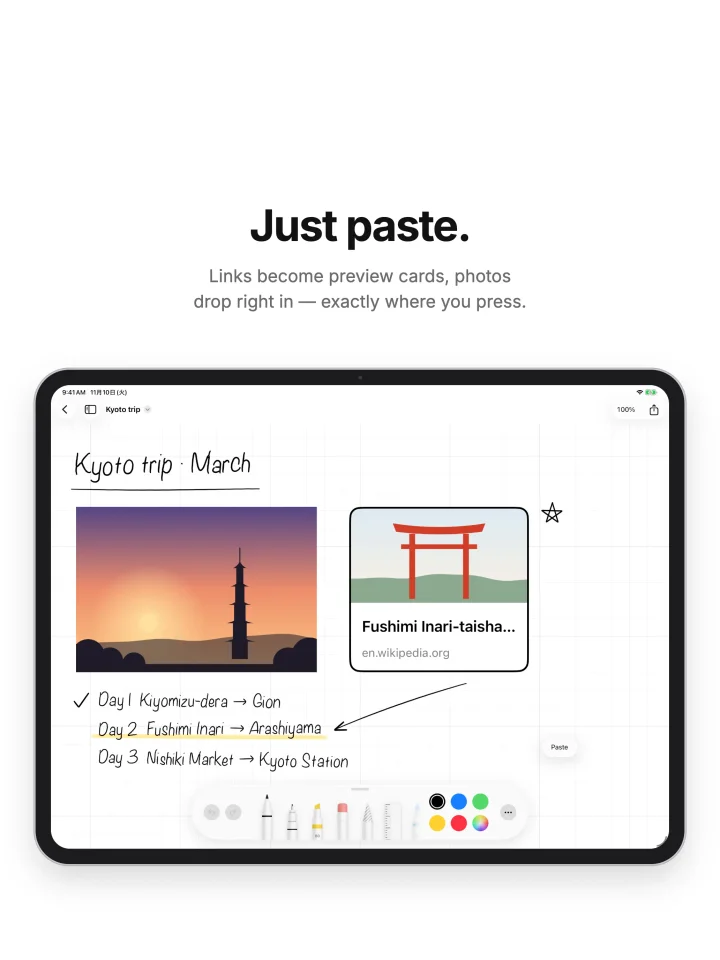
• Long-press an empty spot and paste — it lands right where you pressed
• Links become cards with a preview; photos and text drop straight in
DARK MODE
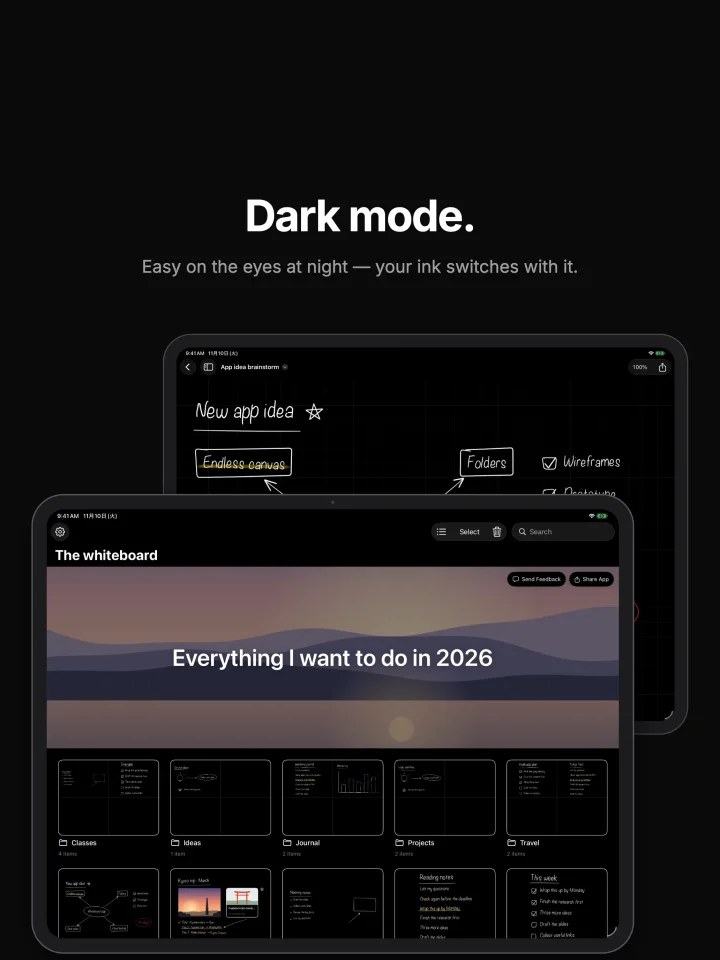
• Automatic, light or dark — your ink switches with it
ALSO
• A background photo and memo for the home screen and every folder
• Export any note as an image (PNG) or PDF
• English, Korean and Japanese
Nothing you write ever reaches the developer. If something feels wrong, tap "Send Feedback" on the home screen — I read every message.
What’s new
Version 1.1.1 · Nov 24, 2026
• Imported pages work like photos: tap a page from a PDF or PowerPoint to move it, resize it, copy it or delete it.
• Faster canvases: what is on screen loads first, starting from the middle.
• Fixed notes with PDFs that sometimes wouldn't open or closed the app.
• Rate The whiteboard from the app's home screen.
App privacy
What Gyungwook Lee declares on the App Store about how this app handles data.
-
Data not collected
The developer does not collect any data from this app.
Privacy practices may vary, for example with the features you use or your age.
Information
- Seller
- Gyungwook Lee
- Category
- Productivity
- Version
- 1.1.1
- Updated
- Nov 24, 2026
- Released
- Nov 11, 2026
- Size
- 2.2 MB
- Requires
- iOS 17.0 or later
- Age rating
- 4+
- Price
- Free
- Languages
- English, Japanese, Korean
- Copyright
- © 2026 Lee Gyungwook
You might also like
-
 Draw – Native WhiteboardIdeas, sketches & diagrams
-
 White Board: Infinite CanvasReal-time team drawing & notes
-
 InfinotesInfinite zoom note taking
-
 Noterat: STEM & AI NotesHandwriting, Math & Drawing
-
 AnyNote: Infinite CanvasHandwriting, geometry, math
-
 NoteDive: Infinite CanvasNotes, Study & Sketch Notebook
-
 SubnotesNotes that turn into Tasks
-
 Zibaldone: Handwriting NotesInk & Markdown. All Connected
-
 Read Anything: PDF to SpeechListen to PDFs, photos & text
-
 BLISS Note: Notes PDF PlannerHandwritten notes & PDF markup