- Age rating4+
- CategoryProductivity
- DeveloperNam Vo
- LanguagesEnglish
- Size22.0 MB
Links to the official App Store page
Download.org hosts no file of AnyNote: Infinite Canvas. The button opens its official App Store page, published by Nam Vo. Listing last checked on Nov 14, 2026.
Screenshots
About
AnyNote is an infinite canvas for handwritten notes, diagrams and technical drawing — built for the way maths, physics and engineering are actually written down.
Most note apps handle prose well and everything else badly. Sketch a circuit, construct a triangle, or work through an equation, and you end up switching between a note app, a graphing tool and a diagram editor. AnyNote puts all of it on one canvas.
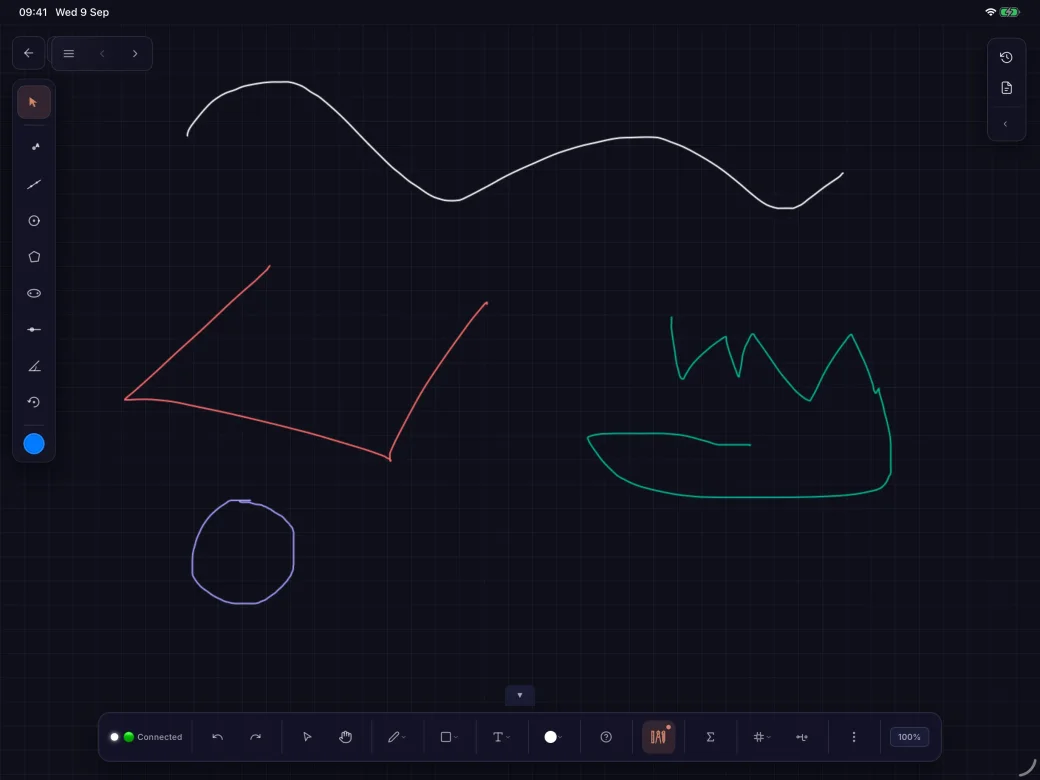
HANDWRITING AND SKETCHING
Write and draw with pen, highlighter and eraser on a canvas that never runs out of room. Choose colours and stroke widths, use shapes when a straight line matters, and pan and zoom freely.
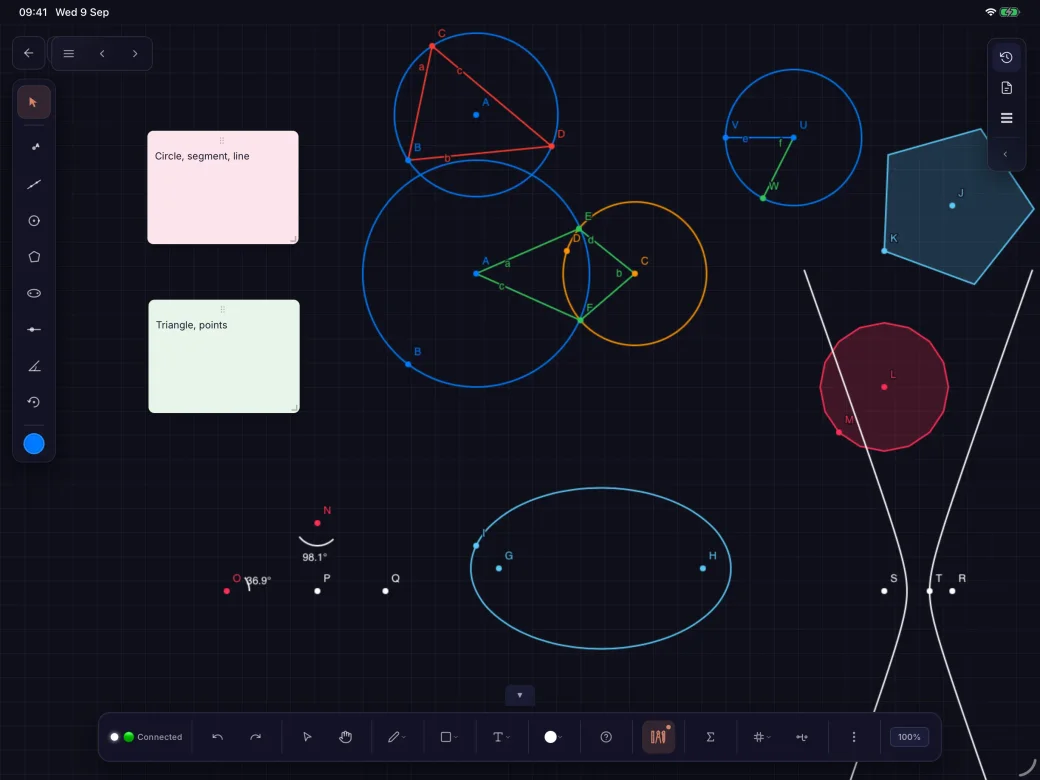
GEOMETRY
Construct points, lines, segments, circles, polygons and conic sections. The Algebra panel lists every object with its coordinates and equations, and updates live as you drag things — so a construction stays a construction, not a drawing that happens to look like one. Measure angles and distances as you go.
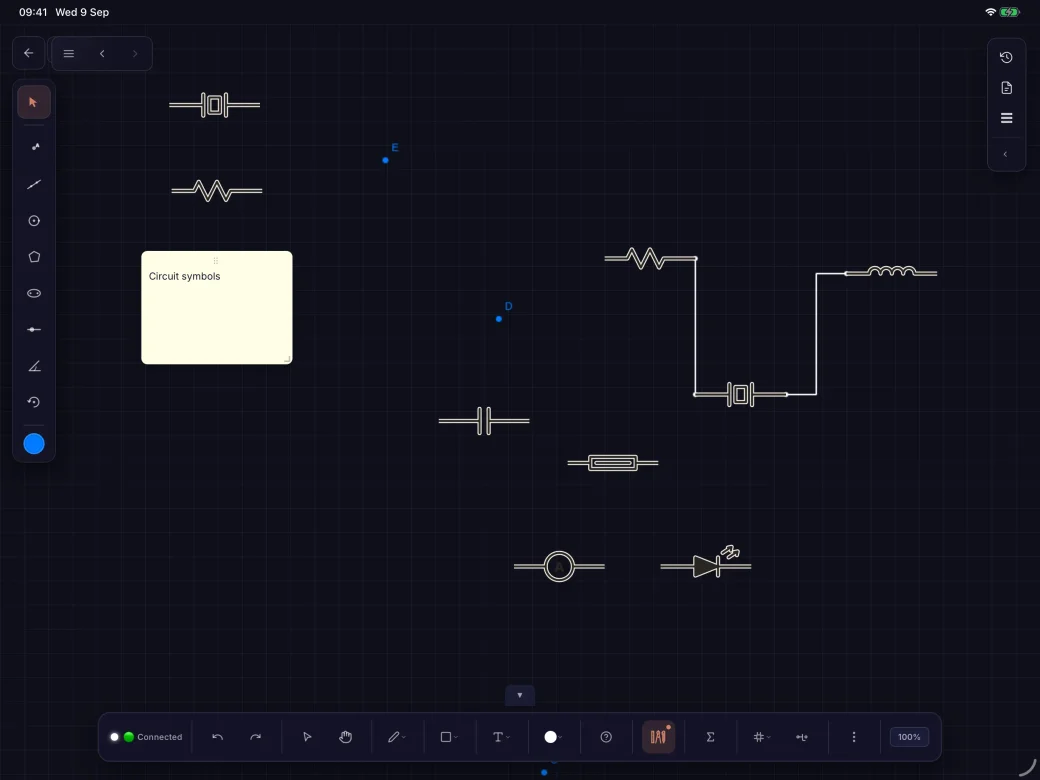
CIRCUIT SCHEMATICS
Place resistors, capacitors, inductors, diodes, meters and more from a symbol library, then connect them with the wire tool. Components carry editable labels and values.
MATHS
Write an equation by hand and convert it to typeset LaTeX. Compose formulas directly with a symbol palette. Plot 2D functions and explore surfaces in 3D.
NOTES ON THE CANVAS
Add typed text and sticky notes alongside your handwriting. Import a PDF and annotate it in place. Export any page as a PDF to hand in or share.
ORGANISATION
Group pages into notebooks and folders, tag them, and search across everything.
COLLABORATION
Share a notebook with a private link or publish it, and work on the same canvas together in real time. Sharing is off by default, and any link can be revoked at any time.
FREE
Every feature above is included. There are no in-app purchases, no subscriptions and no adverts.
What’s new
Version 1.0.10 · Oct 24, 2026
Fixes AnyNote closing immediately after you open it. Your notebooks were never affected.
App privacy
What Nam Vo declares on the App Store about how this app handles data.
-
Data linked to you
May be collected and linked to your identity.
- Contact info
- User content
- Identifiers
- Usage data
Privacy practices may vary, for example with the features you use or your age.
Information
- Seller
- Nam Vo
- Category
- Productivity
- Version
- 1.0.10
- Updated
- Oct 24, 2026
- Released
- Sep 7, 2026
- Size
- 22.0 MB
- Requires
- iOS 16.0 or later
- Age rating
- 4+
- Price
- Free
- Languages
- English
- Copyright
- © 2026 Nam Vo
You might also like
-
 The whiteboard - Endless NotesHandwriting on infinite canvas
-
 White Board: Infinite CanvasReal-time team drawing & notes
-
 NoteDive: Infinite CanvasNotes, Study & Sketch Notebook
-
 InfinotesInfinite zoom note taking
-
 PenciloFocus Tasks, Notes & AI
-
 Bulletin: Infinite CanvasCreate boards for anything
-
 Octo Notes - infinite canvasNotes, Ideas, Schedules, Memos
-
 Text to Handwriting: Hand NoteQuick Note Handwritten Convert
-
 Unbound Note: Infinite CanvasHandwriting, links & pkm
-
 InfiniteNote - Canvas NotesThink in space, not in pages.