Then & Now Cam
Time-Travel Collage Camera
Designed for iPhone, iPad
Free · In-app purchases
- Age rating4+
- CategoryUtilities
- DeveloperPing Chen
- LanguagesEnglish+ 2 more
- Size11.2 MB
Links to the official App Store page
Download.org hosts no file of Then & Now Cam. The button opens its official App Store page, published by Ping Chen. Listing last checked on Nov 18, 2026.
Screenshots

About
Time moves on, but memories stay.
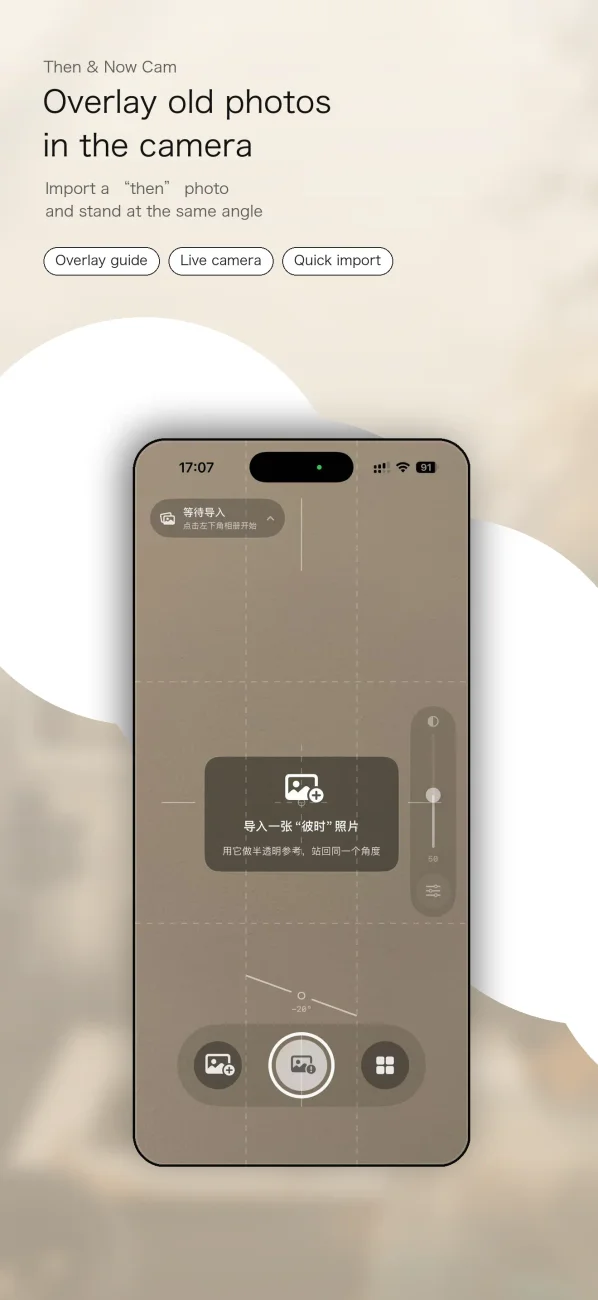
Then & Now Cam is a creative camera app for recreating old photos, revisiting meaningful places, and matching iconic movie, anime, or travel scenes. Import a reference image and the app overlays it transparently on your live camera view, helping you align buildings, streets, poses, and compositions with precision.
Whether you are returning to a childhood photo spot, revisiting a school or city corner years later, or recreating a favorite frame from a film or animation, Then & Now Cam helps you place the past and present into one polished image.
KEY FEATURES
- Transparent reference camera: overlay an old or reference photo directly on the live camera preview.
- Front camera retakes: switch between rear and front cameras for selfies, portraits, poses, and family recreations.
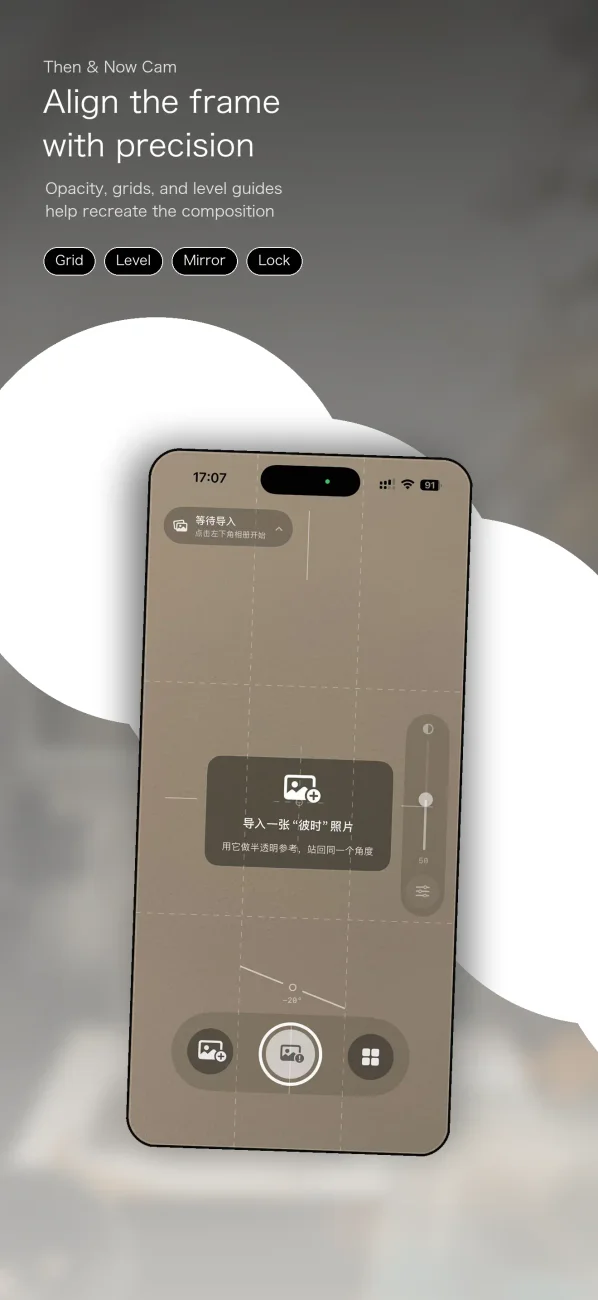
- Precise alignment tools: adjust opacity, drag, zoom, rotate, lock, mirror, reset, show outlines, grids, and a level guide.
- Lightweight place memory: save optional approximate locations for projects and photos, then prioritize nearby past photos when choosing references.
- Instant workflow: import a photo and start shooting without creating a complex project first.
- Automatic project management: unfinished works stay in Pending Retake, while completed images are saved under Completed.
- Retake resume and recovery: return to the camera from Pending Retake with the selected reference and its saved opacity, position, scale, rotation, mirror, and lock state.
- Precise focus and metering: tap the preview to set focus and exposure, then lock or restore automatic focus and exposure when needed.
- Optional camera controls: reveal exposure compensation and supported physical lenses only when you want them. Both stay collapsed by default and can be enabled independently in Settings.
- Result comparison and retake: switch between the final composition and a swipe comparison, then return to the same project for another capture without discarding earlier attempts.
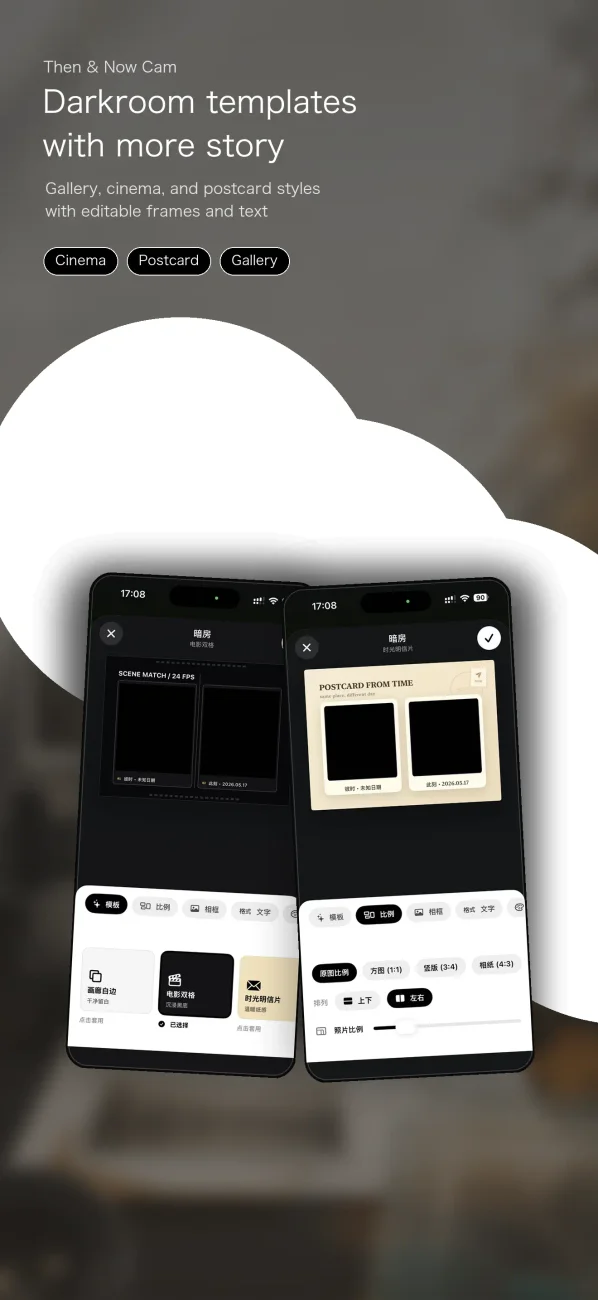
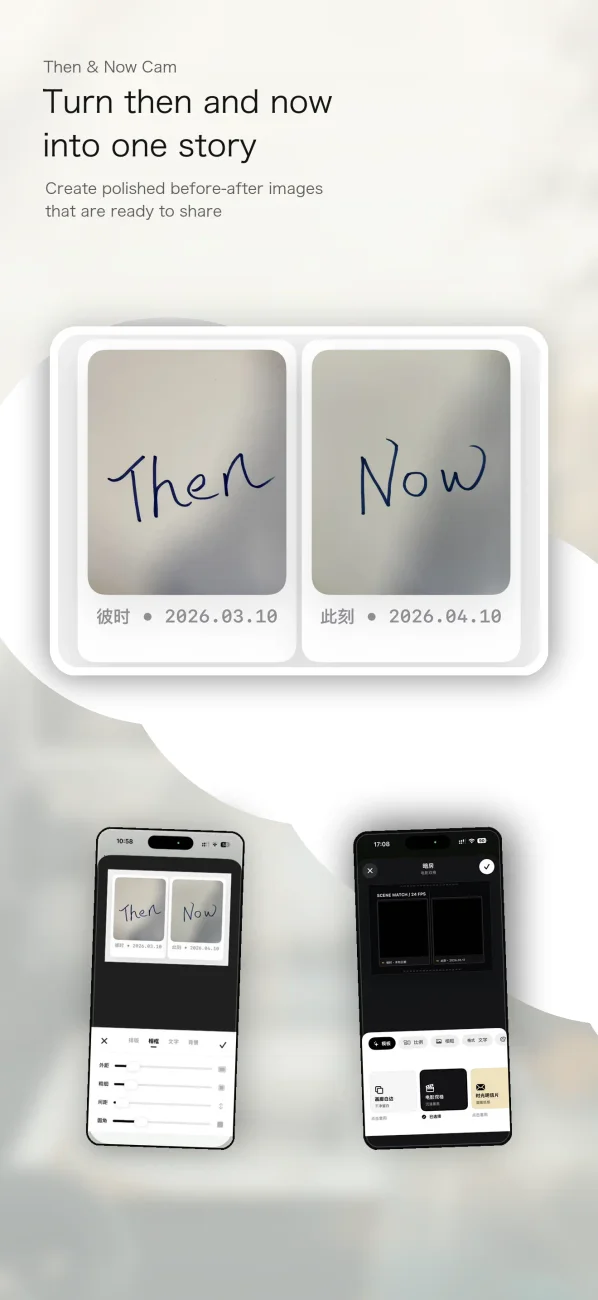
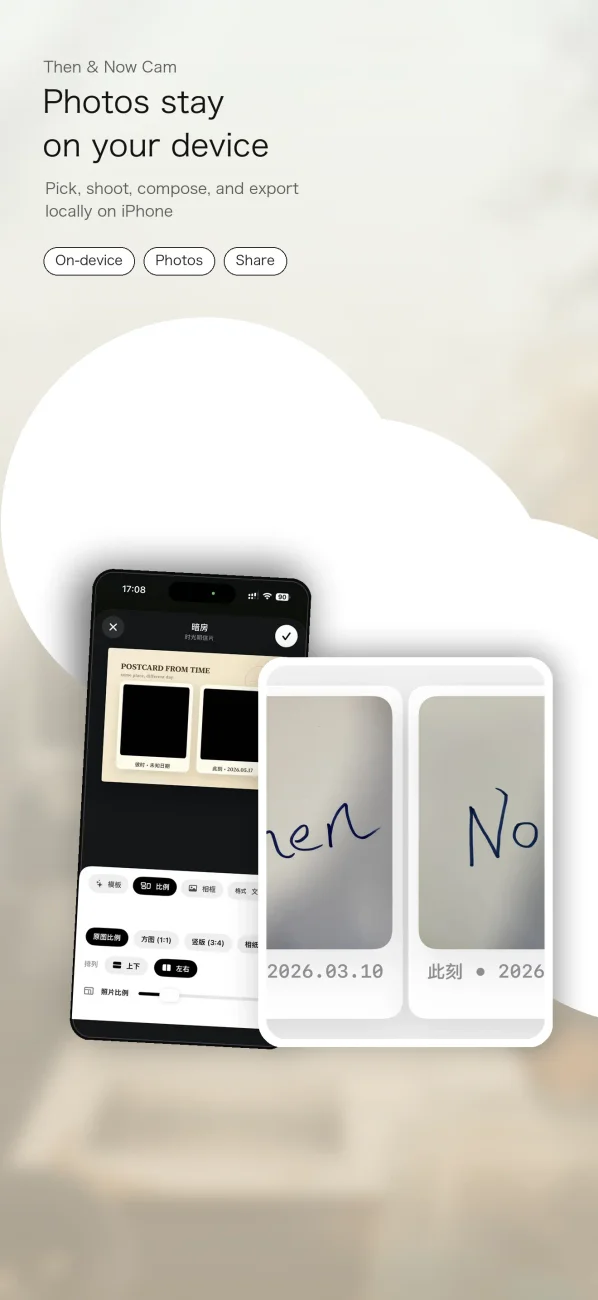
- Darkroom templates: export with gallery, cinematic film, postcard, archive, travel journal, instant-photo, minimal, and editorial styles.
- Custom export controls: adjust style, canvas ratio, photo crop, text, spacing, frames, colors, and template details; photo slots now adapt more naturally to each canvas ratio.
- Local-first privacy: photo selection, camera capture, collage generation, and export rendering are processed on your device.
PERFECT FOR
- Recreating childhood or family photos.
- Revisiting schools, streets, landmarks, and travel memories.
- Matching selfies, expressions, poses, and portraits with the front camera.
- Matching movie stills, anime frames, and real-world locations.
- Tracking long-term changes for families, cities, buildings, shops, and communities.
- Creating beautiful before/after images for sharing.
One old photo. One new moment.
Align time with Then & Now Cam.
What’s new
Version 1.5 · Aug 8, 2026
Version 1.5 makes long-term retakes faster, more precise, and easier to continue:
- Resume a Pending Retake project directly in the camera with its selected reference and saved alignment.
- Tap to set focus and metering, lock focus/exposure, or return to automatic mode.
- Reveal optional exposure compensation and supported physical lens controls only when needed; each remains collapsed by default and has its own Settings preference.
- Use Swipe Compare on the result screen, then return to the same project with one-tap Retake.
- Keep each new capture in project history instead of replacing earlier attempts.
- Improved VoiceOver, localization, project recovery, and camera interaction stability.
App privacy
What Ping Chen declares on the App Store about how this app handles data.
-
Data used to track you
May be used to track you across apps and websites owned by other companies.
- Usage data
-
Data not linked to you
May be collected but is not linked to your identity.
- Usage data
Privacy practices may vary, for example with the features you use or your age.
Information
- Seller
- Ping Chen
- Category
- Utilities
- Version
- 1.5
- Updated
- Aug 8, 2026
- Released
- Apr 11, 2026
- Size
- 11.2 MB
- Requires
- iOS 17.0 or later
- Age rating
- 4+
- Price
- Free
- In-app purchases
- Yes
- Languages
- English, Japanese, Simplified Chinese
- Copyright
- © 2026 Ping Chen