
Tiempo: Visual Focus Timer
A little space for focus
Designed for iPhone, iPad
Free · In-app purchases
- Age rating4+
- CategoryProductivity
- DeveloperMarco Gonzalez
- LanguagesEnglish+ 5 more
- Size128.1 MB
Links to the official App Store page
Download.org hosts no file of Tiempo: Visual Focus Timer. The button opens its official App Store page, published by Marco Gonzalez. Listing last checked on Nov 21, 2026.
Screenshots

About
Watch your focus take shape.
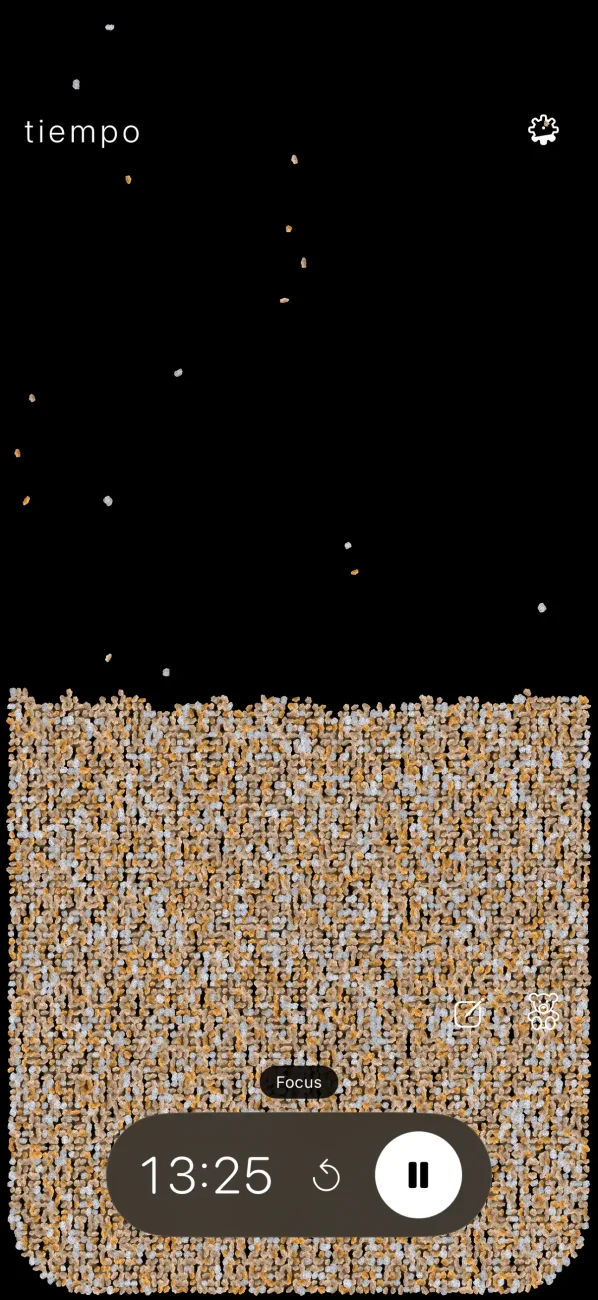
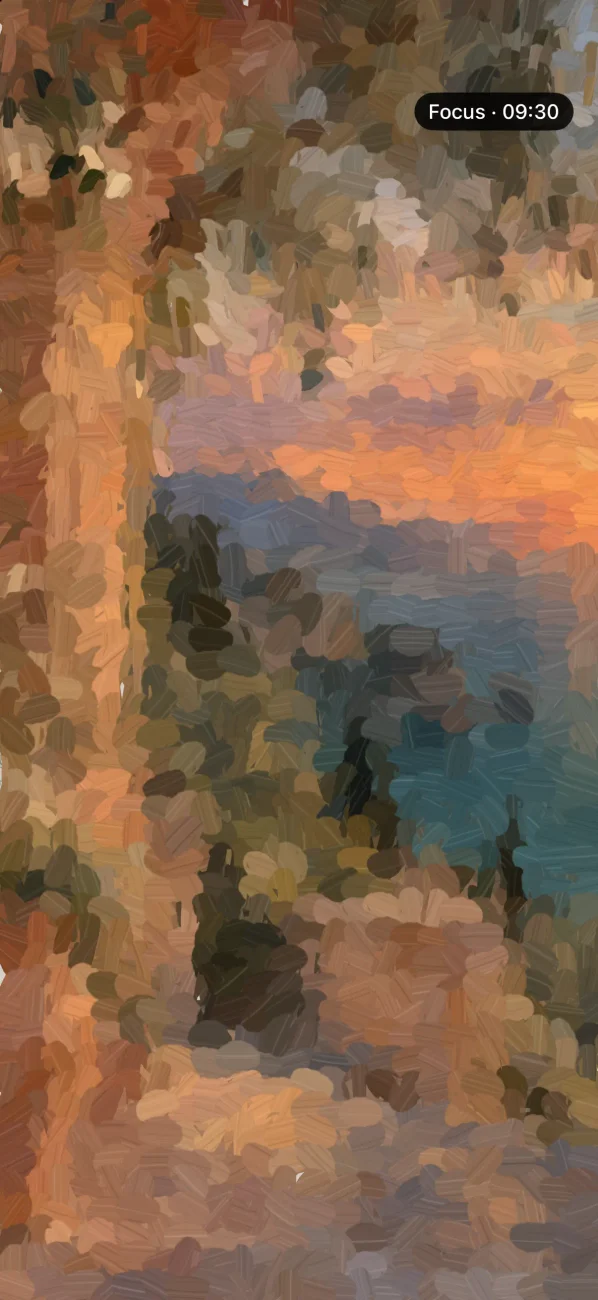
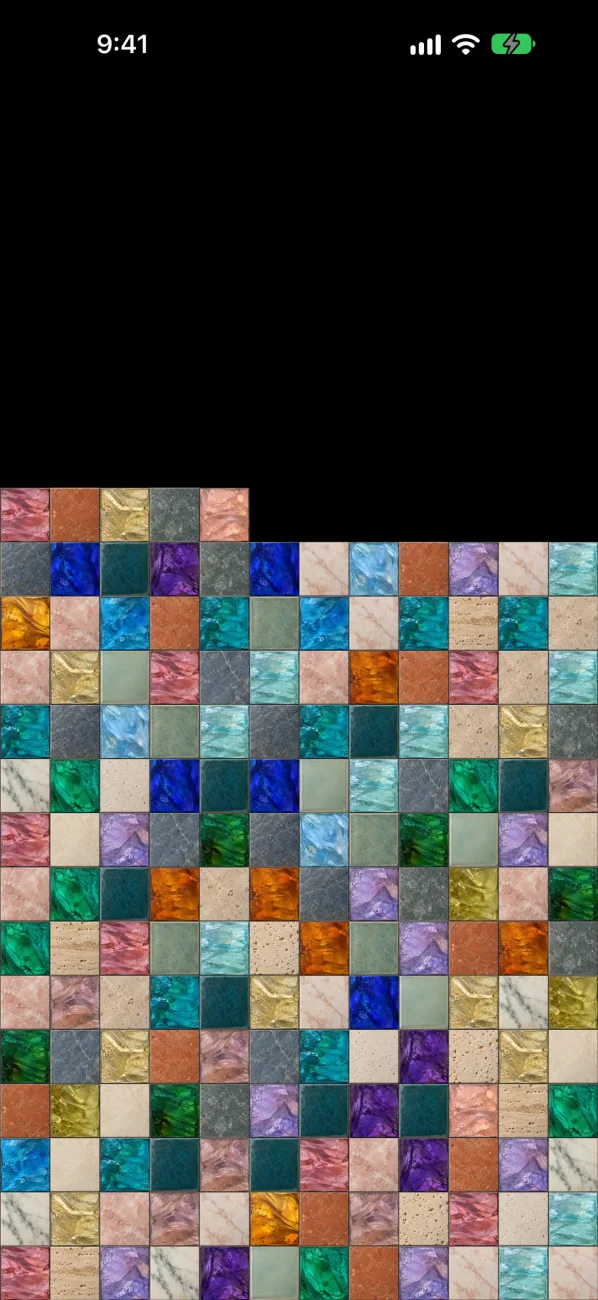
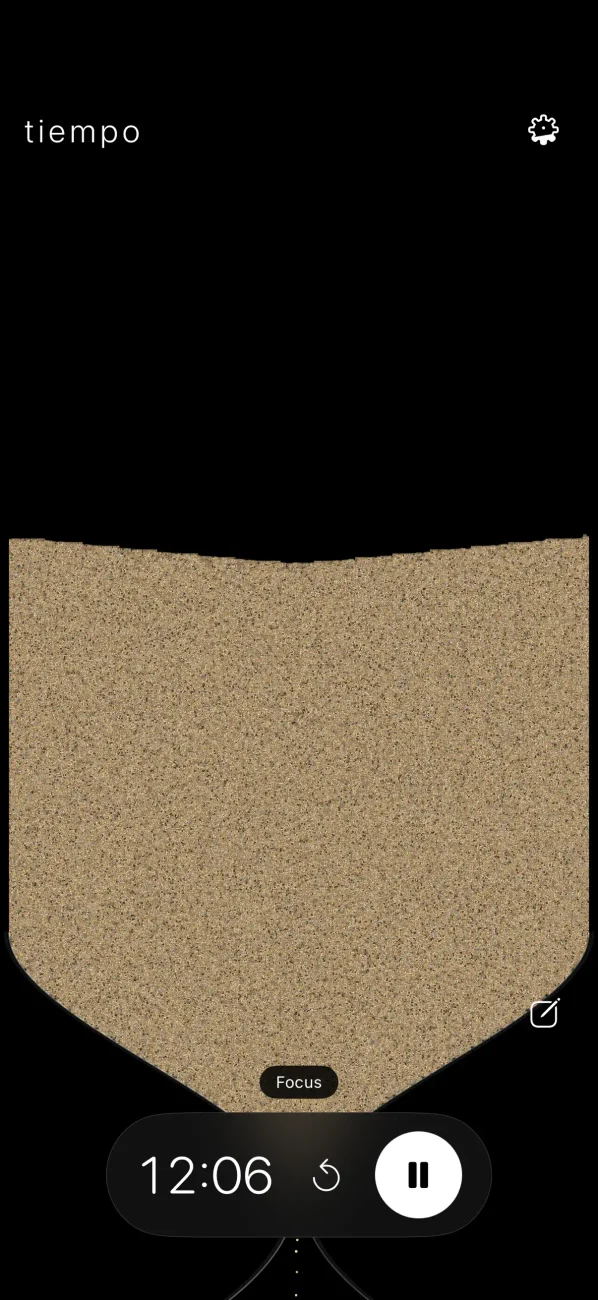
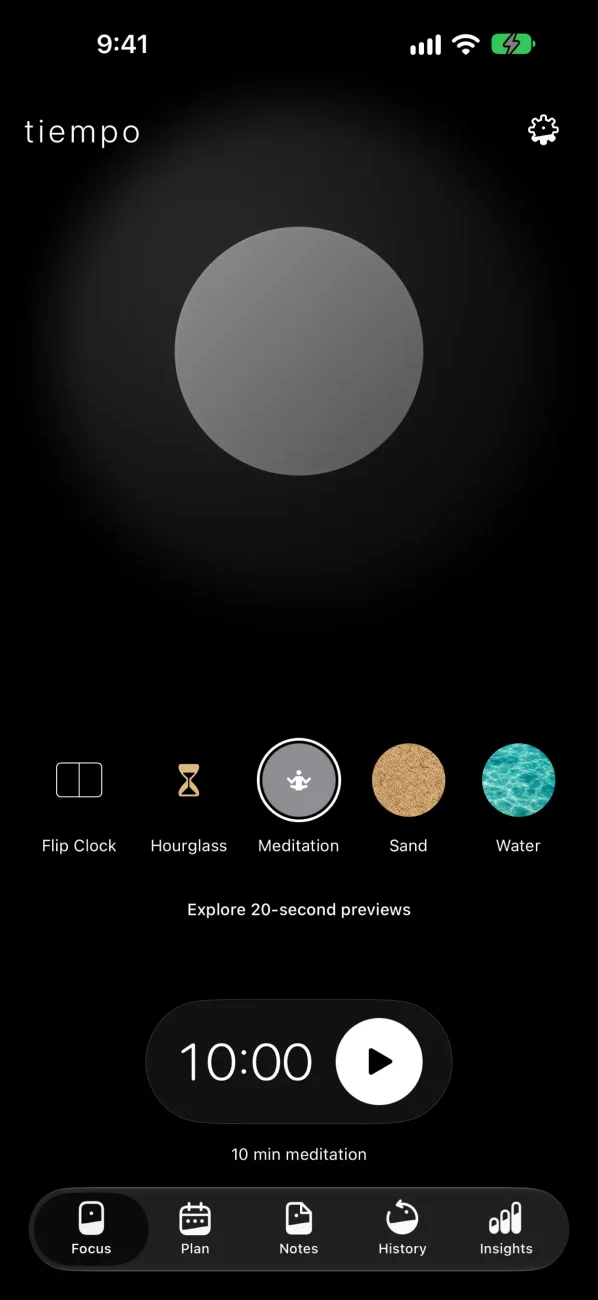
Choose a full-screen canvas and start a session. Sand gathers grain by grain, water rises and sways, tiles assemble into a mosaic, and a painting appears stroke by stroke. When the time is up, the picture is complete.
CANVASES
• Sand, drawn live grain by grain as your session runs
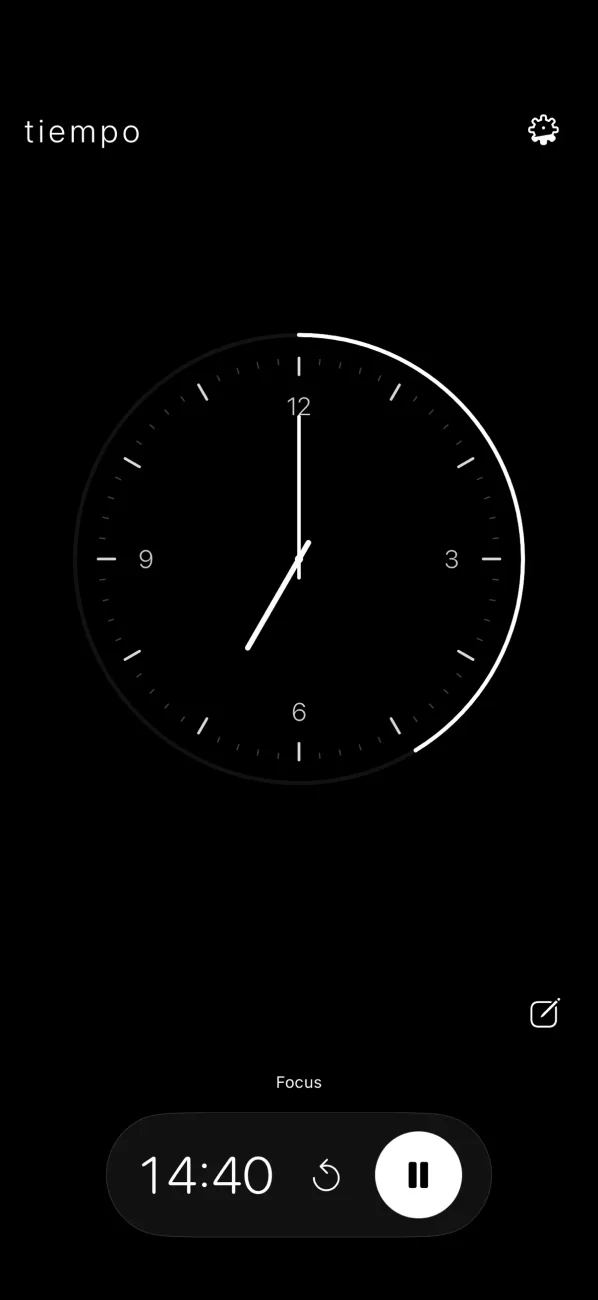
• Minimal, a quiet line that traces the time around the screen
• Clock and Flip Clock, for timed or untimed sessions
• With Tiempo Unlock: Water, Mosaic and Painting, drawn live as your session runs; Meditation, a guided breathing practice with optional sound and gentle haptics; and the Hourglass. Each has a 20-second preview.
FOCUS YOUR WAY
• Set your own focus and break lengths, pause when you need to, or end early and keep the time you focused
• Take the break Tiempo offers when a session ends, or skip it
• Soundscapes: white, pink and brown noise, Garden and Zen, and with Tiempo Unlock recorded rain, rain with thunder, ocean and fire
• Finish with a completion card, and share or save a picture of a finished canvas
• Alarms on iPhone and iPad, and a stopwatch, kept apart from your focus time
PLAN AND LOOK BACK, WITH TIEMPO UNLOCK
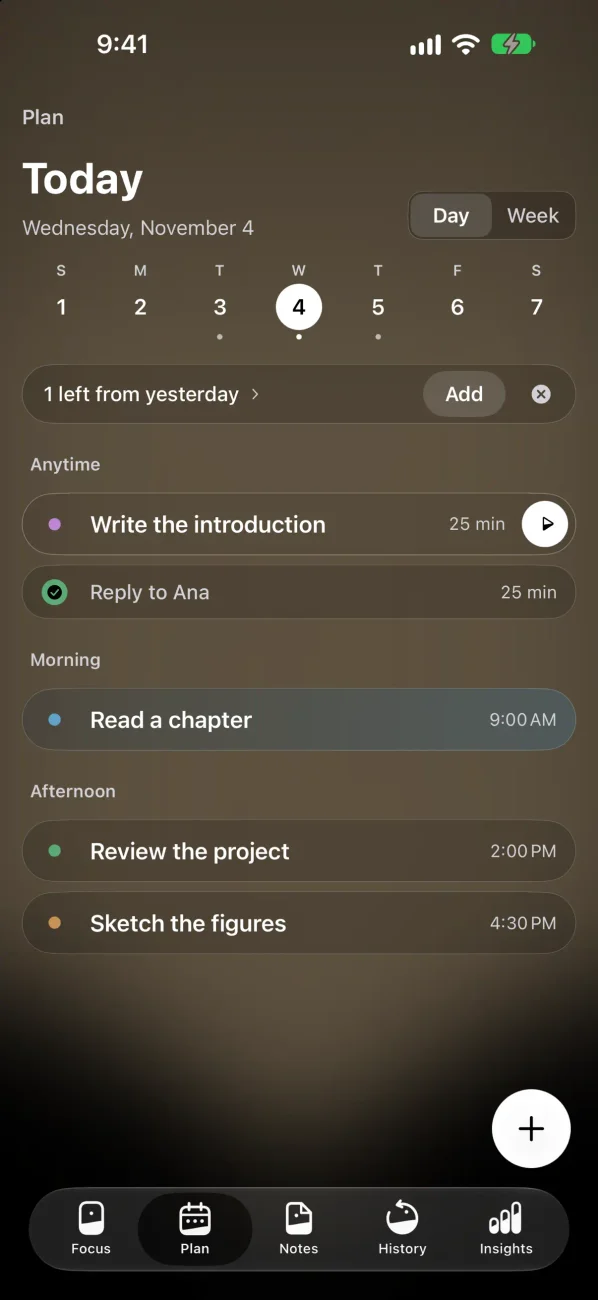
• Plan with reusable topics and time blocks
• Keep written or voice notes with your sessions
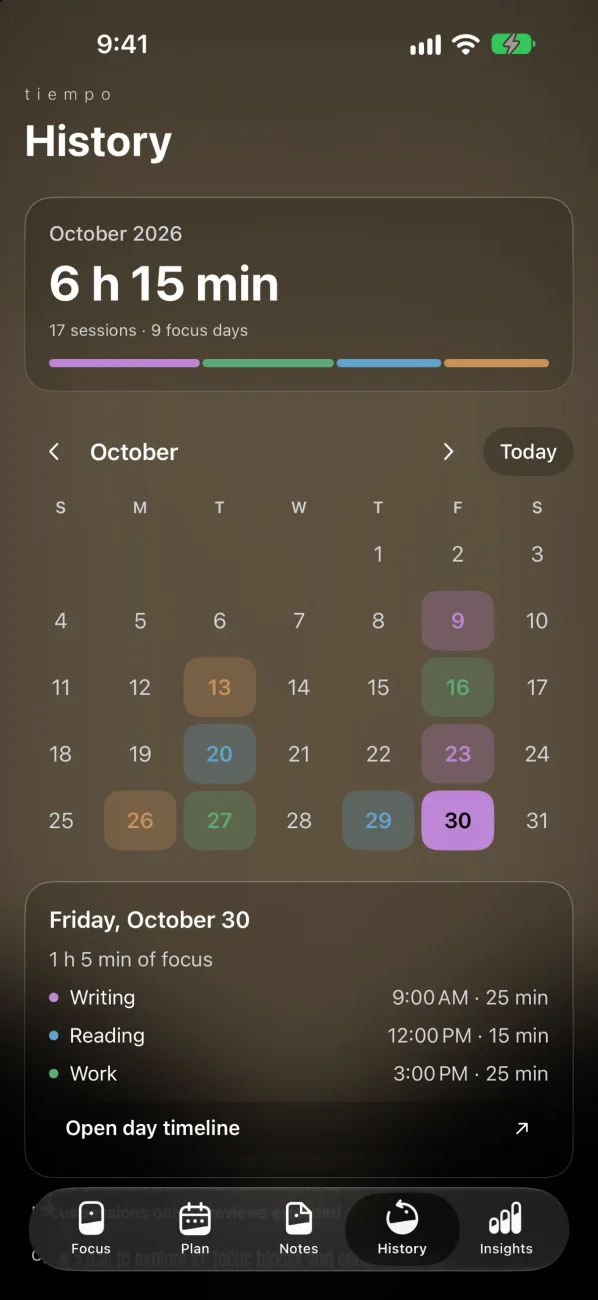
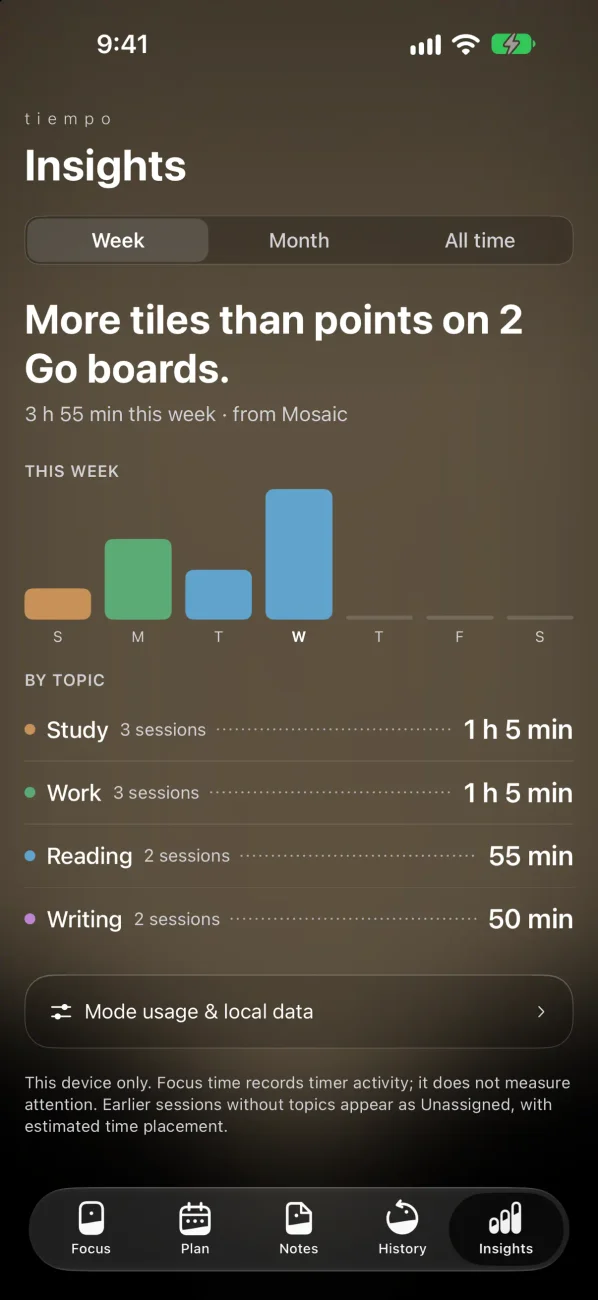
• History and Insights show your days, your rhythm and where your time went
• Your sessions keep saving before you unlock, and Export my data is always free
EVERYWHERE YOU ARE
• iPhone: widgets for the Home Screen and Lock Screen, and a Live Activity while a session runs
• iPad and Mac: every canvas fills the window, with keyboard shortcuts
• Apple Watch: start a session on your wrist, even with your iPhone away, or follow the one on your iPhone; it joins your History
• Apple TV: your canvases on the big screen, as channels
TIEMPO UNLOCK
One payment, no subscription. It adds the Water, Mosaic, Painting, Hourglass and Meditation canvases; Plan, Notes, History and Insights; painting your own photos; four recorded soundscapes; and more looks (Sand colorways, Water palettes, Mosaic designs and frame colors). It works on all your devices, and Family Sharing is on. Sand, Minimal, Clock, Flip Clock, Alarms, the Stopwatch and every timer feature stay free.
PRIVATE BY DESIGN
No account, no advertising and no tracking. Your sessions and notes stay on your devices.
Meditation can save to Apple Health as mindful minutes, if you turn it on. Tiempo never reads your Health data.
Works with VoiceOver, larger text and Reduce Motion.
What’s new
Version 1.4 · Nov 16, 2026
A calmer, clearer journal.
• Plan, Notes, History and Insights now sit on frosted glass over the canvas you're using, and the glass follows the canvas as it changes.
• Plan is simpler: what's next is one tap away, and a task's details appear only when you tap it. Add a task with its topic and length in one sheet.
• On iPad, Plan uses the whole screen: your day beside Up next and a quick add form.
• Light mode gets its own bright glass.
App privacy
What Marco Gonzalez declares on the App Store about how this app handles data.
-
Data not collected
The developer does not collect any data from this app.
Privacy practices may vary, for example with the features you use or your age.
Information
- Seller
- Marco Gonzalez
- Category
- Productivity
- Version
- 1.4
- Updated
- Nov 16, 2026
- Released
- Nov 4, 2026
- Size
- 128.1 MB
- Requires
- iOS 26.0 or later
- Age rating
- 4+
- Price
- Free
- In-app purchases
- Yes
- Languages
- English, French, German, Japanese, Korean, Spanish
- Copyright
- © 2026 Marco Gonzalez
You might also like
-
 Aergia - Screen Time ControlPause before opening apps
-
 Stickier MobileProductivity
-
 Roundi: Visual Focus TimerSingle-Task Pomodoro for ADHD
-
 Summarizer - Text SummaryTLDR, AI Super Summary
-
 BloomDay: Daily PlannerADHD-friendly habit garden
-
 Shiori – AI ChatChat with 20+ Models Instantly
-
 Kan Do: Project ManagementProductivity
-
 iWriter ProMarkdown Text Editor
-
 Inkfluence - eBook MakerAI Book Writer, PDF, Audiobook
-
 Chat Z - Ultra Chat AssistantAI that sees and searches