
Tik Tik Clock
World Time Converter, reminder
Designed for iPhone
Free · In-app purchases
- Age rating4+
- CategoryUtilities
- DeveloperInfoEnum Software Systems
- LanguagesEnglish+ 12 more
- Size71.6 MB
Links to the official App Store page
Download.org hosts no file of Tik Tik Clock. The button opens its official App Store page, published by InfoEnum Software Systems. Listing last checked on Nov 15, 2026.
Screenshots


About
*** Most elegant and simple clock app with timezone converter, reminder and widget support ***
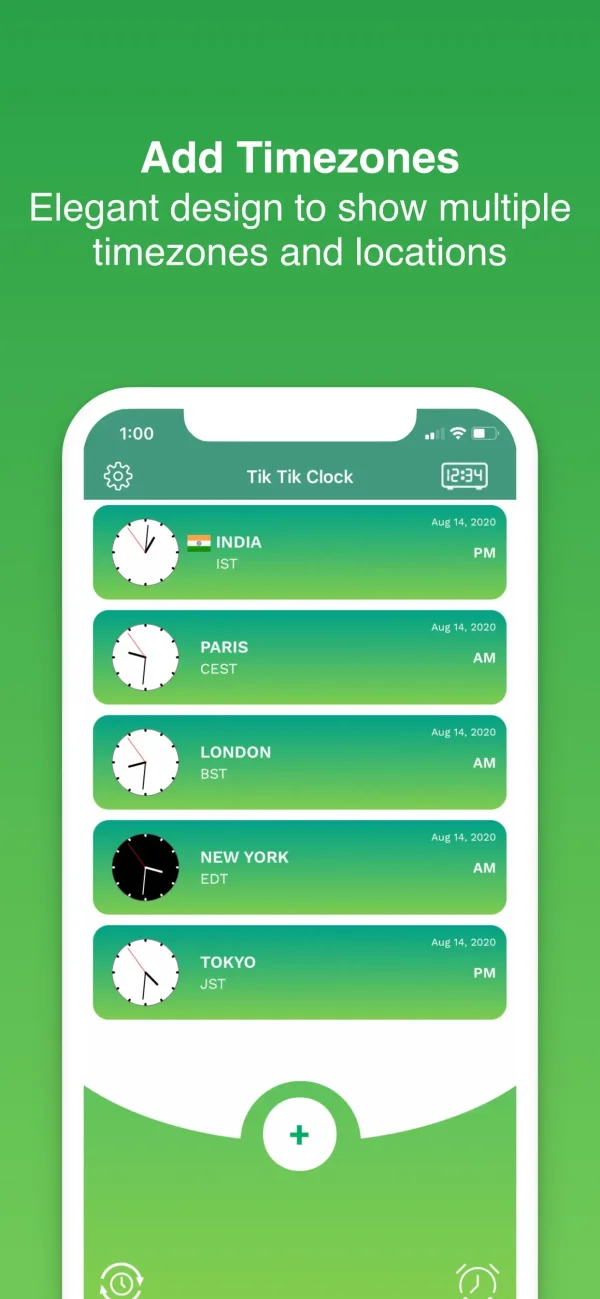
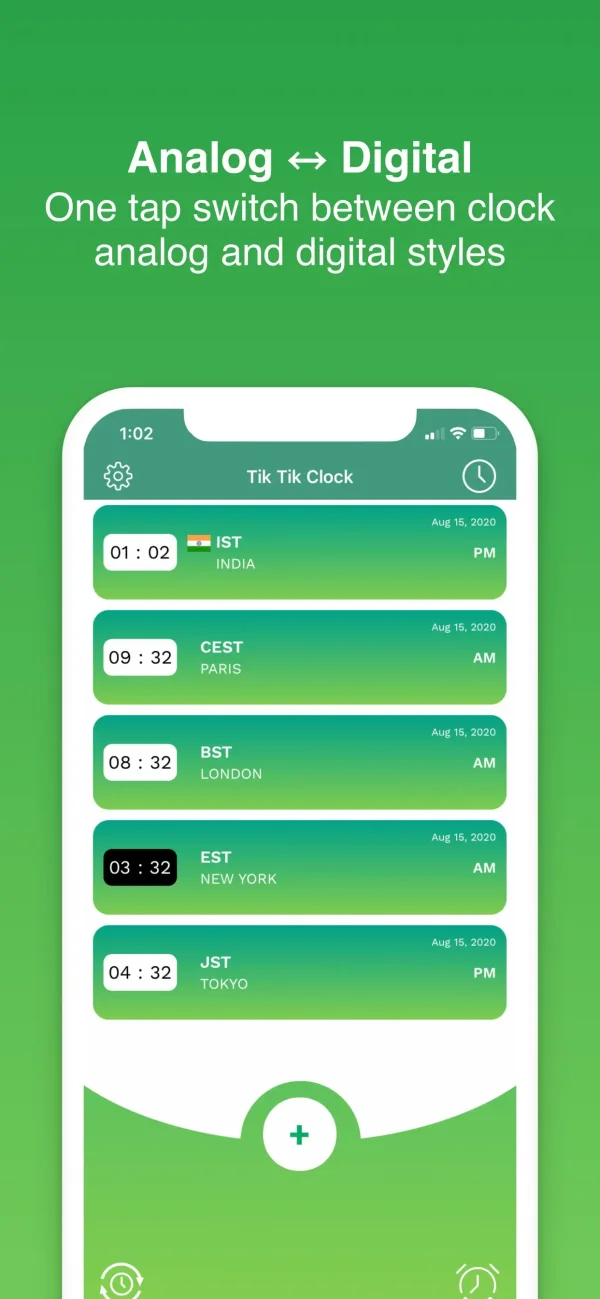
Effortlessly track the time of different cities and timezones. You can add timezone around the world that you most commonly use and can see the time in analog and digital format.
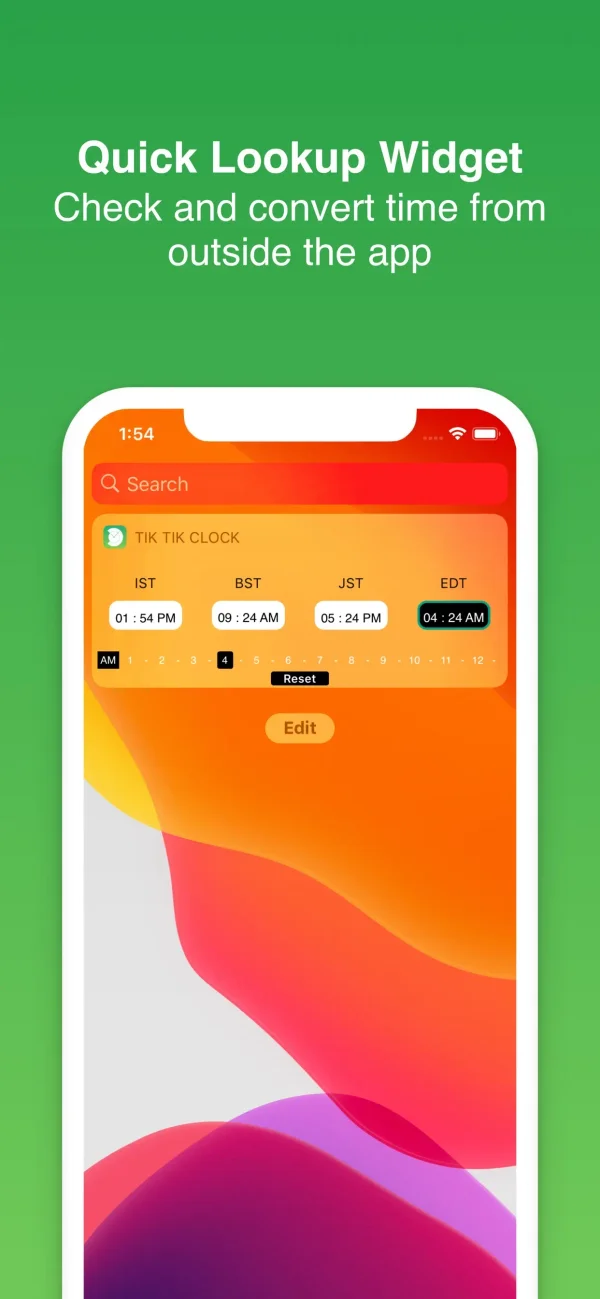
Easily convert multiple time zones at a glance. You can also track the time from the widget when the phone is locked.
* TIMEZONE CONVERTER
- "6:15 AM in Tokyo, what time it would be in New York"?
- "7 PM in Perth, what time it would be in London at 10:15 PM"?
- "Someone asking for meeting at 3 PM Los Angeles time, wonder what would be local time for you"?
Custom converter tool to quickly convert all these times for you, fix meeting quickly, and save time. App supported by a widget to perform all these conversions even when the phone is locked.
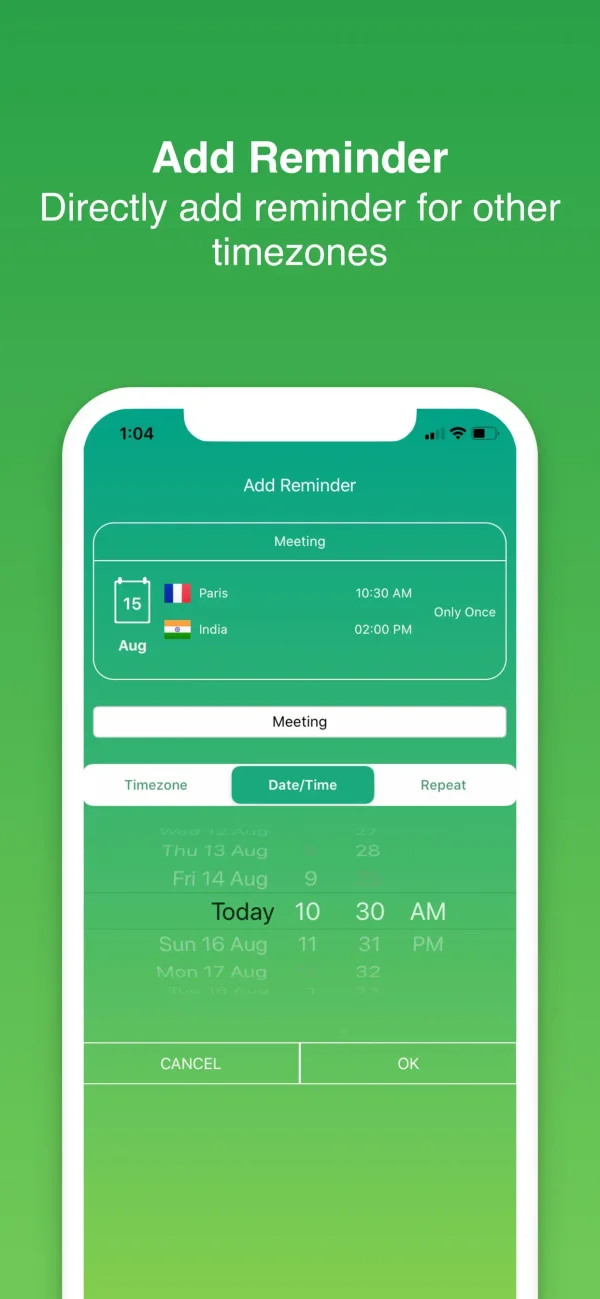
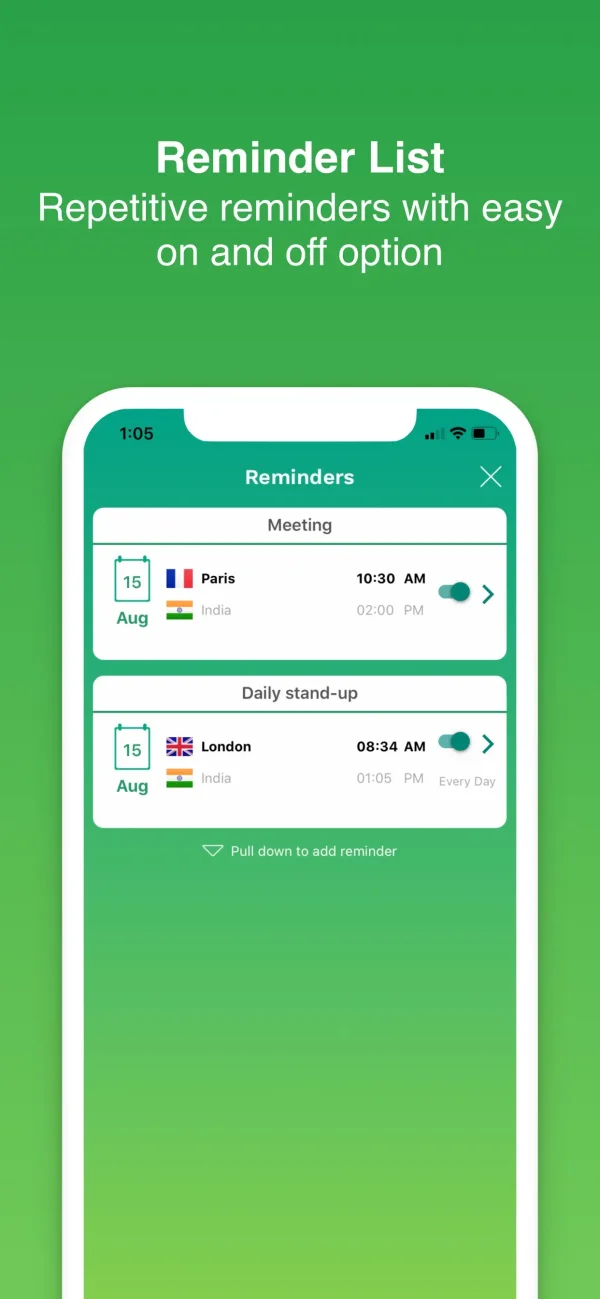
* REMINDERS
You can set a reminder directly at other timezone and app will automatically manage that for your local time. Your usual reminders work the way they should, you can set them for your tasks
* ADD MULTIPLE CITIES
Suggestion based search to add city in your preferred timezone stack.
* DIGITAL AND ANALOG CLOCK
Pleasing analog and digital clock displays and easy to switch between them right from the main screen, changes will appear on both In-app clock and widget clock.
* WIDGET
Attractive UI to quickly check the time in different cities or timezones and you can convert the time with the smart scale even when your phone is locked.
* INFORMATIVE THEME
App has a great theme to give you day/night details just on a glance, it also shows the date changes on conversion screen.
* TIME FORMAT
You can adjust the time in 12 or 24 hours format. To keep it easy and sync with your settings, you can choose the "Default" option and the app will update the format according to app settings.
Upcoming features:
* Custom Names
* Localisation
Please check the video of the app features here:
http://tiktikclock.infoenum.com
Feel free to contact us for any query or suggestion: info@infoenum.com
What’s new
Version 1.3 · Jul 24, 2025
- Added Reminder widgets.
- Removed Flag Icon For Reminder Widget.
- Updated Refesh Icon Background Color in both widgets
App privacy
What InfoEnum Software Systems declares on the App Store about how this app handles data.
-
Data not collected
The developer does not collect any data from this app.
Privacy practices may vary, for example with the features you use or your age.
Information
- Seller
- InfoEnum Software Systems
- Category
- Utilities
- Version
- 1.3
- Updated
- Jul 24, 2025
- Released
- Sep 5, 2019
- Size
- 71.6 MB
- Requires
- iOS 16.0 or later
- Age rating
- 4+
- Price
- Free
- In-app purchases
- Yes
- Languages
- English, French, German, Hindi, Indonesian, Italian, Japanese, Korean, Portuguese, Russian, Simplified Chinese, Spanish + 1 more
- Copyright
- © InfoEnum Software Systems
You might also like
-
 Shadowline: World Time ZonesMeeting planner & Jet Lag tool
-
 Eepy - Time Zone ConverterWorld Clock Management
-
 Nice-ClockUtilities
-
 TeamTime-Cross time zone toolsCross time zone team time tool
-
 Meridiem — World ClockWorld Clock & Time Zones
-
 Binary Clock: StandbyAmbient bedside desk clock
-
 Tocka: Alarm Clock & TimerCute Stopwatch & World Clock
-
 ZoneSyncElegant World Clock
-
 LumaClockAnimated Clock & Display
-
 AuraDesk - Flip Clock StudioDesk Companion & Focus Timer