Time in Focus
Focus, App Blocker & Timer
Designed for iPhone, iPad
Free · In-app purchases
- Age rating4+
- CategoryProductivity
- DeveloperSeamless Migration AI LLC
- LanguagesEnglish
- Size119.5 MB
Links to the official App Store page
Download.org hosts no file of Time in Focus. The button opens its official App Store page, published by Seamless Migration AI LLC. Listing last checked on Nov 24, 2026.
Screenshots




About
I built Time In Focus for myself as much as for anyone.
I kept sitting down to do real work and then watching an hour go somewhere else. The problem was never that I didn't want to focus — it was making my phone less distracting, and having something to show for my work. So I made the thing I needed: a quiet timer that holds the line I set, and a way to close the apps that pull at me before they get the chance.
It doesn't do anything clever. It keeps time, holds the line you set, and shows you what you did. That's it. I use it every day.
FOCUS SESSIONS
Pick a 25-minute sprint for something small or a 45-minute block for deep work. When the session ends, a break timer gives you room to step back before the next one. Set a daily goal, keep a streak if streaks help you, and have something to look back at.
FOCUS SHIELD
This is the part I lean on most. Before you start, you choose the apps you don't want to reach for. Once the session begins, the shield holds them closed for the whole thing. The only way past it is to end the session — no “just five minutes.” It's not enforcement. It's a door you can close, and a reminder of what you decided when you sat down. The apps are still there when you're done; they just don't get you mid-session.
BLOCKING ON A SCHEDULE
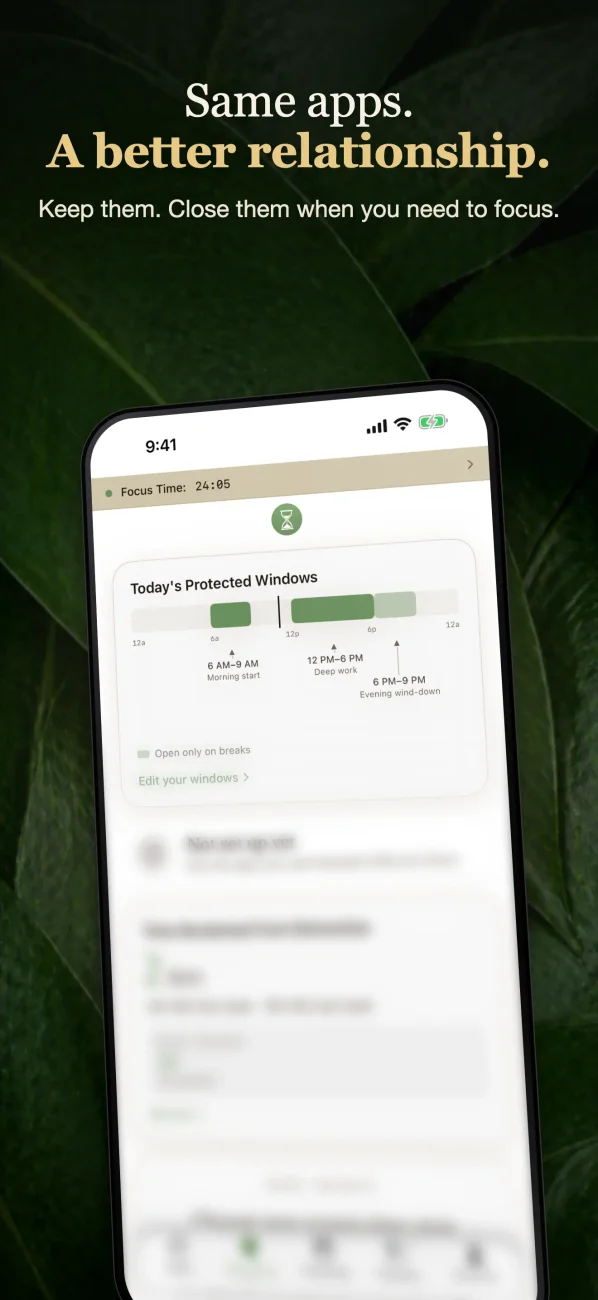
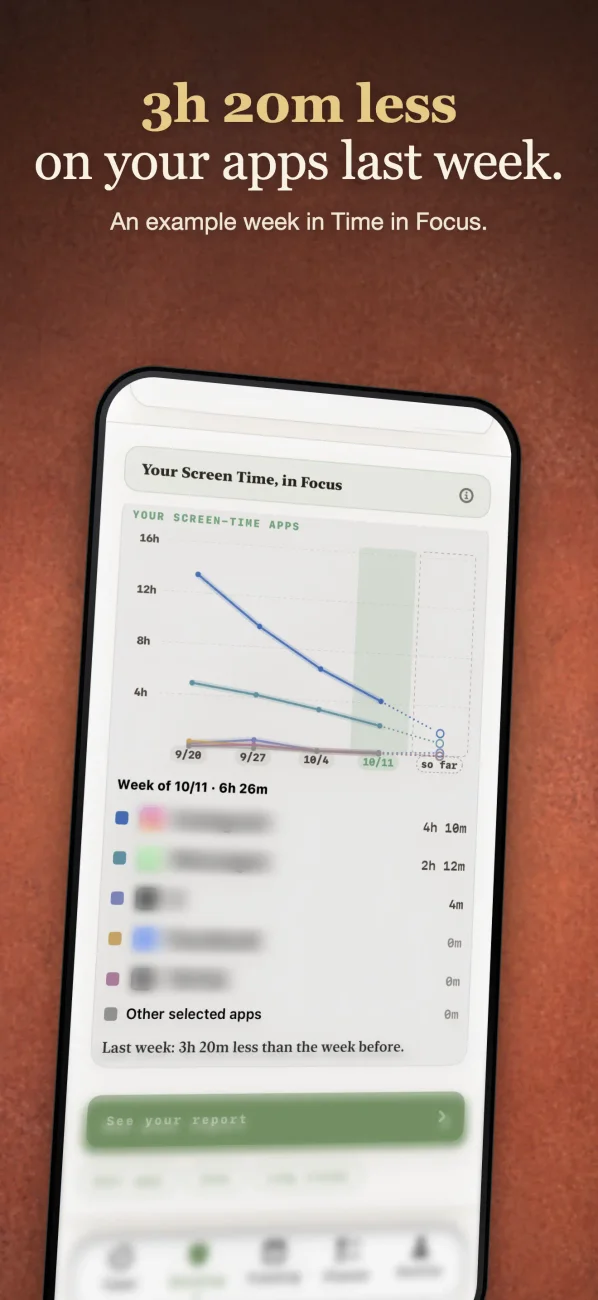
Set protected windows — the first hour after you wake up, the stretch before bed — and the apps you pick stay closed during them, session or not. Everything about blocking has its own Blocking tab: what's blocked right now, each window and its apps, and, with Screen Time access, how long you used each blocked app this week.
TASKS
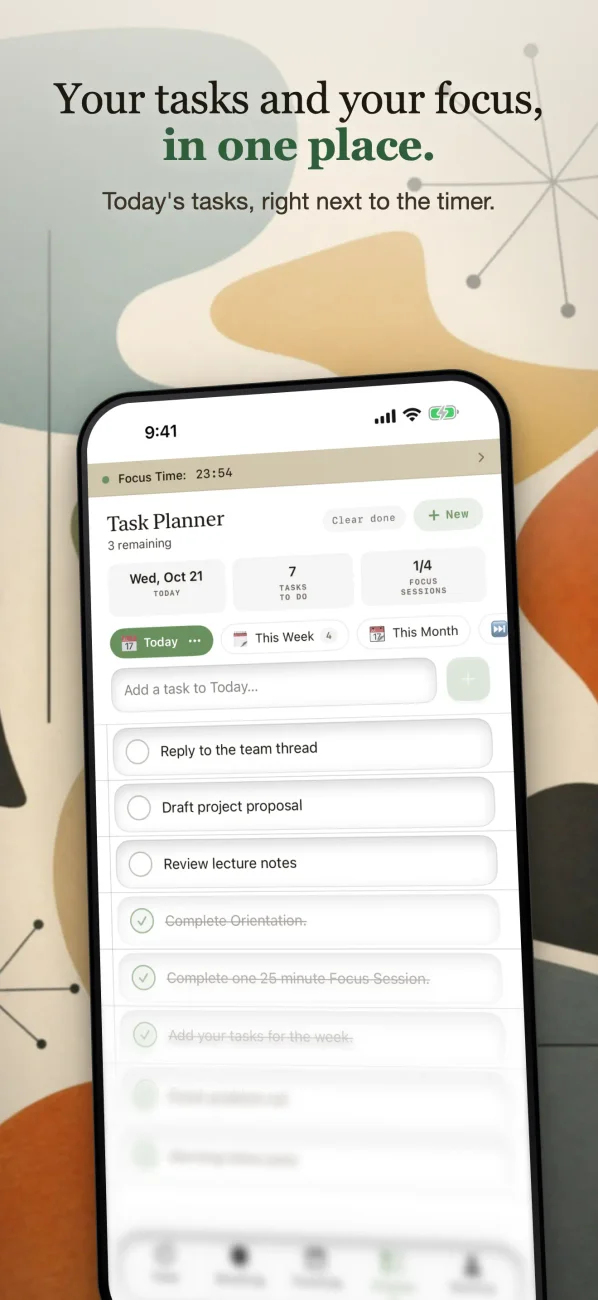
Add what you're working on before or during a session and check things off as you go. When a stray thought shows up — and it always does — the parking lot catches it, so you can set it down and stay where you are instead of chasing it.
FOCUS VISUALS & SOUND
Turn the screen into something quieter to sit with. More than fifteen visuals — Aurora, Grid, and Glass among them — shift slowly as the session runs. Pair them with beach waves, nature, or brown or white noise if quiet isn't your thing.
WHAT YOU DID
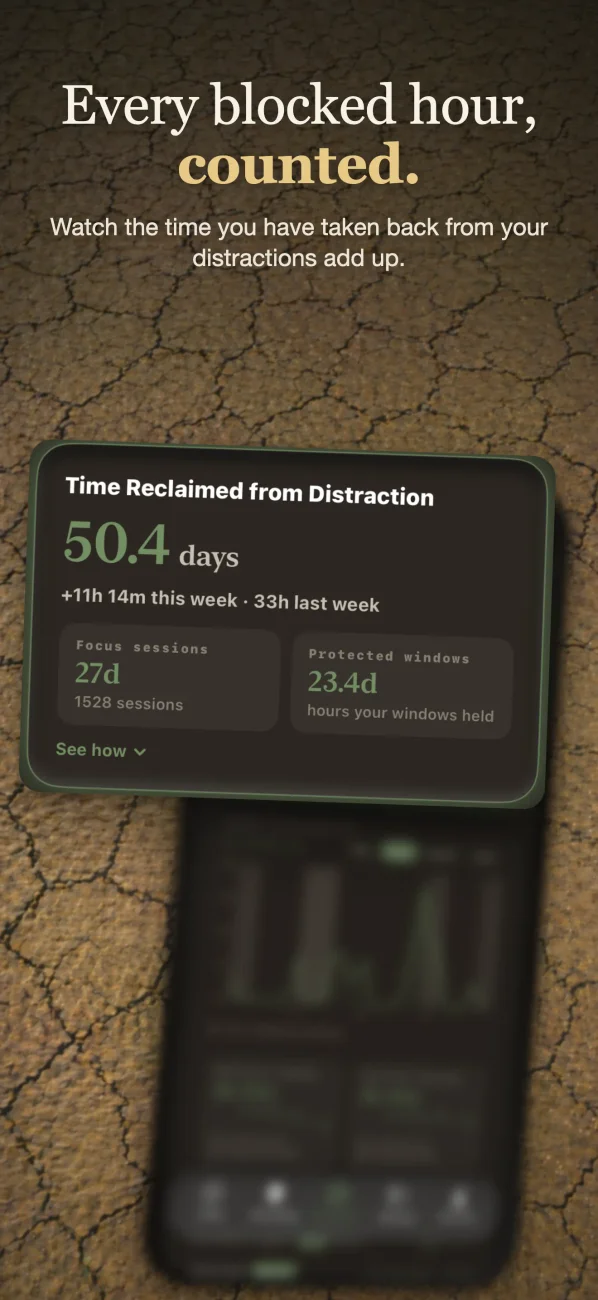
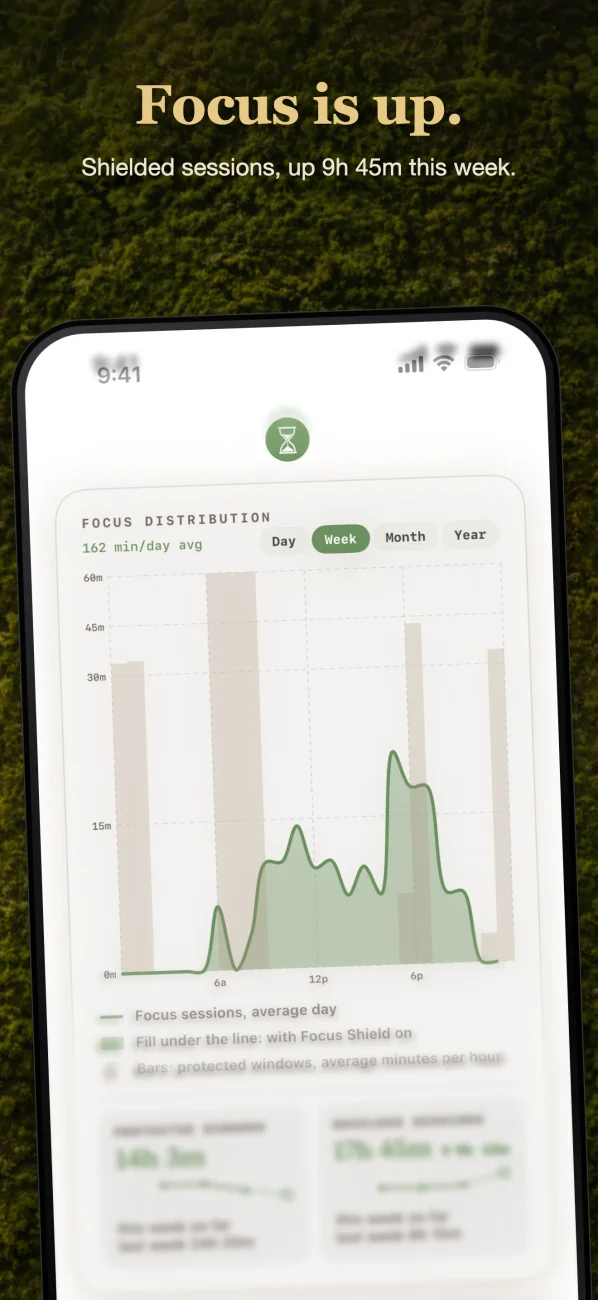
A weekly calendar, a daily session chart, and lifetime stats. Not a scoreboard — a receipt. The days you actually showed up, kept where you can see them.
BADGES
Small markers along the way, from your first ten sessions out to the far end. They're there if you like them, easy to ignore if you don't.
THE SMALL STUFF
A flip clock shows the current time, so you don't reach for your phone to check it
Natural, light and dark themes — or Match iPhone — with accent colors you pick
Home Screen widgets with today's progress, that start a focus session or a break without opening the app
A daily reminder, if you want one
Works in portrait and landscape
CHOOSE WHAT YOU USE
Only want app blocking? Only the timer? Pick App Blocking, Focus Timer, Planner — any mix — and the app shows just those. Change it anytime.
YOUR DATA STAYS YOURS
Everything lives on your device. No account to make, no tracking, no ads. I never see your sessions, and there's nothing to sell. Your focus is yours.
GETTING STARTED
The Planner and widgets are free — no account, nothing to sign up for. The focus timer, app blocking, Tracking, and Screen Time reports are part of Pro. New here? Your first month of Pro is free — nothing charged today, no pressure. After that, only if it’s earned a place in your day.
I hope it helps you get real work done. — Selim
Privacy Policy: https://seamlessmigration.ai/time-in-focus/privacy-notice/
Terms of Use (EULA): https://www.apple.com/legal/internet-services/itunes/dev/stdeula/
What’s new
Version 2.2.2 · Nov 13, 2026
• Start a focus session or a break straight from your Lock Screen.
• Auto-continue: let breaks and focus sessions start on their own.
• A clearer Notification Pressure report that says when Apple's iOS didn't record a count.
• Protected windows give you a short countdown before you change one that's running.
App privacy
What Seamless Migration AI LLC declares on the App Store about how this app handles data.
-
Data not collected
The developer does not collect any data from this app.
Privacy practices may vary, for example with the features you use or your age.
Information
- Seller
- Seamless Migration AI LLC
- Category
- Productivity
- Version
- 2.2.2
- Updated
- Nov 13, 2026
- Released
- Apr 21, 2026
- Size
- 119.5 MB
- Requires
- iOS 17.0 or later
- Age rating
- 4+
- Price
- Free
- In-app purchases
- Yes
- Languages
- English
- Copyright
- © 2026 Seamless Migration AI LLC
You might also like
-
 Unglue: Screen Time FriendApp Blocker & Habit Tracker
-
 Focus Lock - Screen Time LimitBlock Apps & Digital Detox
-
 Countdown Widget: Days UntilBirthday Timer & Vacation Day
-
 Weekstack: Weekly PlannerTo-do List, Stacked
-
 Timer - Minimal TimerDo more with less
-
 LockScreenNotesBig notes always on lockscreen
-
 Roots: Screen Time ControlApp Blocker & Dopamine Detox
-
 DetoxLock: Extreme App BlockerGo Cold Turkey. Block Apps
-
 Countdown & Count Up TimerEvent Reminders and Widgets
-
 KekVPN – Fast & Secure VPNWiFi Proxy, Privacy & Unlocker