- 対象年齢4+
- カテゴリ仕事効率化
- 開発元Seamless Migration AI LLC
- 言語英語
- サイズ119.5 MB
App Storeの公式ページにリンクしています
Download.orgはTime in Focusのファイルを一切ホストしていません。ボタンを押すと、Seamless Migration AI LLCが公開しているApp Storeのアプリページが開きます。ページの最終確認:2026/11/24。
スクリーンショット




概要
開発元はこのテキストをお使いの言語で提供していません。
I built Time In Focus for myself as much as for anyone.
I kept sitting down to do real work and then watching an hour go somewhere else. The problem was never that I didn't want to focus — it was making my phone less distracting, and having something to show for my work. So I made the thing I needed: a quiet timer that holds the line I set, and a way to close the apps that pull at me before they get the chance.
It doesn't do anything clever. It keeps time, holds the line you set, and shows you what you did. That's it. I use it every day.
FOCUS SESSIONS
Pick a 25-minute sprint for something small or a 45-minute block for deep work. When the session ends, a break timer gives you room to step back before the next one. Set a daily goal, keep a streak if streaks help you, and have something to look back at.
FOCUS SHIELD
This is the part I lean on most. Before you start, you choose the apps you don't want to reach for. Once the session begins, the shield holds them closed for the whole thing. The only way past it is to end the session — no “just five minutes.” It's not enforcement. It's a door you can close, and a reminder of what you decided when you sat down. The apps are still there when you're done; they just don't get you mid-session.
BLOCKING ON A SCHEDULE
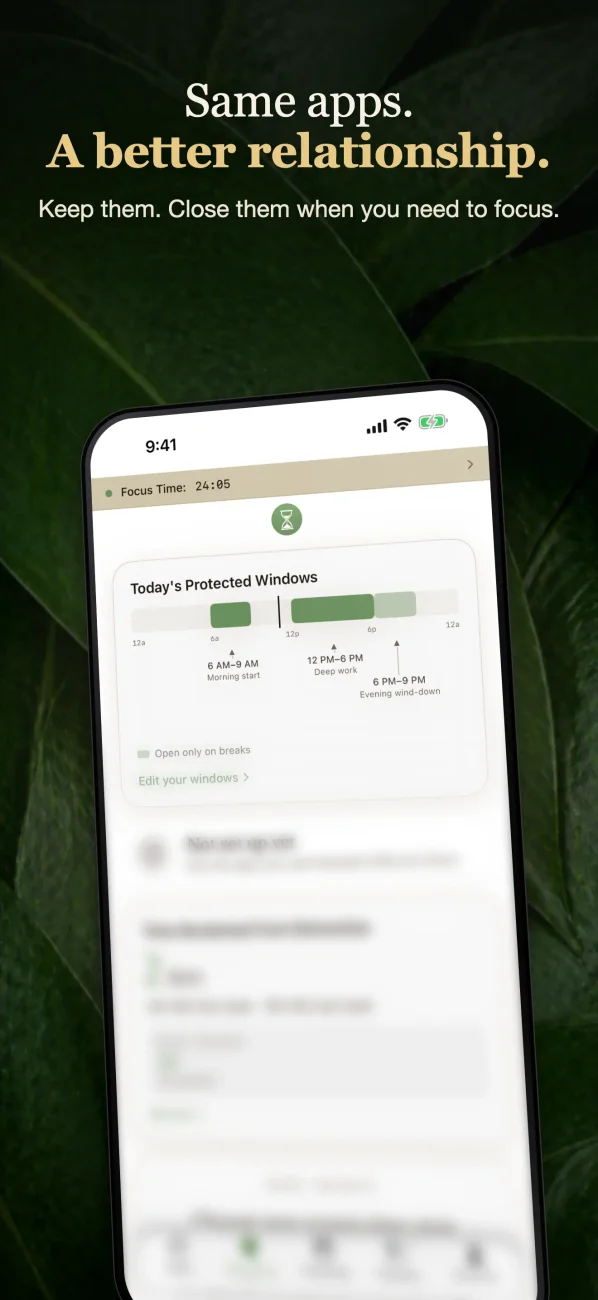
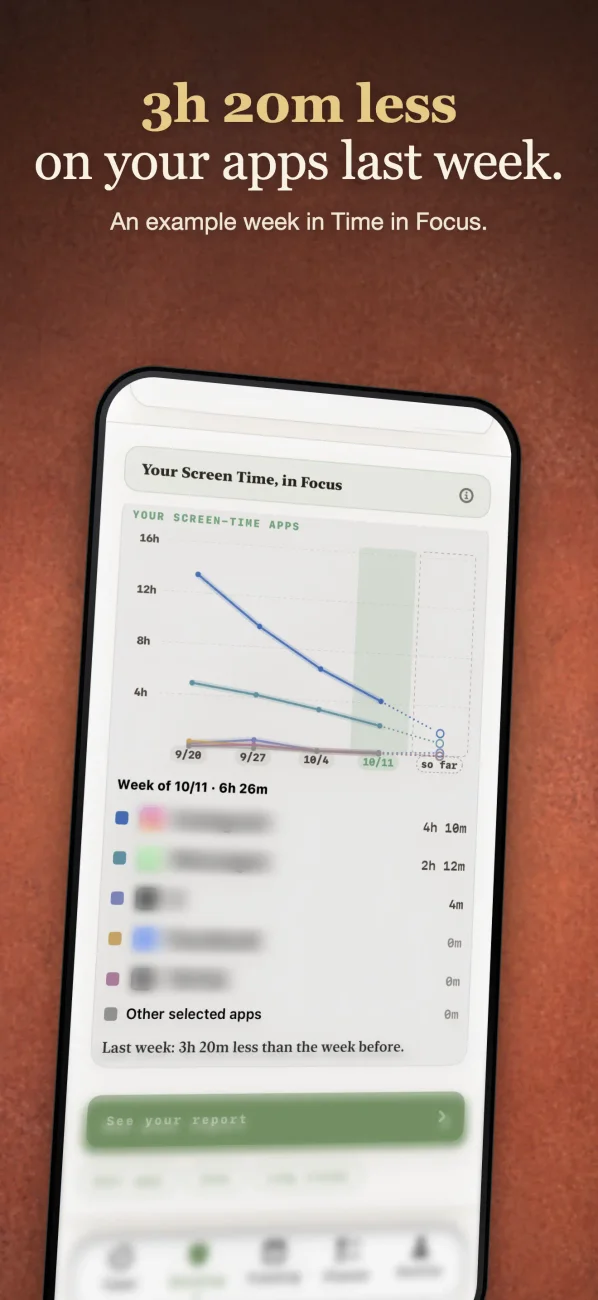
Set protected windows — the first hour after you wake up, the stretch before bed — and the apps you pick stay closed during them, session or not. Everything about blocking has its own Blocking tab: what's blocked right now, each window and its apps, and, with Screen Time access, how long you used each blocked app this week.
TASKS
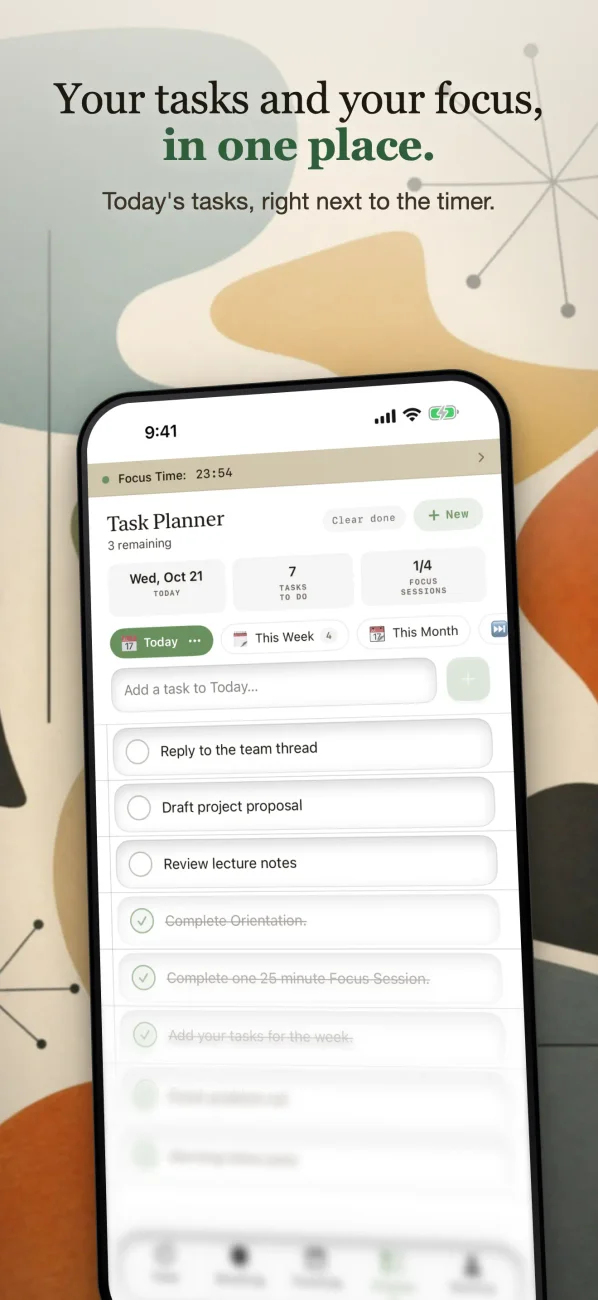
Add what you're working on before or during a session and check things off as you go. When a stray thought shows up — and it always does — the parking lot catches it, so you can set it down and stay where you are instead of chasing it.
FOCUS VISUALS & SOUND
Turn the screen into something quieter to sit with. More than fifteen visuals — Aurora, Grid, and Glass among them — shift slowly as the session runs. Pair them with beach waves, nature, or brown or white noise if quiet isn't your thing.
WHAT YOU DID
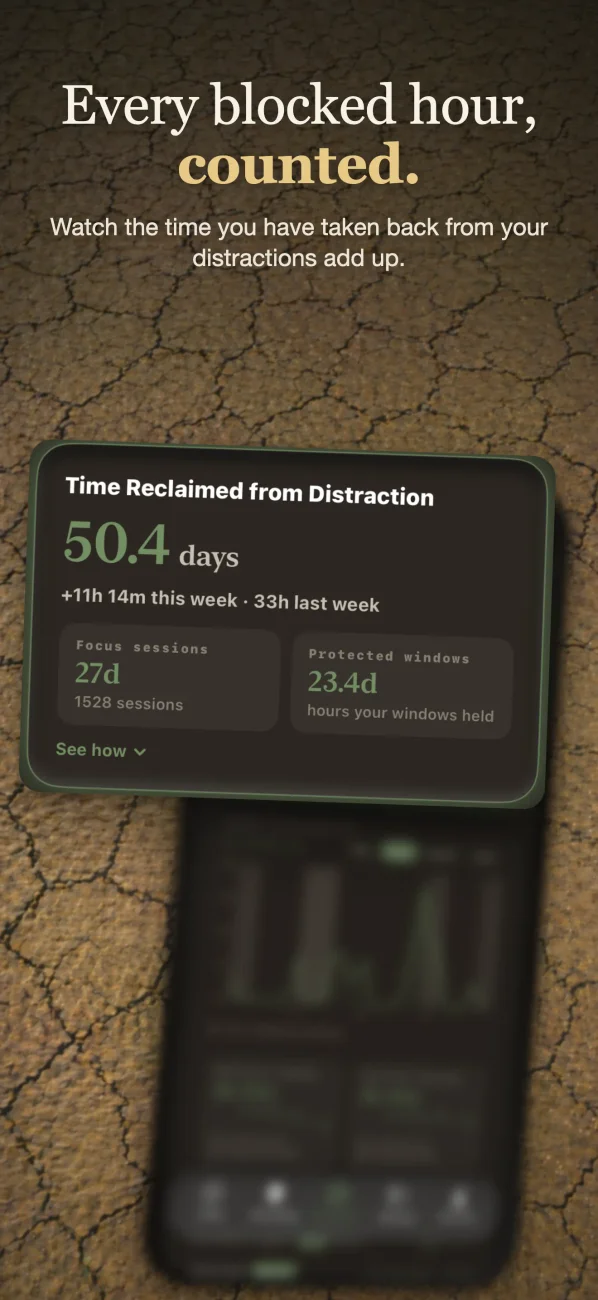
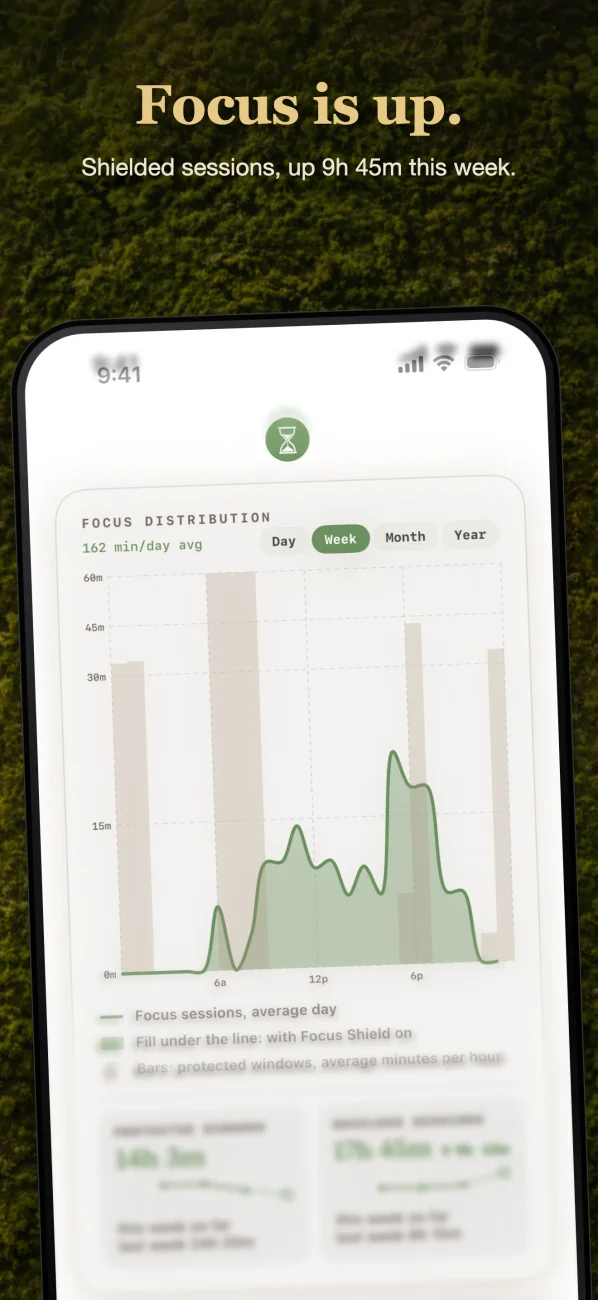
A weekly calendar, a daily session chart, and lifetime stats. Not a scoreboard — a receipt. The days you actually showed up, kept where you can see them.
BADGES
Small markers along the way, from your first ten sessions out to the far end. They're there if you like them, easy to ignore if you don't.
THE SMALL STUFF
A flip clock shows the current time, so you don't reach for your phone to check it
Natural, light and dark themes — or Match iPhone — with accent colors you pick
Home Screen widgets with today's progress, that start a focus session or a break without opening the app
A daily reminder, if you want one
Works in portrait and landscape
CHOOSE WHAT YOU USE
Only want app blocking? Only the timer? Pick App Blocking, Focus Timer, Planner — any mix — and the app shows just those. Change it anytime.
YOUR DATA STAYS YOURS
Everything lives on your device. No account to make, no tracking, no ads. I never see your sessions, and there's nothing to sell. Your focus is yours.
GETTING STARTED
The Planner and widgets are free — no account, nothing to sign up for. The focus timer, app blocking, Tracking, and Screen Time reports are part of Pro. New here? Your first month of Pro is free — nothing charged today, no pressure. After that, only if it’s earned a place in your day.
I hope it helps you get real work done. — Selim
Privacy Policy: https://seamlessmigration.ai/time-in-focus/privacy-notice/
Terms of Use (EULA): https://www.apple.com/legal/internet-services/itunes/dev/stdeula/
新機能
バージョン 2.2.2 · 2026/11/13
• Start a focus session or a break straight from your Lock Screen.
• Auto-continue: let breaks and focus sessions start on their own.
• A clearer Notification Pressure report that says when Apple's iOS didn't record a count.
• Protected windows give you a short countdown before you change one that's running.
アプリのプライバシー
このアプリのデータの取り扱いについて、Seamless Migration AI LLCがApp Storeで申告している内容です。
-
データの収集なし
開発元はこのアプリからデータを収集しません。
プライバシーの取り扱いは、ご利用の機能やお客様の年齢などに応じて異なる場合があります。
情報
- 販売元
- Seamless Migration AI LLC
- カテゴリ
- 仕事効率化
- バージョン
- 2.2.2
- 更新日
- 2026/11/13
- リリース
- 2026/4/21
- サイズ
- 119.5 MB
- 必要条件
- iOS 17.0以降
- 対象年齢
- 4+
- 価格
- 無料
- アプリ内課金
- あり
- 言語
- 英語
- 著作権
- © 2026 Seamless Migration AI LLC
こちらもおすすめ
-
 Unglue: Screen Time Friendアプリブロッカーと習慣トラッカー
-
 Focus Lock - Screen Time Limit仕事効率化
-
 カウントダウン: 記念日ウィジェット日数カウント & タイマー
-
 Weekstack: Weekly Planner仕事効率化
-
 Timer - Minimal Timer仕事効率化
-
 ロック画面メモ - LockScreenNotes付箋ウィジェットでToDo・予定・買い物・タスクを管理
-
 Roots: スクリーンタイムと集中スマホ依存対策・アプリブロック
-
 スマホ制限・スタロック|アプリ制限・アプリロック・勉強集中スマホ依存対策・スクリーンタイム管理なら時間制限スマホロック
-
 あと何日 カウントダウン&カウントアップタイマーイベントや記念日までの残り日数と経過日数を計算
-
 KekVPN – Fast & Secure VPN仕事効率化