Time Tracker by LoD
Log hours, bill clients
Designed for iPhone, iPad, iPod touch
Free · In-app purchases
- Age rating4+
- CategoryProductivity
- DeveloperLight of Data
- LanguagesEnglish
- Size57.5 MB
Links to the official App Store page
Download.org hosts no file of Time Tracker by LoD. The button opens its official App Store page, published by Light of Data. Listing last checked on Nov 23, 2026.
Screenshots
About
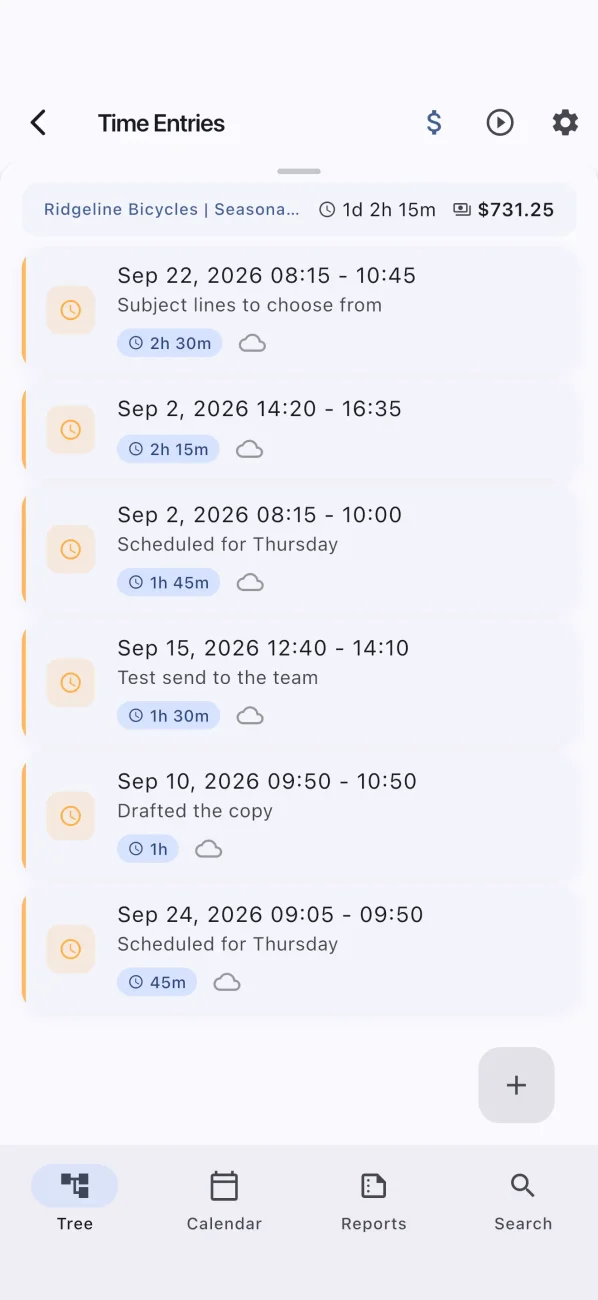
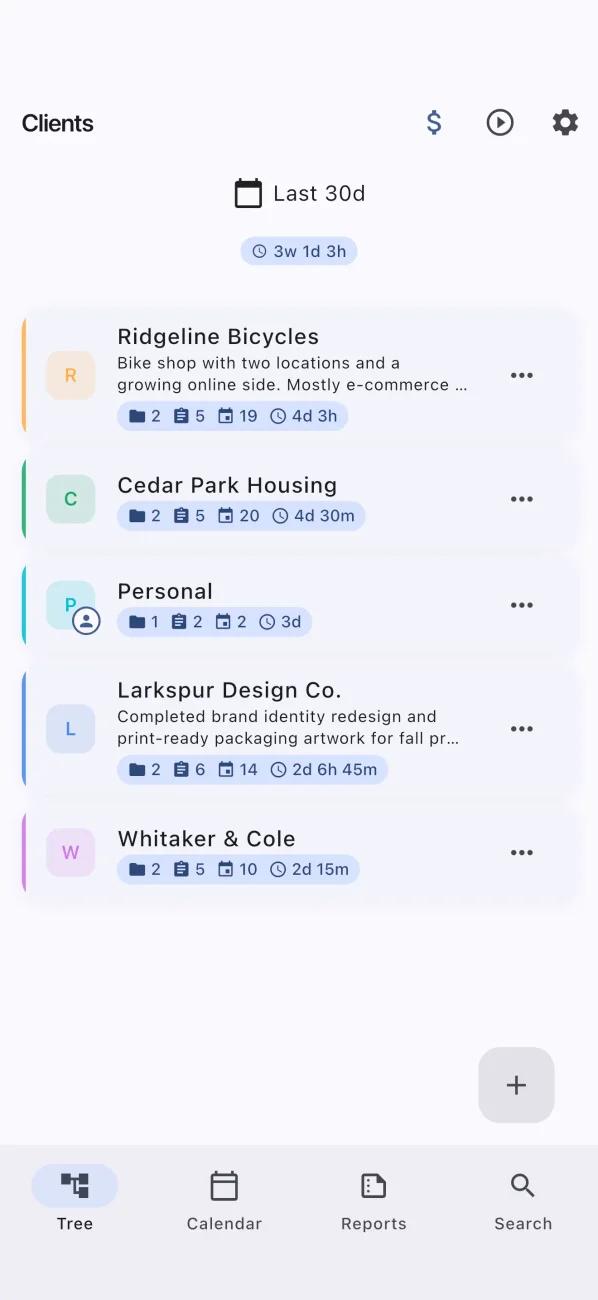
Time Tracker is a straightforward way for freelancers and consultants to record the hours they work, keep clients and projects organized, and turn the result into timesheets a client can be billed from.
It works offline. Everything is saved on your phone first and syncs across your devices when you have a connection, so a missing signal never costs you an entry.
TRACK TIME YOUR WAY
• Start and stop a timer with one tap, or add entries by hand
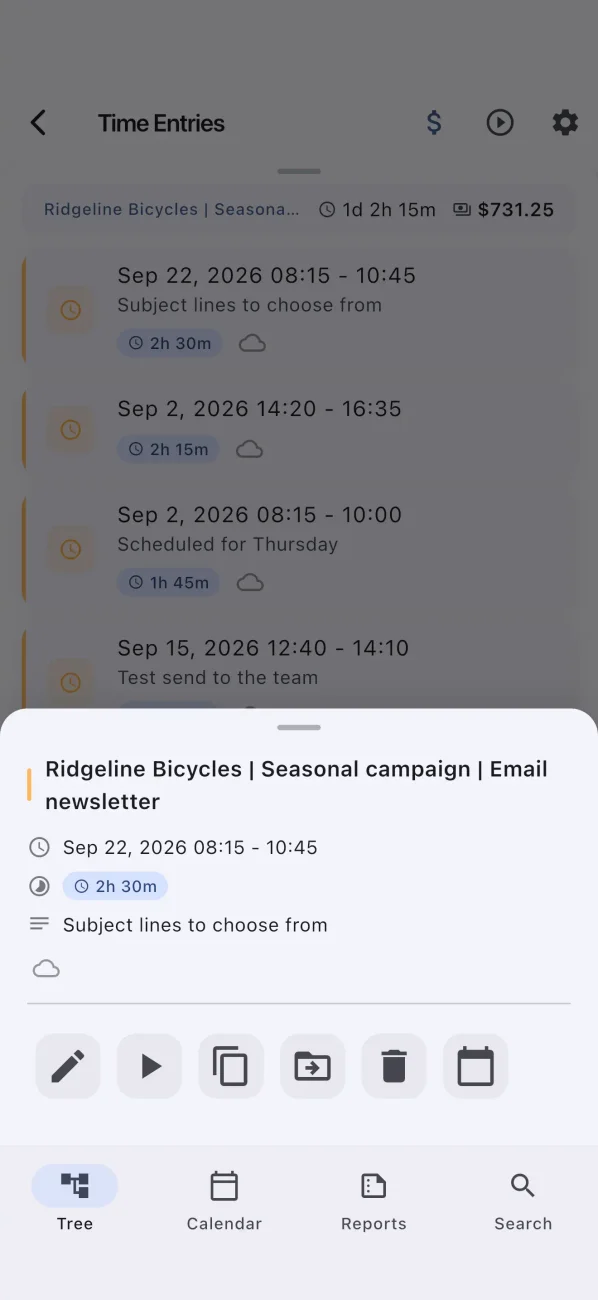
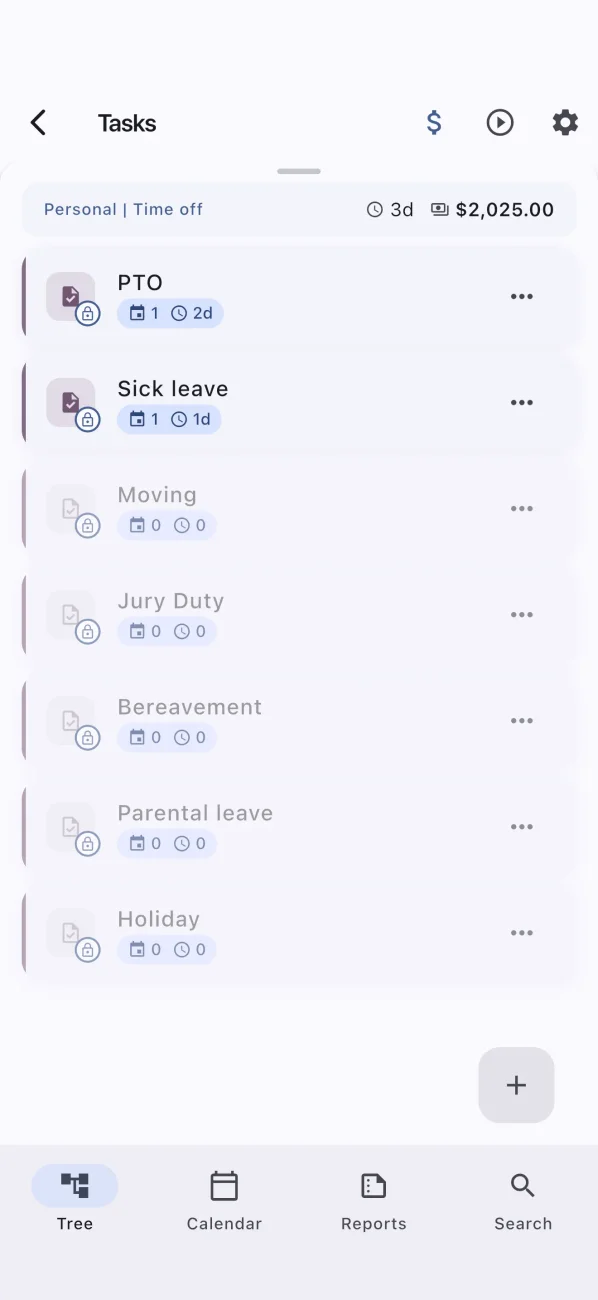
• Organize work into clients, projects and tasks
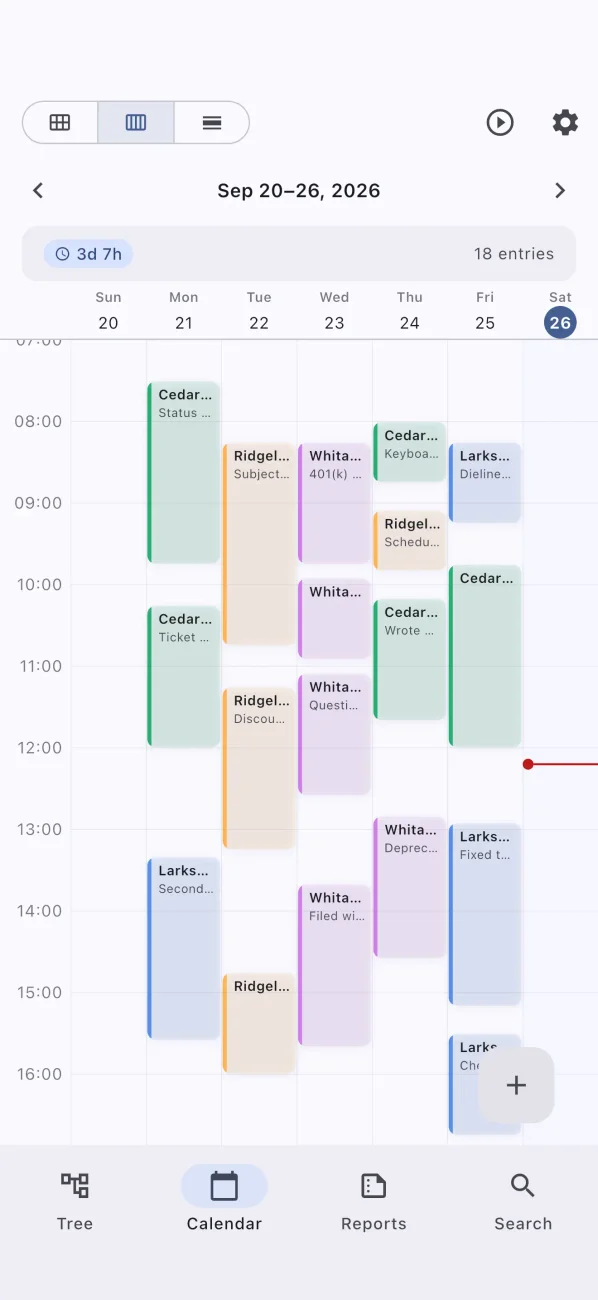
• See your day at a glance
• Set weekly target hours and see where your time goes
• Work schedules and public holidays, so time off is accounted for
REPORTS AND EXPORT
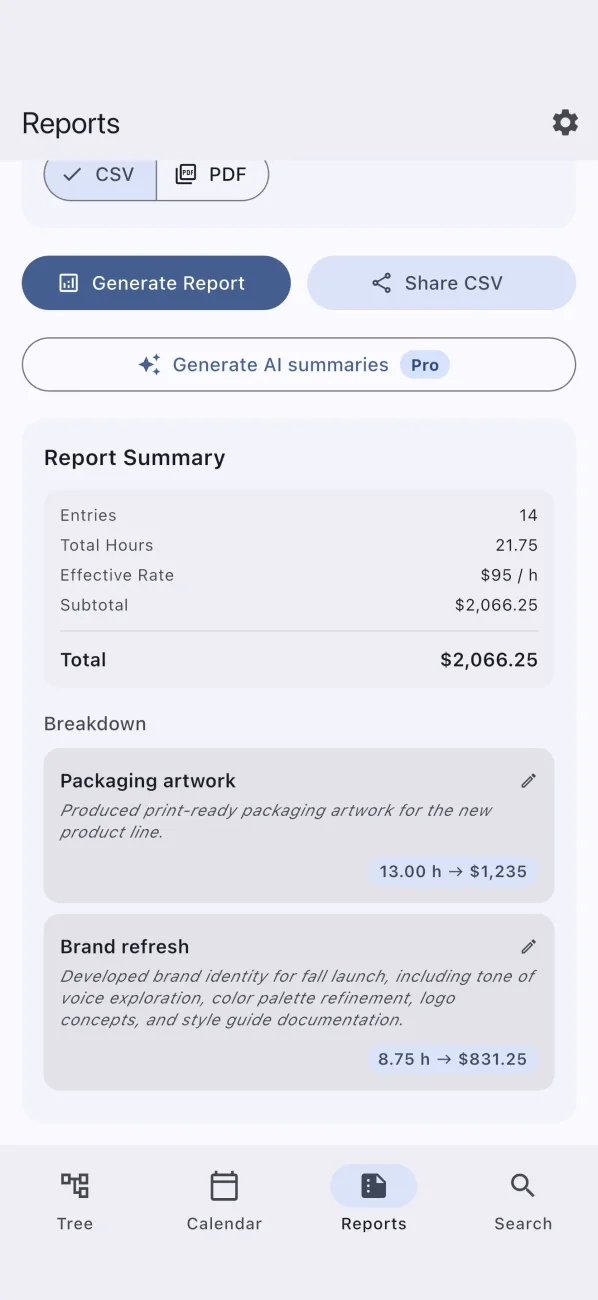
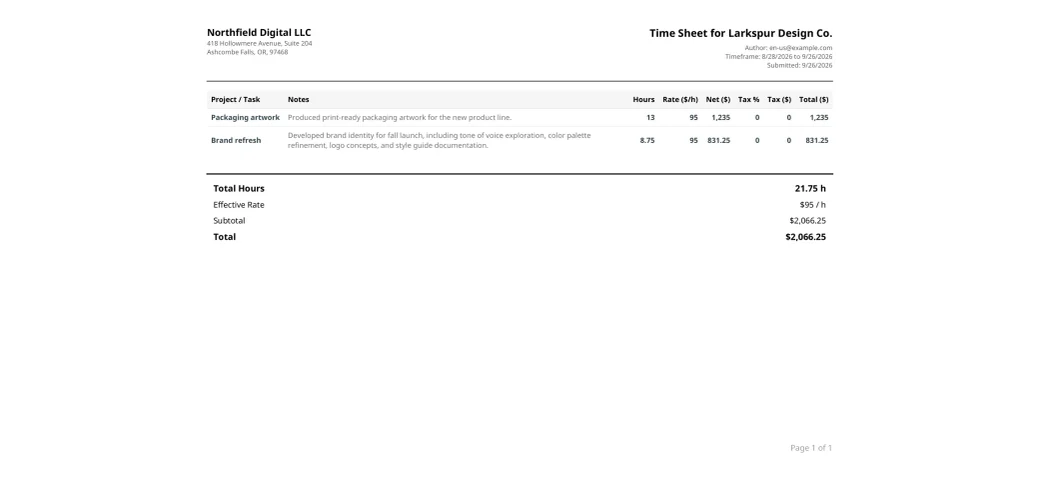
• Timesheet reports per client, exported to PDF or CSV and shared straight from the app
• Your company details on every exported timesheet
• Hourly or daily rates at client, project or task level, inherited down the hierarchy
• Tax rate and currency per client
TIME TRACKER PRO
• Unlimited clients, projects and tasks — the free version includes 3 clients, 3 projects per client and 3 tasks per project
• Google Calendar integration: your time entries appear in Google Calendar, in a calendar for each client
• AI summaries of your work for every client, project and task — with no API key needed, or with your own Anthropic, OpenAI, Gemini or OpenRouter key
Pro is available as a monthly or yearly subscription.
Available in English, German, Spanish, French, Italian, Portuguese, Croatian, Serbian and Japanese.
What’s new
Version 1.10.0 · Nov 19, 2026
- Added archiving for projects. Archived clients and projects are read-only, fold into an "Archived" section and appear in Search under "Include archived".
- Improved the Day and Week calendar views: overlapping entries now sit side by side or indented, so short entries stay visible.
- Jumping to an entry from the Calendar, your lists or Search now scrolls to it and briefly highlights it.
- Moved the time range picker into the title bar of Clients, Projects, Tasks, Time Entries and Reports.
- The Report Summary now names the client.
- Improved speed when entries change on large accounts.
- Fixed the Google Calendar sync status of a new entry briefly showing the wrong state.
- Fixed the running timer card stretching across wide screens, and the cost card being partly hidden on small screens.
App privacy
What Light of Data declares on the App Store about how this app handles data.
-
Data linked to you
May be collected and linked to your identity.
- Purchases
- Contact info
- User content
- Identifiers
-
Data not linked to you
May be collected but is not linked to your identity.
- Identifiers
- Diagnostics
Privacy practices may vary, for example with the features you use or your age.
Information
- Seller
- Light Of Data Ltd
- Category
- Productivity
- Version
- 1.10.0
- Updated
- Nov 19, 2026
- Released
- Sep 26, 2026
- Size
- 57.5 MB
- Requires
- iOS 15.0 or later
- Age rating
- 4+
- Price
- Free
- In-app purchases
- Yes
- Languages
- English
- Copyright
- © 2026 Light of Data Ltd
You might also like
-
 Doings: AI Plan & To-Do ListPlan with your AI, track time
-
 TidTil: Family calendarShared planner for families
-
 Nivra DailyRoutine, habits, and life
-
 Workify: Smart Time TrackerYour Ultimate Time Tracker
-
 Tracky - Time TrackerTime Tracking Made Simple
-
 NearbiGantt: Gantt & TasksGantt + your calendar events
-
 Gridpaper: To-Do & DiaryTo-dos, events, goals, diary
-
 Task Planner: Daily ScheduleTime Blocking & To-Do List
-
 Task Timer: Focus TrackerTrack Time, Stay Focused
-
 Focus To-Do: Time Task TrackerTomato work rest time clock