
Time Warp Scan: Live Camera
Blue Line Photo Video Filter
Designed for iPhone
Free · In-app purchases
- Age rating4+
- CategoryPhoto & Video
- DeveloperHa Quyen Ho Thi
- LanguagesEnglish+ 13 more
- Size51.4 MB
Links to the official App Store page
Download.org hosts no file of Time Warp Scan: Live Camera. The button opens its official App Store page, published by Ha Quyen Ho Thi. Listing last checked on Nov 17, 2026.
Screenshots


About
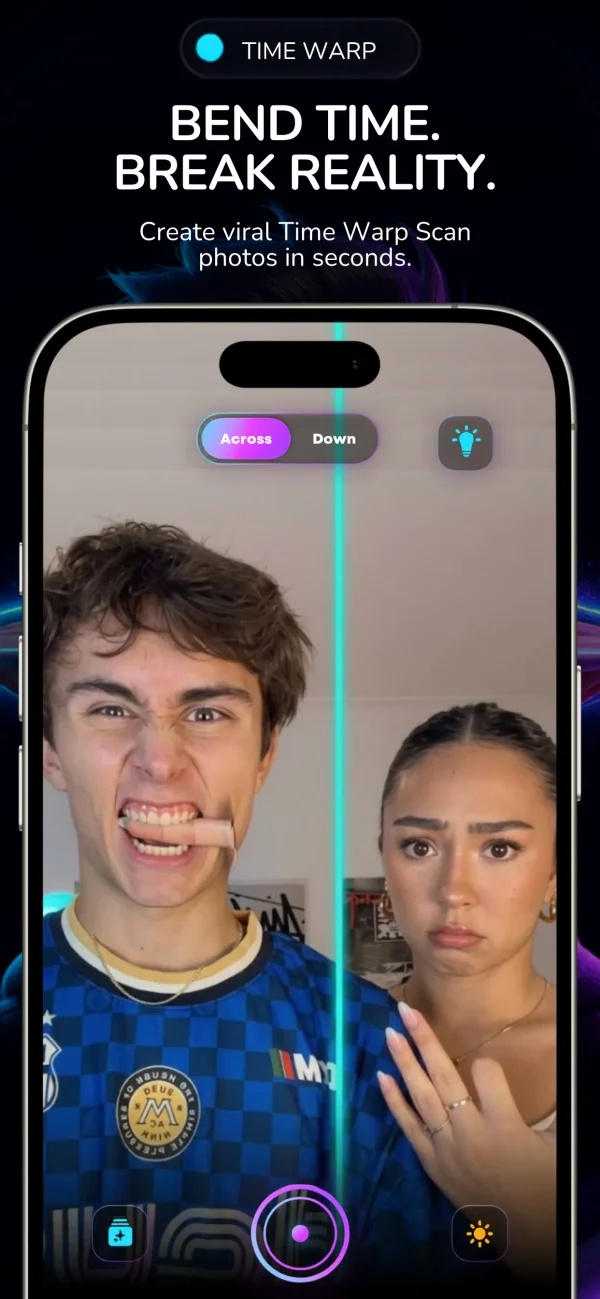
BEND TIME. BREAK REALITY.
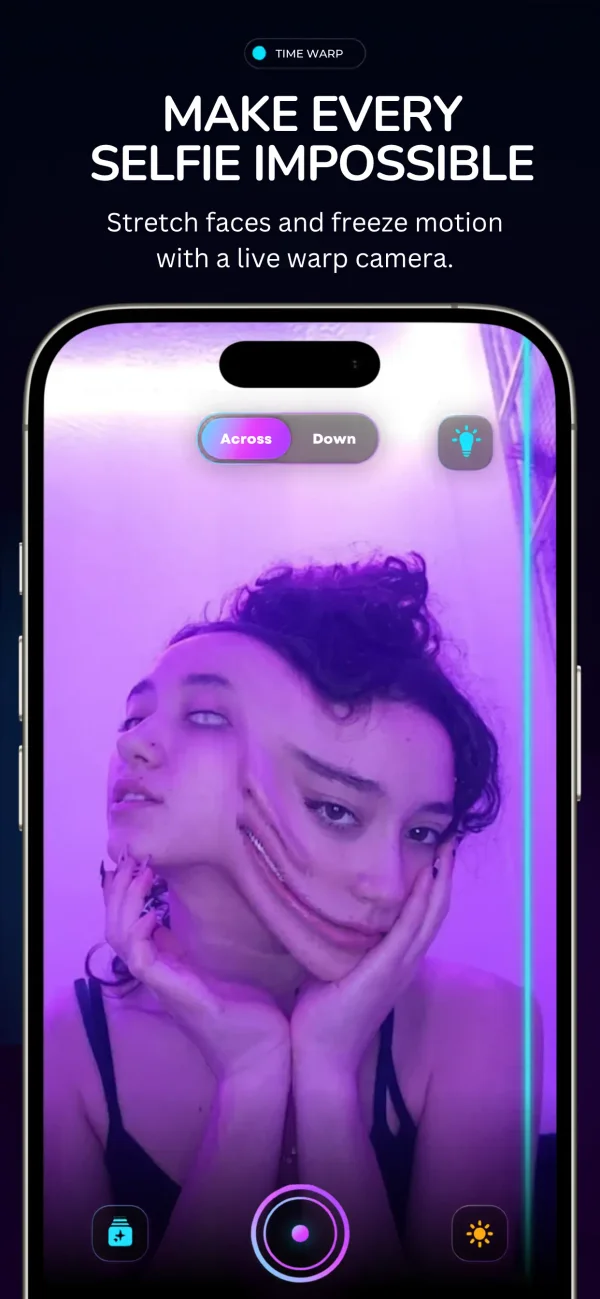
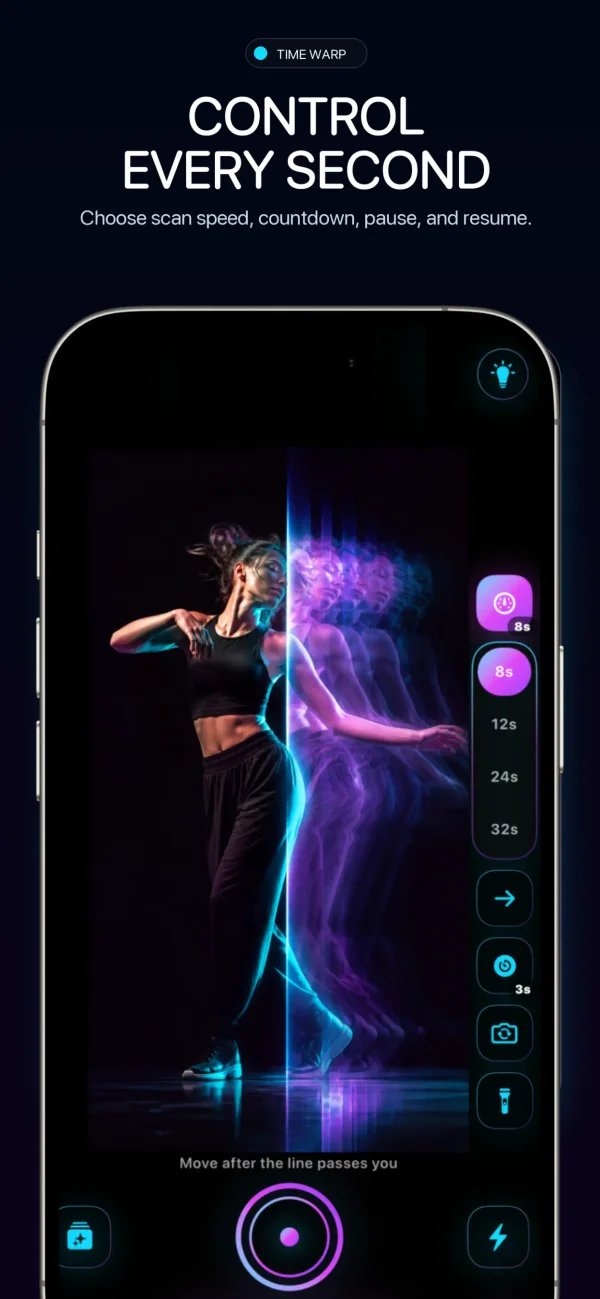
A live scan line freezes each slice of the frame as it passes. Hold still, then move at the right moment. The warp is captured on your iPhone, with no editing timeline.
FREE
Classic, Split, and Zipper. Shoot and save photos. No ads, no watermark, and no account.
TIME WARP PRO
Weekly, monthly, or yearly. Monthly includes a 3-day trial. Pro adds 10 modes, video, Live Photo, GIF, the full editor, and 60 fps. The price is shown before you subscribe. Cancel anytime in Settings.
FREE MODES
Classic — one line sweeps across and freezes time behind it.
Split — two lines race apart from a point you tap.
Zipper — two lines close in from opposite edges.
PRO MODES
Portal — a ring of frozen time grows outward.
Black Hole — time collapses toward one point.
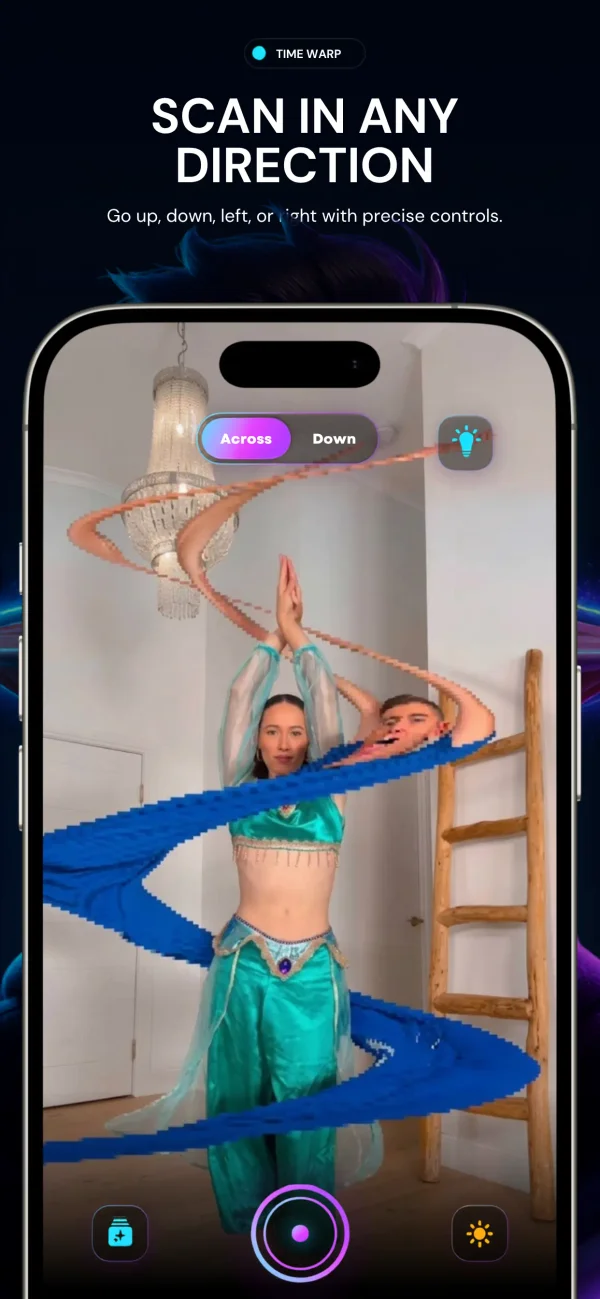
Vortex — a beam sweeps in a circle.
Liquid — a rolling wave.
Melt — frozen time drips downward.
Heart — a heart opens from a point you tap.
Star — a five-point star spreads across the frame.
Mosaic — tiles freeze at different moments.
Time Brush — paint with your finger to freeze anything, then tap Done.
Clones — freeze several poses of yourself in one shot. Each pose is marked with a flash.
SCAN CONTROLS
Free:
Up to 8 directions, including diagonals, depending on the mode.
Durations of 3, 5, 8, 12, 16, 24, or 32 seconds.
Speed curves: Steady, Smooth, Rush, Brake, and Beat.
Countdown off, or 3, 5, or 10 seconds.
Pause and resume during a scan.
Tap to place the center on Split, Zipper, and the point-based Pro modes.
Scan-line styles: Electric, Prism, Solar, Neon, Laser, Aurora, Glitch, Holo, Ghost, or hidden.
Freeze tint on the frozen past only: Off, Mono, Ice, Memory, X-Ray, or Neon.
Front or back camera, torch, tap to focus, and pinch to zoom.
Mirror front-camera selfies.
Grid, and a ghost of your last warp.
Ring light raises screen brightness for dark selfies.
Start with an open palm, or with the volume buttons.
30 fps capture.
Pro:
60 fps capture.
SAVING
Free:
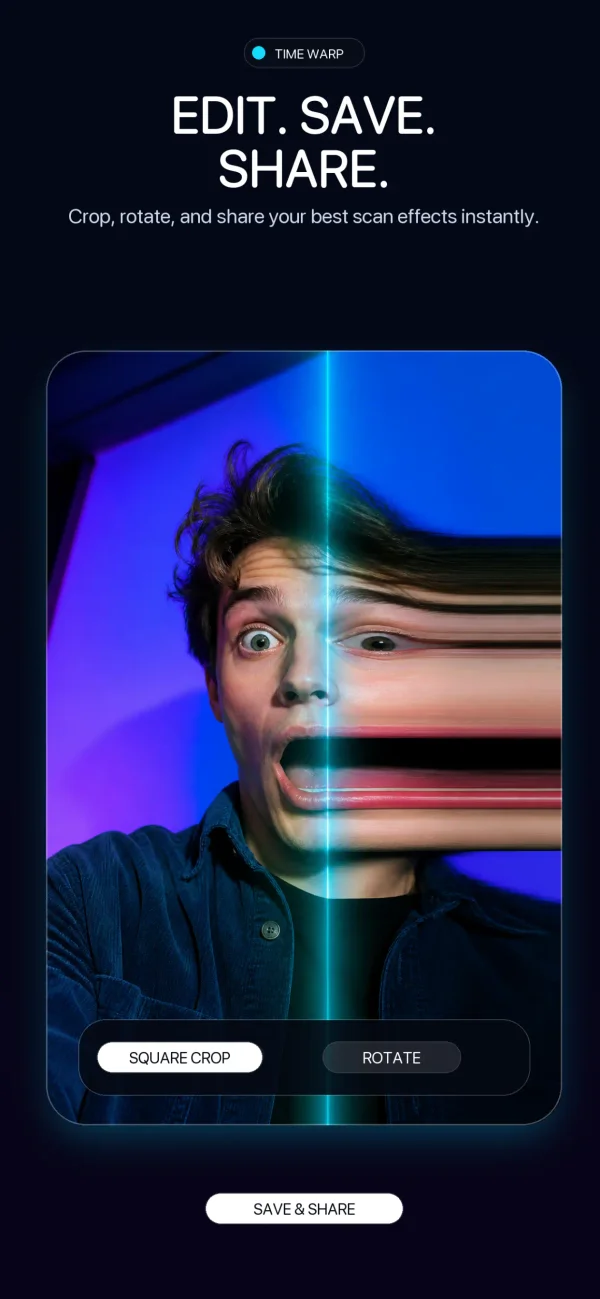
Save a warp photo to Photos.
Crop to 4:5 or square, rotate, and adjust before saving.
Looks: Original, Vivid, Mono, and Noir.
Pro:
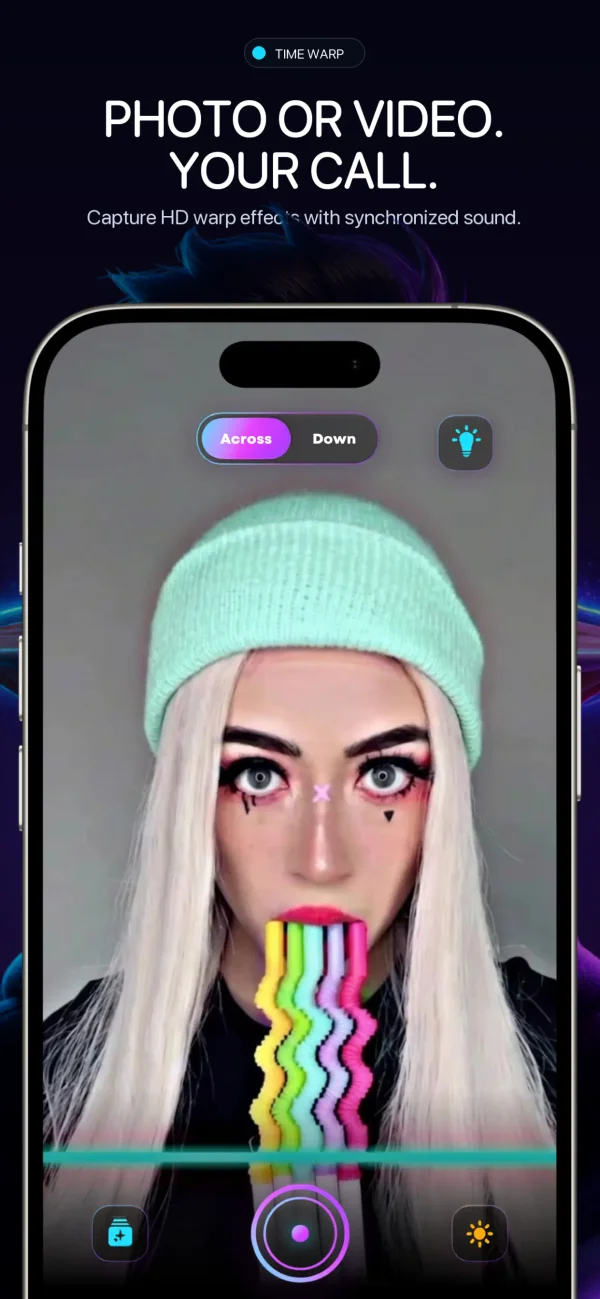
Record video, with microphone audio if you allow it.
Export video, a Live Photo, or a GIF.
Share with any compatible app.
Looks: Vintage, Cyber, Golden, Frost, Dream, Thermal, VHS, and Pop.
Captions, music, and playback at 0.5×, 1×, 2×, and 4×.
Free and Pro saves have no watermark.
ALSO FREE
Recipes show the pose, then apply that camera setup in one tap. A Pro recipe asks you to subscribe first.
Daily challenges, streaks, and badges.
Studio keeps saved warps in the app for replay, favorites, and deletion. Deleting one does not remove the Photos original.
Siri, the Action button, and Control Center.
PRIVATE BY DESIGN
Camera and microphone frames stay on your iPhone. Clones and palm-to-start use on-device vision. Nothing is uploaded. No account, no ads SDK, no analytics SDK, and no cross-app tracking. Photos access is add-only. The microphone is optional and is used only for video with sound.
Download Time Warp Scan and bend the next moment your way.
Privacy Policy: https://sites.google.com/view/sv56developer/privacy-policy
Terms of Use (EULA): www.apple.com/legal/internet-services/itunes/dev/stdeula/
What’s new
Version 2.1 · Nov 16, 2026
Performance and stability improvements
App privacy
What Ha Quyen Ho Thi declares on the App Store about how this app handles data.
-
Data used to track you
May be used to track you across apps and websites owned by other companies.
- Location
- Identifiers
- Usage data
-
Data linked to you
May be collected and linked to your identity.
- Identifiers
- Usage data
-
Data not linked to you
May be collected but is not linked to your identity.
- Location
- Usage data
- Diagnostics
Privacy practices may vary, for example with the features you use or your age.
Information
- Seller
- Ha Quyen Ho Thi
- Category
- Photo & Video
- Version
- 2.1
- Updated
- Nov 16, 2026
- Released
- Aug 3, 2026
- Size
- 51.4 MB
- Requires
- iOS 17.0 or later
- Age rating
- 4+
- Price
- Free
- In-app purchases
- Yes
- Languages
- English, French, German, Indonesian, Italian, Japanese, Korean, Portuguese, Russian, Simplified Chinese, Spanish, Thai + 2 more
- Copyright
- © @sv56
You might also like
-
 Frizo: Time Warp Scan FilterBlue Line Frozen Face Effect
-
 Resize Image - Batch ResizerInstantly resize your photos
-
 LumiRoll – Film Cam & EditorFilm Cam & Editor
-
 One Video PlayerAI subtitles & translation
-
 Cam Master-Professional CameraManual Controls, ProRAW, Video
-
 Video Compress: Crop & ResizeShrink, Trim, Reduce File Size
-
 Time Warp Scan: Face FilterBlue Line Effect Photo & Video
-
 DoubleIt CameraMulti exposure photo creator
-
 ICMPhotoForgeCreate painterly motion photos
-
 Zone MeterLight Meter for Photographers