Timee: Time Tracker
Track work, study & sport
Designed for iPhone, iPad
Free · In-app purchases
- Age rating4+
- CategoryProductivity
- DeveloperLukas Pistek
- LanguagesEnglish+ 3 more
- Size21.2 MB
Links to the official App Store page
Download.org hosts no file of Timee: Time Tracker. The button opens its official App Store page, published by Lukas Pistek. Listing last checked on Nov 23, 2026.
Screenshots

About
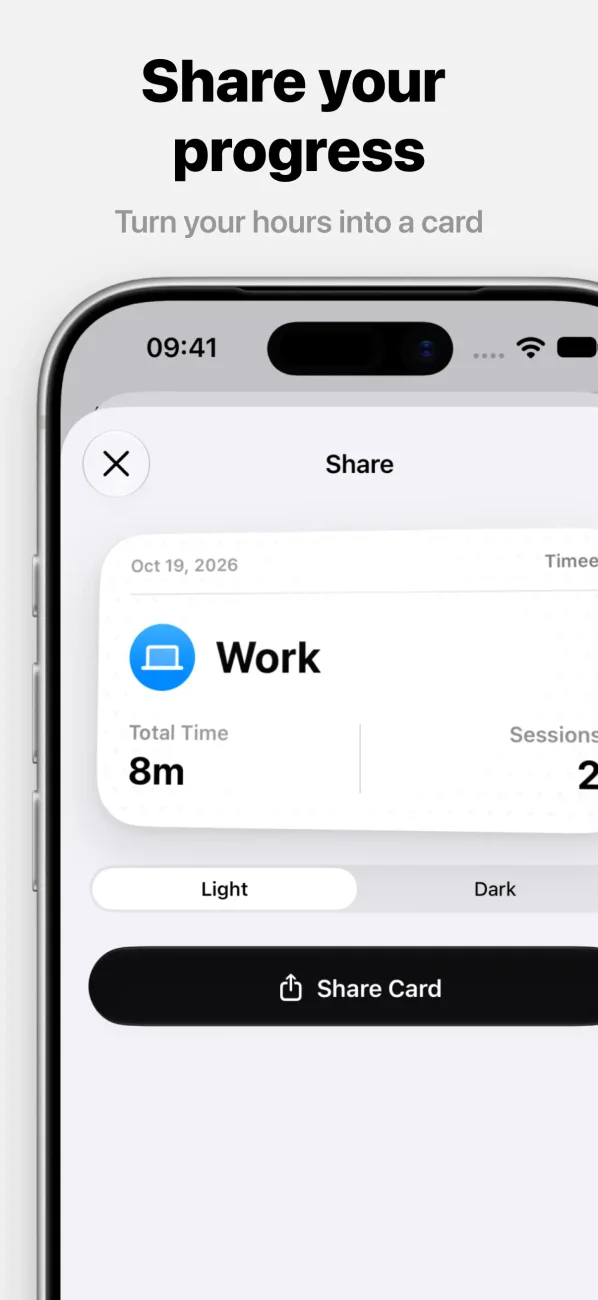
Timee is a simple, beautiful time tracker for iPhone. Create your activities, tap one to start the timer, and stop it when you're done. Every session is saved to your history, so you always know where your time went.
TRACK ANYTHING
Work, study, sports, reading, side projects – give each activity its own name, icon and colour, and start tracking in one tap. Pause and resume whenever you like. Only one timer runs at a time, so you never count twice.
YOUR TIMER, EVERYWHERE
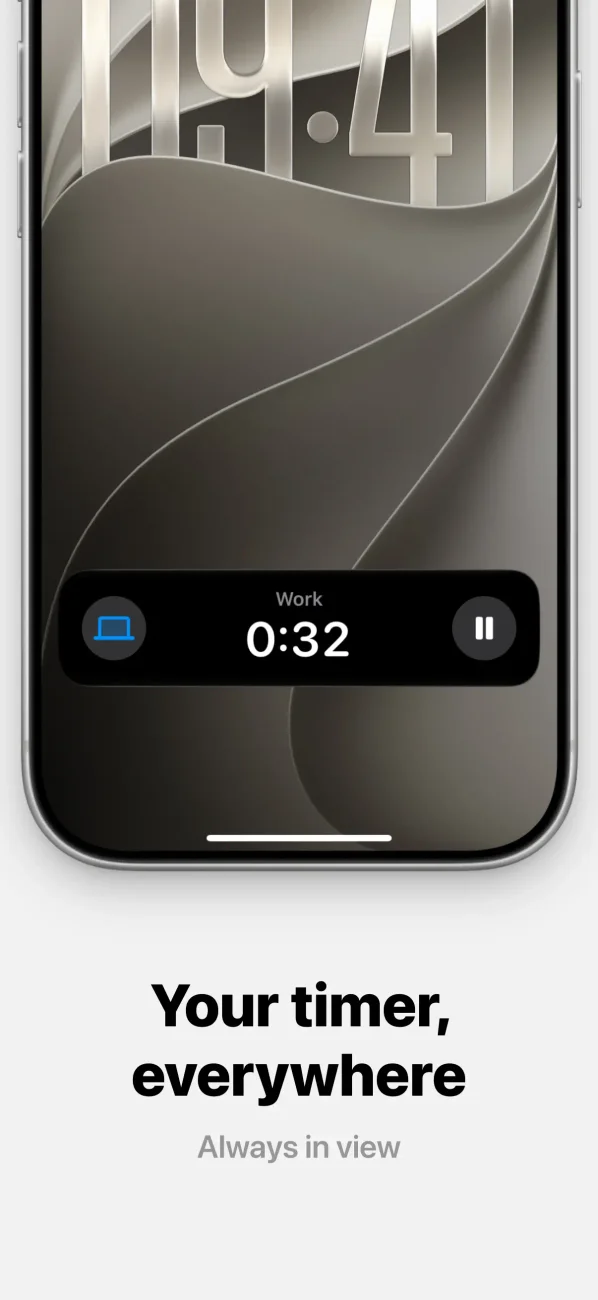
- Live Activity and Dynamic Island with pause and stop buttons
- Home Screen widgets to start an activity or see your last session
- A Control Center control, also available on the Lock Screen and Action button
DISPLAY MODE
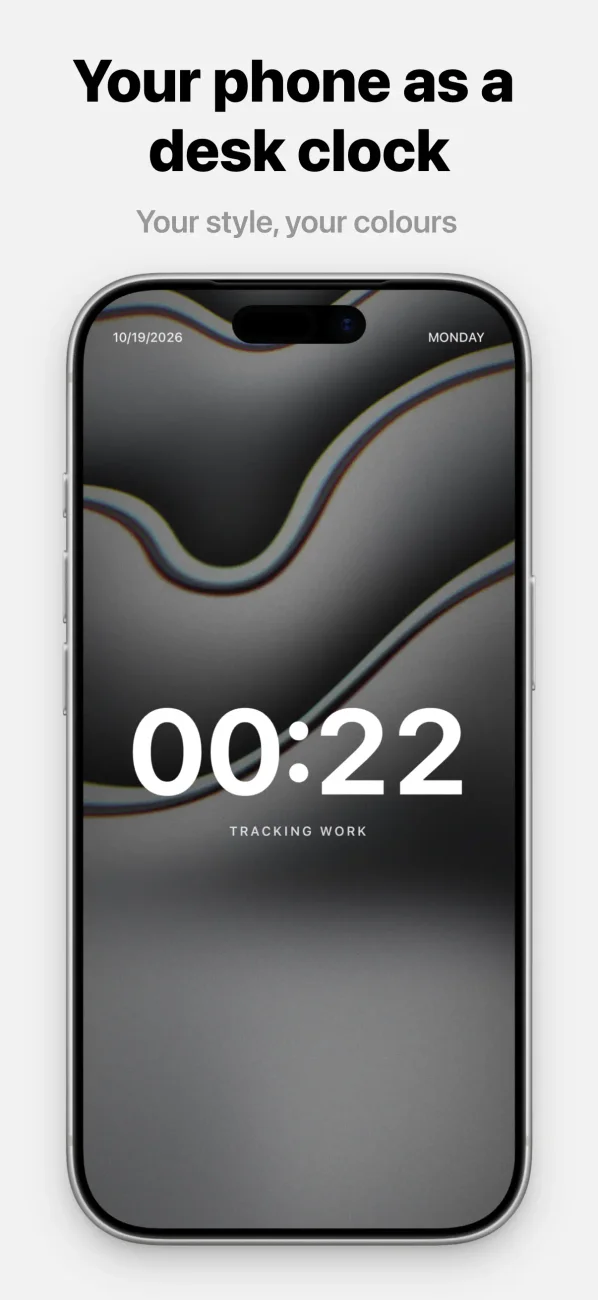
Turn your iPhone into a full-screen clock for the session you're tracking. Pick from 15 backgrounds, choose your font style, digit colour and auto-dim delay, and tap anywhere to pause. Perfect for leaving on your desk.
HISTORY AND STATISTICS
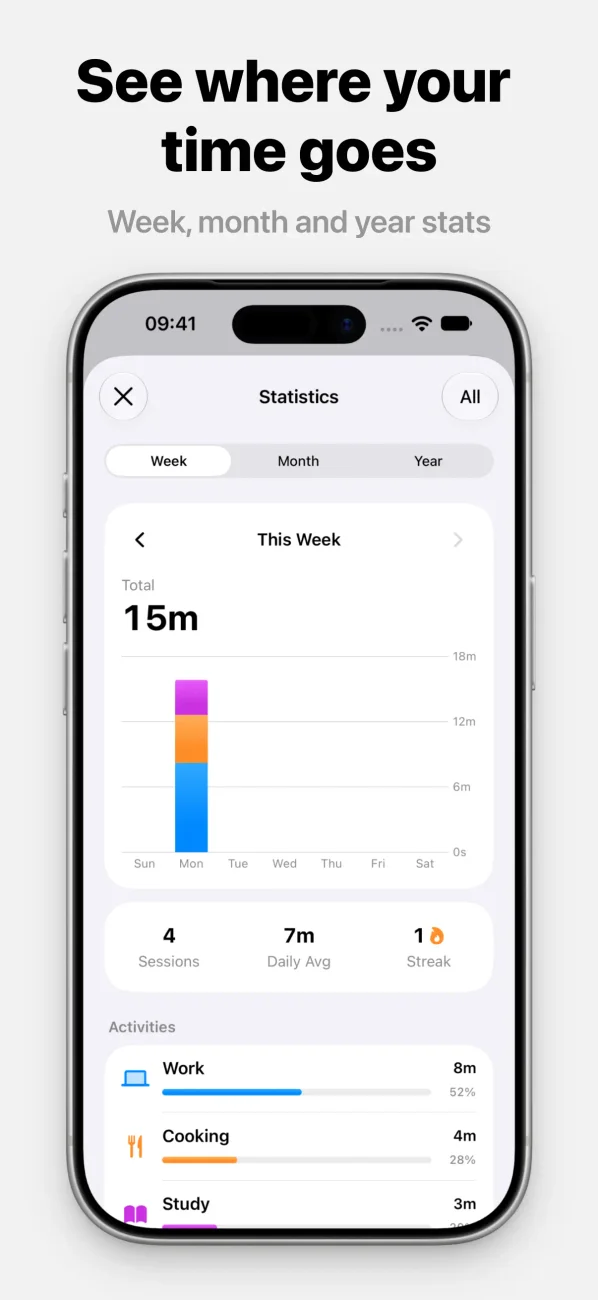
Browse finished sessions by day, rate them, add notes and photos, and adjust start and end times. See weekly, monthly and yearly charts for all activities or just one, and check a calendar of the days you tracked. Export your data to CSV any time.
GENTLE REMINDERS
Get a "Still tracking?" nudge after a length of time you choose, plus an optional evening reminder on days when nothing was tracked.
PRIVATE AND SYNCED
Your data stays on your device and syncs privately through your own iCloud. You can switch sync off in Settings whenever you want.
TIMEE PLUS
Timee is free with up to 9 activities. A one-time purchase unlocks unlimited activities and all display backgrounds. No subscription, ever.
Privacy policy: https://app.notion.com/p/Privacy-Policy-Timee-3c7e81f2533a809b8e08d5aa35cc126c?source=copy_link
Terms of use: https://app.notion.com/p/Terms-of-Use-Timee-3c7e81f2533a80c2bbe8c8e9851d9da8?source=copy_link
What’s new
Version 1.3 · Nov 17, 2026
Timee 1.3
What's new:
• Timee on Apple Watch: start, pause and stop a timer from your wrist.
• Deeper insights: statistics now show your most productive hour, whether longer sessions get better ratings.
• Entries by month: switch an activity's entries to Month and they follow its calendar as you page through it.
• Timee now speaks Italian, alongside English, German and French.
• Bug fixes and improvements.
Found a bug or missing something?
Email me at: info@lukaspistek.com — I read everything.
App privacy
What Lukas Pistek declares on the App Store about how this app handles data.
-
Data not collected
The developer does not collect any data from this app.
Privacy practices may vary, for example with the features you use or your age.
Information
- Seller
- Lukas Pistek
- Category
- Productivity
- Version
- 1.3
- Updated
- Nov 17, 2026
- Released
- Nov 5, 2026
- Size
- 21.2 MB
- Requires
- iOS 26.0 or later
- Age rating
- 4+
- Price
- Free
- In-app purchases
- Yes
- Languages
- English, French, German, Italian
- Copyright
- © Lukas Pistek
You might also like
-
 Cuesa: Calm Focus & PomodoroMood, Energy & Daily Planner
-
 NotoJournalProductivity
-
 SPENT: Screen Time ReceiptYour week, itemized.
-
 Tickbox: Simple TasksTo Do, Later, Done
-
 WatchNotes — Wrist ChecklistsNotes & checklists, on watch
-
 PliNotesProductivity
-
 Write- Focused NotesOne thought at a time
-
 ZenLog: Minimalist Daily NotesFast Timeline & Quick Notes
-
 TickwiseTime Management Made Simple
-
 Future Notes: AI NotebookMessy ideas, organized by AI