- Age rating4+
- CategoryProductivity
- DeveloperClear Q AB
- LanguagesEnglish
- Size74.5 MB
Links to the official App Store page
Download.org hosts no file of Timeer. The button opens its official App Store page, published by Clear Q AB. Listing last checked on Nov 20, 2026.
Screenshots
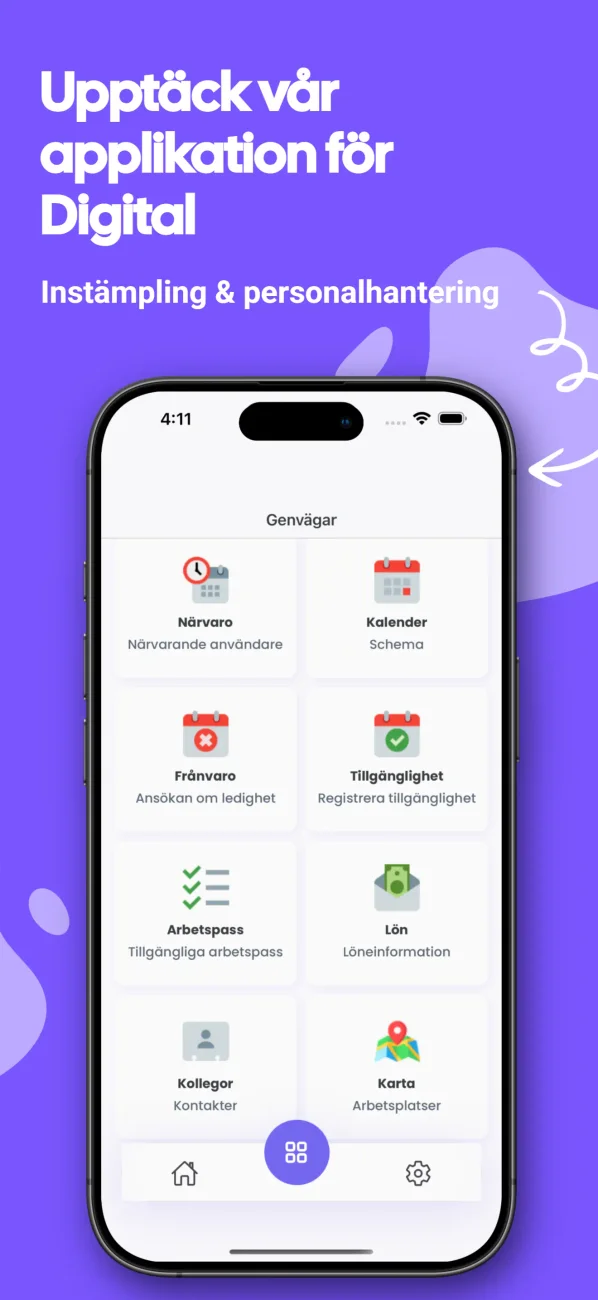

About
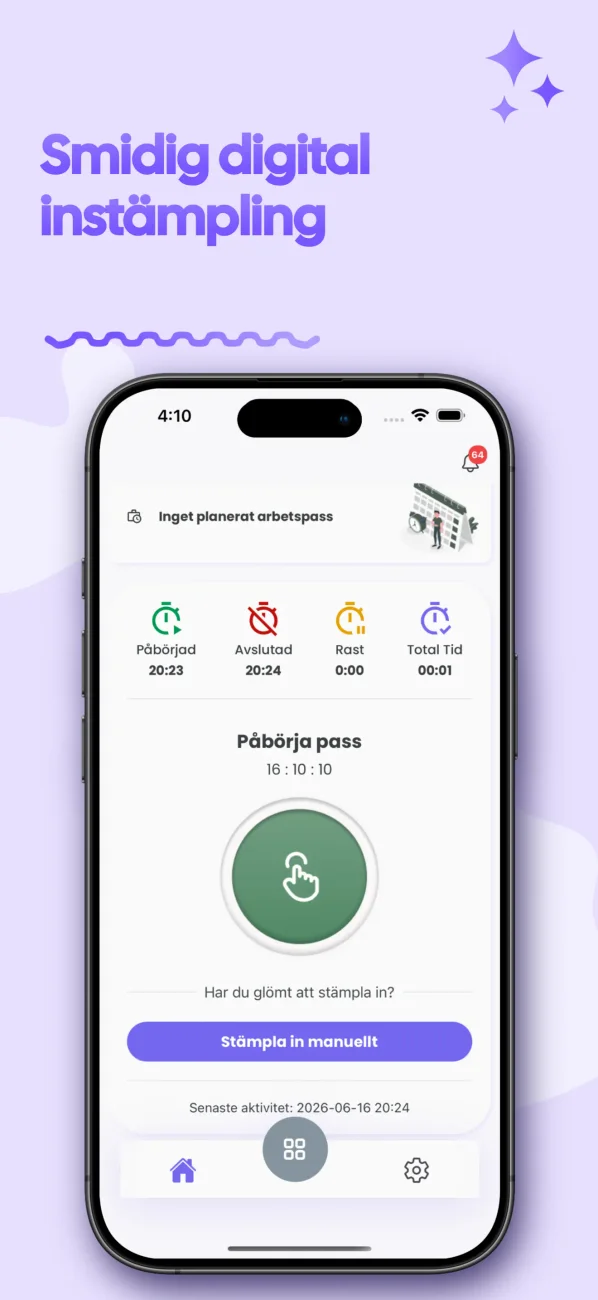
Timeer is a digital solution for scheduling, staff management, and time tracking.
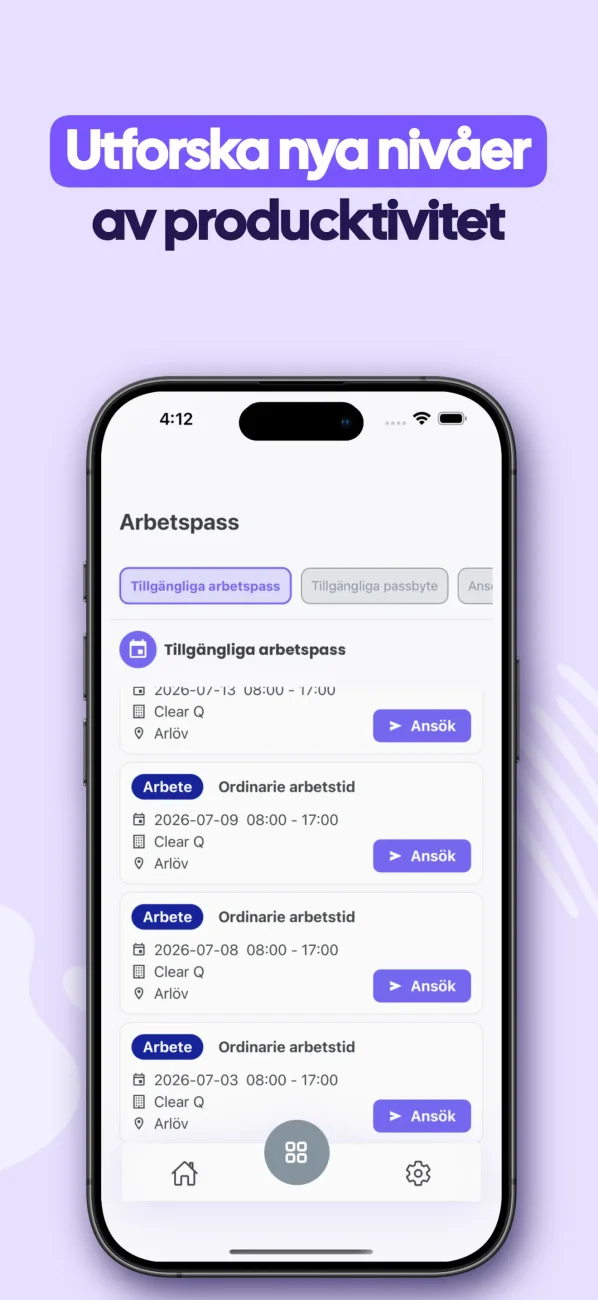
Plan, schedule, and manage staff and tasks without the hassle. Enjoy seamless features and an intuitive design for an efficient, harmonious workday.
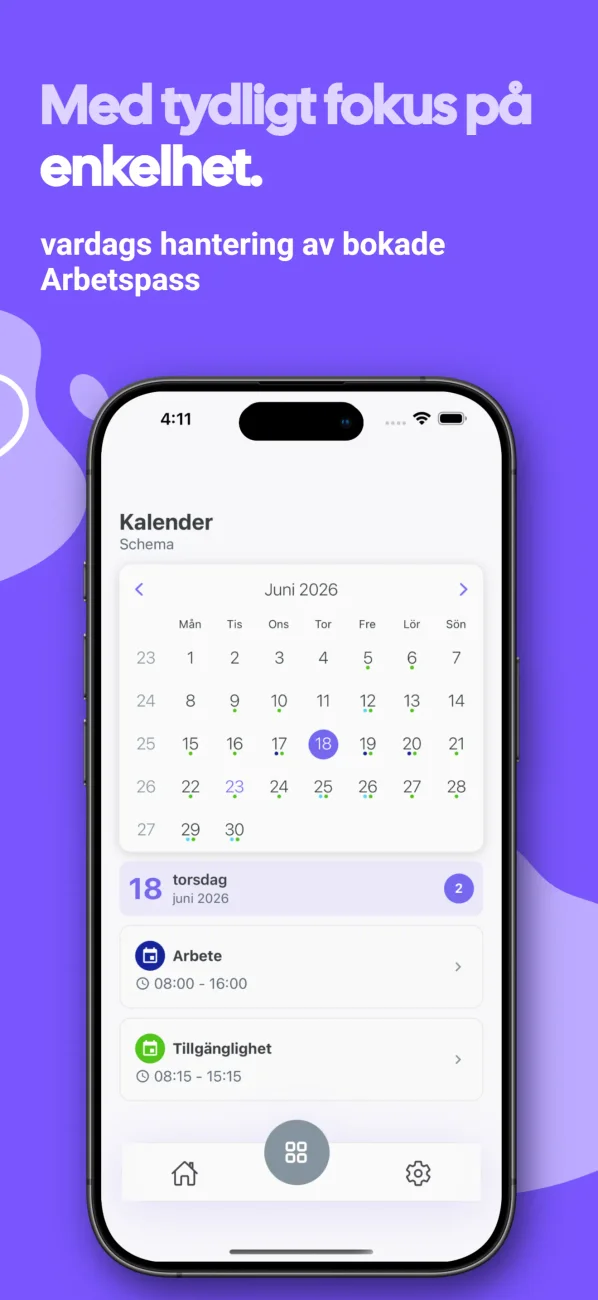
Optimize your daily routines with our staff management app. Clock in and out using location services and QR codes. Schedule shifts and meetings, and stay organized with a user-friendly digital calendar. Timeer is the tool that takes staff management to the next level, boosting productivity.
What’s new
Version 2.4.0 · Nov 19, 2026
NEW IN TIMEER — One app. One account. Everything your workday needs — now even better.
- One login, everywhere — Sign in with your Kaizen365 account — the same account you use for Timeer on the web, Equiper and Relevo. Two-factor authentication and password reset are now built right into the app.
- Real-time notifications — Get instant updates the moment something happens — and act on them directly. Clock in or out straight from the notification, snooze a reminder for 5 minutes, and pick the notification sound you like from 7 different tones.
- Colleagues, reinvented — Fast search, an alphabetical letter index, and one-tap calling and e-mailing.
- Your profile photo, everywhere — Update your picture once and it syncs automatically across every Kaizen365 app.
- The same experience for every user — Basic and Full packages now share the exact same layout — every page is open for everyone. Premium features are clearly marked with a golden crown.
- A smarter workday — See your work schedule directly in the check-in screen, file manual time reports with deviation handling, and follow your flex and comp balance at a glance.
- A fresh new look — Refined light and dark themes, smoother navigation — and the app is now fully available in Swedish, English and Arabic.
App privacy
What Clear Q AB declares on the App Store about how this app handles data.
-
Data linked to you
May be collected and linked to your identity.
- Contact info
-
Data not linked to you
May be collected but is not linked to your identity.
- Location
- Contact info
Privacy practices may vary, for example with the features you use or your age.
Information
- Seller
- Clear Q AB
- Category
- Productivity
- Version
- 2.4.0
- Updated
- Nov 19, 2026
- Released
- Feb 8, 2024
- Size
- 74.5 MB
- Requires
- iOS 16.4 or later
- Age rating
- 4+
- Price
- Free
- Languages
- English
- Copyright
- © 2026 ClearQ AB. All rights served.
You might also like
-
 Nexty: ADHD Planner & FocusDaily routines & visual timer
-
 Time FlexerFlex Time Management Made Easy
-
 Tiny Task: Family Chores PlanThe central family planner
-
 EquirationHorse ration on the go
-
 Templates for Pages (Nobody)Resumes, Invoices, Cards, etc.
-
 Pomodoro Timer - DeskmateBlock social apps, Focus Timer
-
 SmartMate by TingstadSmartMate by Tingstad
-
 Skills SverigeProductivity