
- Age rating4+
- CategoryProductivity
- DeveloperNiko Kramer
- LanguagesEnglish
- Size22.5 MB
Links to the official App Store page
Download.org hosts no file of Timeframe - Time Tracking. The button opens its official App Store page, published by Niko Kramer. Listing last checked on Nov 17, 2026.
Screenshots
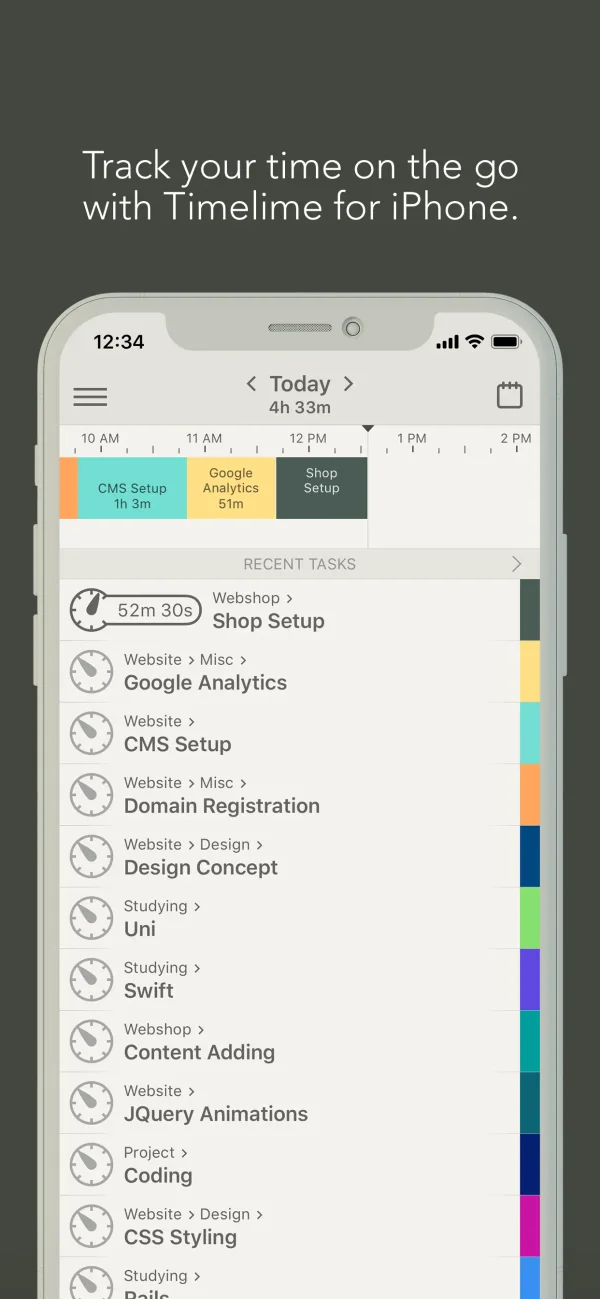
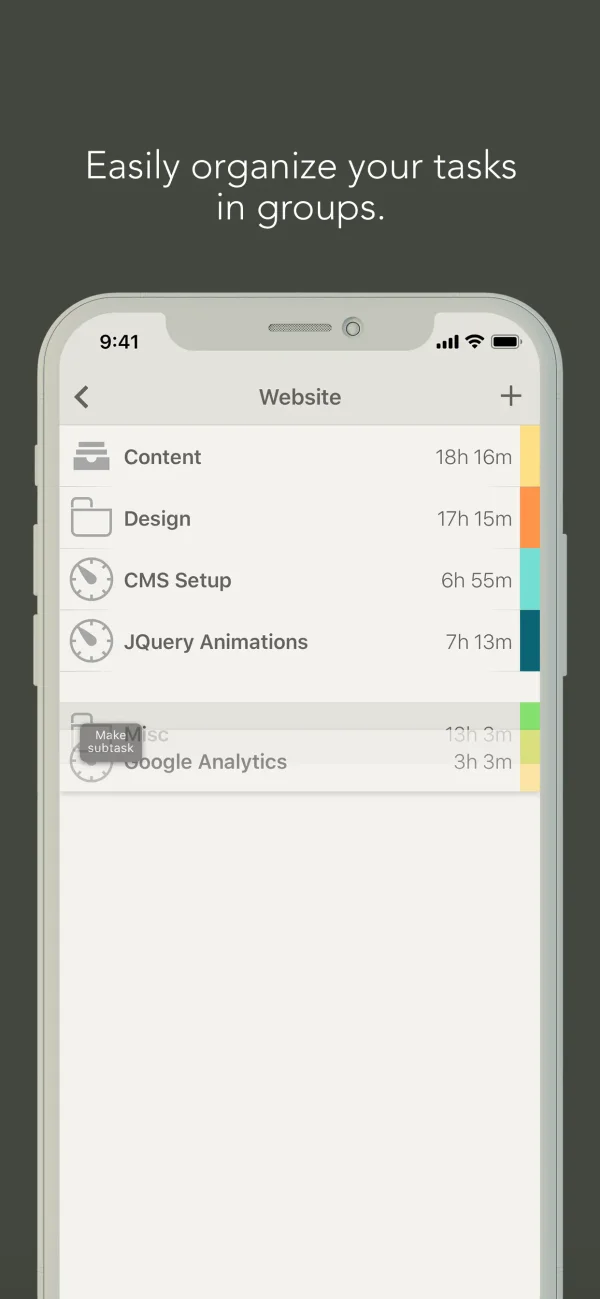
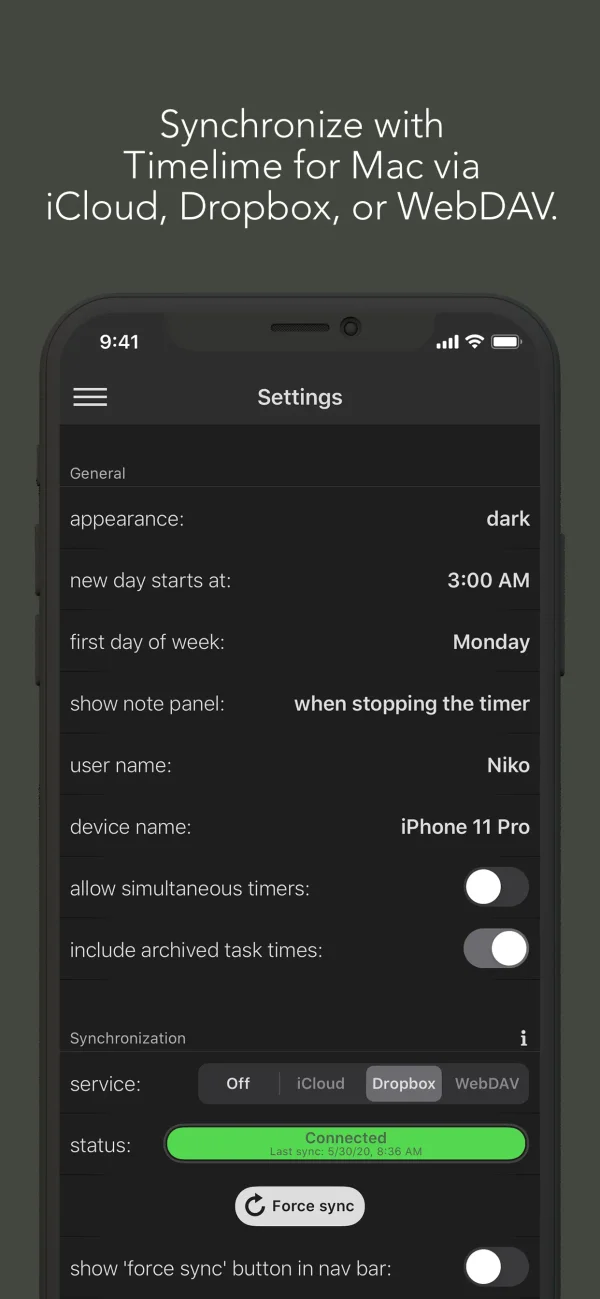

About
With Timelime for iPhone, you can easily track your working hours from anywhere and synchronize with Timelime and Timeframe for Mac.
Timelime is the perfect assistant for:
◦ Freelancers and independent contractors who have to track their time spent on projects
◦ Students who want to spend more time studying by monitoring their daily/weekly/monthly workload
◦ Individuals who are interested in how they spend their work time
◦ People who wish to reduce the amount of time not being productive
If you have any questions or suggestions to improve the app, please email us at feedback@timeframeapp.com or start a discussion at community.timeframeapp.com. We’d love to hear from you!
What’s new
Version 3.4 · Jul 6, 2026
This update includes UI bug fixes and improvements.
Thanks for using Timeframe!
App privacy
What Niko Kramer declares on the App Store about how this app handles data.
-
Data not collected
The developer does not collect any data from this app.
Privacy practices may vary, for example with the features you use or your age.
Information
- Seller
- Niko Kramer
- Category
- Productivity
- Version
- 3.4
- Updated
- Jul 6, 2026
- Released
- Jan 20, 2016
- Size
- 22.5 MB
- Requires
- iOS 16.4 or later
- Age rating
- 4+
- Price
- Free
- Languages
- English
- Copyright
- © 2025 Nikolaus Krämer
You might also like
-
 FocusTime: Time TrackerSmart Time Management
-
 10MB: Time Tracking, Made EasyTake Control of Your Time!
-
 note2tell – Notes for laterFor couples, friends, families
-
 Timemator: Time TrackerWork Hours Tracker & Billing
-
 Timelogger Plus: Time TrackerWork hours, tasks & goals
-
 Then: Mindful Time TrackerFocus Timer & Mood Journal
-
 PromoSenderpromo,Indie hacker,marketing
-
 Tyme | Time TrackingWorked Hours & Timesheets
-
 Do It: Focus on what mattersFight procrastination
-
 Timeline Journal – Daily DiaryPrivate Notes, Photos & Voice