
- Age rating4+
- CategoryProductivity
- DeveloperSUNGHO SEO
- LanguagesEnglish+ 5 more
- Size102.4 MB
Links to the official App Store page
Download.org hosts no file of TimelineVault: Document Vault. The button opens its official App Store page, published by SUNGHO SEO. Listing last checked on Nov 18, 2026.
Screenshots




About
TimelineVault keeps the messy parts of life — passwords, IDs, contracts, and the photos that prove them — in one private, chronological timeline.
WHY TIMELINEVAULT
Most apps make you choose: a notes app for your thoughts, a photo app for your pictures, and a separate password manager for logins. TimelineVault puts all three on the same timeline, in the order they actually happened — because a lease note, the photo of the signed contract, and the account you set it up with usually belong together.
WHAT YOU CAN KEEP
• Notes — quick text you don't want to lose
• Photo Records — pictures with the context around them, verified against tampering
• Important Info — logins, IDs, cards, and memberships, protected with Face ID or your passcode
BUILT FOR THINGS THAT EXPIRE
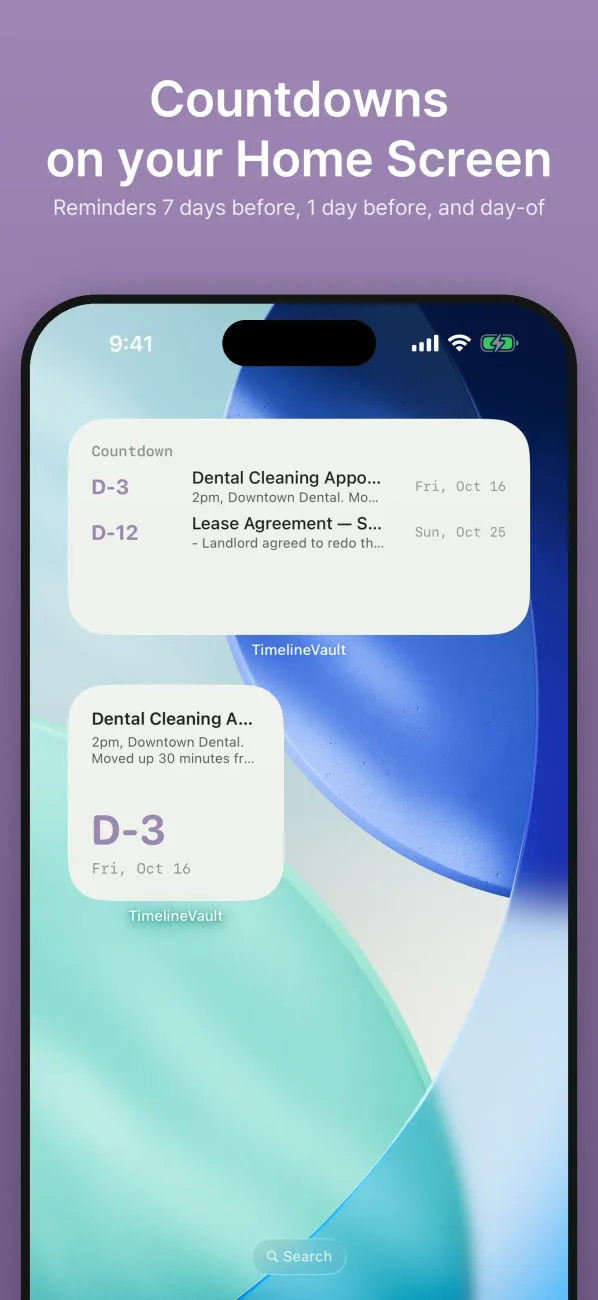
Passports, ID cards, membership cards — TimelineVault reminds you before they expire, based on the date you enter (or read off an attached photo).
YOUR DATA STAYS YOURS
• Everything is stored only on your device — there is no server, no account, no tracking
• Sensitive fields are protected by Face ID / passcode, backed by the Secure Enclave
• Attached photos for Important Info are encrypted on-device
• Create an encrypted backup file whenever you want, and store it wherever you like
PRO — FREE TO CELEBRATE THE RELEASE
All Pro features are free for now. If you're using the app now, you can keep using them for free even if Pro becomes paid later.
• Search text in photos — find receipts and documents by the words in the picture
• Scan documents — straightened pages, several at once
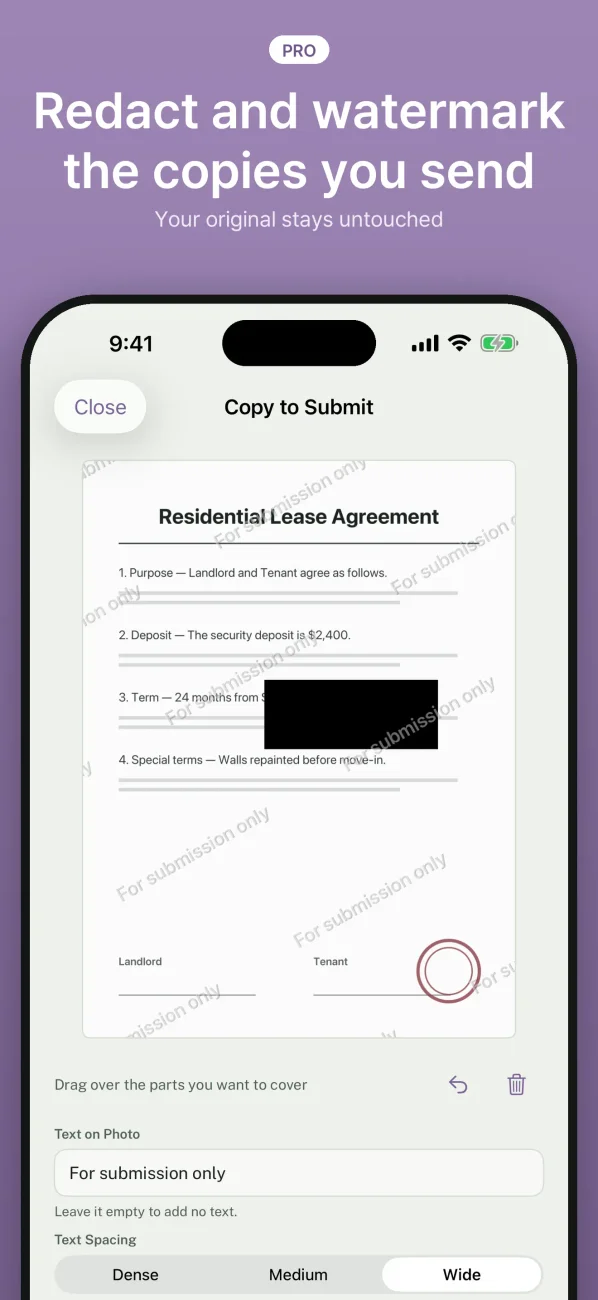
• Copy to Submit — black out parts of an ID copy and mark who it is for before you send it
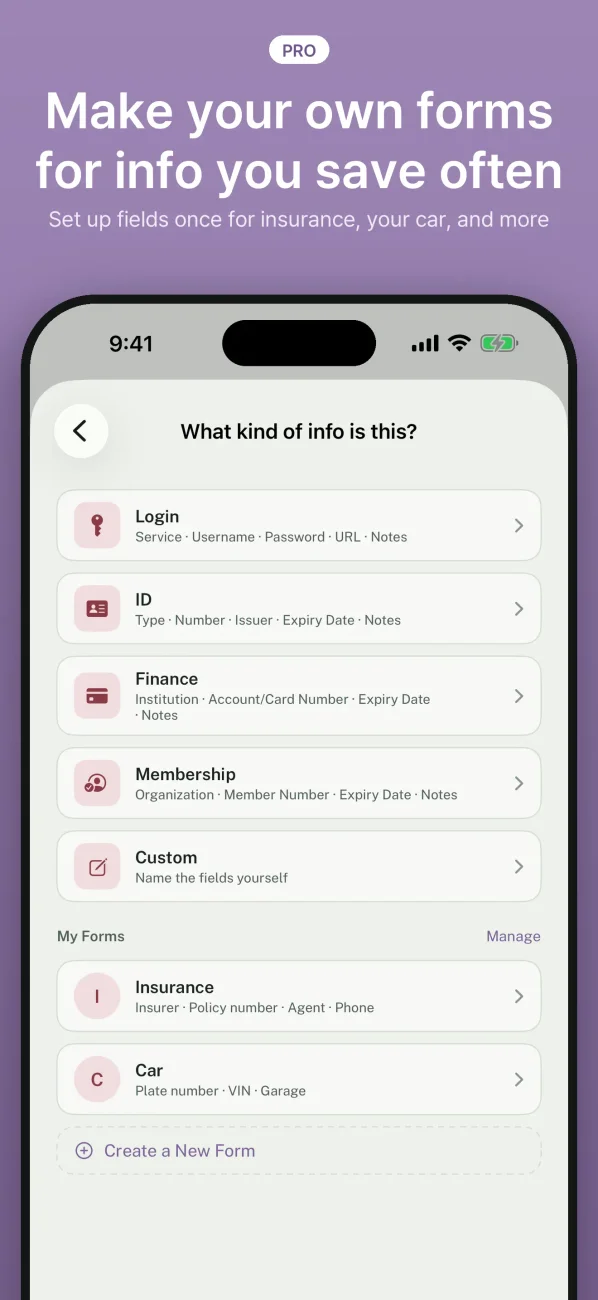
• My Forms — save the field layouts you reuse, like insurance or vehicle details
• Countdowns that repeat every year or month, and expiry dates in the widget
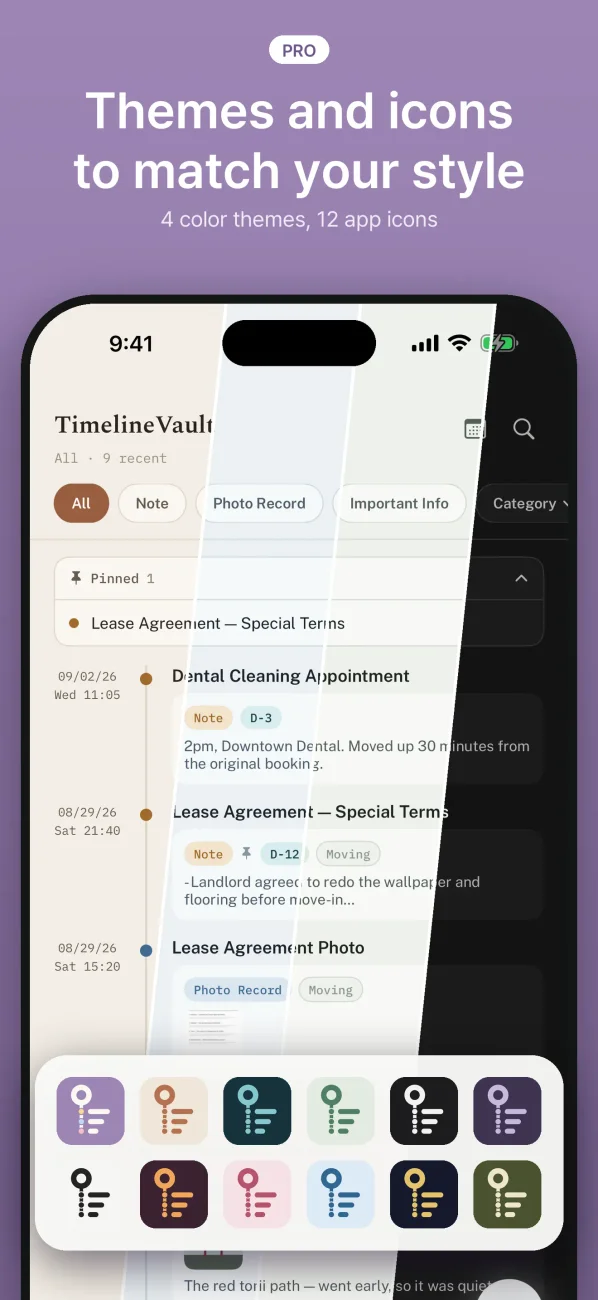
• Color themes and app icons
SIMPLE, HONEST DESIGN
No dashboards, no subscriptions, no ads. Just your notes, your photos, and your passwords — kept the way you'd actually want them: together, in order, and private.
What’s new
Version 1.5.2 · Nov 14, 2026
TimelineVault 1.5.2
• Notes for Each Photo: in Photo Records and Important Info, write a separate note for each photo as you swipe through them (notes in Important Info are encrypted like the photos)
• Groups in Notes: tap “Add Group” above the keyboard to create a named box inside a note — rename it, move it up or down, or ungroup it anytime
• Highlighter: touch and hold to select text, then color it Yellow, Pink, or Sky
• Choose the Record Date: when saving a Photo Record, pick “Now” or “Taken” (it starts on Now, which puts the record at the top of the timeline)
• Checkboxes now respond the moment you tap them
App privacy
What SUNGHO SEO declares on the App Store about how this app handles data.
-
Data not collected
The developer does not collect any data from this app.
Privacy practices may vary, for example with the features you use or your age.
Information
- Seller
- SUNGHO SEO
- Category
- Productivity
- Version
- 1.5.2
- Updated
- Nov 14, 2026
- Released
- Sep 18, 2026
- Size
- 102.4 MB
- Requires
- iOS 17.0 or later
- Age rating
- 4+
- Price
- Free
- Languages
- English, French, Japanese, Korean, Simplified Chinese, Traditional Chinese
- Copyright
- © 2026 Sungho Seo
You might also like
-
 Time Ledger - Budget Your TimeA compass guiding your life
-
 MODA: Todo & Routine PlannerNever Forget a Todo or Routine
-
 Routineday Daily Habit TrackerSimple Todo & Routine Planner
-
 Sticky Notes widget - simpleLockScreen interactive Memo
-
 폰트폰트 - 폰트검색, 폰트찾기, 글씨체찾기, 서체찾기Productivity
-
 ScheduleNote - Simple CalendarSchedule and photos
-
 Flip Timer & stopwatchUse for fitness,workout,study
-
 Wisp AI Note TakerTranscribe Audio Record Taker
-
 PDF Reader – PDFelementPDF Editor & Viewer, PDF Maker
-
 DetoxLock: Extreme App BlockerGo Cold Turkey. Block Apps