
Timeprint: Timestamp Camera
Map, Photo Geotag & Time Stamp
Designed for iPhone, iPod touch
Free · In-app purchases
- Age rating4+
- CategoryPhoto & Video
- Developer丹 刘
- LanguagesEnglish+ 104 more
- Size51.3 MB
Links to the official App Store page
Download.org hosts no file of Timeprint: Timestamp Camera. The button opens its official App Store page, published by 丹 刘. Listing last checked on Nov 24, 2026.
Screenshots

About
The work on site is done, but you still have to explain when and where each photo was taken?
Team photos scattered across phones and group chats while the supervisor chases and sorts them?
Timeprint records capture time and GPS location, organizes team photos by project, and shares them by web link—no app required.
【1. One photo explains the job】
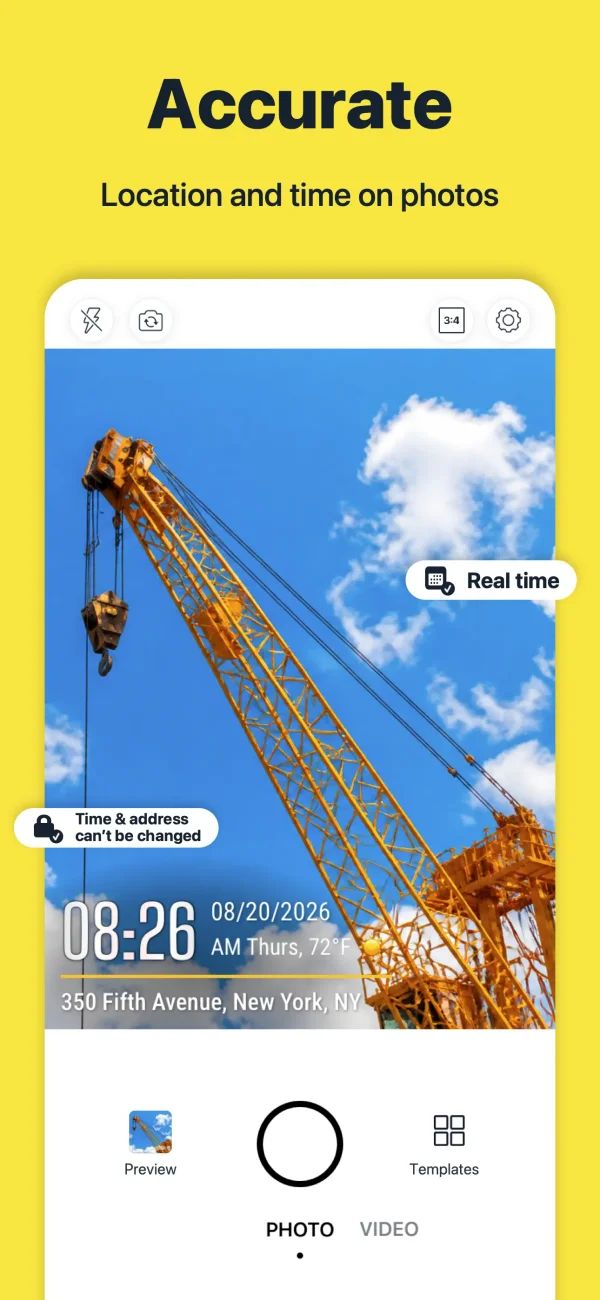
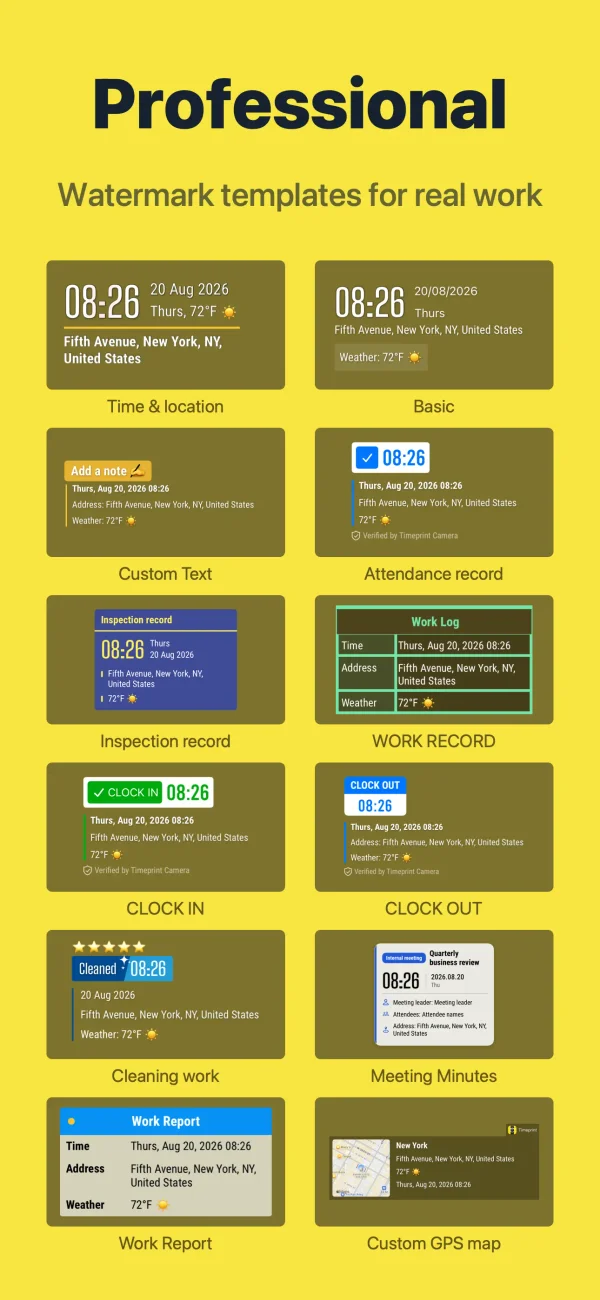
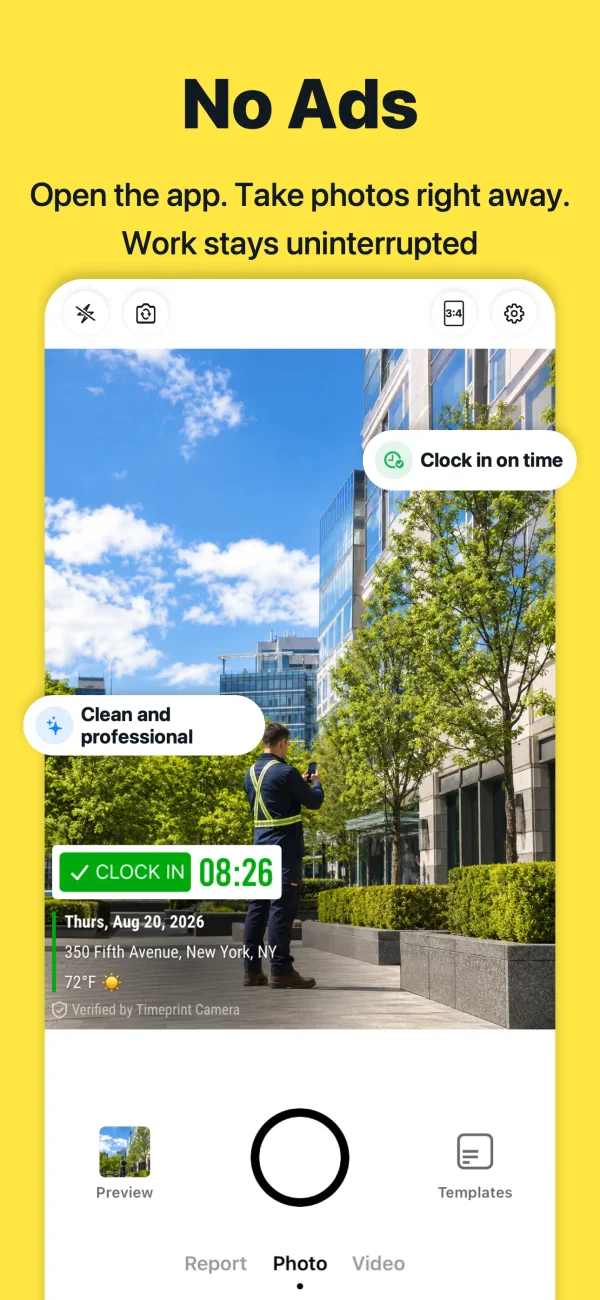
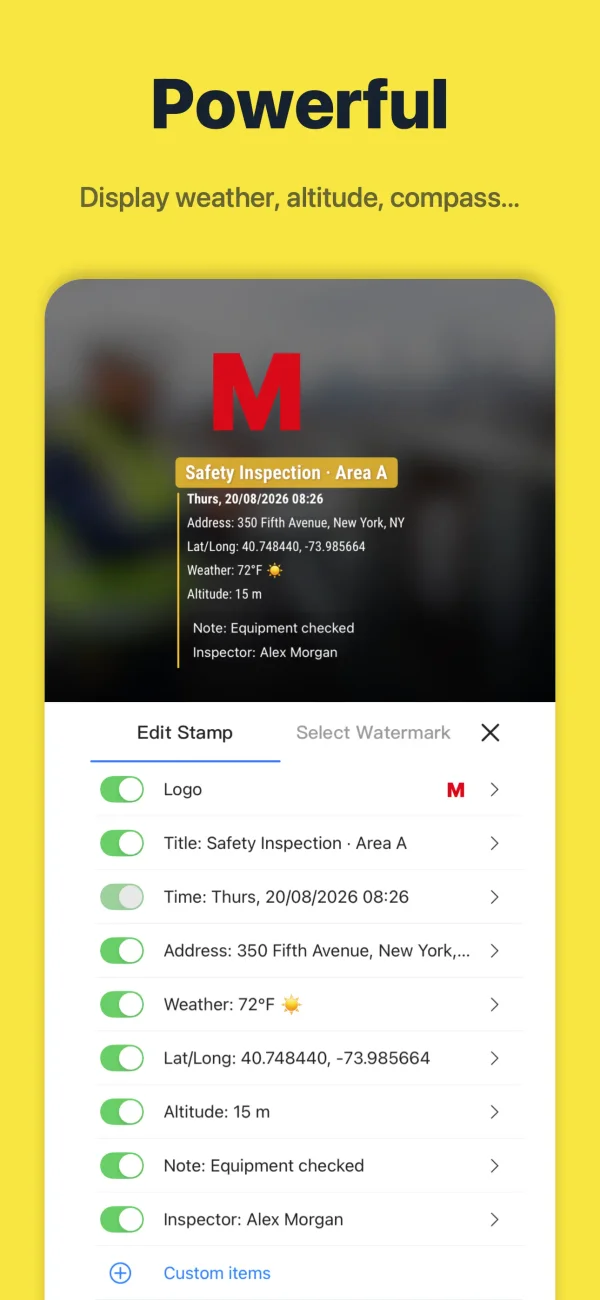
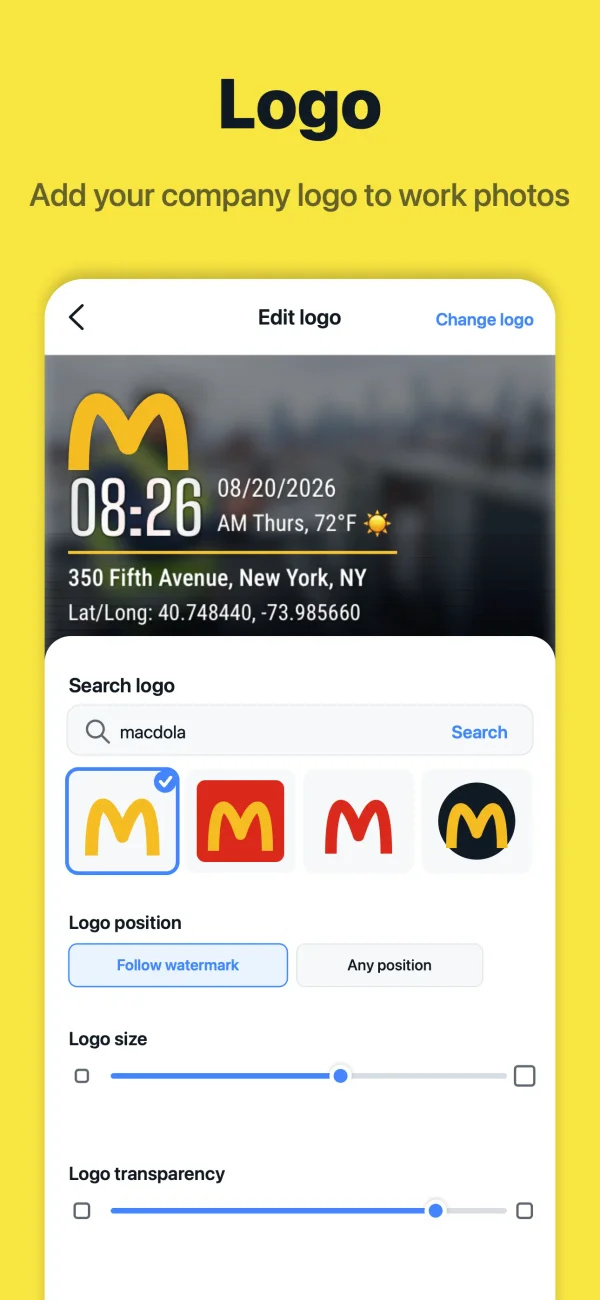
Add capture time, address, GPS, project, work notes, and a company logo directly to photos and videos. A supervisor, client, or inspector can understand the job without calling the person who took the photo.
Capture time cannot be edited manually in Timeprint. When server time is available, Timeprint uses it to calibrate the timestamp. GPS coordinates come from the device location and cannot be entered manually. The address is shown from the location result, making the site record more reliable.
Whether you are recording progress, an inspection, a repair, or a handoff, the photo carries the job context.
【2. Your crew takes photos. Timeprint organizes them.】
Choose a team and project and turn on auto-sync. New Timeprint photos can sync automatically to Team Space, organized by project, with each member's photos easy to find.
The office can see what each project captured and who took each photo. No chasing photos in group chats. No downloading, renaming, and filing everything by hand.
【3. Send one link. No app required.】
Create a web link for the whole team, one project, or one member. Supervisors, clients, inspectors, and partners can view shared team photos in a browser without installing Timeprint.
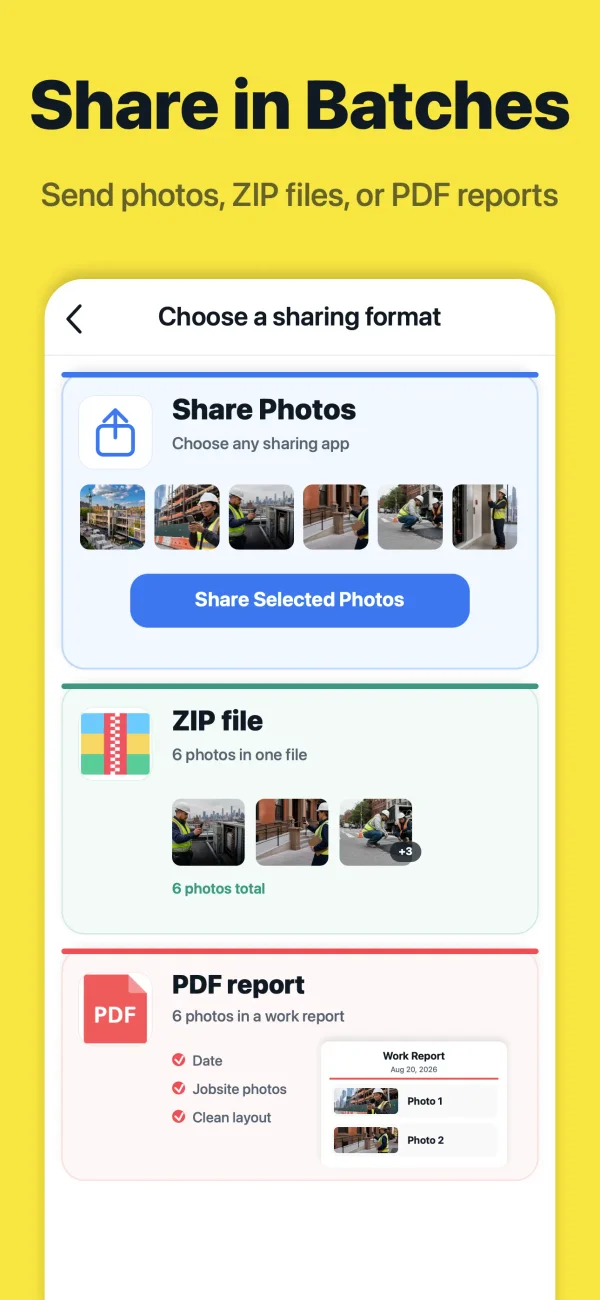
Managers can use the Timeprint team web portal on a computer to manage photos, projects, and members. For reports and delivery, export personal work photos as PDF, ZIP, or KMZ and team photos as PDF or ZIP.
【4. Built for these jobs】
• Construction: daily progress, work before it is covered, site issues, and inspections
• Fiber optic and telecom: excavation, cable routes, splicing, equipment locations, and installation
• HVAC, plumbing, electrical, and repairs: fault locations, before-and-after work, and completion
• Property management: move-in and move-out checks, inspections, repairs, and maintenance
• Cleaning: arrival, before-and-after work, completion, and quality checks
• Security: patrol time, location, site conditions, and incidents
• Warehousing, logistics, and delivery: loading, cargo condition, damage, handoffs, and drop-offs
• Landscaping and roofing: maintenance, progress, weather, and site issues
• Retail and field teams: store visits, displays, client sites, and attendance
• Contractors and small businesses: branded job records organized by project
Some advanced features require a Timeprint Pro subscription. Payment is charged to your Apple ID. The subscription renews automatically unless canceled at least 24 hours before the current period ends. Manage or cancel your subscription in Apple ID Subscriptions. Available subscription options, trial eligibility, and benefits are shown in the app.
Questions or suggestions? Email: support@timeprint.net
Official website: https://www.timeprint.net
Terms of Use: https://www.timeprint.net/terms
Privacy Policy: https://www.timeprint.net/privacy
What’s new
Version 4.3.1 · Nov 21, 2026
Bug fixes and improvements.
App privacy
What 丹 刘 declares on the App Store about how this app handles data.
-
Data not collected
The developer does not collect any data from this app.
Privacy practices may vary, for example with the features you use or your age.
Information
- Seller
- 丹 刘
- Category
- Photo & Video
- Version
- 4.3.1
- Updated
- Nov 21, 2026
- Released
- Aug 1, 2024
- Size
- 51.3 MB
- Requires
- iOS 13.0 or later
- Age rating
- 4+
- Price
- Free
- In-app purchases
- Yes
- Languages
- English, Afrikaans, Akan, Albanian, Amharic, Arabic, Armenian, Assamese, Azerbaijani, Basque, Belarusian, Bengali + 93 more
- Copyright
- © fredaliu
You might also like
-
 Timestamp Camera .GPS Camera with Time Stamp
-
 Timestamp Camera -Auto Stamper Time Stamp Camera
-
 Timestamp Camera:Snap TimemarkTimestamp & GPS Map Camera
-
 Timestamp Camera - TimemarkAdd date and time on photo
-
 GPS Map Camera : TimestampGeotag Live location on Photos
-
 Timestamp Camera : GPS CameraAdd Date Stamper, GPS to Photo
-
 Timestamp Camera: Date StamperGPS Map Location Time Stamp
-
 GPS Camera: Timestamp CameraTravel Photos & Work Reports
-
 GPS Cam: map, address on PhotoGeotag photos & videos + QR
-
 Time Stamp Photos With GPS MapTimestamp Camera : Date & time