
- Age rating4+
- CategoryUtilities
- DeveloperFrancis Bonnin
- LanguagesEnglish+ 7 more
- Size37.9 MB
Links to the official App Store page
Download.org hosts no file of Timer. The button opens its official App Store page, published by Francis Bonnin. Listing last checked on Nov 12, 2026.
Screenshots

About
Build timers that guide you through every step. Hear the next stretching instruction, follow a cooking sequence, or alternate activity and rest—with spoken announcements, sounds and clear visual progress.
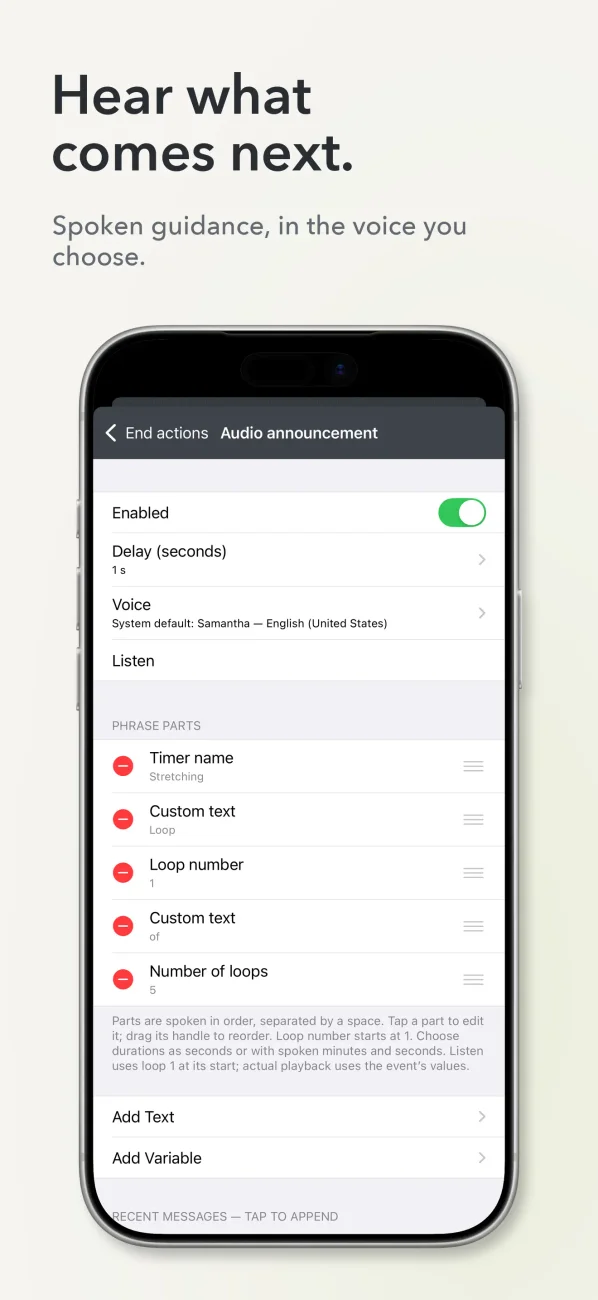
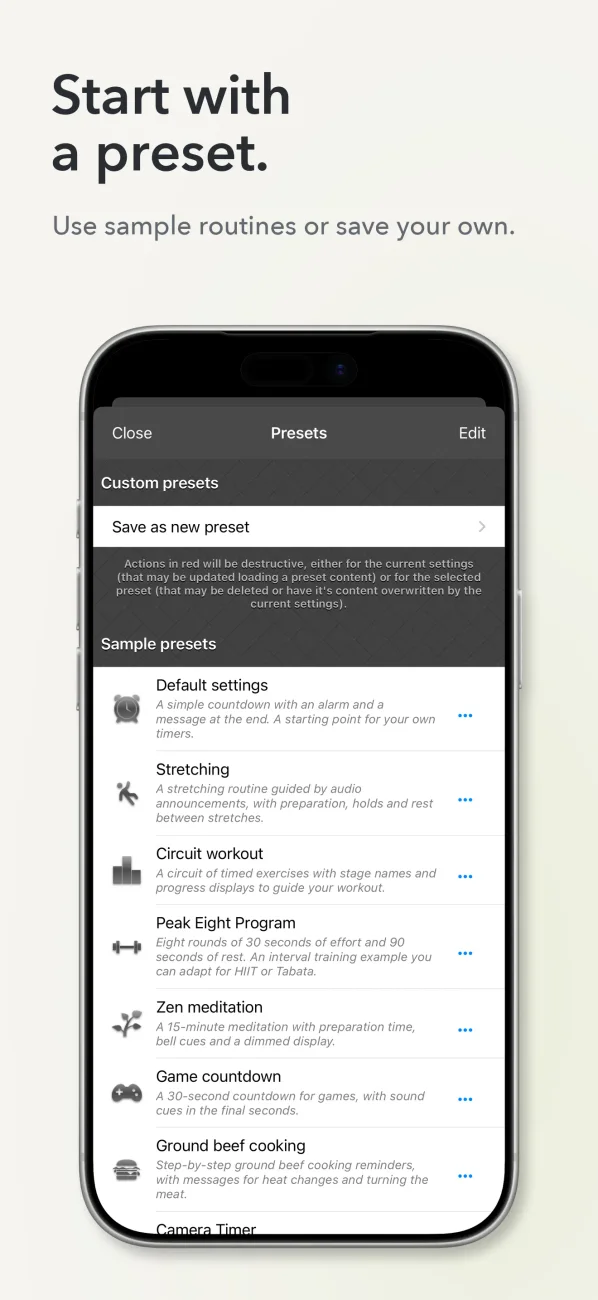
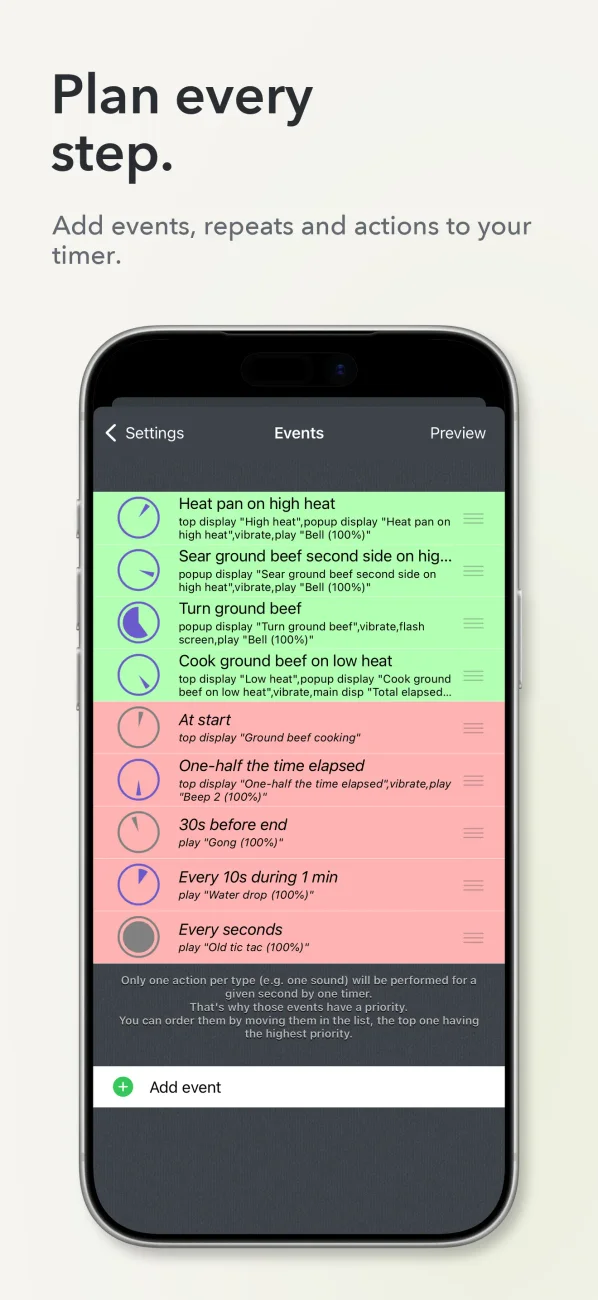
Start with a ready-made preset, then adapt it to your routine. From a simple countdown to a workout with several stages, choose your cues and preview the sequence before you begin. Try the Stretching preset for an example with spoken guidance.
HEAR WHAT COMES NEXT
Create cues such as “Hold the stretch” or “Round 3 of 5.” Combine your own text with timer and event names, round numbers, elapsed or remaining time, and the current clock time. Choose a voice and delay speech to let an alarm sound first. Use the same text and variables in on-screen messages and notifications.
SET THE PACE OF YOUR ROUTINE
Build intervals for HIIT, Tabata, stretching, meditation or study breaks. You can also time turns in board games.
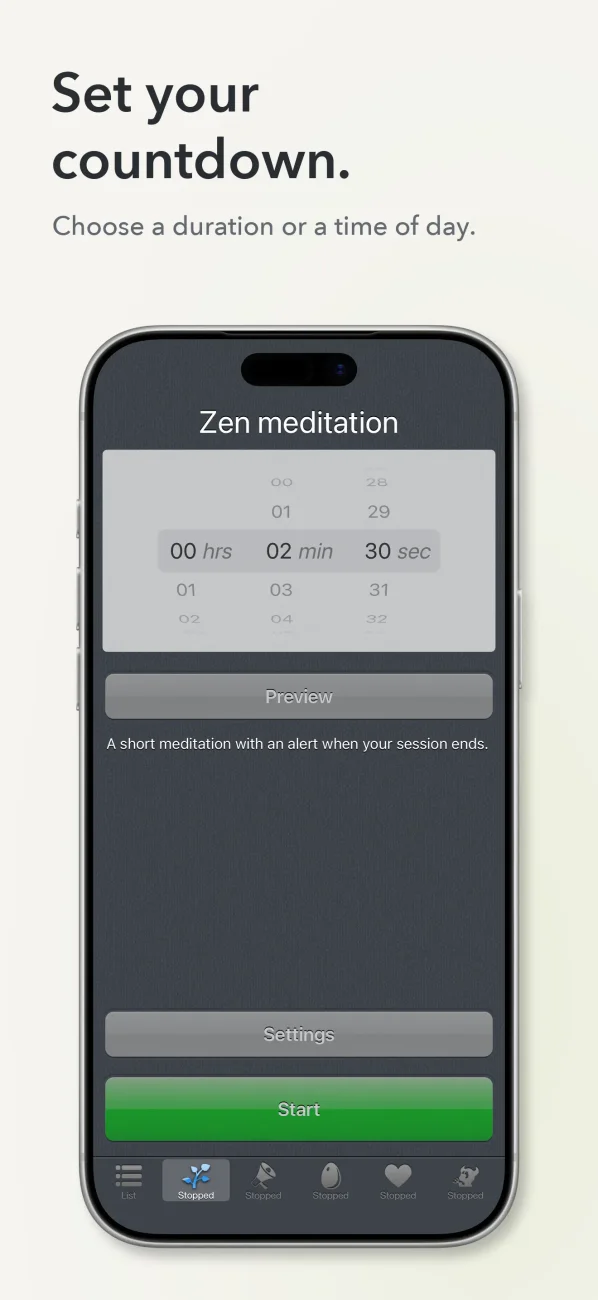
• Choose a duration or a specific finish time, with an optional preparation delay.
• Repeat for a set number of rounds or indefinitely.
• Schedule cues at specific times of day, relative to the start or end, or at regular intervals. Use times or percentages—for example, a gong 30 seconds before the end or a tick every second.
• Run an event every round, only the first or last, or a range such as rounds 3–5. End actions can run every round or only after the final one.
SAVE IT ONCE, USE IT AGAIN
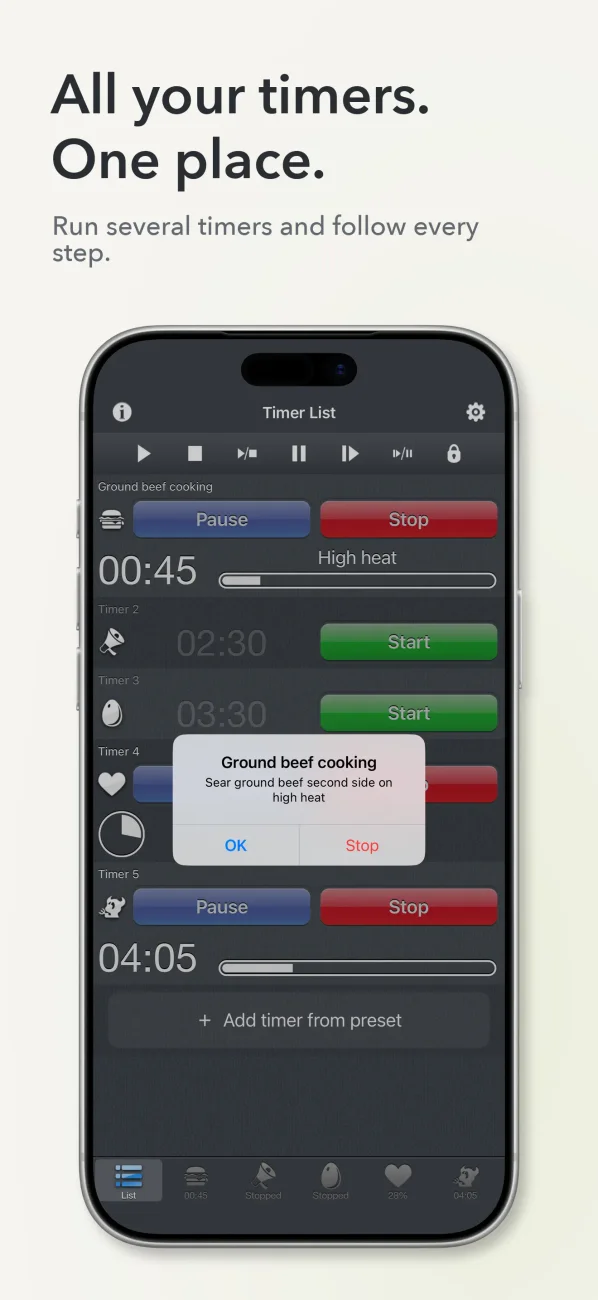
Run several timers at once. Use events to control timers, display a timer or open a URL. Add, reorder and hide timers to keep the ones you need within reach. Save your setups as presets, organize them, and import or export them to reuse or share.
SEE YOUR PROGRESS AT A GLANCE
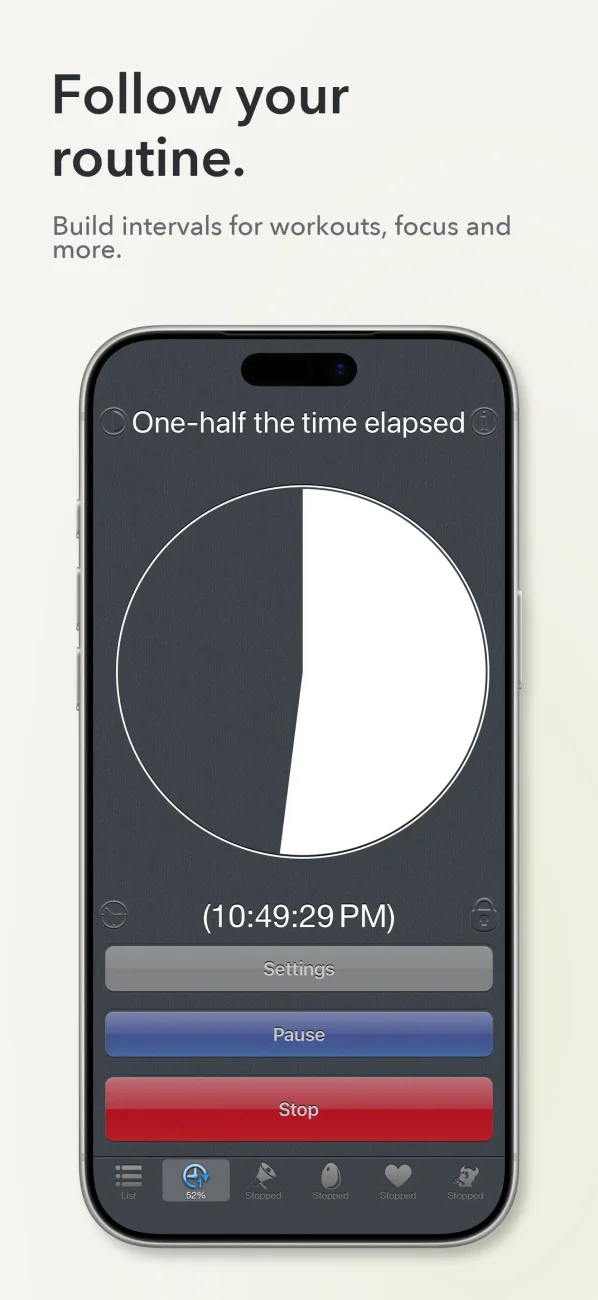
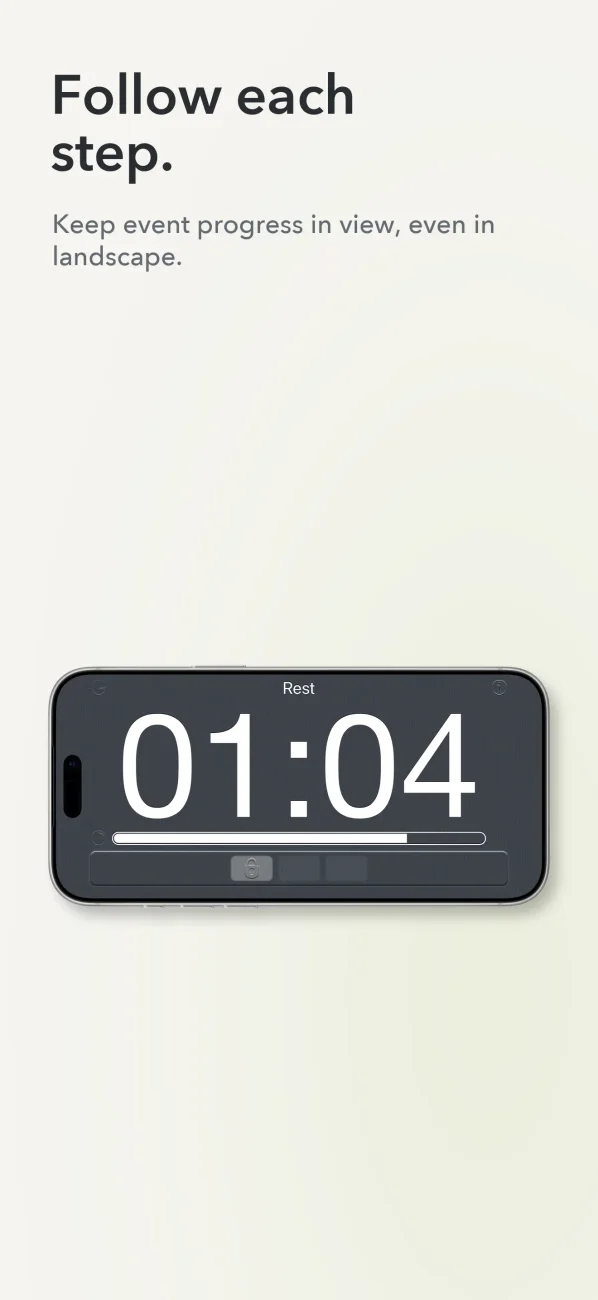
Display remaining time, elapsed time, the clock or graphical progress in two customizable areas. Switch to full screen for a larger view, in portrait or landscape. Keep track of the current round, dim the display for a less intrusive screen, and lock the controls while keeping the time visible. Choose whether to stop at the end or keep showing the time elapsed since finishing.
MAKE IT YOUR OWN
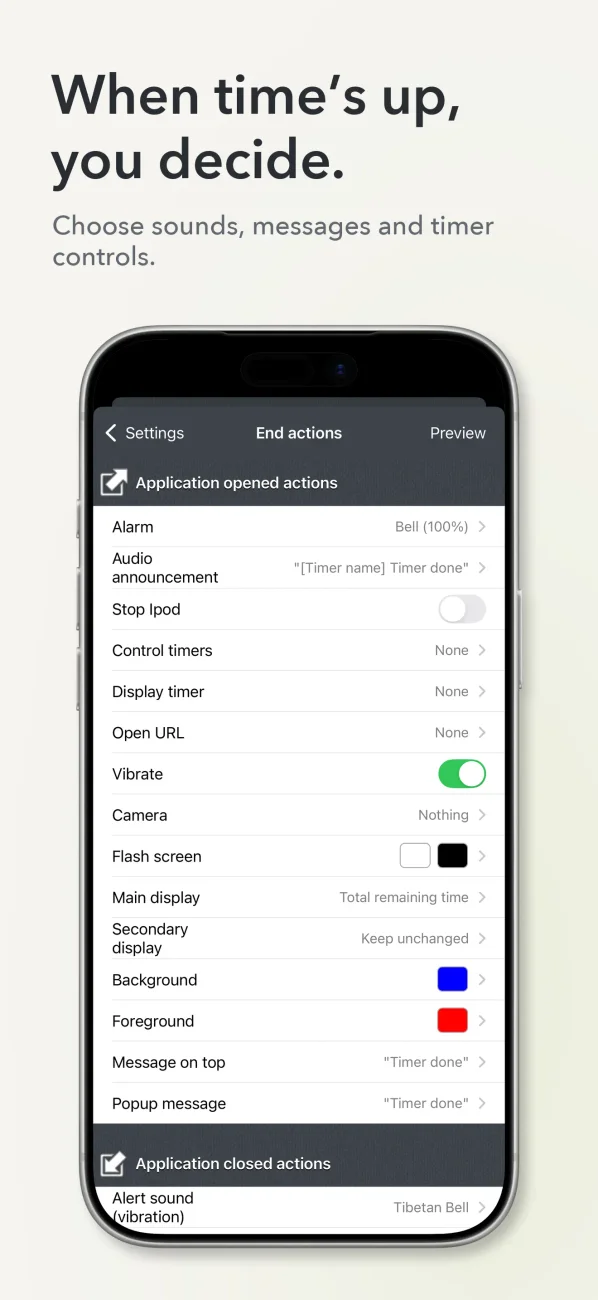
Choose bells, gongs and other alarms, or import and record your own sounds. Try Shepard tones: sequences that seem to rise or fall endlessly in pitch. Play a song from your music library, choose a random track from a playlist, or schedule music to stop.
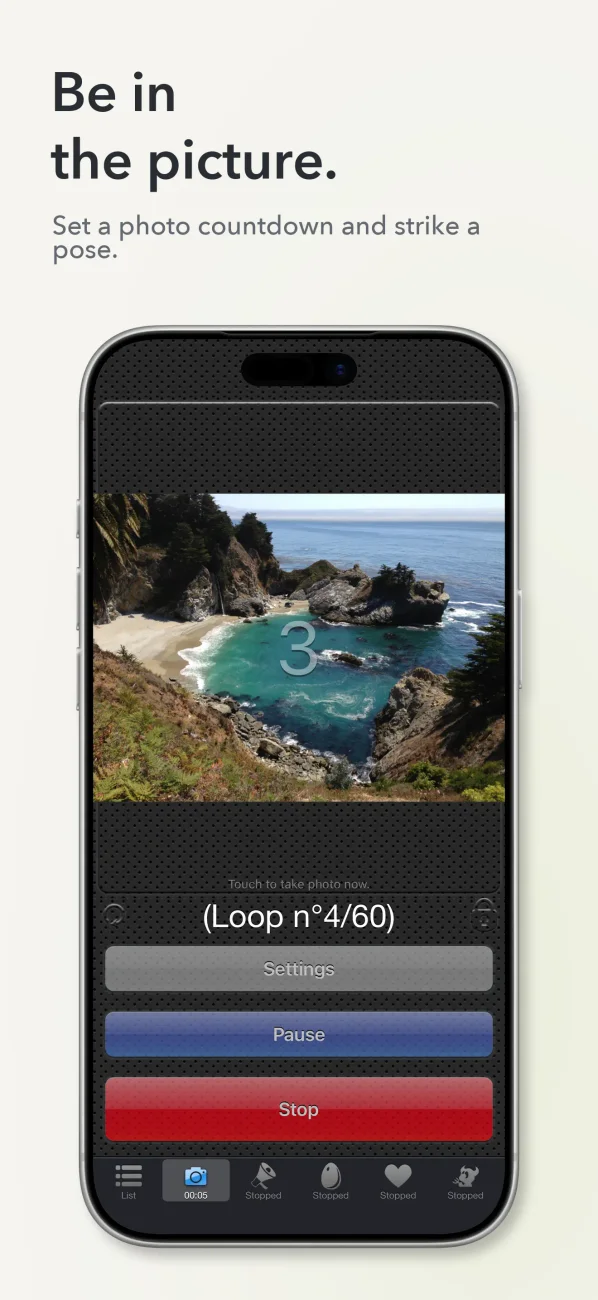
Prefer silent cues? Use on-screen messages, vibrations or a flashing screen. Customize colors and backgrounds, and search over 1,800 icons. On supported devices, you can also schedule photos or use the flashlight as a visual cue.
In the background, scheduled notifications can display messages and play sounds. Snooze reminders directly from notifications, choose whether to show round and notification numbers, or tap to run your configured timer controls or open a URL. Spoken announcements and photos require Timer to stay open.
What’s new
Version 8.1 · Oct 17, 2026
• Schedule events at specific times of day for reminders and daily routines. Repeat them at regular intervals until a chosen time, including overnight.
• Control timers from events: start, restart, stop, pause, or resume, with a separate command for each timer. You can also choose a timer to display. When the app is closed, tap the notification to run these actions.
• Choose whether to show loop and notification numbers in notification banners.
• Open a URL from a timer event or by tapping its notification.
• Snooze reminders directly from notifications.
• Stop all timers instantly by long-pressing Timer’s app icon.
• Small fixes and improvements.
App privacy
What Francis Bonnin declares on the App Store about how this app handles data.
-
Data not collected
The developer does not collect any data from this app.
Privacy practices may vary, for example with the features you use or your age.
Information
- Seller
- Francis Bonnin
- Category
- Utilities
- Version
- 8.1
- Updated
- Oct 17, 2026
- Released
- Feb 12, 2019
- Size
- 37.9 MB
- Requires
- iOS 13 or later
- Age rating
- 4+
- Price
- $3.99
- Languages
- English, French, German, Italian, Japanese, Korean, Portuguese, Spanish
- Copyright
- © PacoLabs
You might also like
-
 Show Timer ProStage Timer for Performers
-
 Simple Desk ClockEasy to see from a distance
-
 Digital Clock : clockmanEye-catching time display
-
 Beautiful TimerUtilities
-
 ChronixSecure Chess Timer System
-
 AudioToolsMax - Audio TestAcoustic & dB Measurement Tool
-
 Calendar ClockUtilities
-
 Kitchen timer only numbersUtilities
-
 Countdown Color TimerUtilities
-
 Extraordinary CalculatorNo ads