Show Timer Pro
Stage Timer for Performers
Designed for iPhone, iPad
$4.99 · In-app purchases
- Age rating4+
- CategoryUtilities
- DeveloperMark Neisser
- LanguagesEnglish
- Size2.0 MB
Links to the official App Store page
Download.org hosts no file of Show Timer Pro. The button opens its official App Store page, published by Mark Neisser. Listing last checked on Nov 18, 2026.
Screenshots
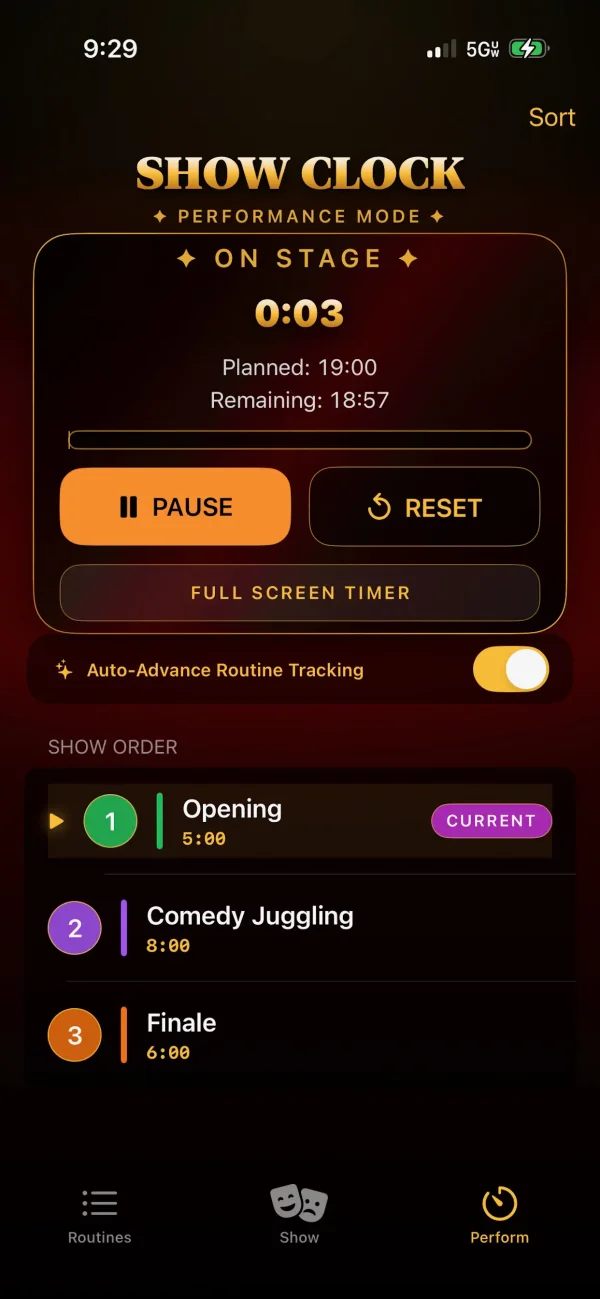


About
Show Clock Pro
Turn your iPhone or iPad into a professional live performance timer built specifically for entertainers, speakers, touring acts, stage managers, and live events.
Show Clock Pro helps you build, organize, time, and perform complete shows with a clean theatrical interface designed for real-world stage use.
Features
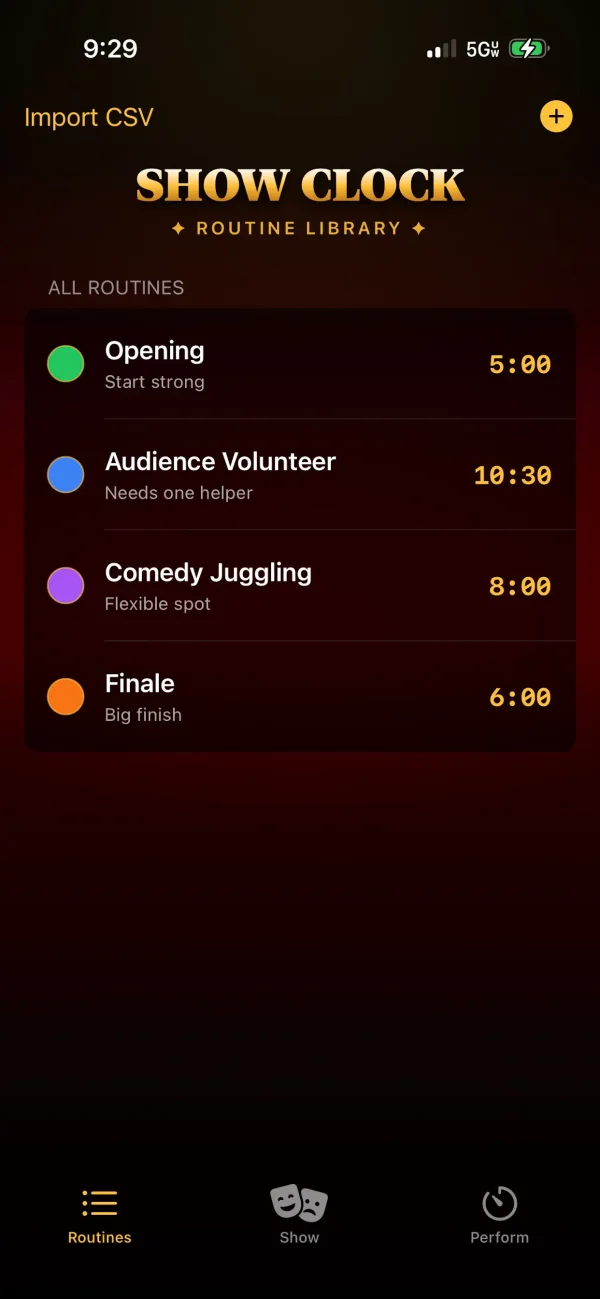
Build a library of routines with custom names, colors, durations, and notes
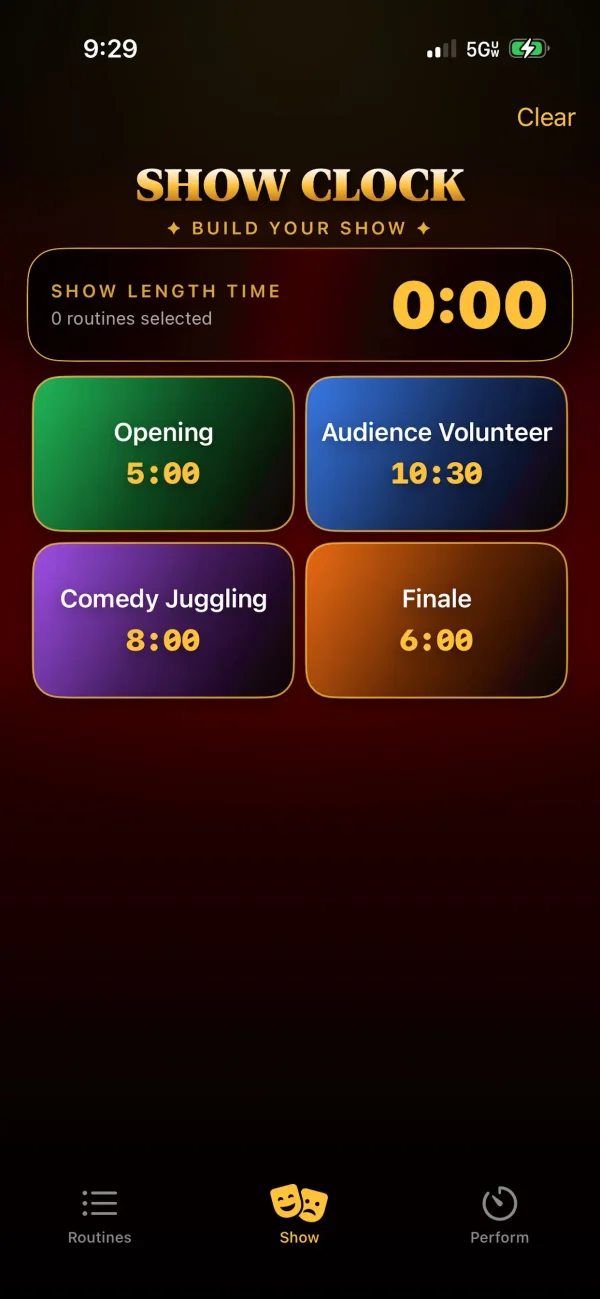
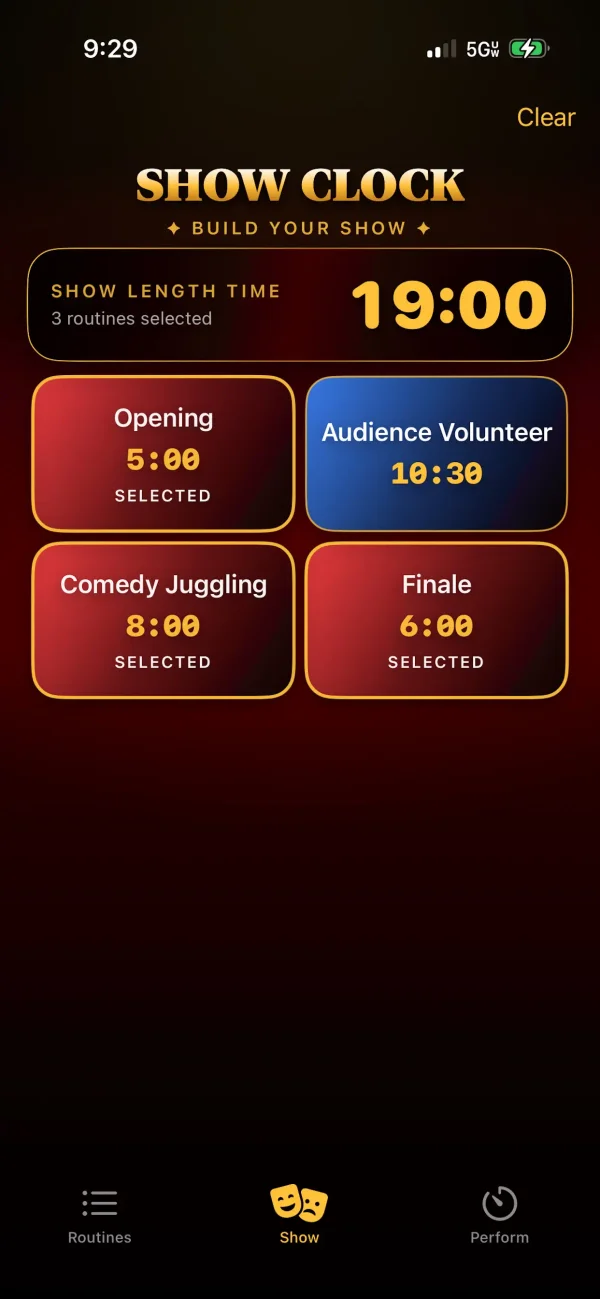
Create complete running orders for different shows and events
Save, archive, and reload entire shows instantly
Large high-visibility stage timer for live performance
Full-screen performance mode for onstage visibility
Auto-advance routine tracking during performance
Countdown or elapsed time display options
Vibration alerts for timing checkpoints
CSV import support for bulk routine setup
Drag-and-drop sorting for routines and show order
Beautiful theater-inspired dark interface designed for low-light environments
Perfect for:
Variety performers
Comedians
Speakers
Magicians
Jugglers
Theater productions
Corporate events
Cruise ship entertainers
School assemblies
Live productions
Whether you’re managing a 10-minute showcase or a full theatrical production, Show Clock Pro keeps your performance running smoothly and on time.
What’s new
Version 1.2 · Jun 24, 2026
What’s New:
Added routine-based cue support for Show Clock Crew
Add start, timed, end, and manual cues directly inside each routine
Manual cue buttons now appear during the active routine in Performance Mode
Full Screen Timer now shows current routine, upcoming cues, and manual cue buttons in portrait mode
Improved Crew Cue visibility and Performance Mode layout
Added better saved show update support and cue sheet printing
Added QLab/OSC cue support for sending messages to crew roles
General reliability and interface improvements
App privacy
What Mark Neisser declares on the App Store about how this app handles data.
-
Data not collected
The developer does not collect any data from this app.
Privacy practices may vary, for example with the features you use or your age.
Information
- Seller
- Mark Neisser
- Category
- Utilities
- Version
- 1.2
- Updated
- Jun 24, 2026
- Released
- Apr 27, 2026
- Size
- 2.0 MB
- Requires
- iOS 17.6 or later
- Age rating
- 4+
- Price
- $4.99
- In-app purchases
- Yes
- Languages
- English
- Copyright
- © 2026
You might also like
-
 CueSheet TimerFor stage, broadcast & events
-
 UbiStage TimerStage clock for any display
-
 TimerIntervals & voice alerts
-
 Cue KillerRun your show from one GO
-
 Stage Timer: Performance Timerspeech timer Performance clock
-
 V-02HD MK II RemoteV-02HDMKII remote control app
-
 XDiscoveryNetwork Device Finder
-
 Vor MobileOverlay show info onto videos!
-
 MILESEEY TOOLSLaser Meter & Floor Plan
-
 Multi Counter - Count up/downMake a counter & count up/down