
Timer for ADHD: FlipTimer
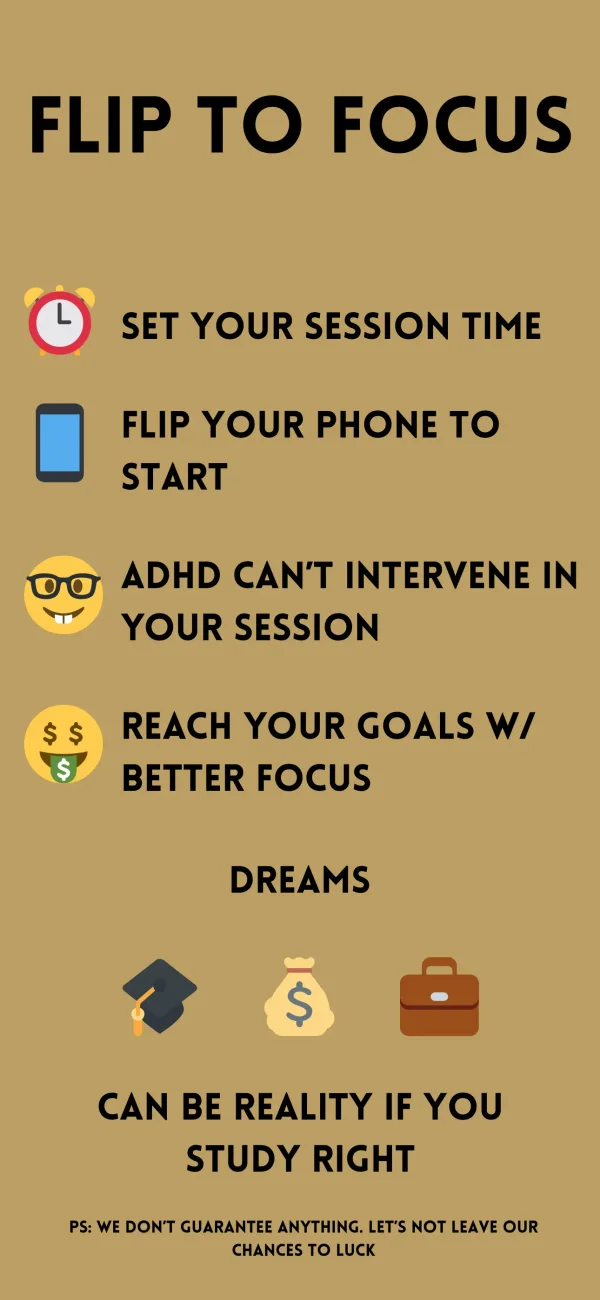
Flip to start, lift to stop.
Designed for iPhone, iPad
In-app purchases
- Age rating4+
- CategoryProductivity
- DeveloperYusuf Baran Dogan
- LanguagesEnglish
- Size7.6 MB
Links to the official App Store page
Download.org hosts no file of Timer for ADHD: FlipTimer. The button opens its official App Store page, published by Yusuf Baran Dogan. Listing last checked on Nov 17, 2026.
Screenshots

About
The focus timer that runs when your phone is upside down.
FlipTimer uses your phone's motion sensor to detect one thing: is the screen facing down? If yes, you're focusing. When you flip it back up, the session pauses. It's the most physical, intuitive focus timer ever made.
You already put your phone face-down when you want to concentrate. You already know the gesture. FlipTimer just makes it count.
— HOW IT WORKS —
1. Set your target time (or leave it on free run)
2. Flip your phone face-down on your desk
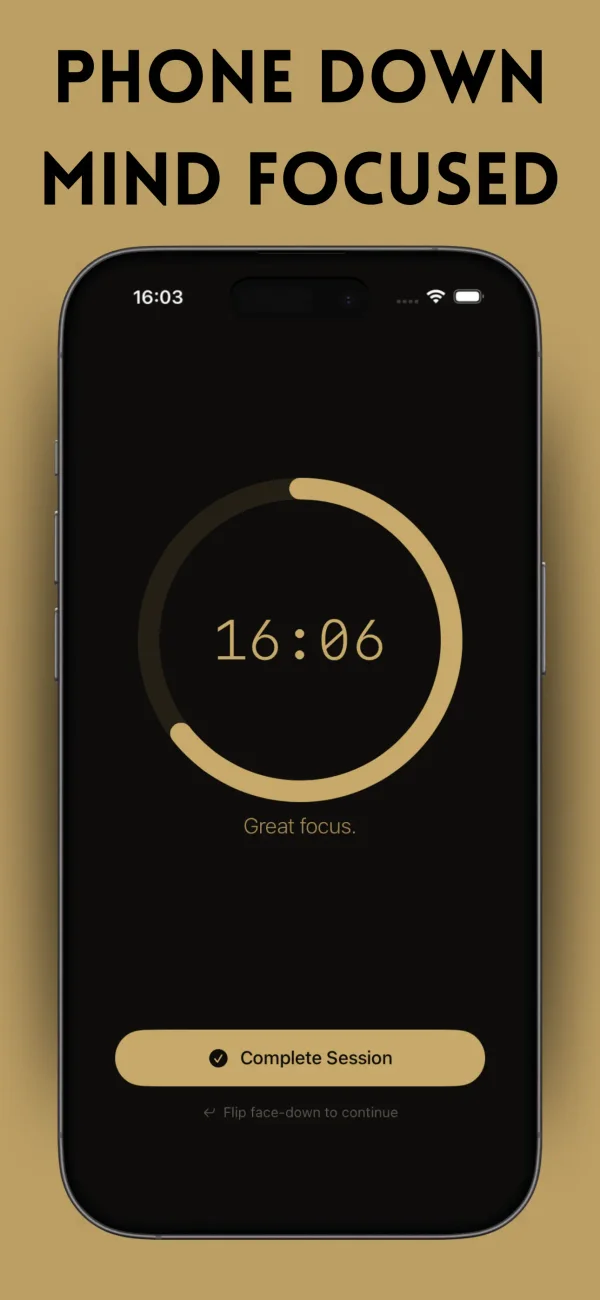
3. FlipTimer starts automatically — screen dims to black
4. Lift your phone when you're done or need a break
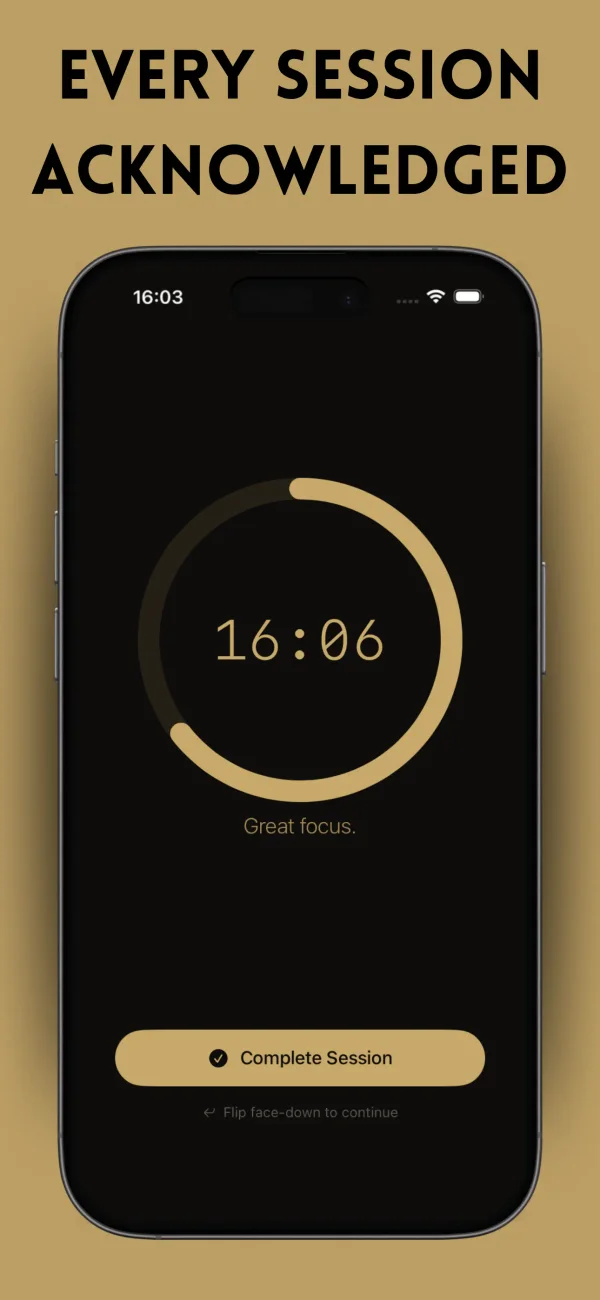
5. Your session is logged
No buttons to press during a session. No screen to look at. No willpower required.
— FEATURES —
· Auto-start: flipping face-down starts the timer immediately
· Auto-pause: picking up the phone pauses it
· Screen dims to black while face-down — no light distraction
· Ambient sounds: brown noise, rain, forest, white noise (plays while face-down)
· Free run mode: counts up, no time limit
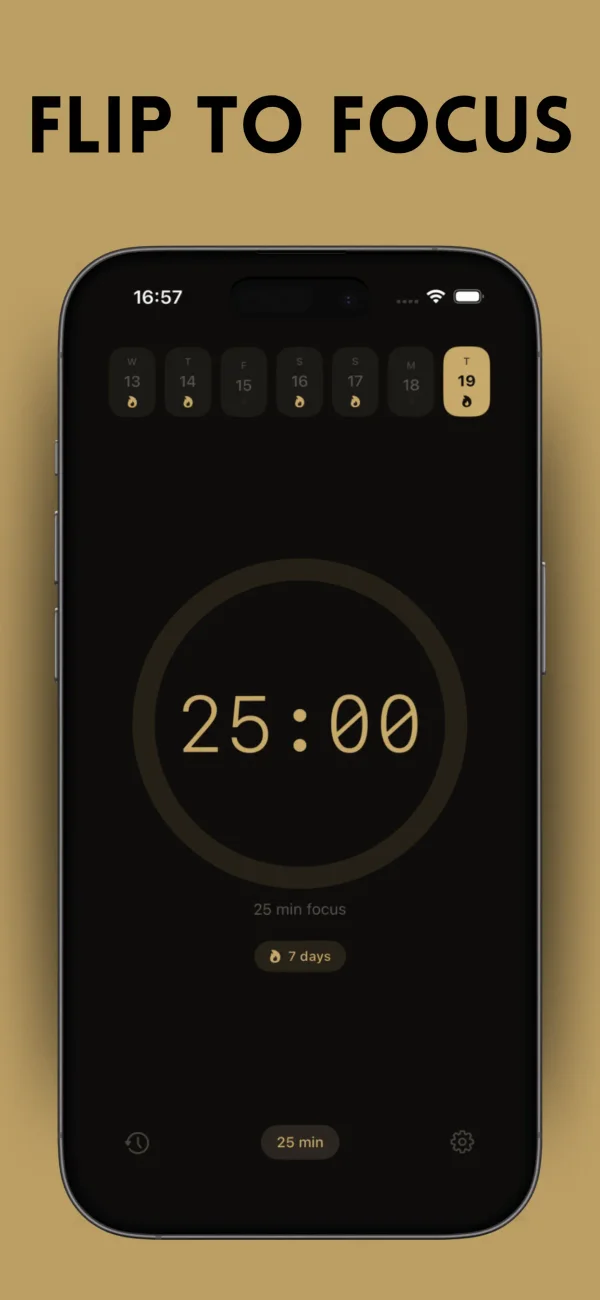
· Countdown mode: 5, 10, 15, 20, 25, 30, 45, 60 min or custom
· Recovery screen: a warm "Nice session." moment when you pick up
· Session log: every session saved with duration and time
· Weekly chart: your total focus time per day
· Streak counter: days in a row with at least one session
· Apple Watch companion: start and stop from your wrist
· Lock screen widget: streak and today's total at a glance
— DESIGNED FOR —
Deep work sessions. Homework time. Reading. Writing. Cooking. Board game turns. Anything where putting the phone down is already the goal.
Parents love it for kids: "flip it when you start homework." The phone face-down is the rule and the timer in one.
— THE RECOVERY MOMENT —
When you pick up your phone after a long session, FlipTimer doesn't just show you a number. It gives you a brief, honest response: "28 minutes. Great focus." Then it gets out of the way.
— AMBIENT SOUNDS —
Choose a background sound that plays only while your phone is face-down and stops the moment you lift it. Brown noise, rain, forest sounds, or white noise — all bundled, no streaming required.
FlipTimer Pro unlocks unlimited session duration, all ambient sounds, the widget, full history, and the Apple Watch app.
Privacy Policy: https://www.ybarandogan.com/projects/fliptimer/privacy
Terms of Use: https://www.apple.com/legal/internet-services/itunes/dev/stdeula
App privacy
What Yusuf Baran Dogan declares on the App Store about how this app handles data.
-
Data not collected
The developer does not collect any data from this app.
Privacy practices may vary, for example with the features you use or your age.
Information
- Seller
- Yusuf Baran Dogan
- Category
- Productivity
- Version
- 1.0
- Updated
- Jun 8, 2026
- Released
- Jun 8, 2026
- Size
- 7.6 MB
- Requires
- iOS 16.0 or later
- Age rating
- 4+
- In-app purchases
- Yes
- Languages
- English
- Copyright
- © 2026 Yusuf Baran Doğan
You might also like
-
 Awayling: Focus Timer PetStudy with your phone locked
-
 FinePomo - Focus TimerMinimal Pomodoro for Deep Work
-
 Focus: Timer & TasksPomodoro for work & study
-
 Zen Timer: Grow with OrbillaPomodoro & study focus timer
-
 Stackclock: Work Hours TrackerTime log, many timers, no ads
-
 TaskHunter – Time TrackerBillable hours. No account.
-
 TimeConsole: Focus TimerA console timer for habits
-
 FlipocusFlip to focus: Minimal Timer
-
 Pomodoro Timer!Focus & Manage Time
-
 Time Log - Activity TrackerStudy, work and reading time