
TimerLync
Group countdown timer & alarm
Designed for iPhone, iPad
In-app purchases
- Age rating4+
- CategoryUtilities
- DeveloperJUKI JUNG
- LanguagesJapanese+ 11 more
- Size5.6 MB
Links to the official App Store page
Download.org hosts no file of TimerLync. The button opens its official App Store page, published by JUKI JUNG. Listing last checked on Nov 23, 2026.
Screenshots


About
One countdown. Every device. One alarm.
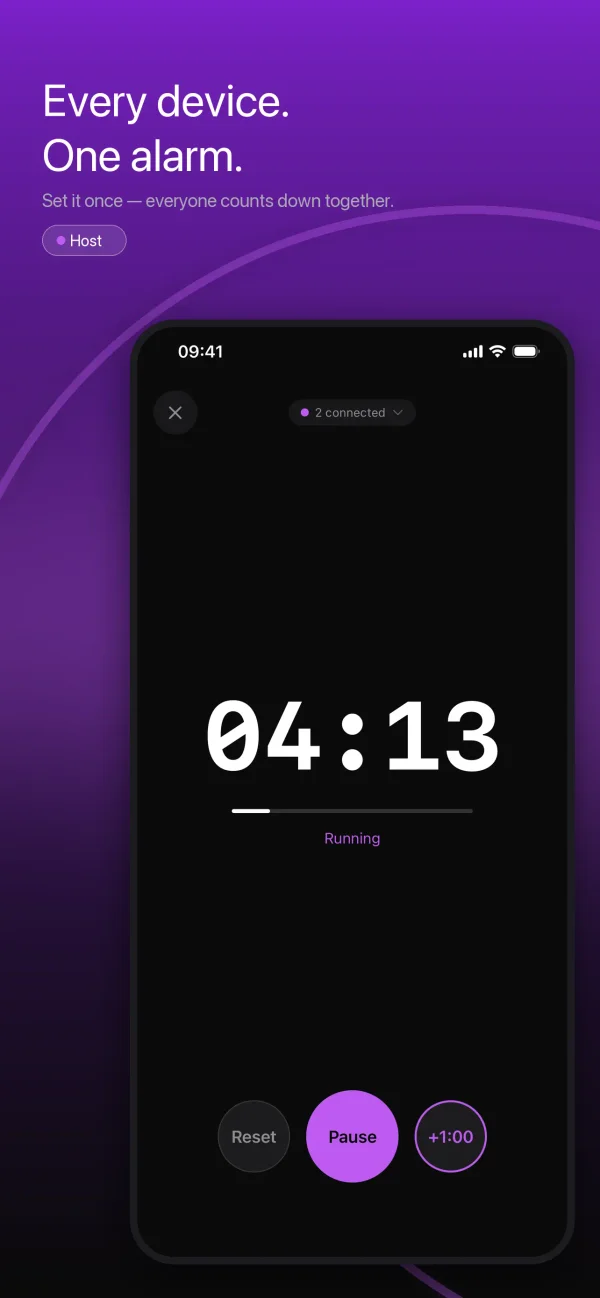
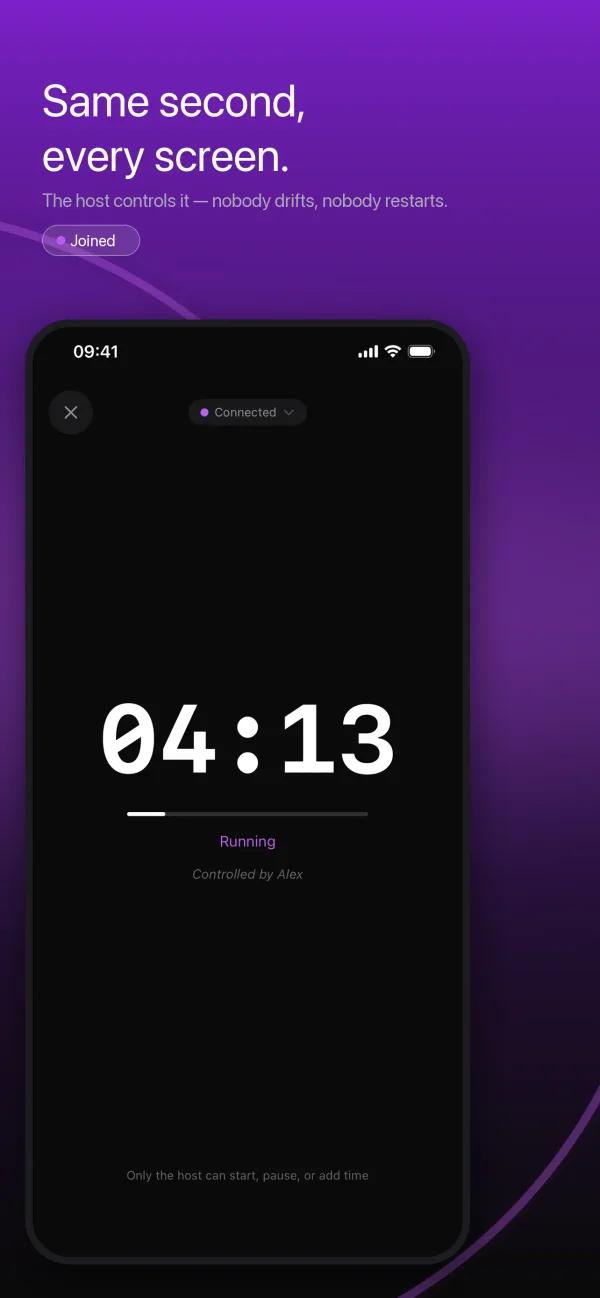
TimerLync keeps a countdown in sync across every device in the room. Set the time once, and every phone, iPad, and Apple Watch shows the same remaining seconds — then alarms at the same instant.
WHY IT STAYS IN SYNC
Devices agree on a single end time using network time, then count down locally. Even if Wi-Fi drops or a device goes to sleep, the alarm still fires on schedule — it's scheduled ahead of time, not pushed at the last second.
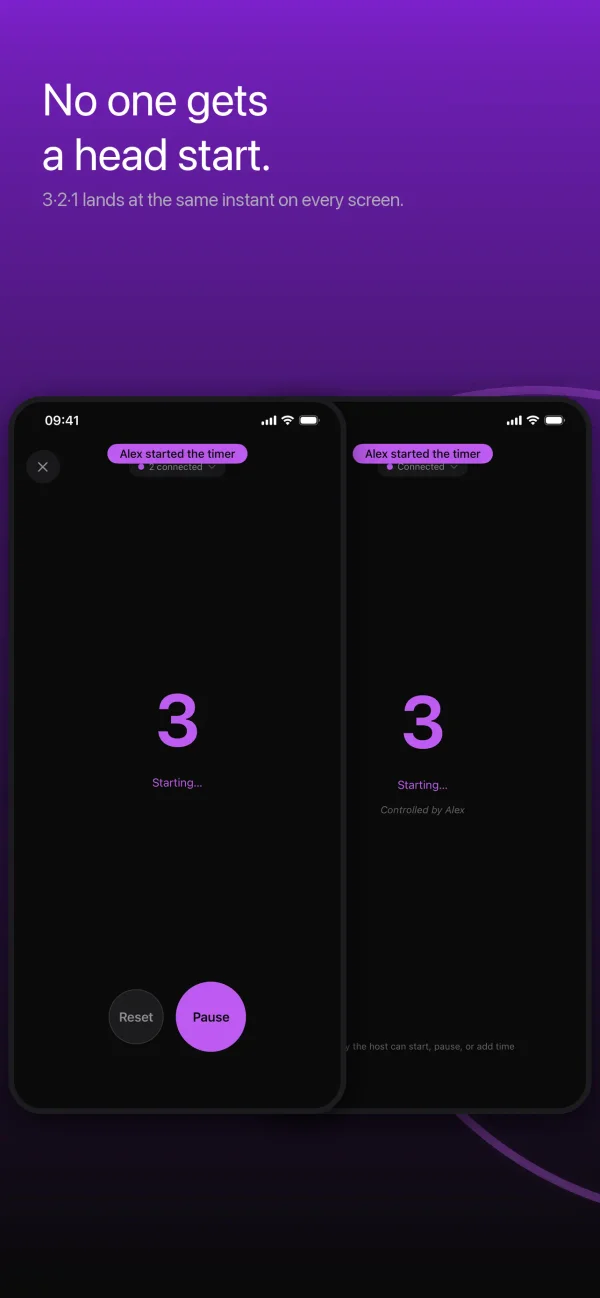
FAIR STARTS
A 3·2·1 lead-in lands at the same instant on every screen, so whoever taps Start doesn't get a head start.
BUILT FOR GROUPS
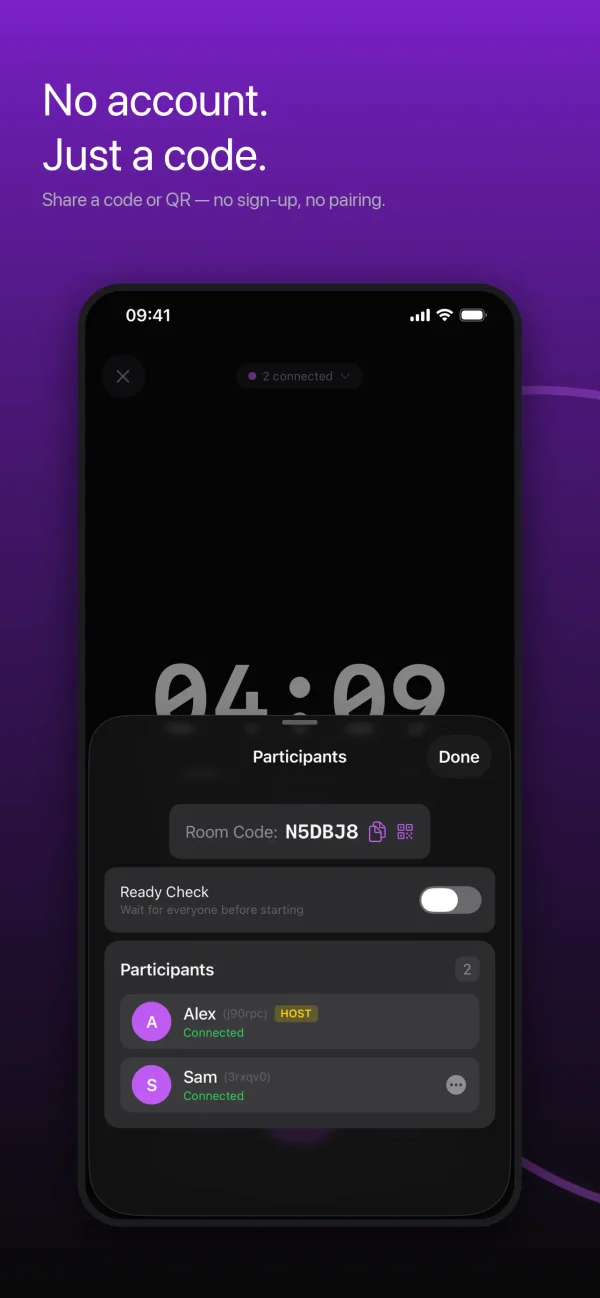
• Create a room, share a code or QR — no account, no sign-in
• The host starts; pause, +0:30, +1:00 and reset can be opened to everyone
• Co-hosts and host hand-off when you need to step away
• Ready check: wait until everyone confirms before starting
• Works nearby over Bluetooth/Wi-Fi, or across networks when you're apart
FOR TALKS AND EVENTS
• Stage View: a full-screen, big-digit display for the podium
• Host messages: send "Please wrap up" to every screen in the room
• When it ends: hold at 00:00, count the overtime, flash, or show the clock, set once for the whole room
• Strong Alarm: rings even in Silent mode or Focus (iOS 26 or later)
MORE THAN A TIMER
• Sequences: Talk 10 min → Q&A 5 min, switching automatically on every device
• Group Pomodoro: focus and break cycles the whole team shares
• History: look back on what you actually ran
• Live Activity and Dynamic Island — glance without unlocking
• Apple Watch companion with its own alarm, even away from your phone
• Lock Screen widget and Siri: "Start a countdown in TimerLync"
SOLO WORKS TOO
No room needed. Quick Timer is a plain countdown with the same reliable alarm.
TimerLync Pro (one-time in-app purchase) unlocks rooms of up to 8 devices and CSV export of session history. Rooms of 2 devices and joining any room stay available to everyone.
What’s new
Version 1.1.4 · Nov 11, 2026
- Reopening the app now reliably offers to restore the timer you were running
- Sequences and Pomodoro: the first step's time shows correctly before you start, and other devices keep moving to the next step while the host's phone is locked
- Easier invites: the share message carries the room code and an app link, and pasting the whole invitation works
- Change the time without leaving the room, start a New Timer after a finish, and open Pomodoro & Sequences from Home
- Alarm, Apple Watch, and connection reliability improvements
- More accurate session history and CSV export, plus a local time column
- Bug fixes, including missing translations in Settings
App privacy
What JUKI JUNG declares on the App Store about how this app handles data.
-
Data not linked to you
May be collected but is not linked to your identity.
- Identifiers
Privacy practices may vary, for example with the features you use or your age.
Information
- Seller
- JUKI JUNG
- Category
- Utilities
- Version
- 1.1.4
- Updated
- Nov 11, 2026
- Released
- Aug 4, 2026
- Size
- 5.6 MB
- Requires
- iOS 17.0 or later
- Age rating
- 4+
- In-app purchases
- Yes
- Languages
- Japanese, Italian, Spanish, Turkish, German, French, Portuguese, Russian, Simplified Chinese, Traditional Chinese, English, Korean
- Copyright
- © 2026 SETLOG
You might also like
-
 WhoseTurn: Shared TimerShared Timer for Families
-
 連携アラームUtilities
-
 Temaxis: Compass ClockTrue North Heading at a Glance
-
 BatteryTraceiPhone & Watch Battery Tracker
-
 Live Timekeeper|Visual TimerSync Timers Across Devices
-
 AC_thingA thing that controls your AC.
-
 ShareTimerFreeTimer with Sharing Feature
-
 秒合わせ ー その一秒を逃さないUtilities
-
 PiPomo: Floating Timer ScriptPomodoro, Teleprompter, Clock
-
 Chain TimersTimers work in sequence