- Age rating4+
- CategoryUtilities
- DeveloperHideo Nose
- LanguagesJapanese
- Size4.3 MB
Links to the official App Store page
Download.org hosts no file of TimeSpots. The button opens its official App Store page, published by Hideo Nose. Listing last checked on Nov 18, 2026.
Screenshots

About
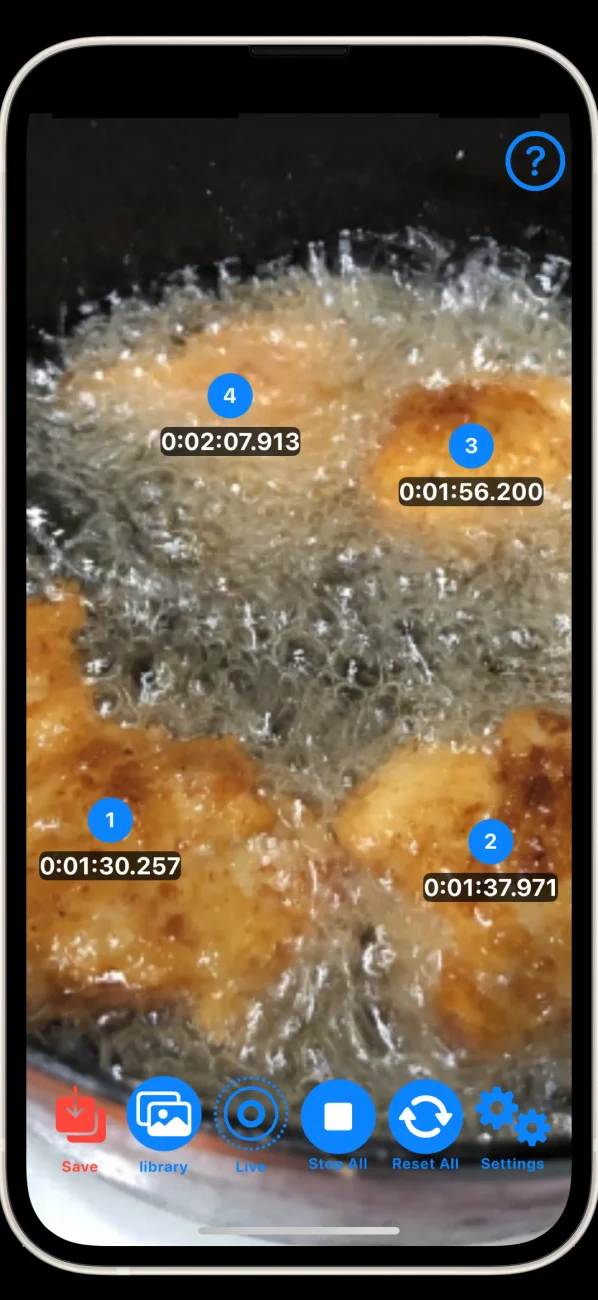
Each double-tap becomes the start of a timer—just tap to pause or resume, and long-press for settings like countdown, alarm, reset, or delete.
Supports stopwatch and countdown modes, alarm notifications, and millisecond display.
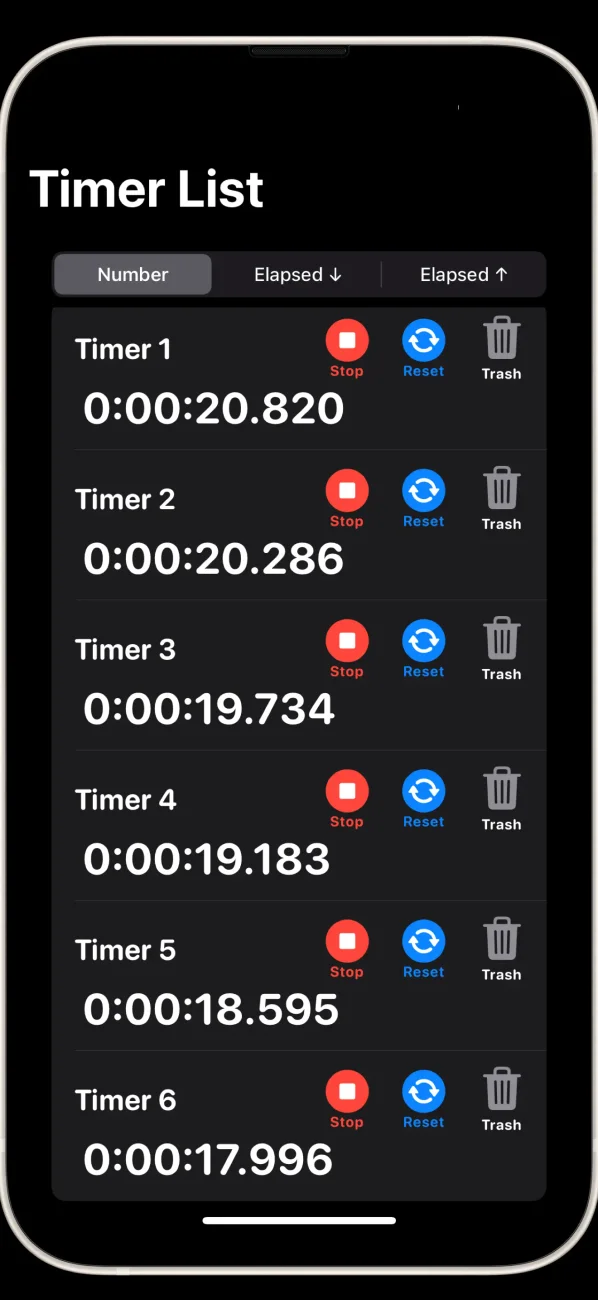
Easily manage timers visually on-screen or through a list view—perfect for cooking, workouts, study sessions, task tracking, and more.
**App Description**
Double-tap anywhere on the screen to place a timer. The timer will start from the time of the tap and display the elapsed time.
Tap a displayed timer to pause it. Tap it again to resume.
Long-press a timer to open the menu. From there, you can configure countdown settings and alarms by selecting "Timer Settings."
You can also reset, delete, or move the timer from the menu.
Swipe left to switch to the timer list view.
To return to the main screen, swipe right.
For details on the buttons displayed at the bottom of the screen, please refer to the help section.
What’s new
Version 1.1 · Apr 9, 2025
Alarm notifications now work in the background
Minor bug fixes and performance improvements
App privacy
What Hideo Nose declares on the App Store about how this app handles data.
-
Data not collected
The developer does not collect any data from this app.
Privacy practices may vary, for example with the features you use or your age.
Information
- Seller
- Hideo Nose
- Category
- Utilities
- Version
- 1.1
- Updated
- Apr 9, 2025
- Released
- Apr 8, 2025
- Size
- 4.3 MB
- Requires
- iOS 17.4 or later
- Age rating
- 4+
- Price
- Free
- Languages
- Japanese
- Copyright
- © 2025 Hideo Nose
You might also like
-
 Multi Timer - SLOXRun multiple timers at once
-
 Multi-Step Interval TimerUtilities
-
 Drawn timersUtilities
-
 ここどこ? - hereWhereUtilities
-
 Multi Timer & Chart: Time AceTime Tracker & Multi Stopwatch
-
 Raid TimerSkill Cooldown & Raid Alerts
-
 MultiTimer: Cooking & FitnessKitchen, Workout & Focus
-
 Multi Timer: Kitchen Timer ProCooking, workout & homework
-
 Simple OneTap TimerUtilities
-
 TimeWhereWhere Did Time Go