Timestamp Camera Date and Time
Stamp Photos: Date & Location
Designed for iPhone
Free · In-app purchases
- Age rating4+
- CategoryPhoto & Video
- DeveloperPawel Chmiel
- LanguagesEnglish
- Size23.6 MB
Links to the official App Store page
Download.org hosts no file of Timestamp Camera Date and Time. The button opens its official App Store page, published by Pawel Chmiel. Listing last checked on Nov 18, 2026.
Screenshots
About
Turn your photos into proof.
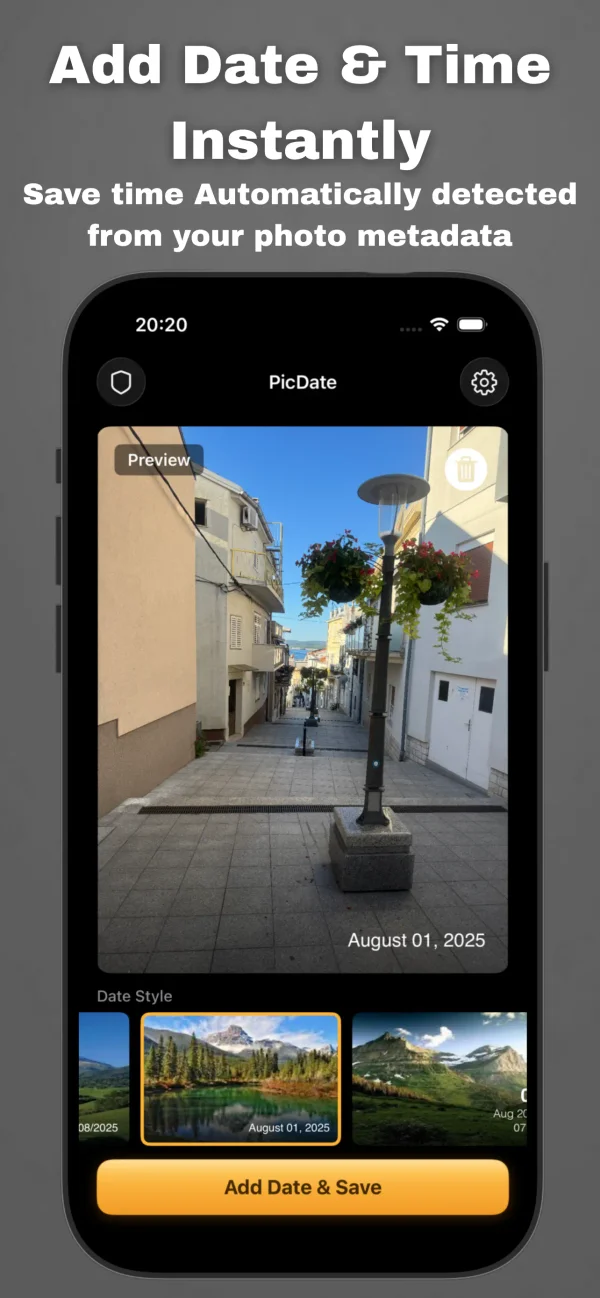
Timestamp lets you add date, time, and location stamps directly onto your photos — permanently rendered on the image, not just metadata.
Perfect for documenting work, deliveries, construction progress, insurance claims, or everyday memories.
KEY FEATURES
Automatic date detection
The app reads the original date from your photo’s EXIF metadata. If it’s missing, you can easily set it manually.
Multiple styles
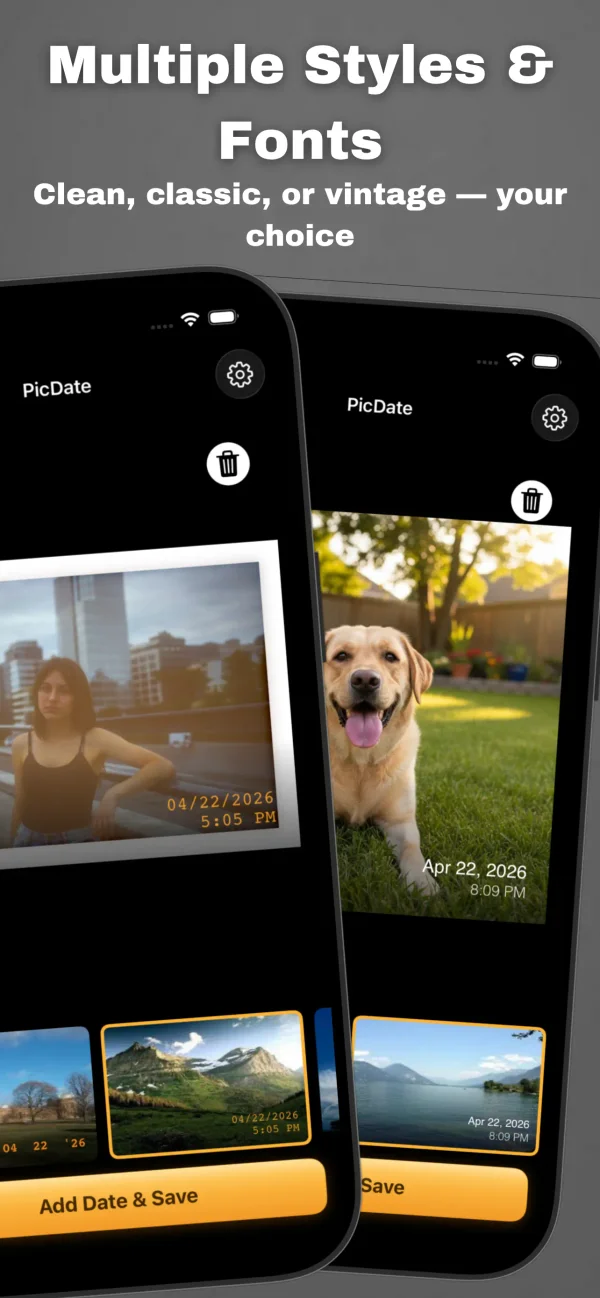
Choose from clean, modern, or classic timestamp styles. Customize how your date and time appear on each photo.
Batch processing (PRO)
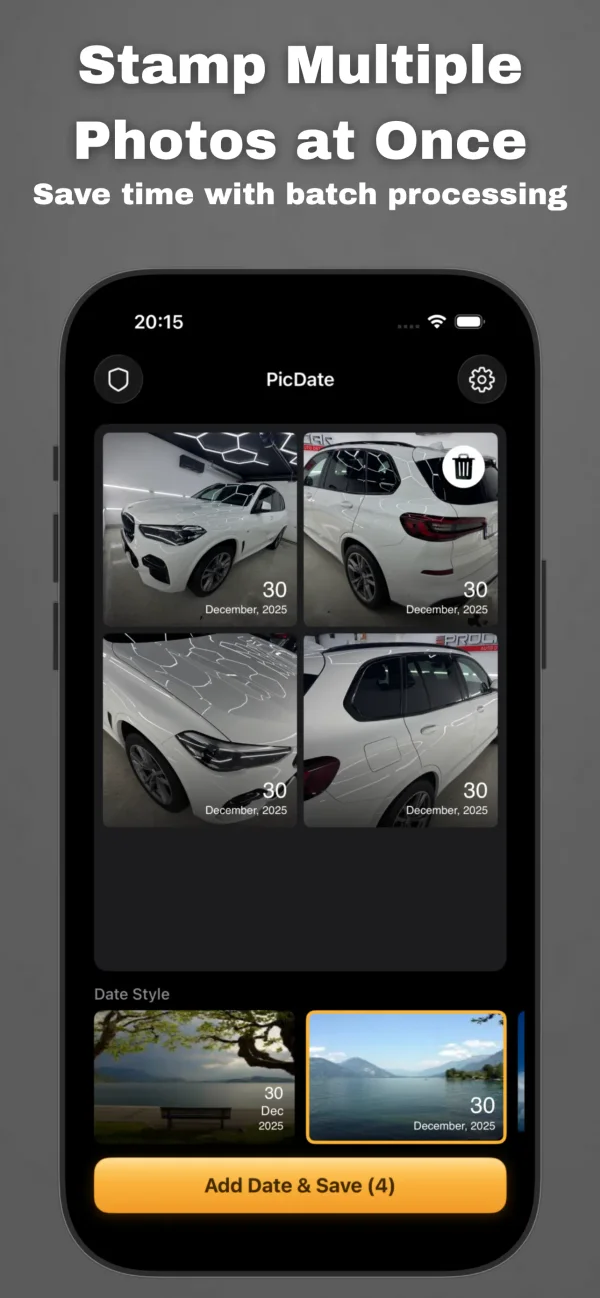
Stamp multiple photos at once with the same style. Save time when working with large sets.
Evidence Mode (PRO)
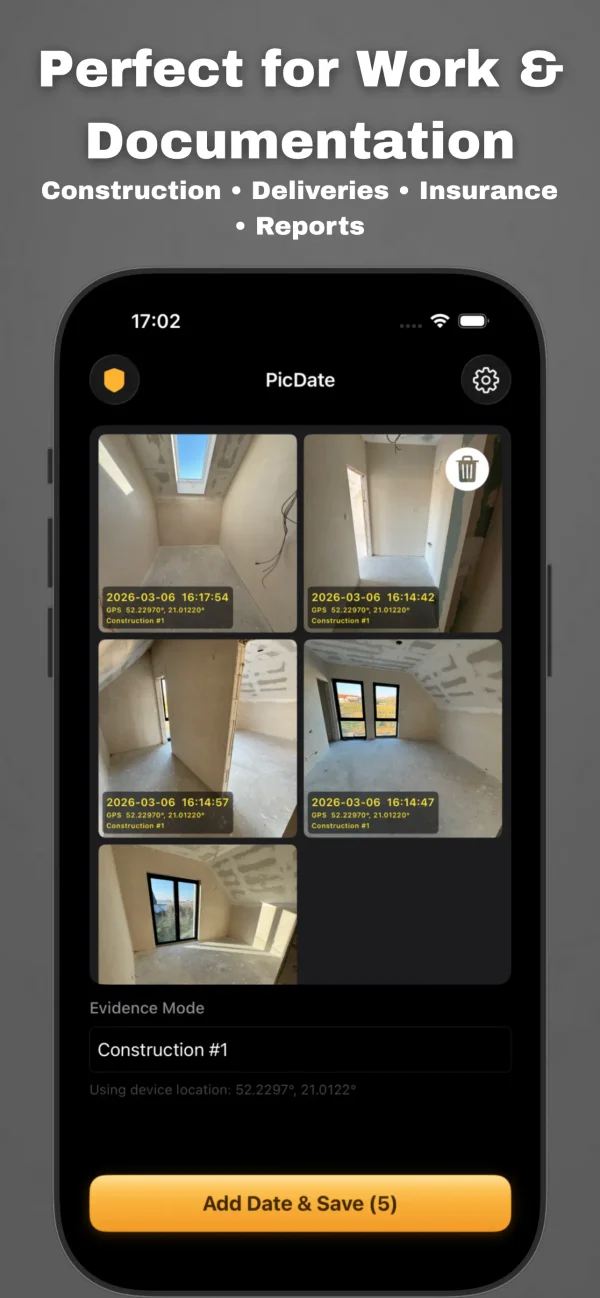
Designed for professional documentation:
• Date and time
• GPS location (from photo or live)
• Optional custom label (e.g. “Job #123”)
• High-contrast layout for clarity
• ISO date format for consistency
Camera integration (PRO)
Take a photo and instantly apply a timestamp with current date, time, and location.
Preserves original data
Your photos keep their original EXIF metadata. A stamped copy is saved to your library.
Works offline
All processing happens on your device. Your photos are never uploaded.
HOW IT WORKS
• Select a photo (or multiple with PRO)
• Choose a style
• Add date & save
PERFECT FOR
• Construction & job site documentation
• Delivery & logistics proof
• Insurance & claims
• Travel & personal memories
Timestamp is simple to use, but powerful when you need reliable, visible photo documentation.
By using this app, you agree to the Apple Terms of Use (EULA):
https://www.apple.com/legal/internet-services/itunes/dev/stdeula/
Privacy policy:
https://sites.google.com/view/picdate-tos
Terms of service:
https://sites.google.com/view/picdate-pp
What’s new
Version 2.0 · Apr 25, 2026
- New Evidence Mode for professional photo documentation
- Add date, time, GPS location, and custom labels
- Batch processing - stamp multiple photos at once
App privacy
What Pawel Chmiel declares on the App Store about how this app handles data.
-
Data not linked to you
May be collected but is not linked to your identity.
- Purchases
- Identifiers
- Usage data
Privacy practices may vary, for example with the features you use or your age.
Information
- Seller
- Pawel Chmiel
- Category
- Photo & Video
- Version
- 2.0
- Updated
- Apr 25, 2026
- Released
- Mar 24, 2026
- Size
- 23.6 MB
- Requires
- iOS 18.6 or later
- Age rating
- 4+
- Price
- Free
- In-app purchases
- Yes
- Languages
- English
- Copyright
- © Pawel Chmiel
You might also like
-
 Timestamp It - Proof CameraTime Stamp Photos & Team Sync
-
 Timestamp photo and videoAdd date/time watermark
-
 DateStamperThe modern photo stamper
-
 Timestamp Camera: Photo DateDiet, Workout & Growth Journal
-
 Timestamp Camera: Photo&VideoGPS Map Camera for Any Moments
-
 Timestamp Camera: Photo GPSStamp Geo Map, Date Notes Logo
-
 Timestamp Camera -AI TimestampTime Stamp Camera: Date & GPS
-
 Timestamp Camera - Time & GPSStamp Geo Map, Date Notes Logo
-
 Timestamp Camera - GPS & TimeDate, Time Stamp & Photo Stamp
-
 Timemark: Photo Proof for WorkGPS, Date & Time Stamp Photos