Timestamp Camera: Timevera
Date & Time Stamp on Photos
Designed for iPhone
In-app purchases
- Age rating4+
- CategoryPhoto & Video
- DeveloperHyeon mo Gu
- LanguagesKorean+ 5 more
- Size78.0 MB
Links to the official App Store page
Download.org hosts no file of Timestamp Camera: Timevera. The button opens its official App Store page, published by Hyeon mo Gu. Listing last checked on Nov 13, 2026.
Screenshots

About
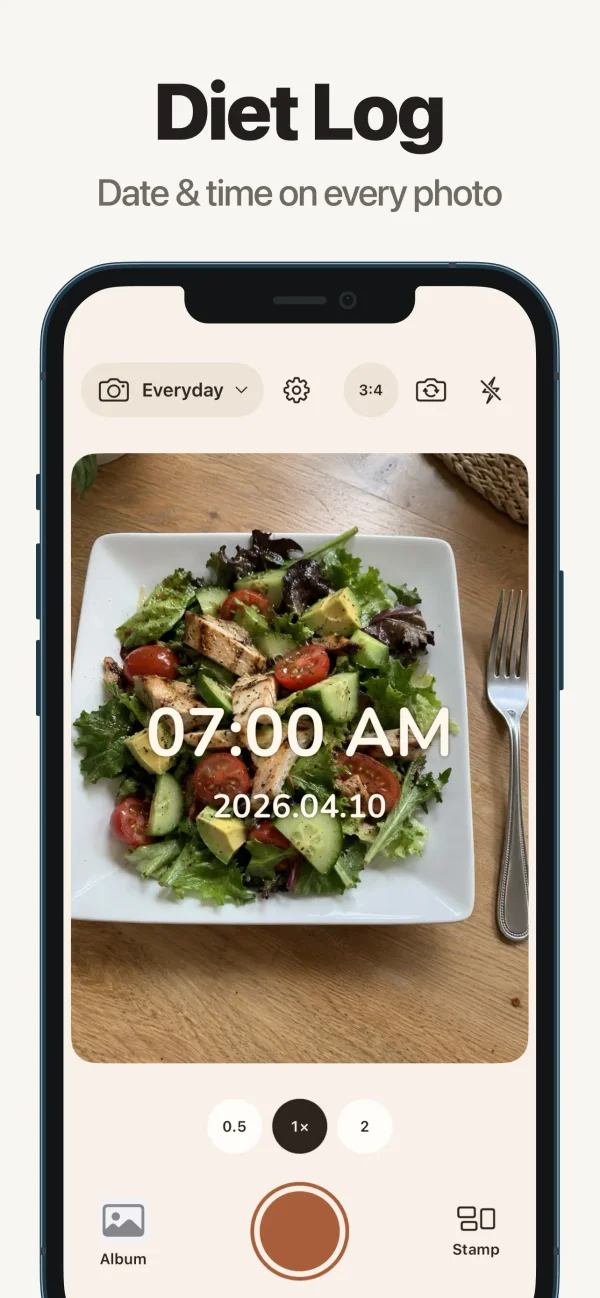
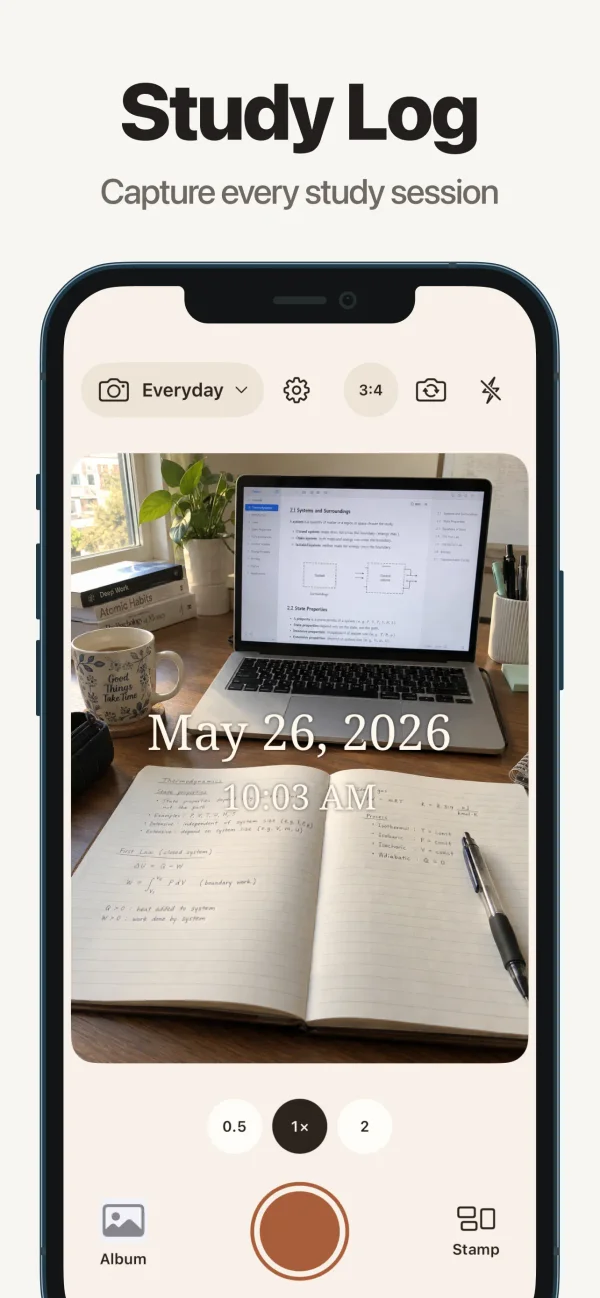
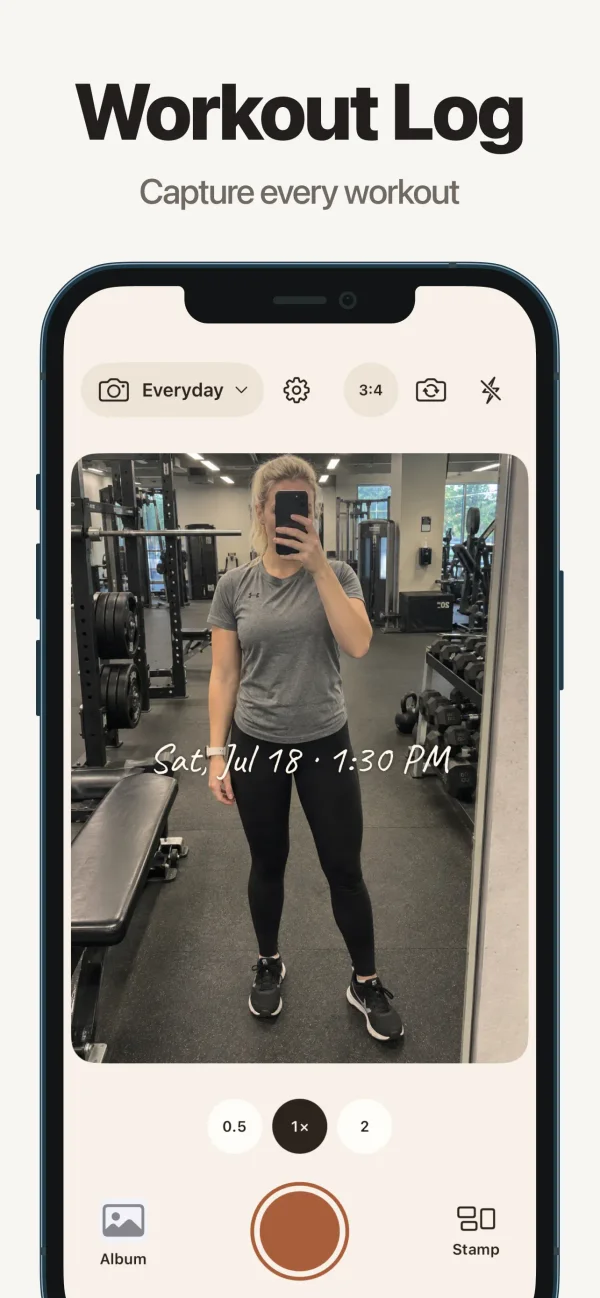
Timevera is a timestamp camera that adds the date and time as you take a photo. Keep a photo record of meals, workouts, study sessions, and everyday life.
Photos save automatically to your photo library. Keep taking pictures without a save confirmation screen.
Choose a stamp style, font, size, and position, then preview it before shooting. Each topic keeps its own stamp settings.
New photos are automatically grouped under your selected topic. Browse your albums and select multiple photos to share or export.
Basic shooting and topic albums are free. Free photos include a small Timevera watermark. A one-time Timevera Premium purchase removes the watermark from new photos and unlocks additional stamp styles, date formats, seconds display, and calendar browsing.
App privacy
What Hyeon mo Gu declares on the App Store about how this app handles data.
-
Data not collected
The developer does not collect any data from this app.
Privacy practices may vary, for example with the features you use or your age.
Information
- Seller
- Hyeon mo Gu
- Category
- Photo & Video
- Version
- 1.0.0
- Updated
- Sep 15, 2026
- Released
- Sep 15, 2026
- Size
- 78.0 MB
- Requires
- iOS 17.0 or later
- Age rating
- 4+
- In-app purchases
- Yes
- Languages
- Korean, German, English, Japanese, Simplified Chinese, Traditional Chinese
- Copyright
- © 2026 Ninemomo
You might also like
-
 GeoStamp: Timestamp CameraTime & Location Photo Stamps
-
 Snap Stamp - Timestamp CameraGPX Running & Photo Watermarks
-
 Nowshot - Timestamp CameraStamped the moment you shoot
-
 匿答水印相机Photo & Video
-
 Neat: Organize Your PhotosDupes, screenshots, big videos
-
 GPS Timestamp Camera: GeoplateTime Stamp Photos & Date Map
-
 Timestamp Camera: StamporaGPS, Date & Location on Photos
-
 Live TimeStamp CameraDate & time stamp video proof
-
 Nowstamp: Date Stamp CameraTimestamp your photos. No ads.
-
 Pixel Camera (0.004MP)Pixel Art Camera