Timetable - My Schedule
Easy and clear class planner
Designed for iPhone, iPad
Free · In-app purchases
- Age rating4+
- CategoryEducation
- DeveloperMITSUKO MARGOT KUBOTA ONO
- LanguagesEnglish+ 13 more
- Size6.0 MB
Links to the official App Store page
Download.org hosts no file of Timetable - My Schedule. The button opens its official App Store page, published by MITSUKO MARGOT KUBOTA ONO. Listing last checked on Nov 23, 2026.
Screenshots
About
A simple and easy-to-use timetable app.
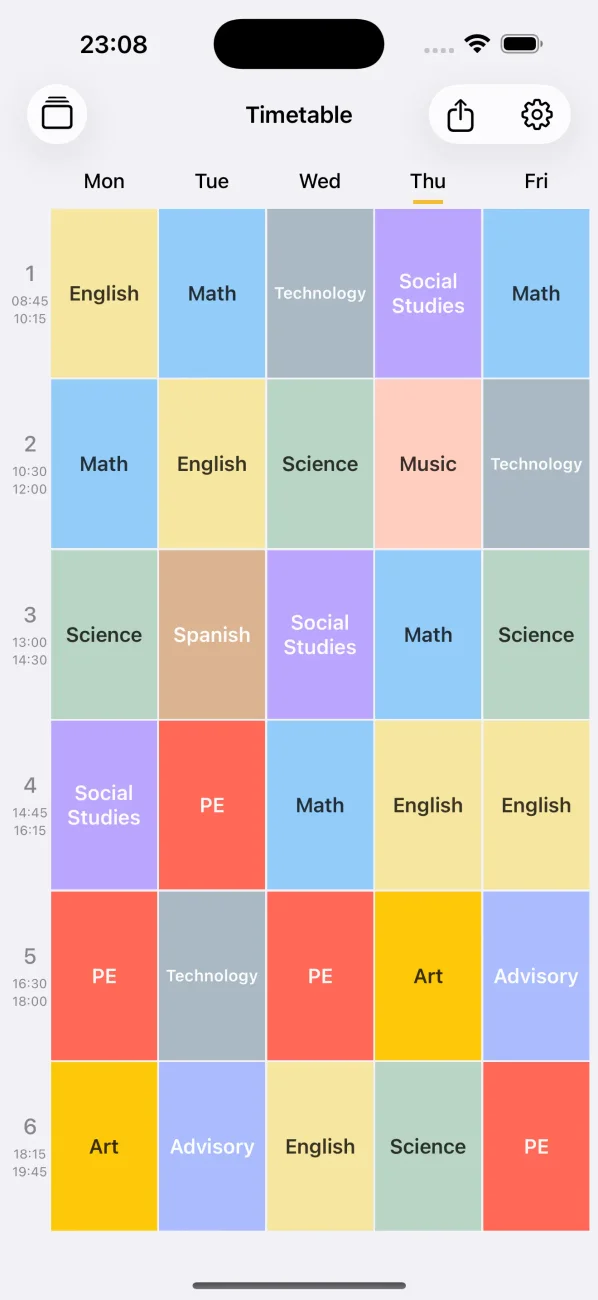
Just set a timetable name, weekdays, number of periods, starting period number, and class times to quickly create a clear and easy-to-read timetable.
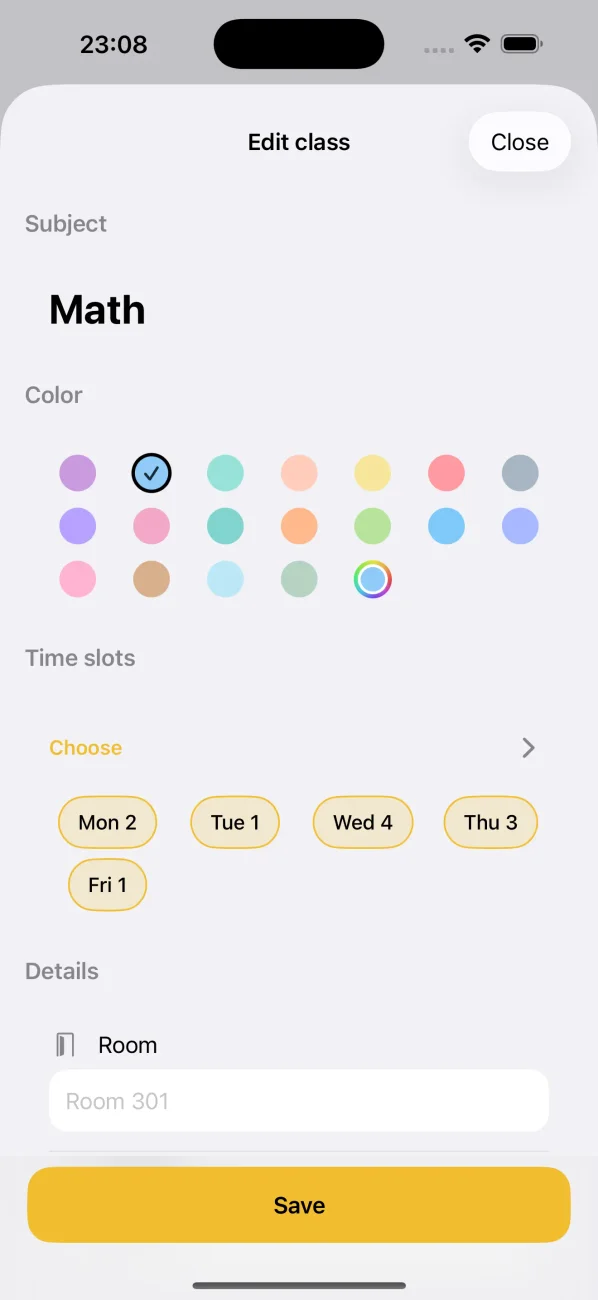
You can register a subject name, color, classroom, teacher, and notes for each class slot, making it useful for managing school, cram school, or your own personal schedule.
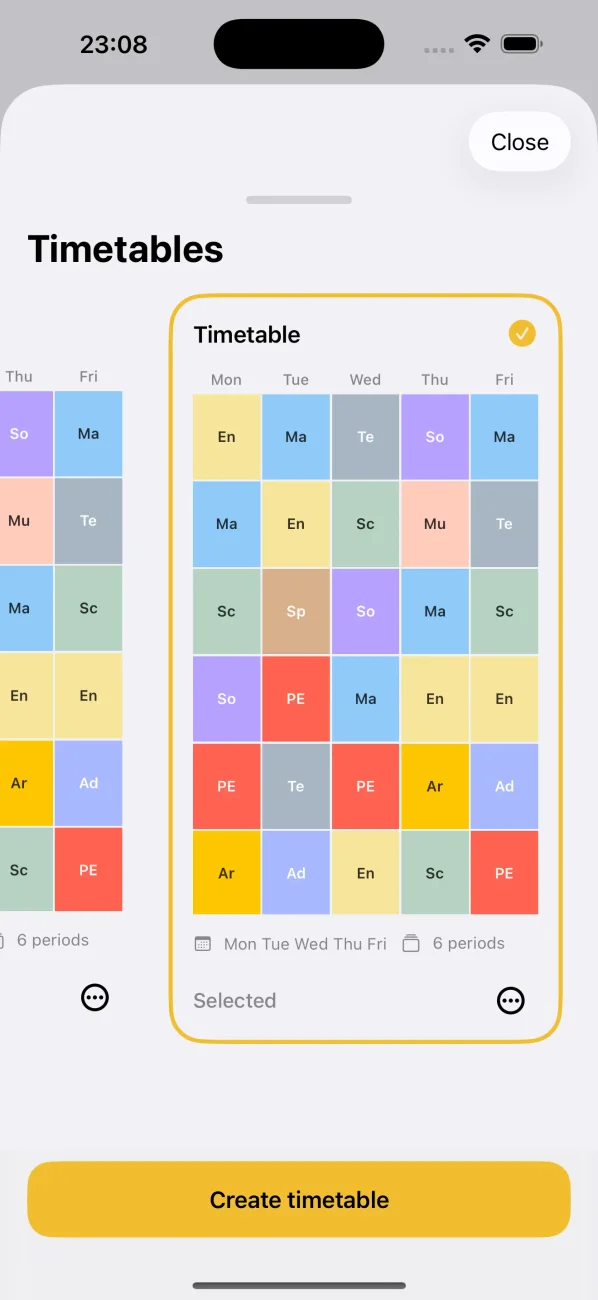
Created timetables can be managed in a list, and you can also switch, edit, and duplicate them.
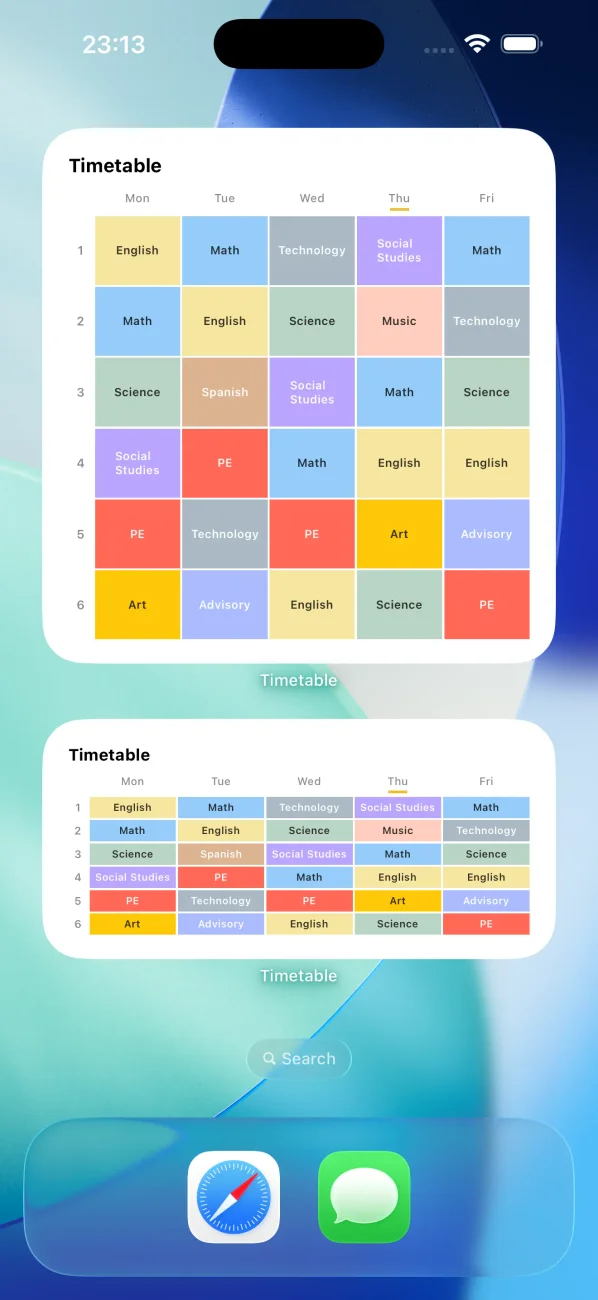
It also supports widgets, so you can check your timetable right from your Home Screen.
● Main Features
[Create timetables easily]
・Set a timetable name
・Choose weekdays and create a timetable that fits your schedule
・Set the number of periods
・Set the starting period number (supports timetables starting from period 0)
・Turn class time display on or off
・Register start and end times for each period
[Add details for each class]
・Add subject names
・Set colors
・Register classrooms
・Register teacher names
・Save notes
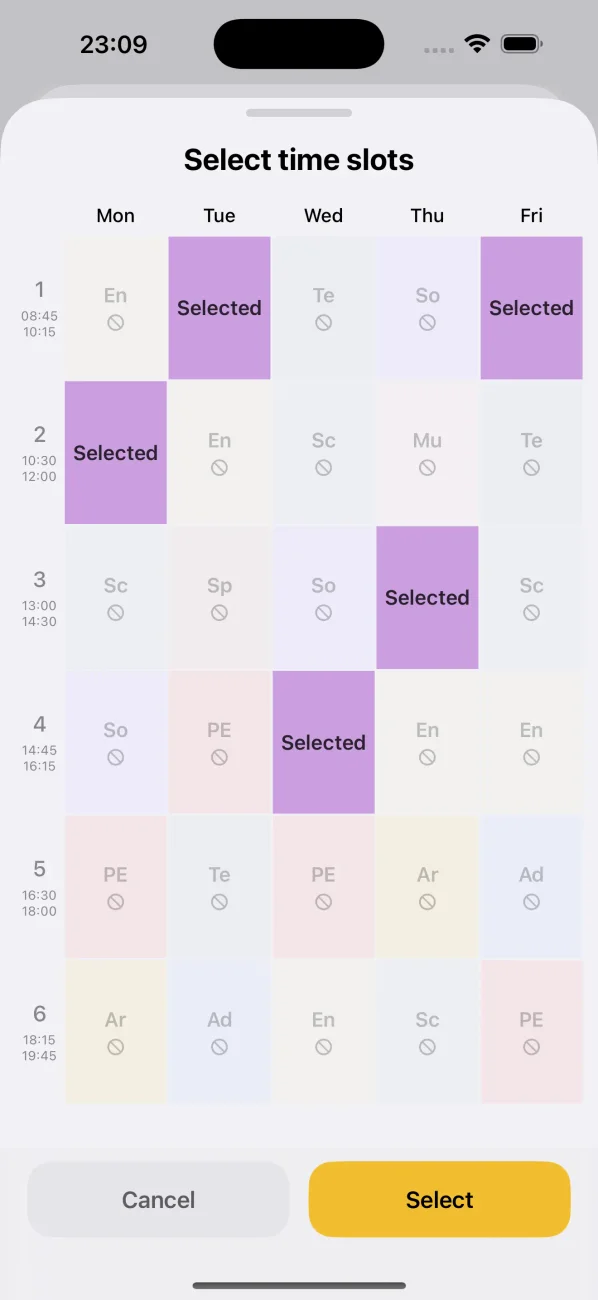
・Assign classes by time slot (for example, Monday 1st period or Tuesday 2nd period)
[Clear and organized timetable display]
・Simple and easy-to-read layout
・Class colors make each subject easy to distinguish
・Supports showing or hiding classroom names and teacher names
・Works with timetables that have many periods
[Manage multiple timetables]
・View all created timetables in a list
・Switch between timetables easily
・Edit timetables anytime
・Duplicate timetables for a new semester or different schedule patterns
・Delete timetables when needed
[Widget support]
・Display your selected timetable in a widget
・Check it instantly from your Home Screen
・Open the app from the widget and view the corresponding timetable
[Easy sharing]
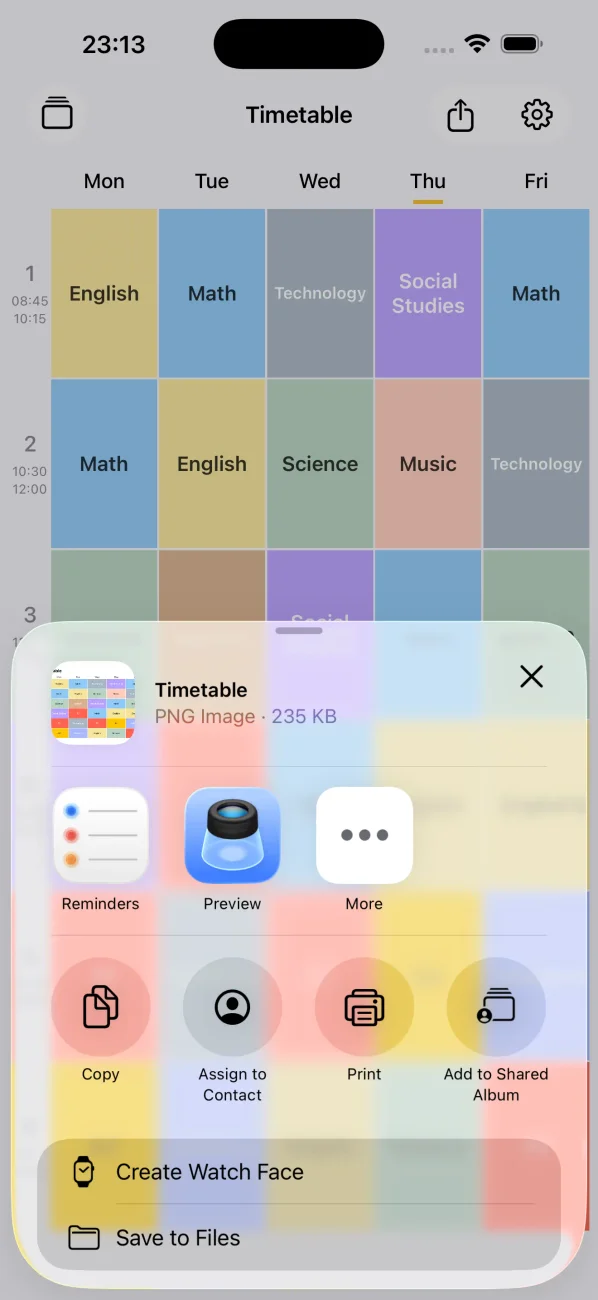
・Share your timetable as an image
・Send your saved timetable as it is
[No login or registration required]
・Start using it right away without creating an account
Useful not only for managing school classes, but also for cram school, lessons, or your own personal schedule.
A simple, clear, and easy-to-use timetable app for everyday use.
What’s new
Version 1.4.0 · Aug 19, 2026
Added a one-time purchase option to remove ads.
You can purchase it or restore your purchase from Settings.
App privacy
What MITSUKO MARGOT KUBOTA ONO declares on the App Store about how this app handles data.
-
Data used to track you
May be used to track you across apps and websites owned by other companies.
- Location
- Identifiers
- Usage data
- Diagnostics
-
Data not linked to you
May be collected but is not linked to your identity.
- Location
- Identifiers
- Usage data
- Diagnostics
Privacy practices may vary, for example with the features you use or your age.
Information
- Seller
- MITSUKO MARGOT KUBOTA ONO
- Category
- Education
- Version
- 1.4.0
- Updated
- Aug 19, 2026
- Released
- Mar 27, 2026
- Size
- 6.0 MB
- Requires
- iOS 17.6 or later
- Age rating
- 4+
- Price
- Free
- In-app purchases
- Yes
- Languages
- English, French, Hindi, Indonesian, Japanese, Korean, Malay, Portuguese, Simplified Chinese, Spanish, Thai, Traditional Chinese + 2 more
- Copyright
- © MITSUKO ONO
You might also like
-
 Timetable: Class ScheduleSchool Planner & Weekly View
-
 Class Timetable MakerWeekly planner for everyone
-
 Class Schedule & PlannerTimetable & assignments
-
 Class Time Table - MyClassTimeRecord Attendance + Widget
-
 Timetable ( Spread )Education
-
 Class Timetable PlannerPlan your week in seconds
-
 Student TimetableSchool & Uni Class Schedule
-
 Simple Timetable・Simple & CoolEducation
-
 Pro School Class Schedulepersonalized school schedule
-
 Study Manager: Student PlannerTimetable, courses & tasks