To-Do List: AI Task Planner
Reminders, Widget & Calendar
Designed for iPhone, iPad, Mac
Free · In-app purchases
- Age rating4+
- CategoryProductivity
- DeveloperERTECH YAZILIM VE BILGI TEKNOLOJILERI LIMITED SIRKETI
- LanguagesEnglish+ 18 more
- Size148.2 MB
Links to the official App Store page
Download.org hosts no file of To-Do List: AI Task Planner. The button opens its official App Store page, published by ERTECH YAZILIM VE BILGI TEKNOLOJILERI LIMITED SIRKETI. Listing last checked on Nov 28, 2026.
Screenshots


About
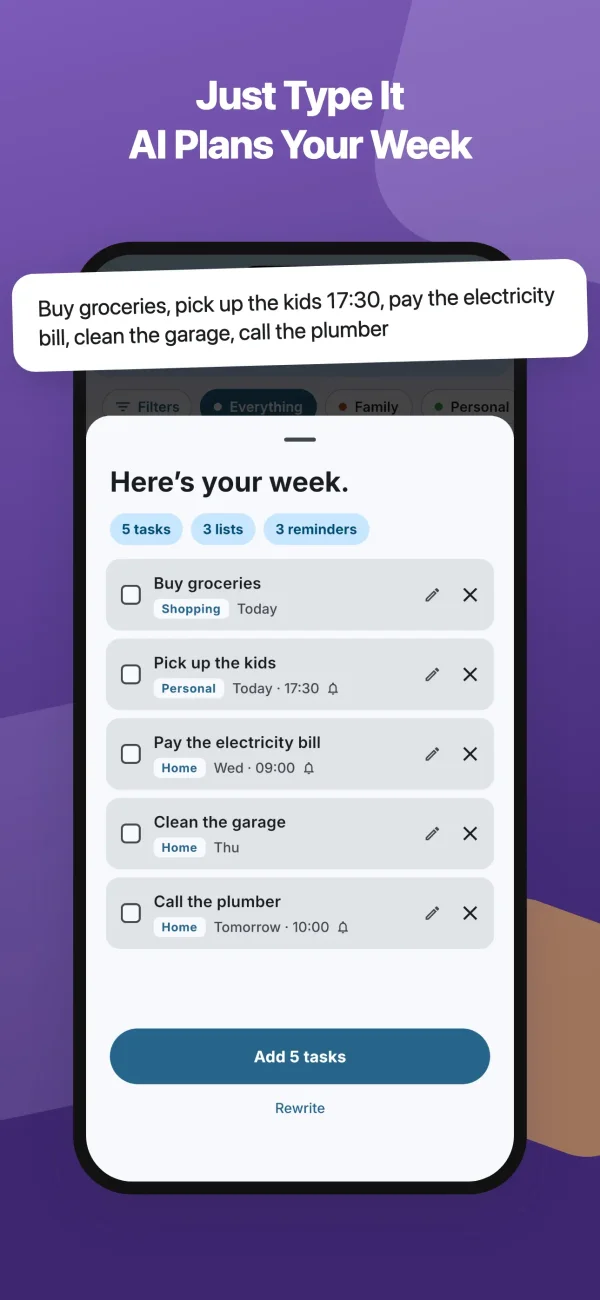
To-Do List: AI Task Planner turns what you type into a plan. Write "dentist Thursday 3pm, gym Mon Wed Fri 7am, buy milk" in your own language and the AI creates the tasks, dates, reminders and lists for you. No forms, no menus.
PLAN YOUR DAY
• Home groups your tasks into Overdue, Today, This week and Later
• Tasks without a date wait in their own section until you're ready
• Labels like @phone or @errands and smart filters such as "Work, urgent, this week"
• Priority flags, sub-tasks, notes, photos and voice memos
• Templates for shopping lists, workouts, projects and meetings
REMINDERS THAT ACTUALLY RING
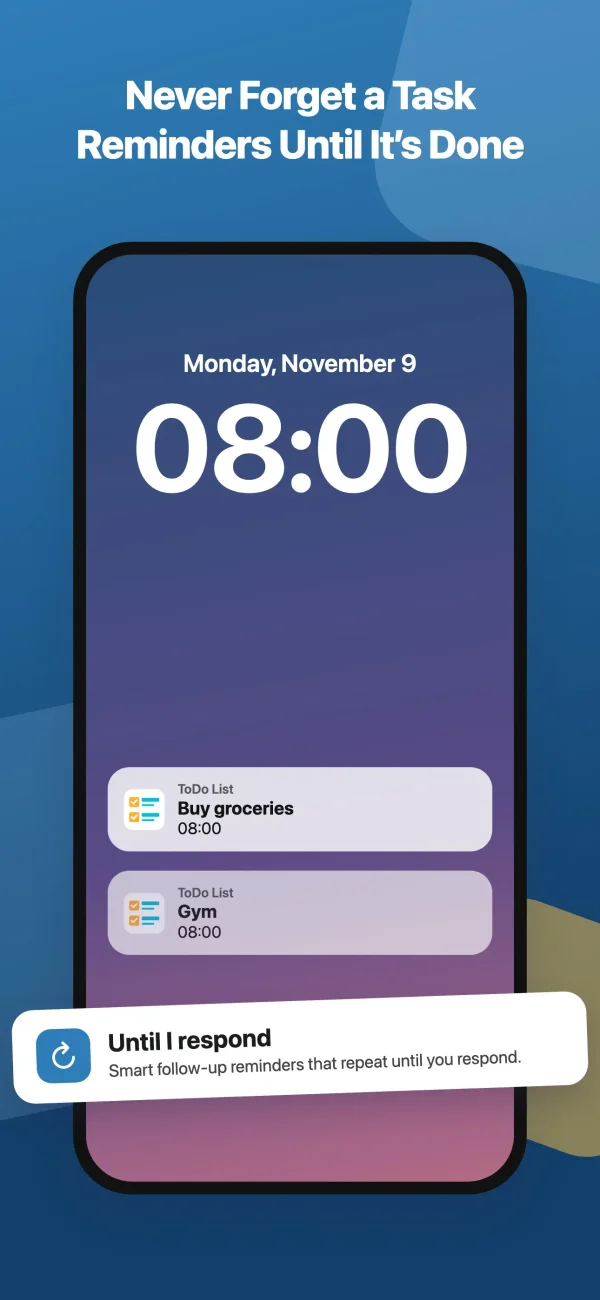
• Alarm-style reminders that repeat until you mark the task done
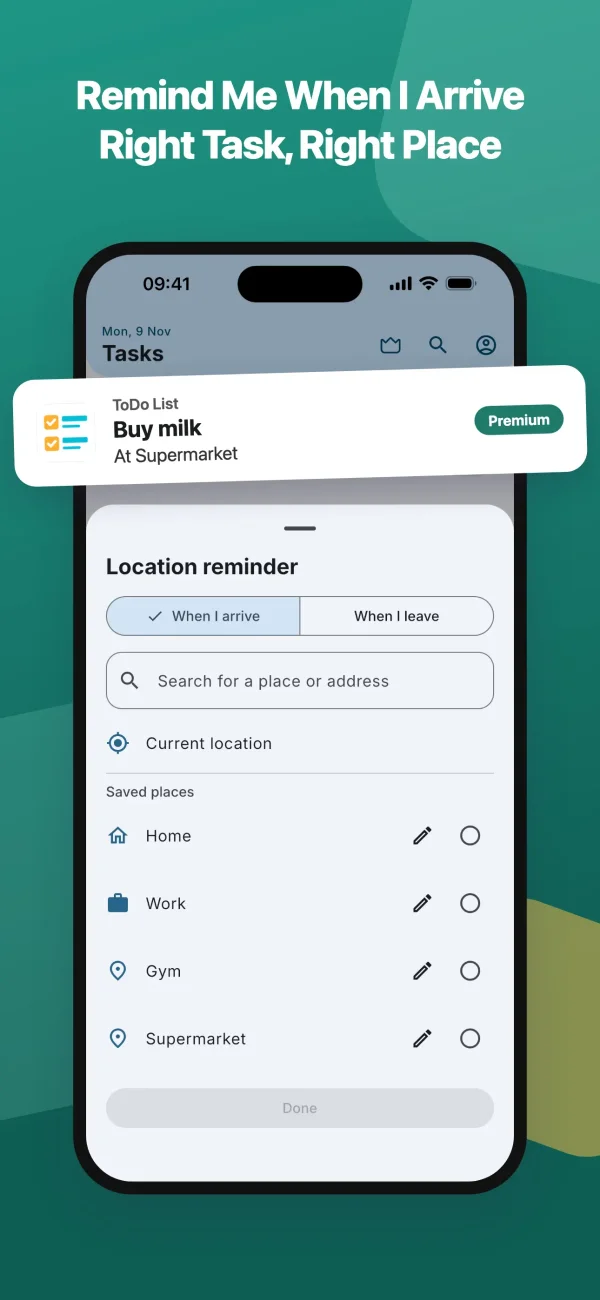
• Location reminders: get reminded when you arrive at or leave a place (Premium)
• Flexible repeats: daily, weekdays, monthly, every few hours
SHARE LISTS WITH ANYONE
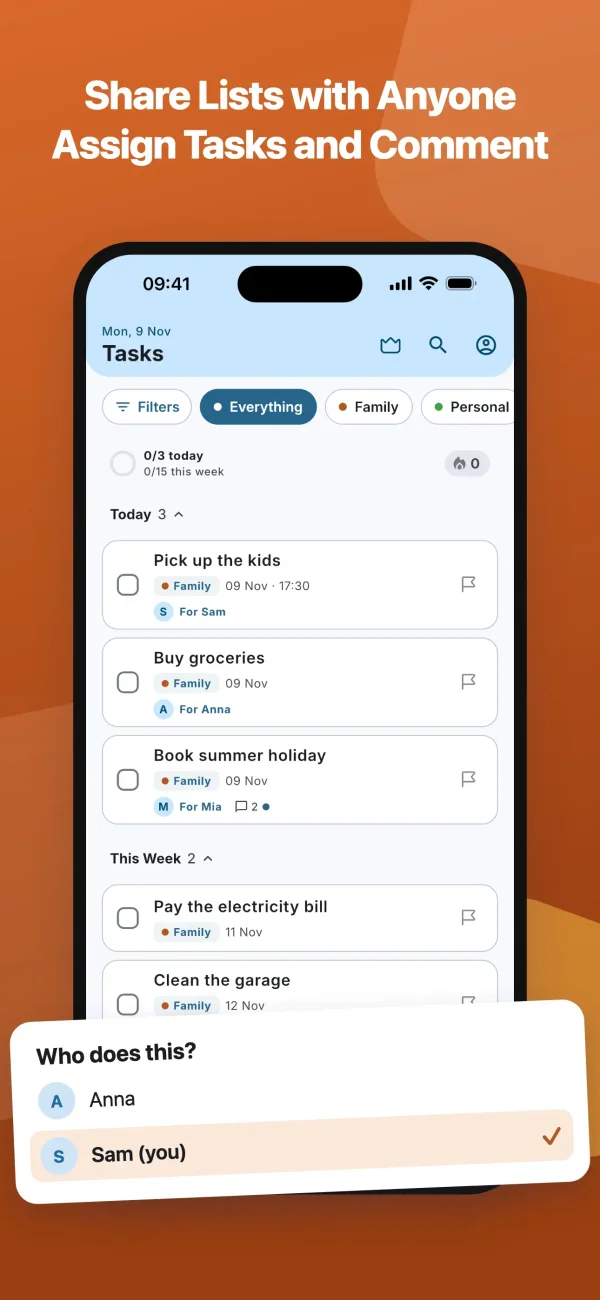
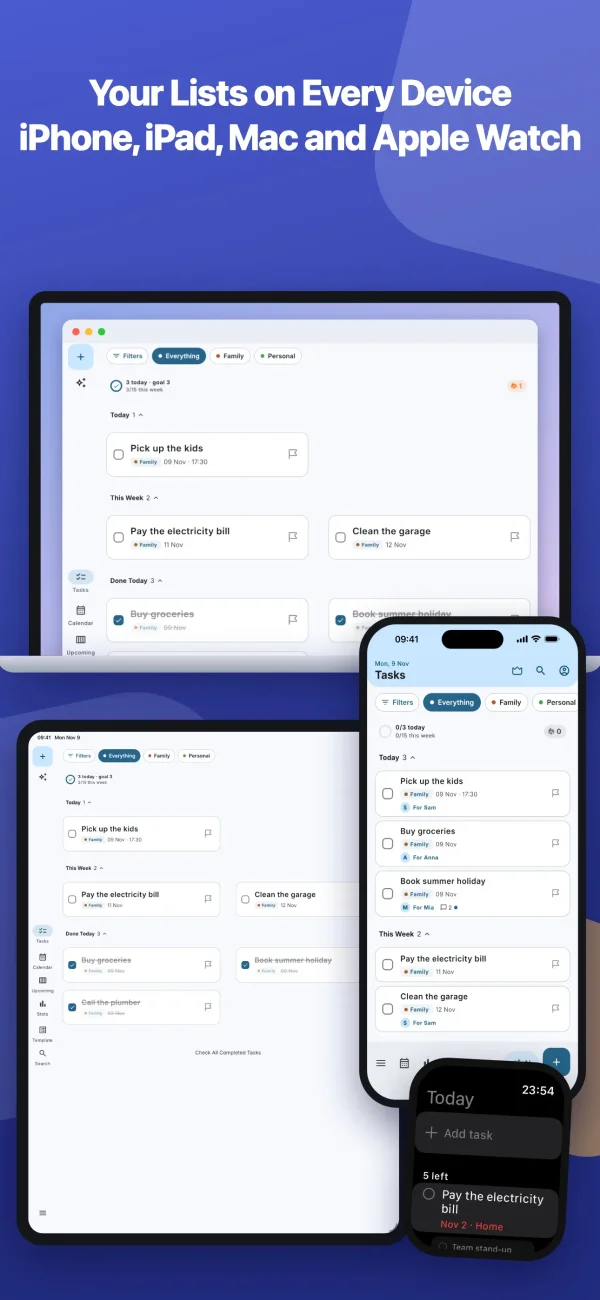
• Shared lists with family and friends, with assignments and comments
• Family, roommates, partners or your team, all free
ADD TASKS FROM ANYWHERE
• Home screen and lock screen widgets
• Apple Watch app: see today's tasks, tick them off, dictate new ones and finish or snooze reminders from your wrist
• Quick add from the share sheet, Siri and Shortcuts
• Your tasks in your phone calendar: Google, iCloud or any calendar app (Premium)
NEVER LOSE A TASK
• Account sync across your devices
• Automatic backup to Google Drive or iCloud
MAKE IT YOURS
• Colorful themes, textures and scenery backgrounds
• Calendar view by day, week or month, with your calendar events next to your tasks
• Productivity stats and progress
To-Do List is free. Premium adds location reminders, tasks in your calendar, and unlimited lists and filters.
Terms of Use: https://www.ertechsoftware.com/terms-of-use/
Privacy Policy: https://www.ertechsoftware.com/privacy-policy/
What’s new
Version 1.8.0 · Nov 27, 2026
• Picking a date and time now uses the iOS system calendar and wheels.
• On iPhone: a new native bottom bar, with the glass look on iOS 26.
• On iPhone: Premium is now an icon next to search, and the menu is simpler.
• Bug fixes and improvements.
App privacy
What ERTECH YAZILIM VE BILGI TEKNOLOJILERI LIMITED SIRKETI declares on the App Store about how this app handles data.
-
Data linked to you
May be collected and linked to your identity.
- Purchases
- Location
- Contact info
- User content
- Identifiers
-
Data not linked to you
May be collected but is not linked to your identity.
- Identifiers
- Usage data
- Diagnostics
Privacy practices may vary, for example with the features you use or your age.
Information
- Seller
- ERTECH YAZILIM VE BILGI TEKNOLOJILERI LIMITED SIRKETI
- Category
- Productivity
- Version
- 1.8.0
- Updated
- Nov 27, 2026
- Released
- Oct 22, 2025
- Size
- 148.2 MB
- Requires
- iOS 16.0 or later
- Age rating
- 4+
- Price
- Free
- In-app purchases
- Yes
- Languages
- English, Arabic, Dutch, Finnish, French, German, Hebrew, Indonesian, Italian, Japanese, Korean, Norwegian Bokmål + 7 more
- Copyright
- © ERTECH SOFTWARE 2025
You might also like
-
 Time Blocking Planner: TaskitoTo-Do List, Calendar & Widget
-
 TaskMind: Daily Planner AgendaTask Manager,To do list,Kanban
-
 To-Do List: Time PlannerDaily Schedule, Task Organizer
-
 Time Blocking for ADHD: AlignDaily Planner, To-Do & Habits
-
 Listta: ToDo & Digital PlannerAgenda, calendar & reminders
-
 ToDo List - Daily Task PlannerSimple Tasks with Lock Widget
-
 Daily Planner: Tasks & AgendaTo Do List: Routine, Reminders
-
 Todo List & Reminder - TodoeryTodo list widget, Tasks remind
-
 To Do List - Reminders & TasksTask Manager with Calendar