
To Do Receipt: Simple List
Offline Minimalist Checklist
Designed for iPhone, iPad, iPod touch
$3.99
- Age rating4+
- CategoryProductivity
- DeveloperArman Armaghanyan
- LanguagesEnglish
- Size37.1 MB
Links to the official App Store page
Download.org hosts no file of To Do Receipt: Simple List. The button opens its official App Store page, published by Arman Armaghanyan. Listing last checked on Nov 17, 2026.
Screenshots

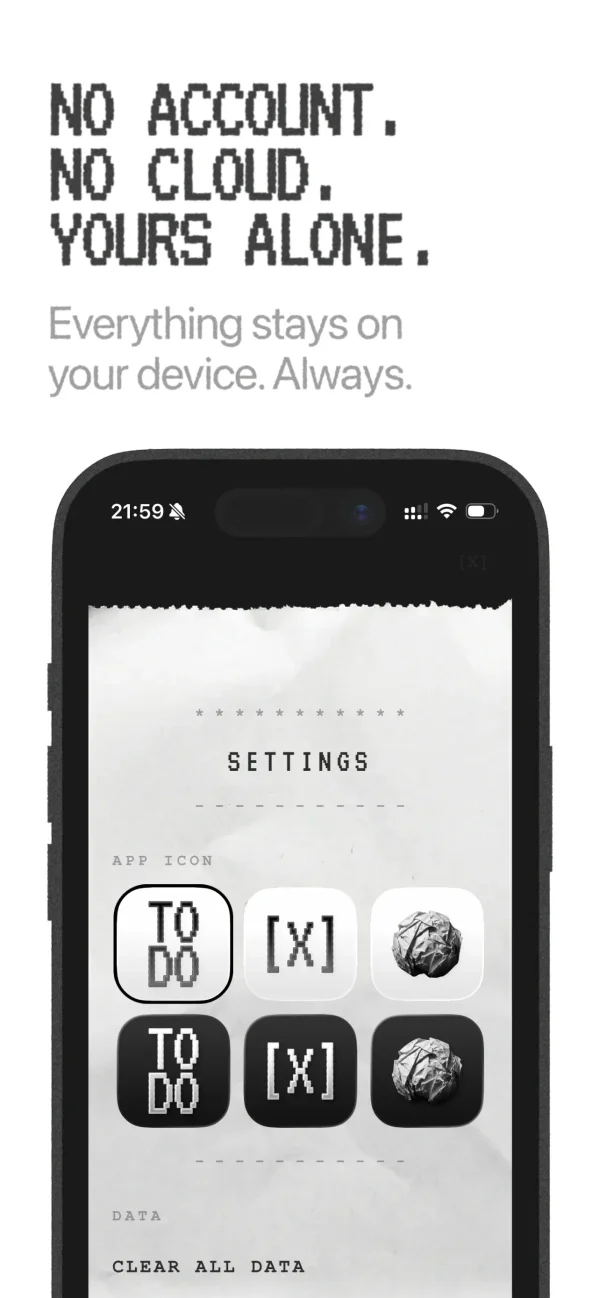
About
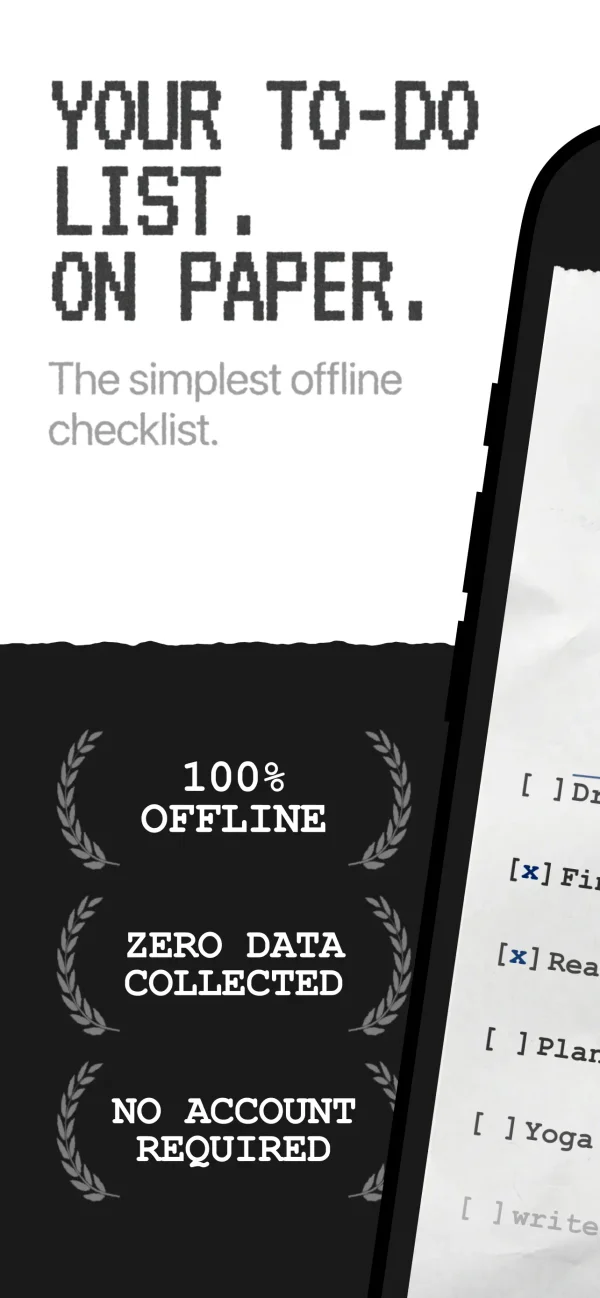
The minimalist to-do list that feels like paper.
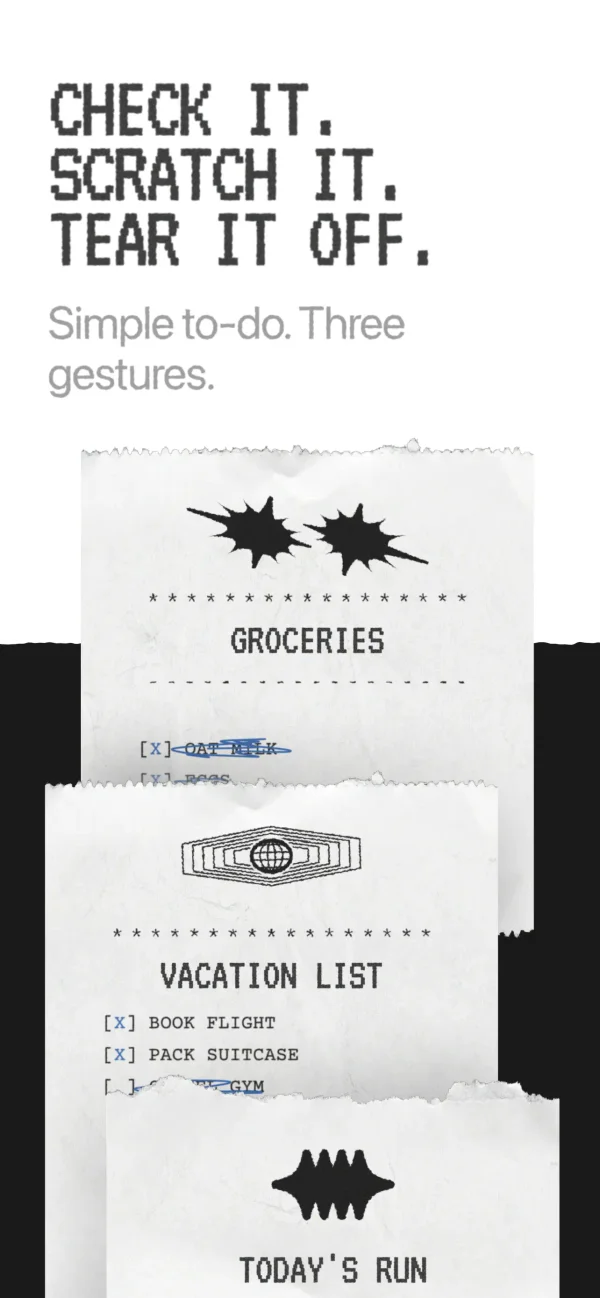
Tap to check. Swipe to scratch. Pinch to tear off when you're done. No account, no cloud, no AI — just you and your backlog, crumpled up at the end of each day.
HOW IT WORKS
- Write your tasks on the receipt
- Tap the checkbox to check items off
- Tap the text to scratch items out
- Pinch to tear off the receipt and start fresh
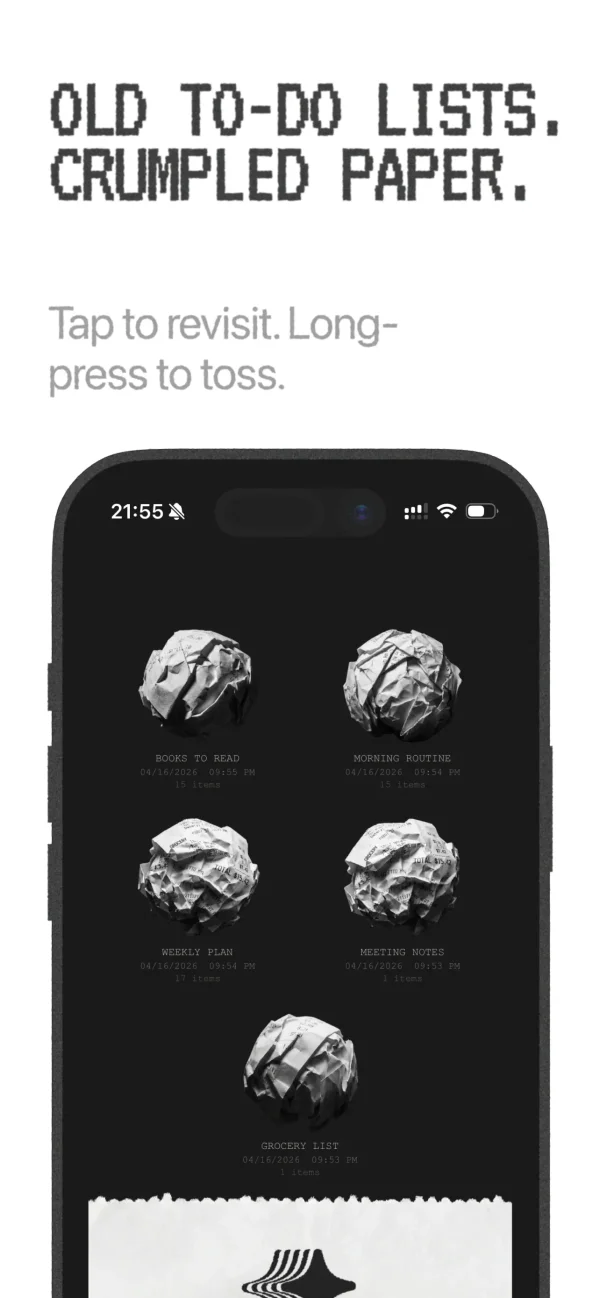
- Your old lists crumple into paper balls you can revisit anytime
DESIGNED TO FEEL REAL
Realistic paper textures, torn edges, and thermal print fonts make every list feel like a real receipt. Five unique store themes give each receipt its own personality — from QUICK MART to CORNER STORE to THE PAPER CO.
SIMPLE BY DESIGN
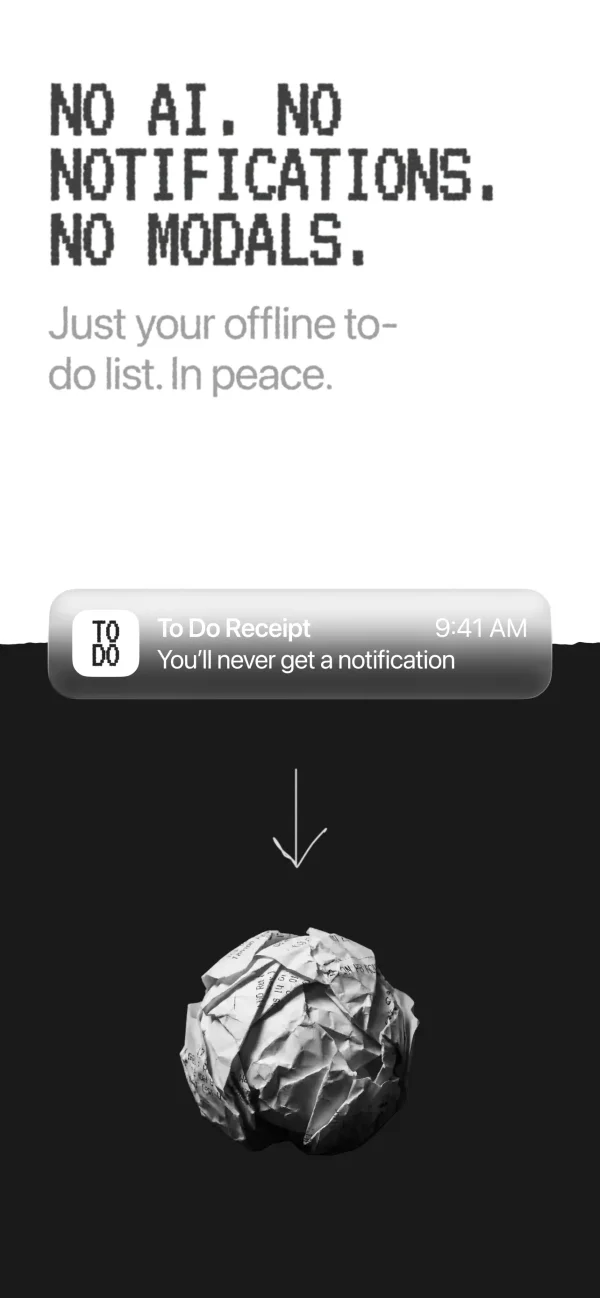
No account. No cloud. No sync. No ads. No AI. No notifications. Everything stays on your device, private and offline. A quiet, paperless to-do list for people who are tired of notification-driven productivity apps.
FEATURES
- Check & scratch — two satisfying ways to mark tasks done
- Tear gesture — pinch to archive and start a new receipt
- Paper ball archive — tap to revisit, long-press to delete
- 5 receipt themes with randomized headers
- 40+ decorative stickers and 12 torn edge variants
- Haptic feedback on every interaction
- 6 customizable app icons
- Home Screen widget (coming soon)
- Pay once. Yours forever. No ads, no subscriptions, no in-app purchases
- Works 100% offline
What’s new
Version 1.1 · May 2, 2026
This update makes the app feel snappier and adds a gesture cheat sheet in Settings so you can rediscover what taps, holds, pinches, and drags do.
• Gesture cheat sheet in Settings
• Faster launches and smoother animations
• More reliable app icon switching
• Smaller install size, lighter on storage
App privacy
What Arman Armaghanyan declares on the App Store about how this app handles data.
-
Data not collected
The developer does not collect any data from this app.
Privacy practices may vary, for example with the features you use or your age.
Information
- Seller
- Arman Armaghanyan
- Category
- Productivity
- Version
- 1.1
- Updated
- May 2, 2026
- Released
- Apr 16, 2026
- Size
- 37.1 MB
- Requires
- iOS 15.1 or later
- Age rating
- 4+
- Price
- $3.99
- Languages
- English
- Copyright
- © 2026 Arman Armaghanyan
You might also like
-
 One Line: Notes That Sort"gym at 7" becomes an event.
-
 Master One - Habit BuilderTrack & Master Your Habits
-
 Rule of 3: To-Do List & FocusFocus Daily Planner & Agenda
-
 MemNote: Context-Aware MemoryCapture notes, improve recall
-
 Remember To PlanProductivity
-
 Daily ReceiptTodo List with Time-Tracking
-
 Calendar Widget !Calendar & Reminders Widget
-
 Cue: Lock Screen Todo, MemoPlans to notes, always in view
-
 Todo CLI: To Do ListThe dead simple todo list
-
 Capio: Work Log & PlannerPrivate Standup, Focus Journal