
TockLog: Focus & Time Tracker
AI Work Log & Productivity
Designed for iPhone, iPad, iPod touch
In-app purchases
- Age rating4+
- CategoryProductivity
- DeveloperPavan Naik
- LanguagesEnglish
- Size53.7 MB
Links to the official App Store page
Download.org hosts no file of TockLog: Focus & Time Tracker. The button opens its official App Store page, published by Pavan Naik. Listing last checked on Nov 12, 2026.
Screenshots

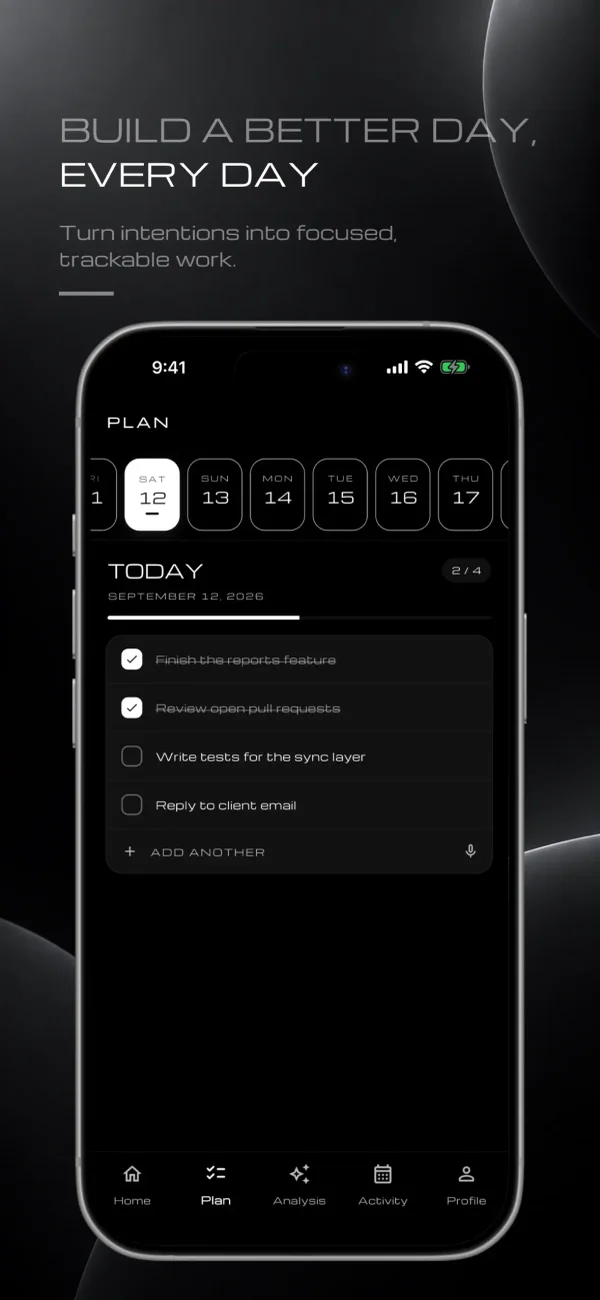
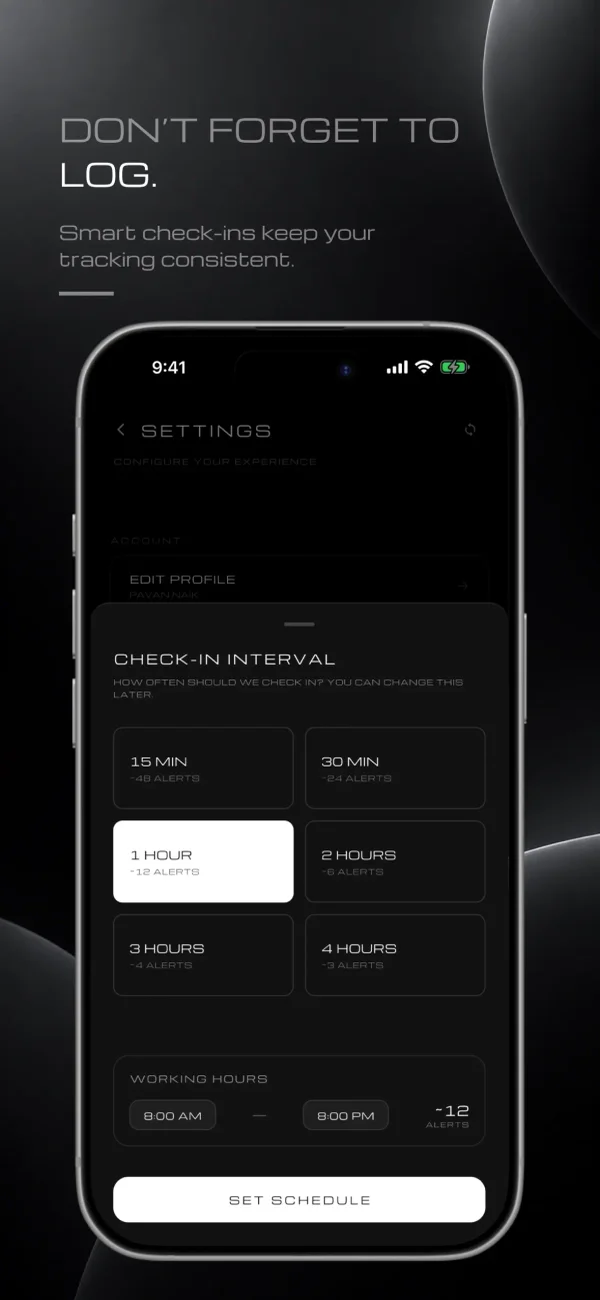
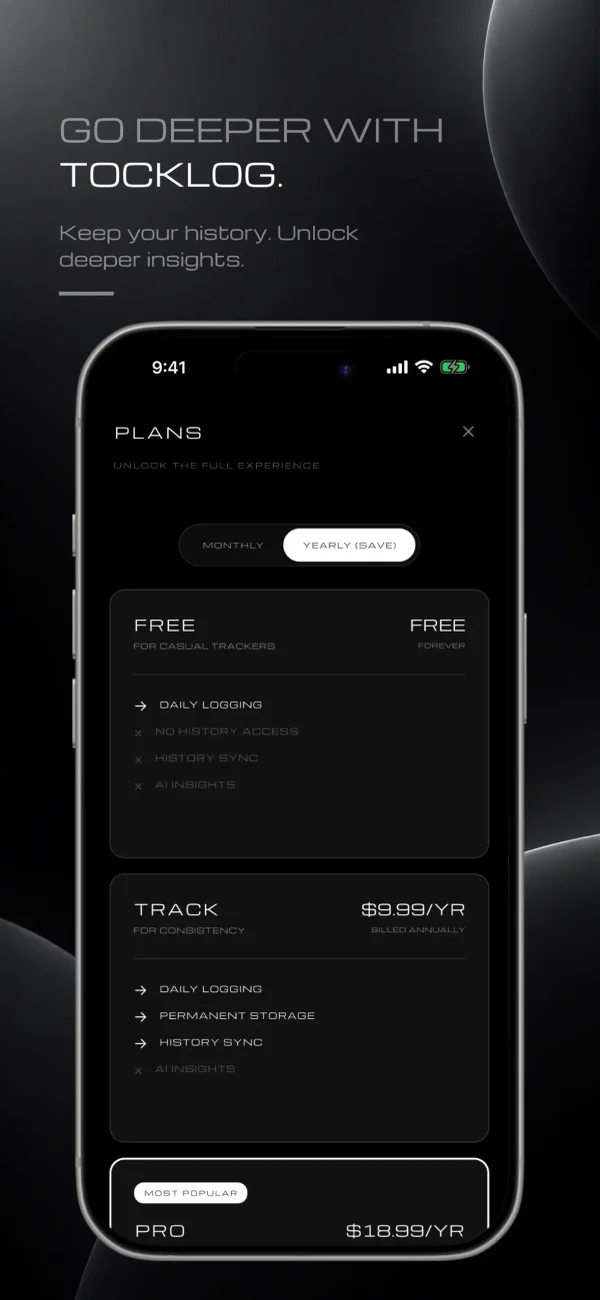
About
TockLog shows you where your time actually goes — not where you planned it to go.
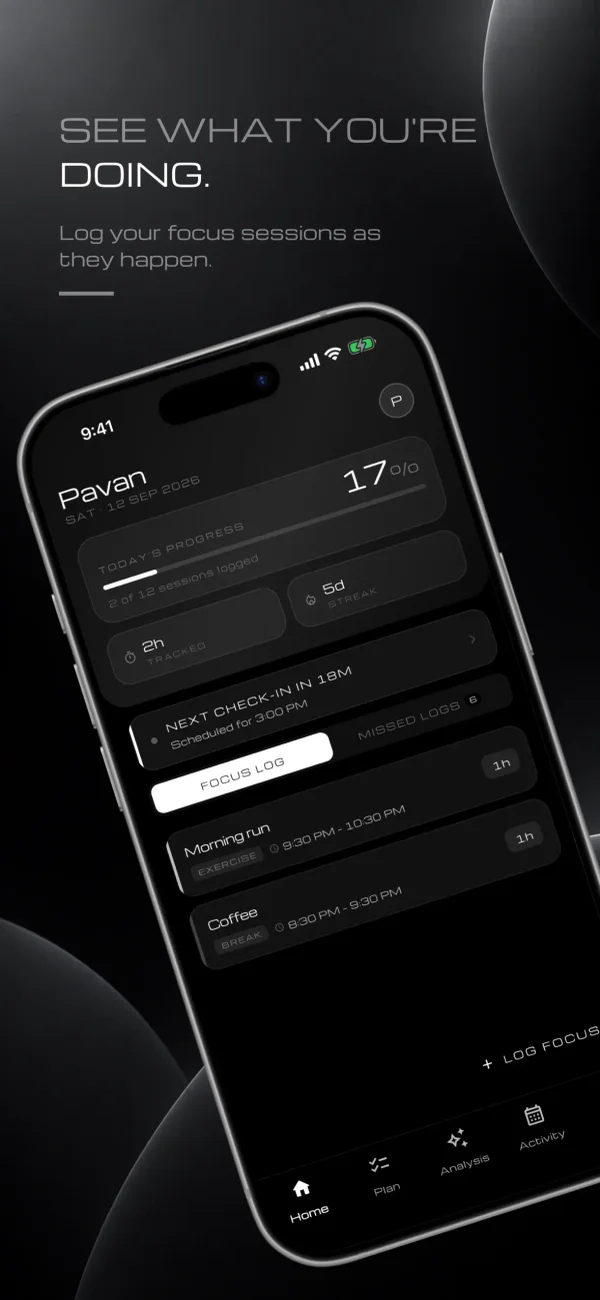
Every few minutes, TockLog checks in. Say or type what you're doing. At the end of the day, you get an honest picture of your focus: what you worked on, when you were sharpest, how closely you stuck to your plan, and where hours slipped away.
HOW IT WORKS
1. Set your check-in interval — from every 15 minutes to every 4 hours.
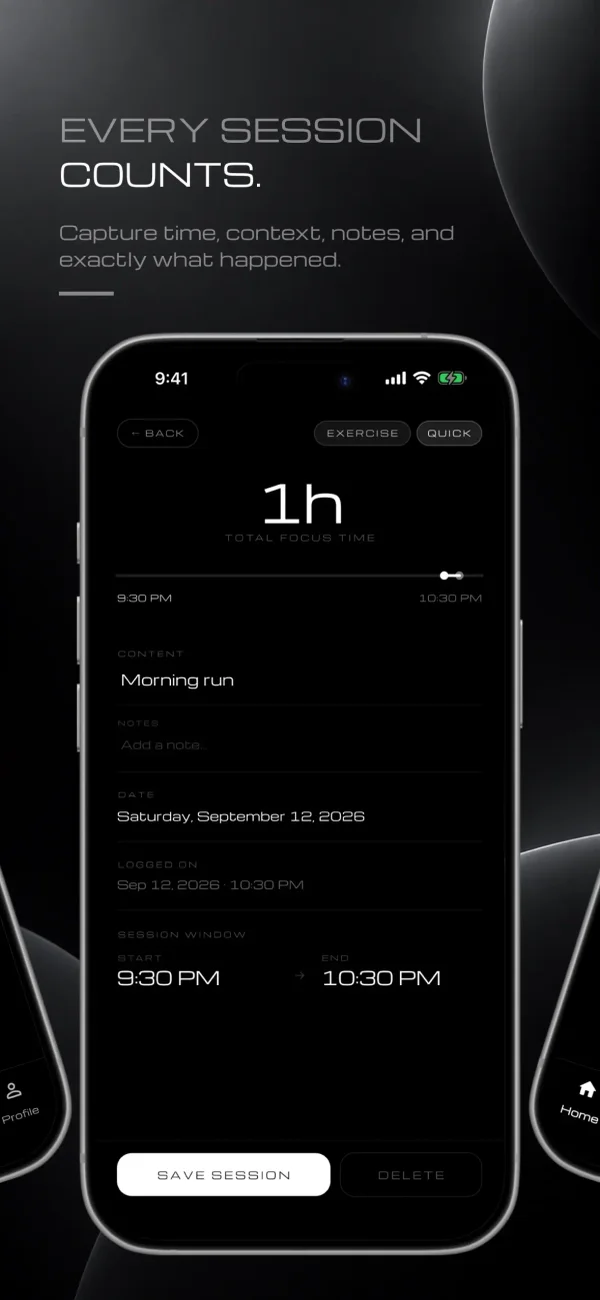
2. When TockLog pings you, log what you're doing by voice or text in a few seconds.
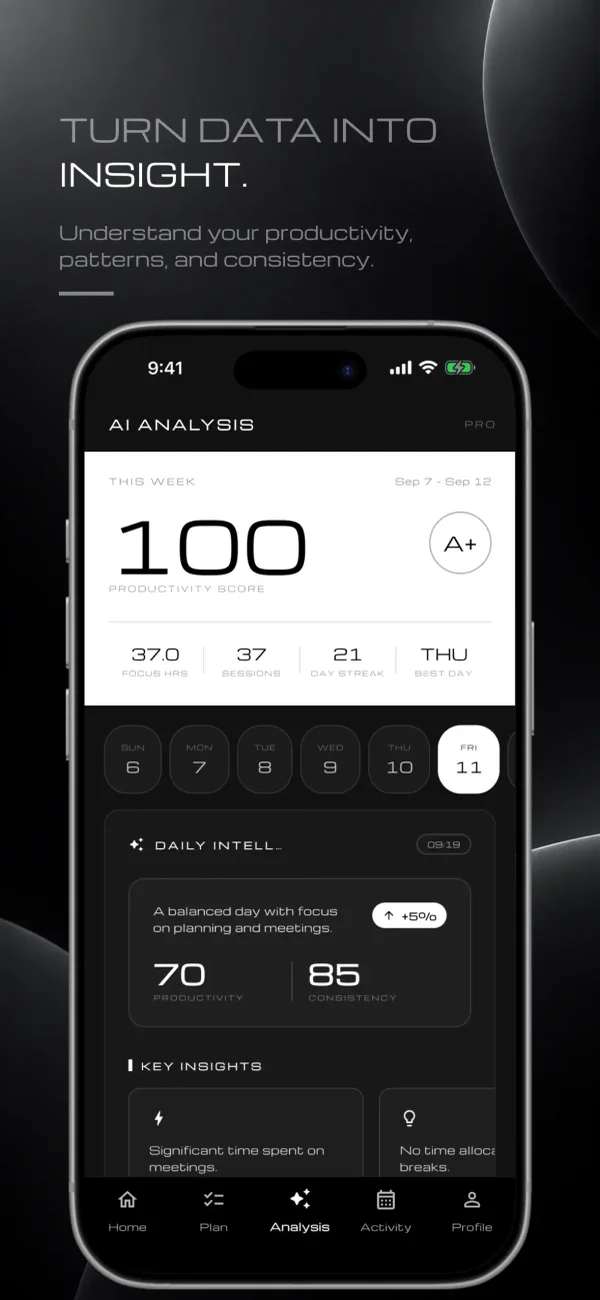
3. Get your daily report: time by category, unlogged gaps, your plan-vs-actual score, and an AI summary of your day.
WHAT YOU GET
• Voice and text logging — log a session in seconds, hands-free
• Categories — Work, Meetings, Learning, Breaks, and your own
• Plan vs Actual score — a signal-to-noise score that shows how much of your day went to what you planned
• Brain map — see which areas of your brain your daily tasks exercise
• Gap detection — see the hours you didn't account for
• AI daily and weekly reports — plain-English insights on your focus (Pro)
• Productivity score from A to F (Pro)
• Peak-hours heatmap — find the hours you focus best (Pro)
• 7-day and 30-day history with charts and daily averages
• Works offline and syncs when you're back online
WHO IT'S FOR
Founders, freelancers, students, developers and anyone doing deep work who wants to stop guessing and start knowing how their day was spent. Great for tracking billable hours, study time, or building a daily focus habit.
PLANS
• Free — daily logging with voice, text and categories
• Track — permanent history, charts and category analytics
• Pro — everything in Track plus AI reports, productivity score and peak-hours heatmap
Subscriptions renew automatically unless cancelled at least 24 hours before the end of the current period. Manage or cancel anytime in your Apple ID settings.
Terms of Use: https://www.apple.com/legal/internet-services/itunes/dev/stdeula/
Your focus. Your data. Your edge.
What’s new
Version 1.1.0 · Oct 20, 2026
New: Brain map shows which areas of your brain your daily tasks exercise, and a Plan vs Actual score shows how closely your day followed your plan. Plus cleaner reports and bug fixes.
App privacy
What Pavan Naik declares on the App Store about how this app handles data.
-
Data linked to you
May be collected and linked to your identity.
- Contact info
- Identifiers
-
Data not linked to you
May be collected but is not linked to your identity.
- User content
- Usage data
- Diagnostics
Privacy practices may vary, for example with the features you use or your age.
Information
- Seller
- Pavan Naik
- Category
- Productivity
- Version
- 1.1.0
- Updated
- Oct 20, 2026
- Released
- Sep 11, 2026
- Size
- 53.7 MB
- Requires
- iOS 13.0 or later
- Age rating
- 4+
- In-app purchases
- Yes
- Languages
- English
- Copyright
- © 2026 Pavan Naik
You might also like
-
 Beat: Life ResetReset your life in 66 days
-
 Steady: Habit & Streak TrackerBuild habits that stick
-
 QuestRunner: AI Daily PlannerSide quests, streaks and XP
-
 Inscribit: Log AnythingKnow when you last did it
-
 Serein: Screen Time ControlApp blocker for calm focus
-
 PromptVault AI Prompt ManagerAI Prompt Manager
-
 FocusPilot: Focus TimerMaster Your Focus & Flow
-
 Decision TimerProductivity
-
 Rice Pop: Visual Study TimerCozy Focus Timer for Study
-
 TimeBox FocusPlan your day with time bucket